| Publishers | Global Star Software |
| Developers | Cat Daddy Games |
| Release date | 2005 |
| Genre | Simulation |
| Game rating |
Game Description
Tired of cruising the same old mall? Then create a mall that rules with Mall Tycoon 3, the ultimate shopping center simulation! It’s up to you to build trendy stores, delicious restaurants, fun-filled arcades, and even a cutting-edge multiplex. View your creation in full 3-D as shoppers swarm your fabulous retail empire and spend their hard-earned cash. You’ve got to make sure you keep your mall totally hot, fun, and successful – or else your shoppers will go packing!
Download Mall Tycoon 3
We might have the game available for more than one platform. Mall Tycoon 3 is currently available on these platforms:
Windows (2005)
Mall_Tycoon_3_Win_ROM_EN.zip (242.9MB)
Additional files, patches and fixes
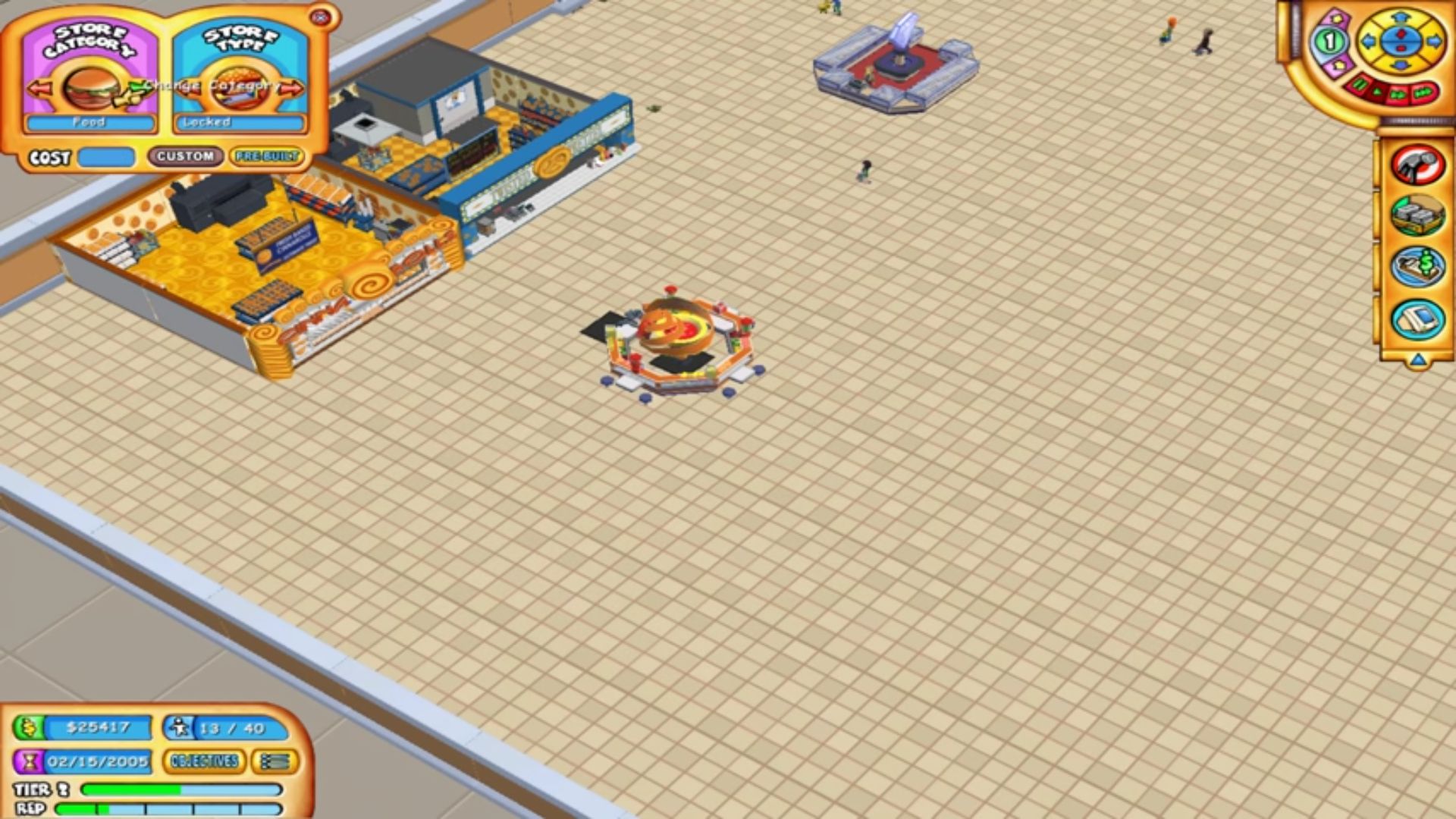
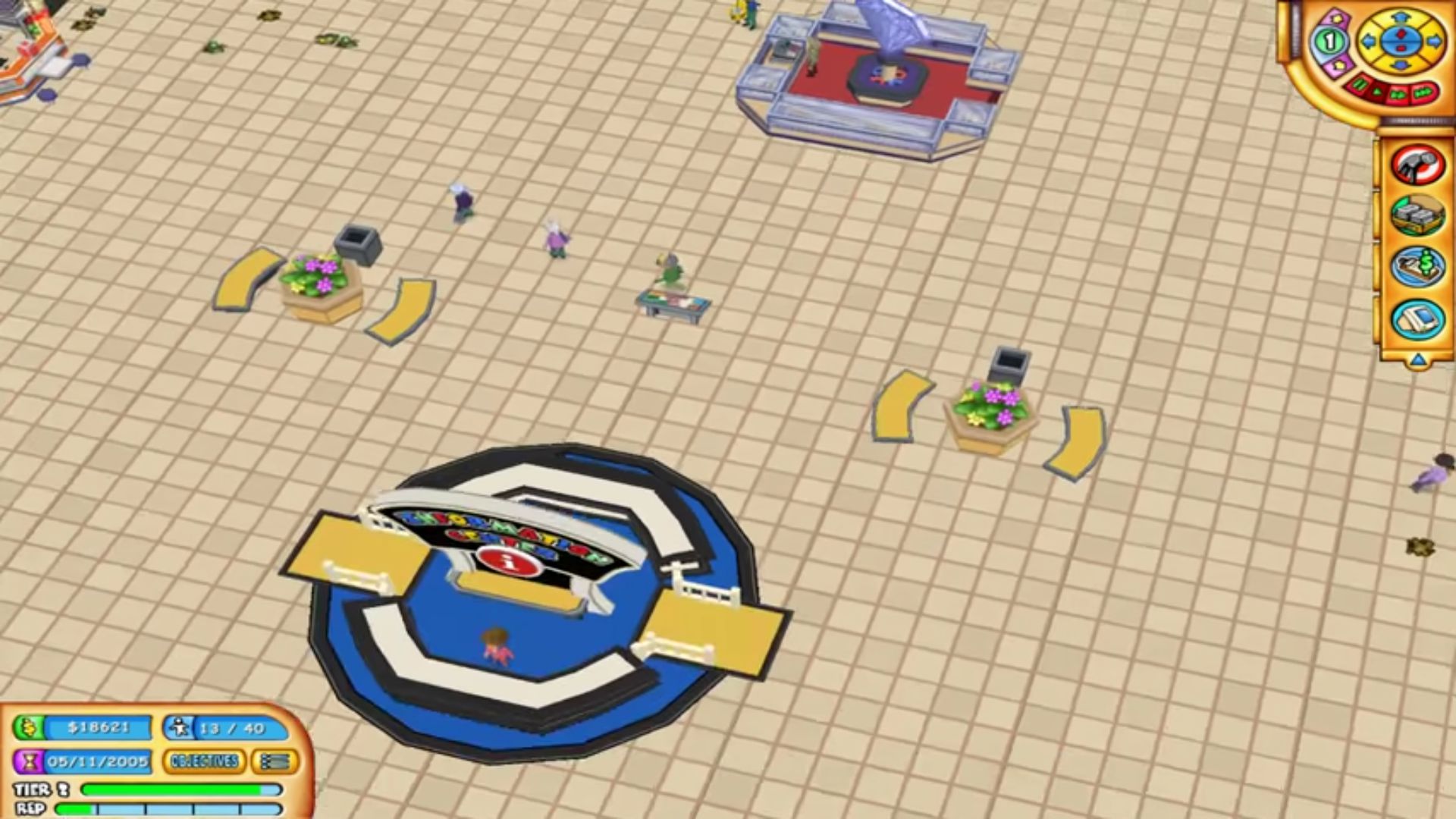
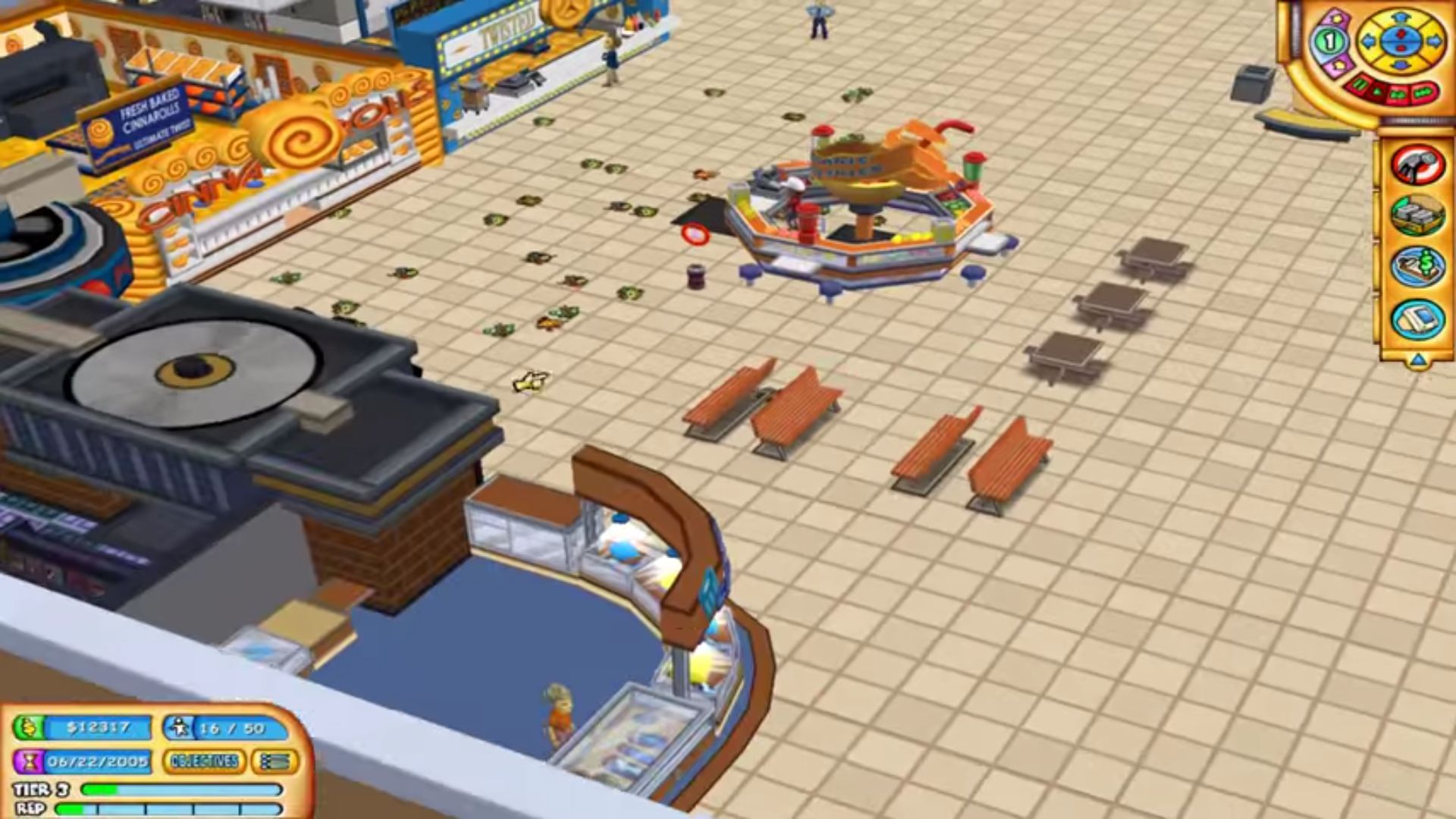
Mall Tycoon 3 Screenshots
Windows
1. Open a .cue file with text editor. You will see that the wrong filename is written for .bin file. “mir.mt3.bin” must be written there instead.
2. Select this .cue file with some disk image (like .iso) in app (In my case I used added this file as an optical drive in VirtualBox)
3. Install the game from this virtual drive.
–You might encounter one more problem while trying to run the game–
4.* In auto-сreated shortcut change target from Mall3.exe to Mall3Game.exe to run the game without the launcher. (Details: In my case the auto-created shortcut runs launcher. The game started with “Play” button there crashes with “unexpected error”.)