NHL 2004

Publishers EA Sports
Developers EA Black Box
Release date 2003
Genre Sports
Game rating

Game Description

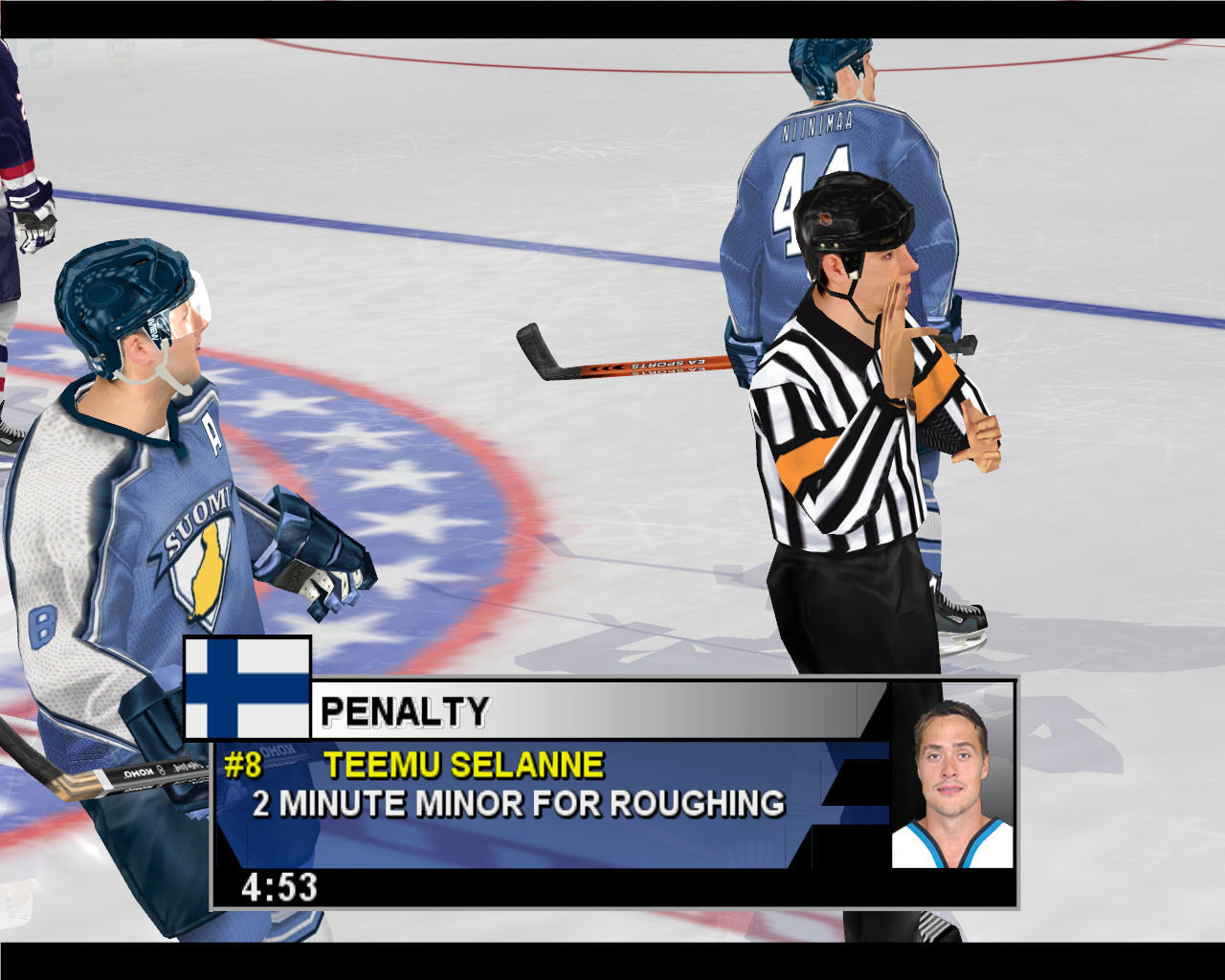
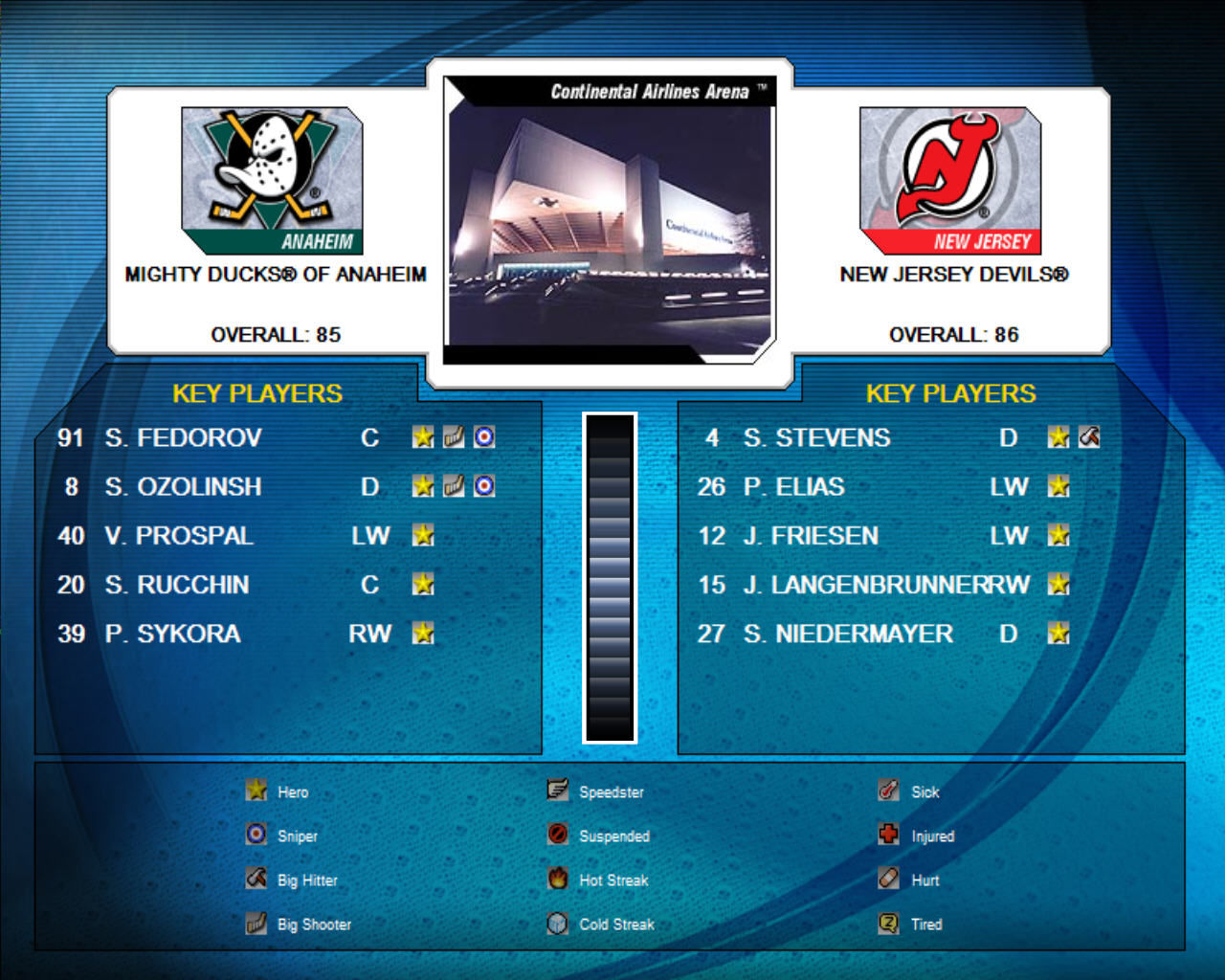
NHL 2004, developed by the EA Black Box studios, is an ice hockey video game. It is the successor to NHL 2003. The game adds three European Elite Leagues: Germany’s Deutsche Eishockey Liga (DEL), Sweden’s Elitserien (SEL), and Finland’s SM-liiga.

Download NHL 2004

We might have the game available for more than one platform. NHL 2004 is currently available on these platforms:

Windows (2003)

NHL_2004_Win_ISO_EN.zip (1.0GB)

How to play on Windows

  1. Mount disc 1 and disc 2
  2. Run setup and install game – when asked for serial key, used the one provided in the .txt file
  3. Run patch v1.04
  4. Copy-paste nhl2004.exe from the “NoCD” folder to the game installation directory
  5. Enjoy!

Additional files, patches and fixes

NHL 2004 Screenshots

Windows

Similar games

11 thoughts on “NHL 2004”

  1. 0

    Tried to install the game multiple times. Did everything correctly(The No CD Crack, V 1.04 Patch, installations into a newly created folder, etc.) Got the blank screen error. Just to find out that the MEGA download didn’t have a [movie] file folder that subsequently froze the game upon loading. Basically the MEGA download for some reason doesn’t have the files for the loading screen to get into the menus. Be wary of this. And Devs, if this has been solved, let me know. Other download got taken down because of DCMA copyright issues.
    Reply
  2. 0

    I got the game to work on windows 10, can create a Dynasty mode, but once you try to load it the game crashes. Play Now works fine. Thanks for bringing back some good memories 🙂
    Reply
  3. 0

    when i run the application it gives a bunch of errors in the script and then goes to a white screen, i did not know what moving the exe to the installation directory meant so that could be it but I’m really lost
    Reply
  4. 0

    I’ve installed it, but it apparently it has problems initializing my 3d accelerator card and/or video. Not sure how my video card could have trouble running a 20 year old game?
    Reply
    • 0

      Same thing happened to me, it was installed in the wrong directory. I installed it in C:\Program Files (x86)\EA Sports, everything ran fine but the menu didn’t work. Uninstalled, installed in a folder I created named C:\Games, worked like a charm.
      Reply
  5. 0

    hey there, two questions:
    1. How do you mount?
    2. Where is the setup? Thanks very much 🙂
    Reply

Leave a Comment