| Publishers | Epic MegaGames |
| Developers | SaadaSoft (Rick Saada) |
| Release date | 1989 |
| Genre | Role-playing |
| Game rating |
Game Description
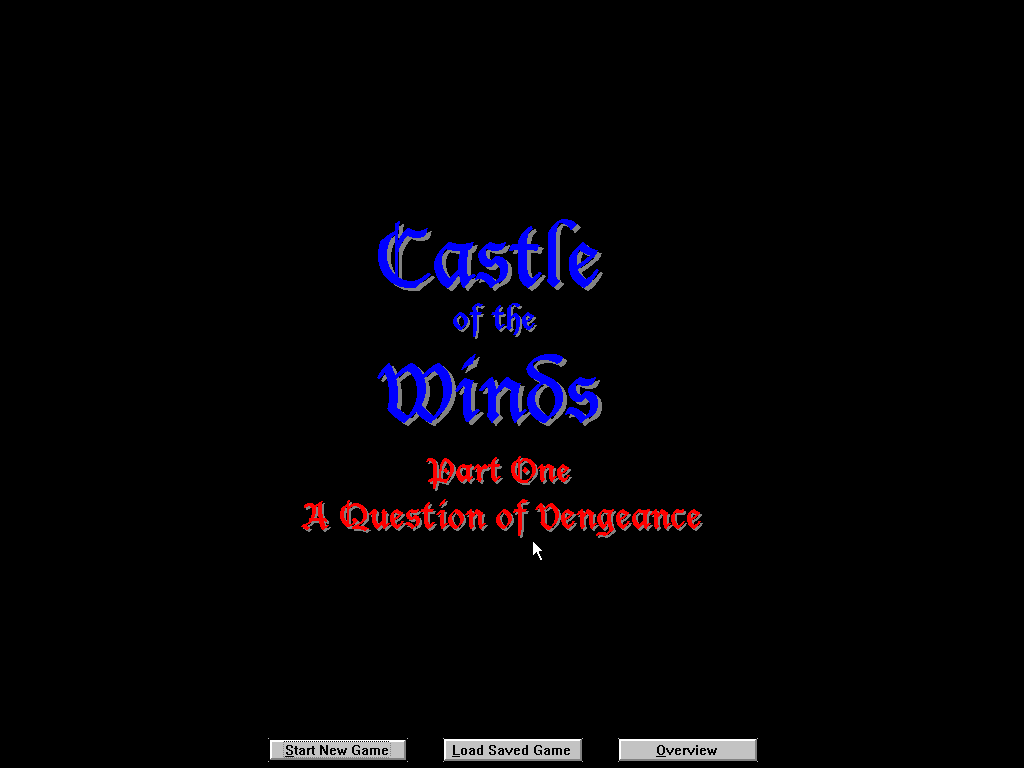
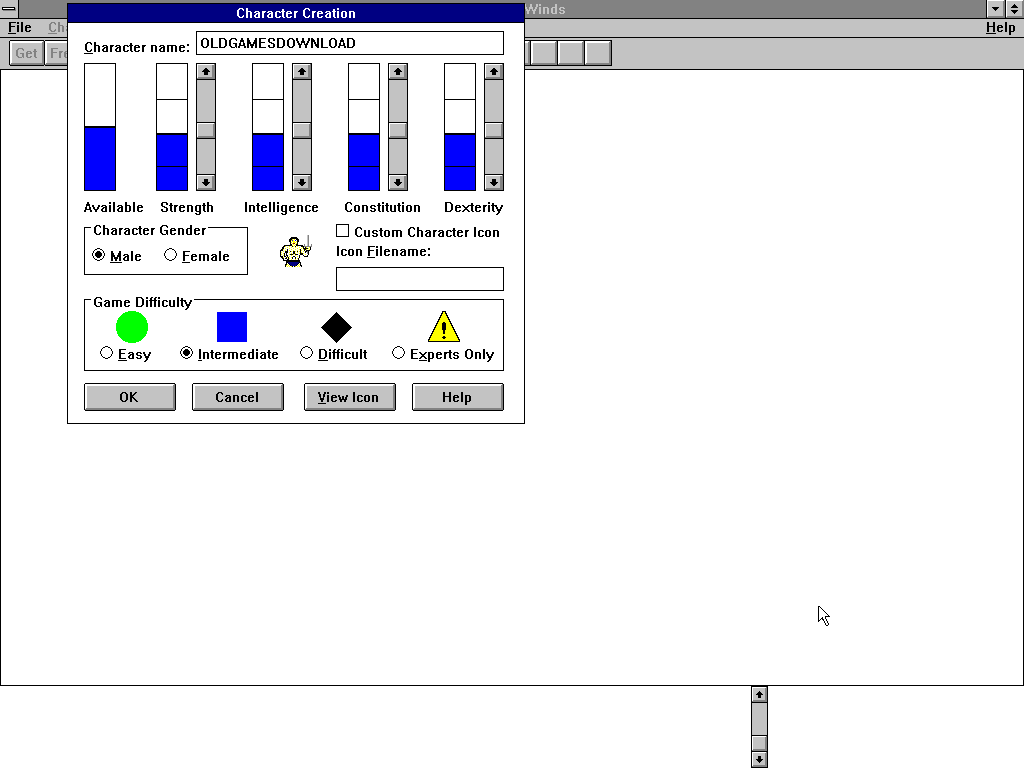
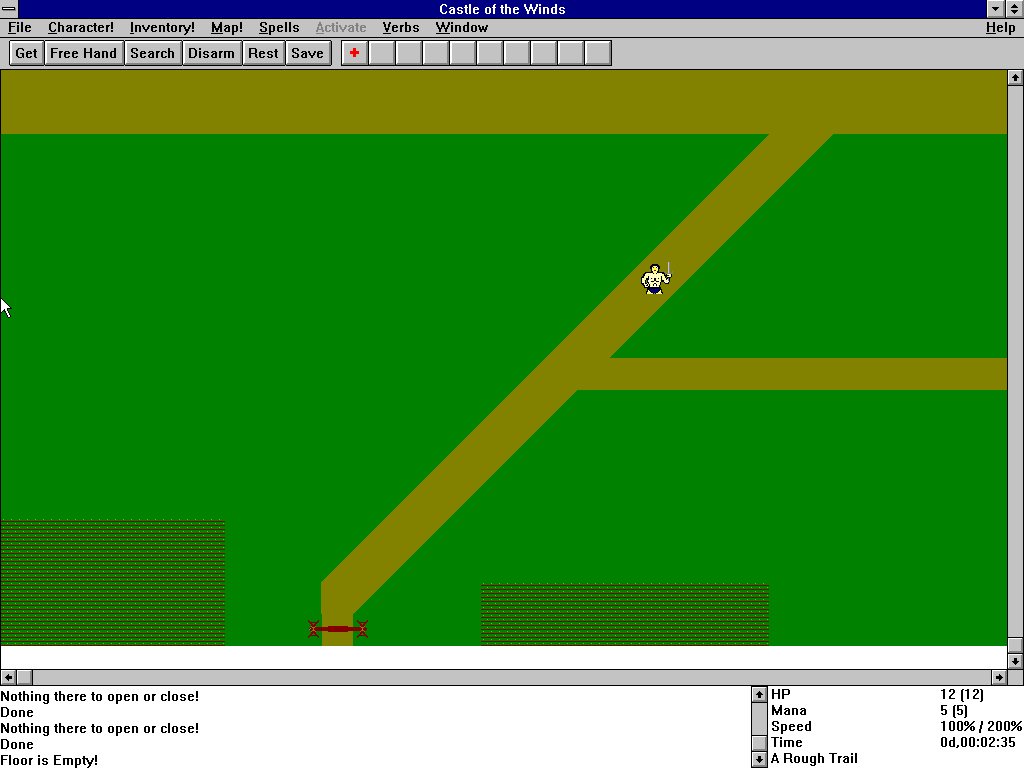
Castle of the Winds (also known as “Castle of the Winds: Vanquish the Dark Forces”) is a tile-based roguelike video game for Microsoft Windows. It was developed by Rick Saada in 1989 and distributed by Epic MegaGames in 1993. The game was given around 1998 into the public domain and provided as Freeware download by the author.
Download Castle of the Winds
We might have the game available for more than one platform. Castle of the Winds is currently available on these platforms:
Windows 3.x (1989)
Castle_of_the_Winds_Win3x_Files_EN.zip (20.5MB)
How to play on Windows 10
- Download and Extract Castle_of_the_Winds_Win3x_Files_EN.zip
- Open the “Game Files” folder and then double click on “Launch game.bat”
- Play the game
Additional files, patches and fixes
Castle of the Winds Screenshots
Windows 3.x


0
0
0
0
I then copied the Castle2.exe app/icon and went back to the folder “Castwind” then went into the folder “Castle1”.
I pasted the Castle2.exe app/icon into the “Castle1” folder. I then deleted all the icons that were labelled “Castle1”. I then renamed the “Castle2.exe” app “Castle1” so that the program would think it was loading Castle1 when in fact it was loading the renamed Castle2. I then went back to the folder “Game Files” and clicked “Launch game”. It opened up the Windows 3.1 as usual and when I clicked on “Castle of the Wind” program it launched Part2 instead of Part 1. In the game I was able to click “Load” and was able to load my character from the first game (I had saved the game after beating part 1 and that file was still there and I loaded that file and it brought my character into part 2). I tried going into shops and saving and loading and it all worked. I haven’t tried going to the castle, but I’m assuming there won’t be glitches there either. If there are, I’ll post back. Thankyou Abandonware for putting this game together in a way that I can just click and play from my Windows 10 system. Hopefully this workaround will help anyone who, like me, isn’t tech savy enough to work out all the doxbox/Win3.1 stuff on their own. No extra downloads or anything needed. I did this all on my Windows 10 system with the files provided in the original download
0
0