| Publishers | Hasbro Interactive |
| Developers | Engineering Animation, Inc. |
| Release date | 1998 |
| Genre | Strategy |
| Game rating |
Game Description
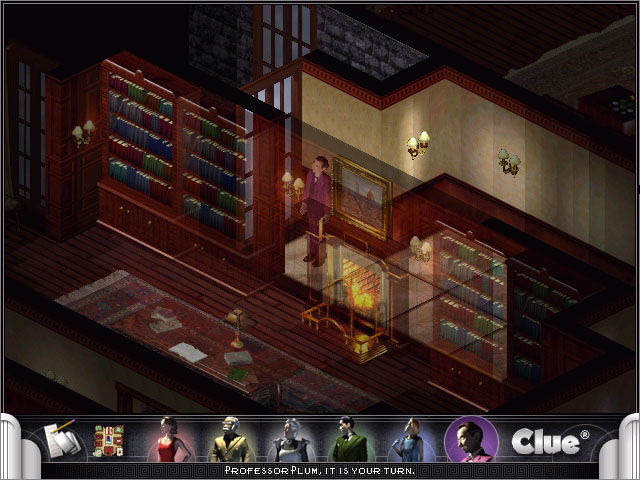
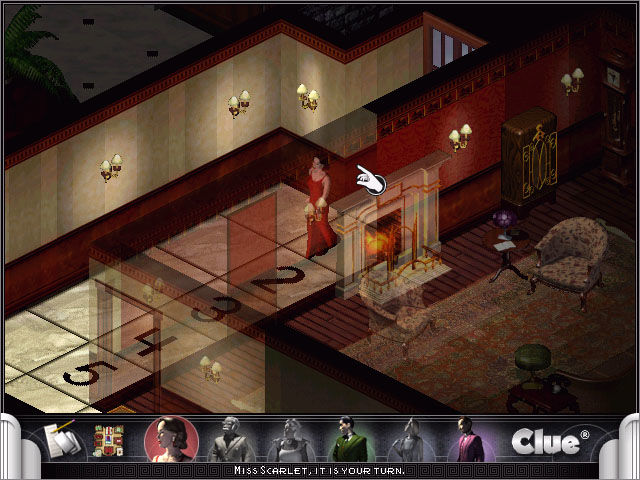
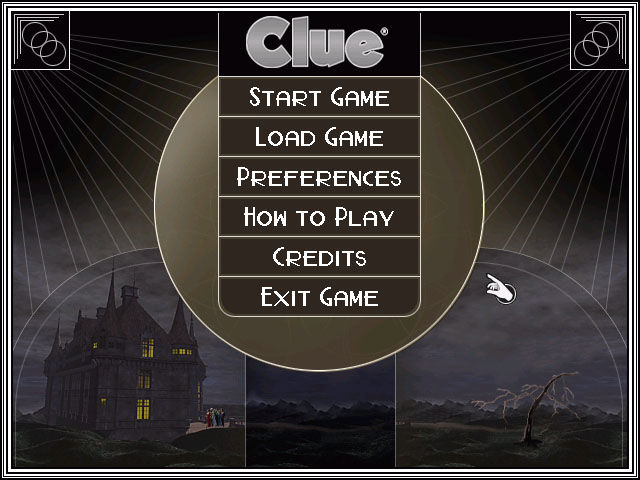
Clue (known as Cluedo outside of North America) is a 1998 video game based on the board game of the same name. Its formal name is Clue: Murder at Boddy Mansion or Cluedo: Murder at Blackwell Grange (depending of whether the country uses American or British English). It runs on Microsoft Windows. It was developed in 1998 for Hasbro Interactive by EAI. Infogrames (now Atari) took over publishing rights for the game in 2000 when Hasbro Interactive went out of business. The game, just like the board game, is meant for 3-6 players due to the six suspects.
Download Clue: Murder at Boddy Mansion
We might have the game available for more than one platform. Clue: Murder at Boddy Mansion is currently available on these platforms:
Windows (1998)
Clue_Murder_at_Boddy_Mansion_Win_RIP_EN.zip (16.7MB)
Clue_Murder_at_Boddy_Mansion_Win_ROM_EN.zip (243.7MB)
Windows (2006)
Clue_Murder_at_Boddy_Mansion_2006_Win_ROM_EN.zip (418.2MB)
Note: This is a 2006 re-release of the original Clue: Murder at Boddy Mansion game.
Additional files, patches and fixes
Clue: Murder at Boddy Mansion Screenshots
Windows
0
0
0
0
0
Another malfunction was saving, so far I have not been able to load a save file and I must restart all over again. Of course, like many others on here, I could not type my name with letters and it resulted in me playing as $$$ for the game as certain numbers on my number pad corresponded with said symbols.
I will attempt to find my Clue disc (I have both versions) and see if they run into the same errors or if perhaps there was file damage along the way. Other than those few errors the game ran fine and was rather enjoyable. BONUS TIP: If you have rolled the die, but your character cannot click on tiles to move, try turning off the walls and restarting. I ran into this issue and it was solved as described.
0
My issue however is after I run the game my mouse cursor doesn’t respond correctly and I can’t position it to click start game, any suggestions?
Im using Oracle Vbox and WinXP-Pro. other programs I’ve installed in the VM work fine.
0
– Use PowerISO to mount the ISO (.cue file).
– Install Virtual Box.
– Download Windows XP’s ISO (it’s in archive.org).
– Add Windows XP’s ISO to Virtual Box so you can emulate it (computer inside your computer).
– Select the mounted drive in the Virtual Box menu so Windows XP can recognize it as as CD.
– Go to My Computer inside the virtualized Windows XP and run the CD.
– Install game normally, without changing settings.
– If game’s graphics are not working correctly, change graphics controller of Virtual Box in settings to VBoxSVGA.
This is what I did to play the game and it works perfectly. Don;t forget to save the state when you close Virtual Box, so you can always come back and play. Good luck!
0
0
0
0
0
0
0
0
0
0
0