| Publishers | Global Star Software SCi Games |
| Developers | Pivotal Games Ltd |
| Release date | 2004 |
| Genre | Shooter |
| Game rating |
Game Description
Conflict: Vietnam is a tactical shooter video game developed by Pivotal Games and 8bit Games and published by Global Star Software and SCi Games for PlayStation 2, Xbox, Microsoft Windows, and mobile phones.
Download Conflict: Vietnam
We might have the game available for more than one platform. Conflict: Vietnam is currently available on these platforms:
PlayStation 2 (2004)
Conflict_Vietnam_PS2_ISO_USA.zip (1.71GB)
Windows (2004)
Conflict_Vietnam_Win_ISO_EN.zip (1.62GB)
Additional files, patches and fixes
Conflict: Vietnam Screenshots
Windows
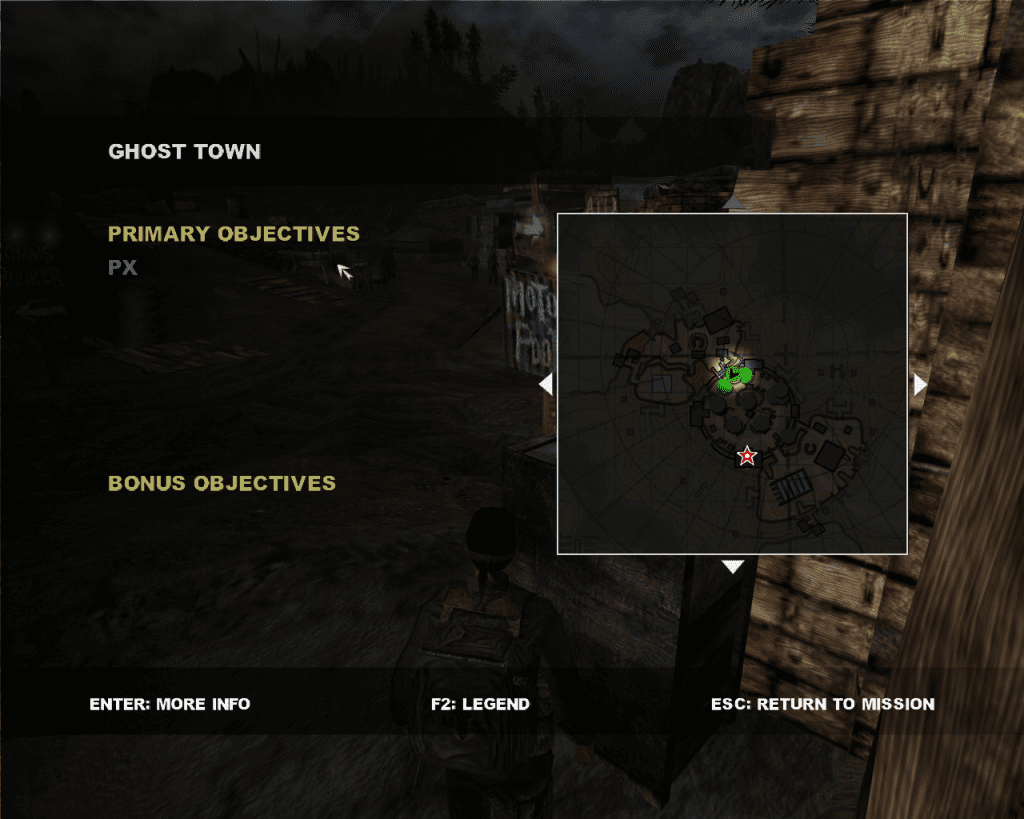
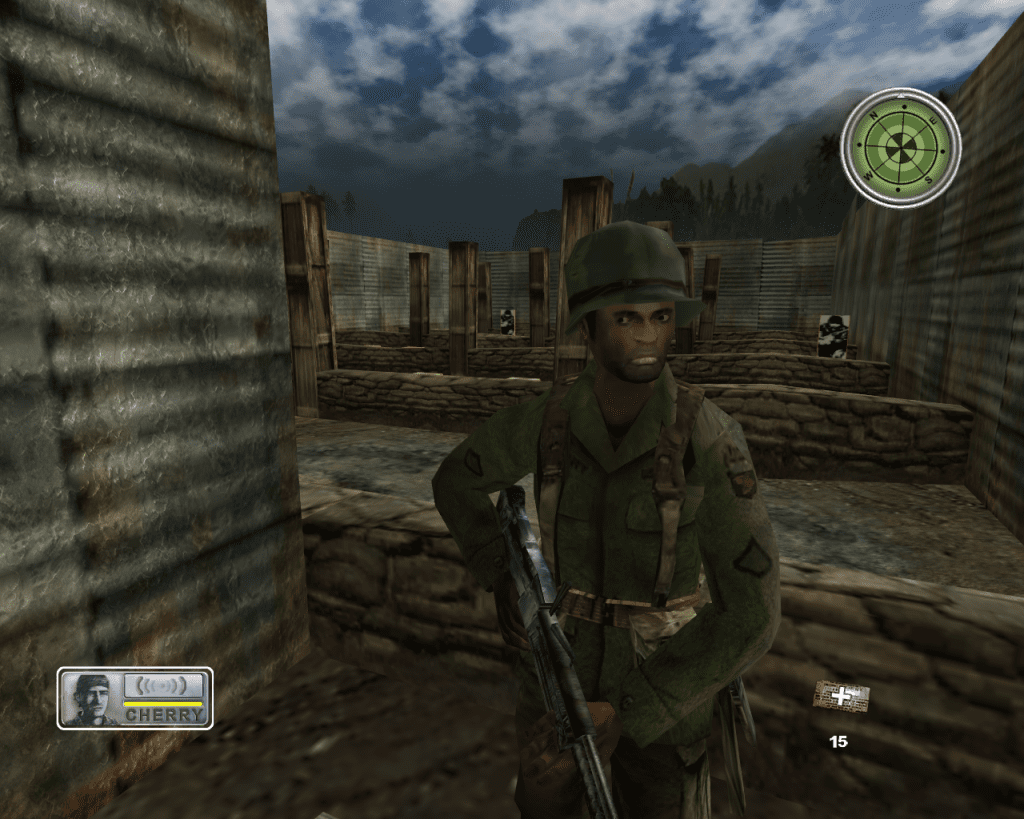
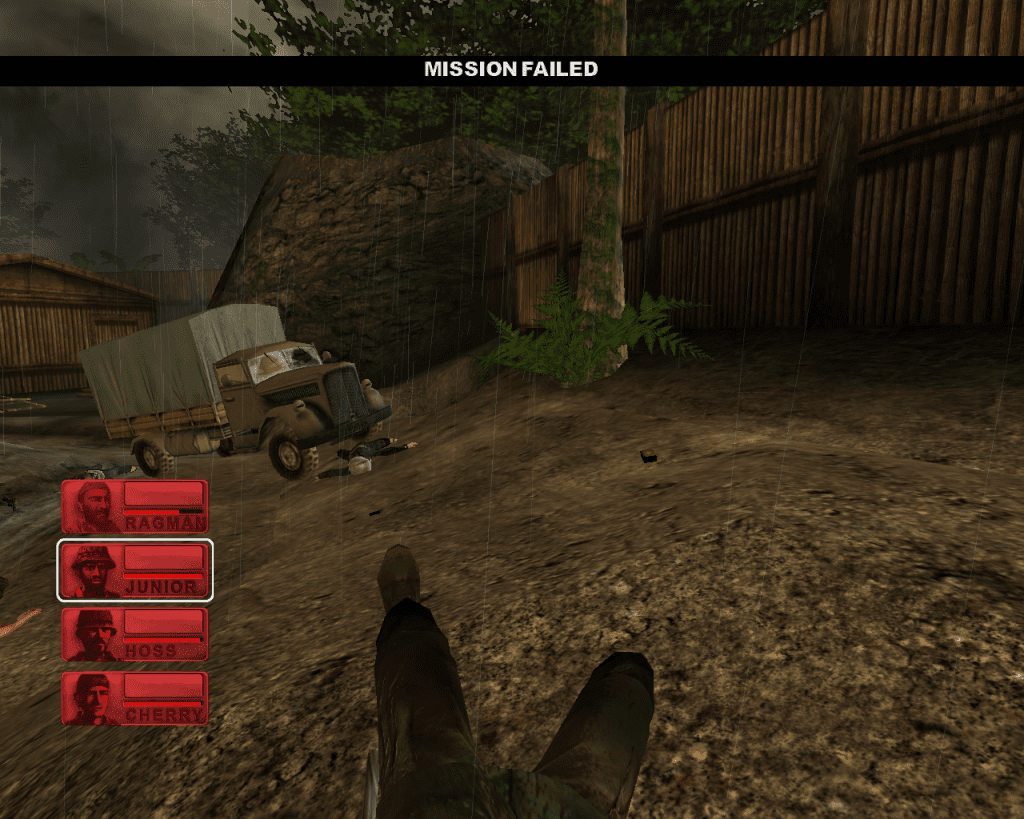
0
0
Vfuik
0
0
0
0
0
0
0
0
1. Extract the file downloaded from here. Then go to ‘Game Files’ folder and extract ‘NoCD’ zip file as well. (we will use this folder later)
2. Now, run ‘ConflictVietnam’ disc file lying in same ‘Game Files’ folder. Inside it, run ‘Setup’ application.
It will run setup which will automatically install binkw32.dll in your computer’s C drive > Program file(x86) > Sci Games > Conflict Vietnam. When you click on ‘Vietnam’ game application here, it still won’t run. You need to follow one last step
3. The ‘NoCD’ zip file which you extracted in step 1, open that extracted folder, copy the ‘Vietnam’ game application from there, and paste this C drive > Program file(x86) > Sci Games > Conflict Vietnam. System will ask if you want to replace the file in destination, you click ‘yes’.
4. Ta-dahhh, run that newly pasted ‘Vietnam’ game application. It will now run without any issues.
(Also, you can right click on that application and create desktop shortcut to access it easily from desktop)
0
0
0
follow me on TikTok! @sniomii1
0
0
0
0
0
0
0