| Publishers | Buena Vista Games |
| Developers | Liquid Entertainment |
| Release date | 2006 |
| Genre | Simulation |
| Game rating |
Game Description
Desperate Housewives: The Game is a life simulation adventure game developed by Liquid Entertainment and released by Buena Vista Games in 2006, in the style of The Sims games. It is based on the television series Desperate Housewives.
Download Desperate Housewives: The Game
We might have the game available for more than one platform. Desperate Housewives: The Game is currently available on these platforms:
Windows (2006)
Desperate_Housewives_The_Game_Win_ROM_EN.7z (1.18GB)
How to play on Windows 10
- Download and Extract Desperate_Housewives_The_Game_Win_ROM_EN.7z (Note: this is the dutch version of the game)
- In the Game Files folder, Open CD1 Folder and mount DH Disk1. Right click the setup file, go to properties and run the setup in compatibility with Windows XP (service pack 3), and as an administrator.
- When prompted, mount CD2 and continue the setup.
- Once the installation is completed, move desperatehousewife.exe from the “Crack” folder to the game installation directory.
- Change compatibility of the game to Service Pack 3 and run as administrator.
- Play the game
Additional files, patches and fixes
Desperate Housewives: The Game Screenshots
Windows
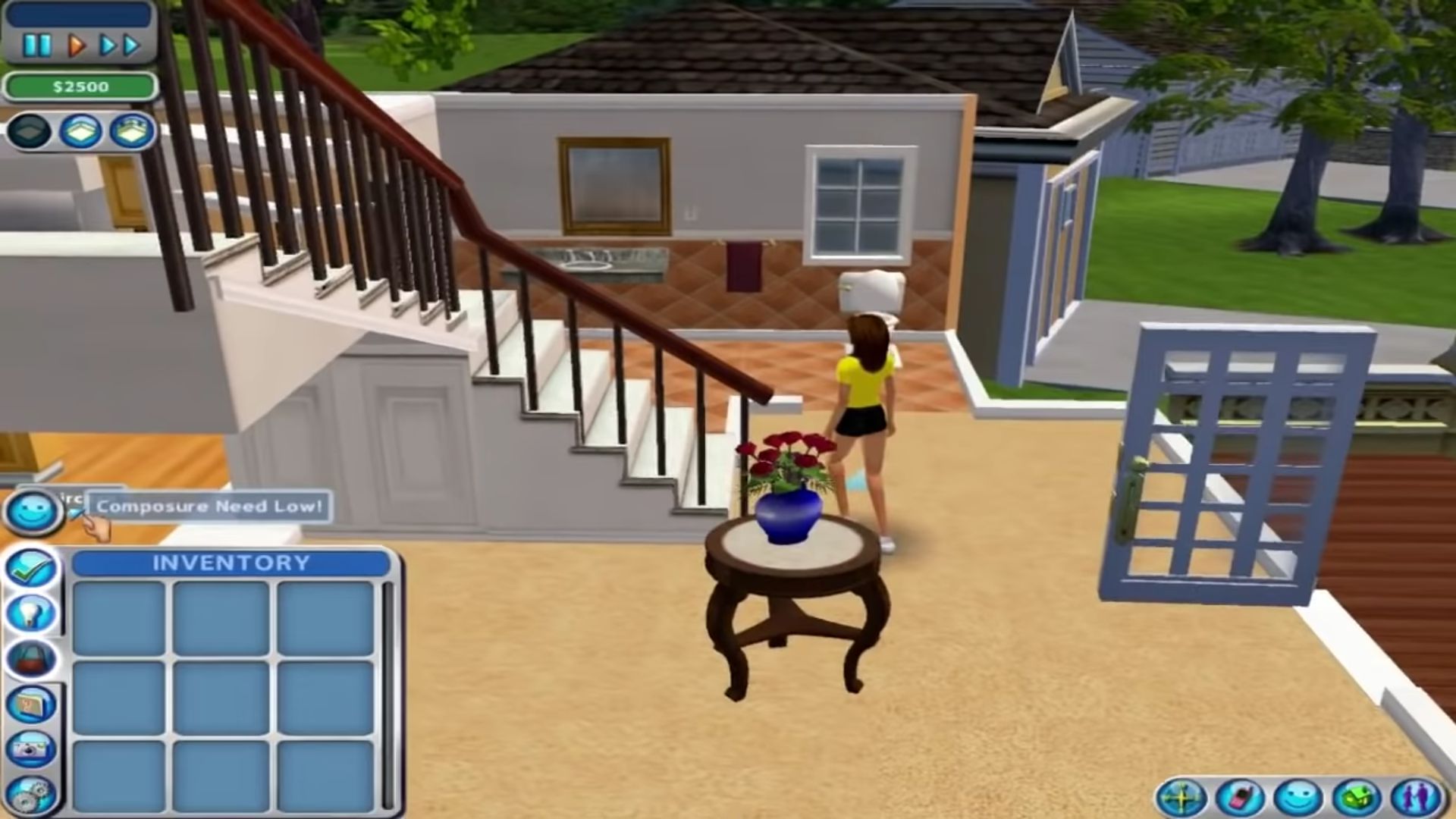
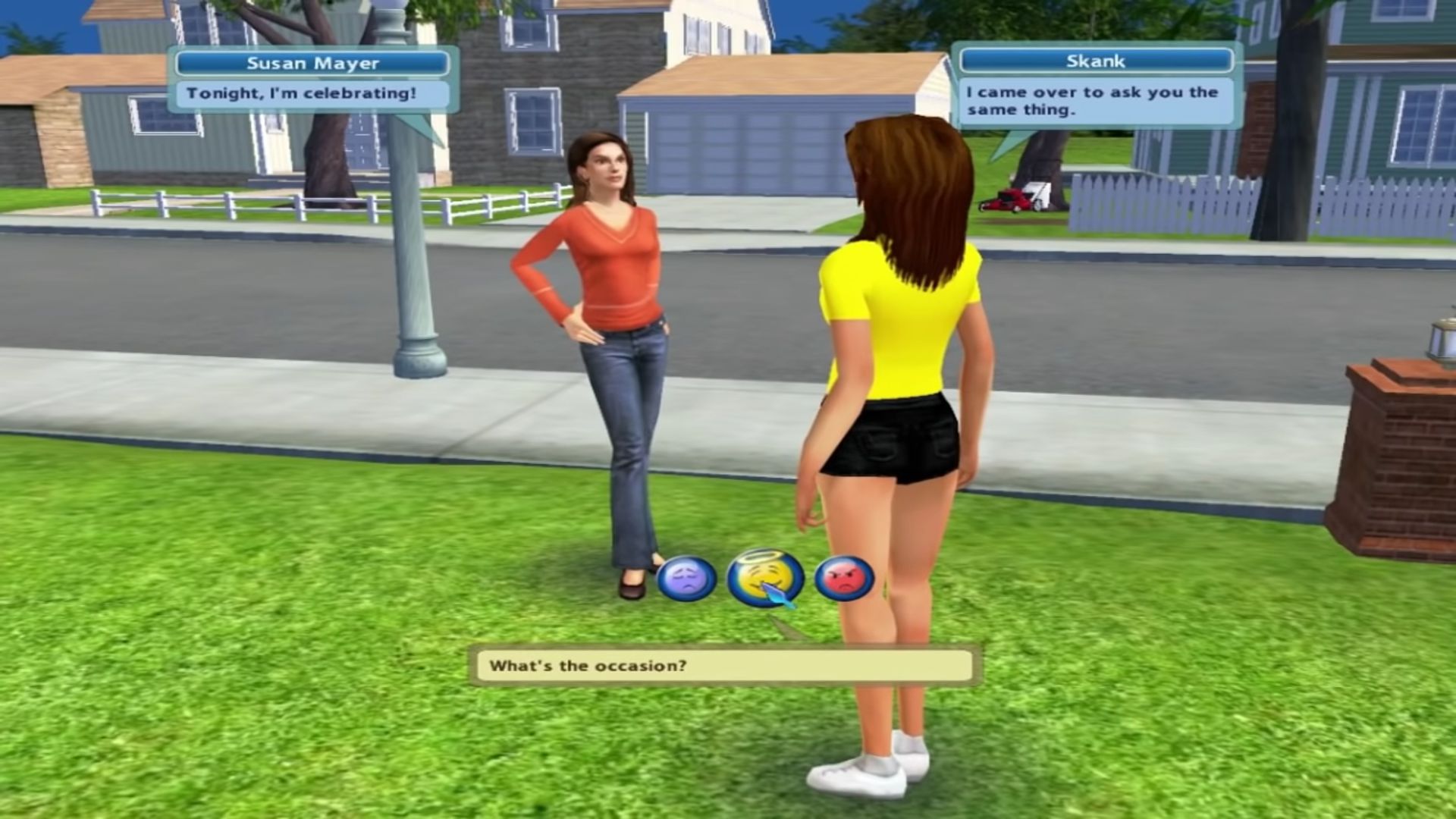
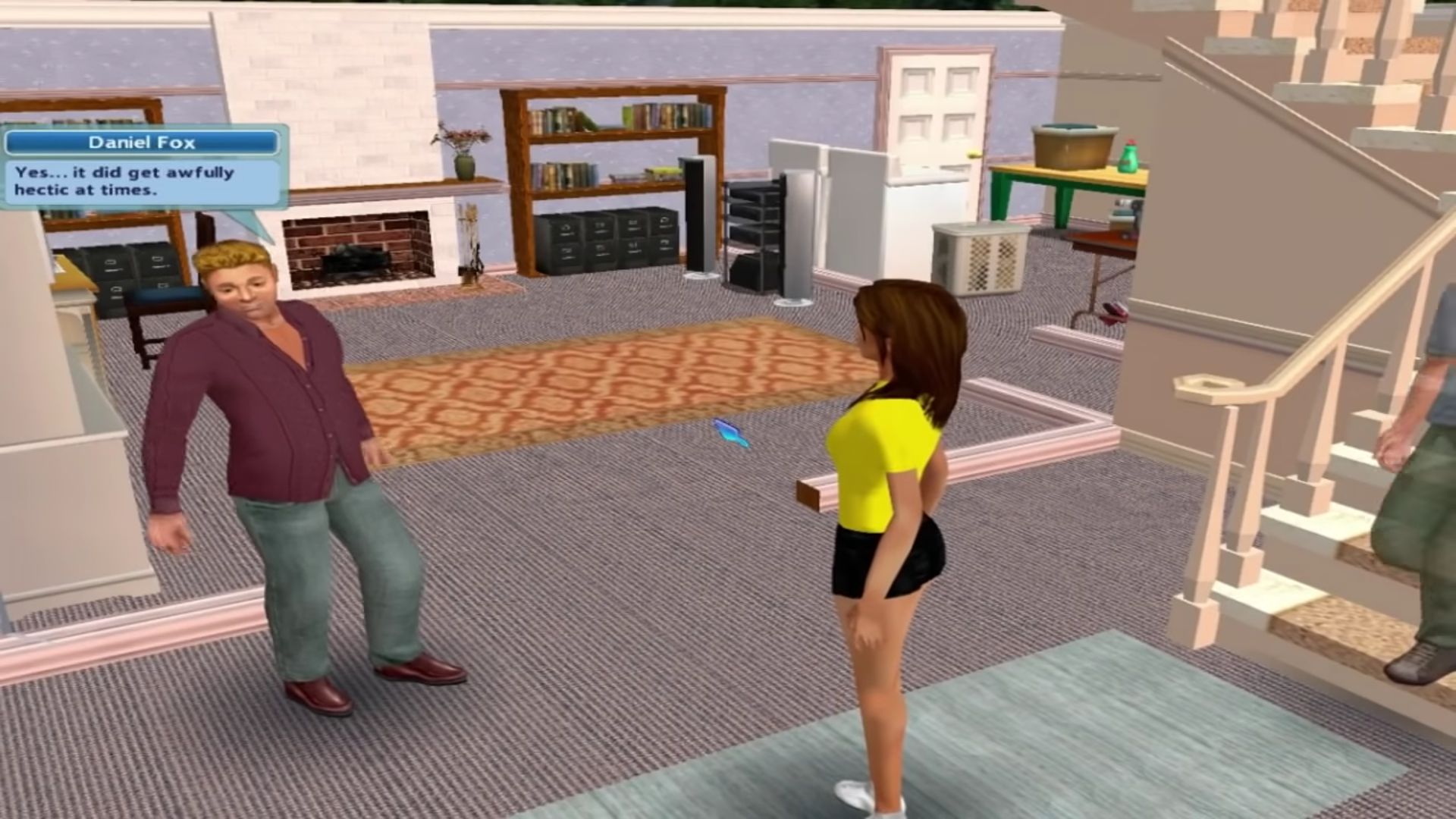
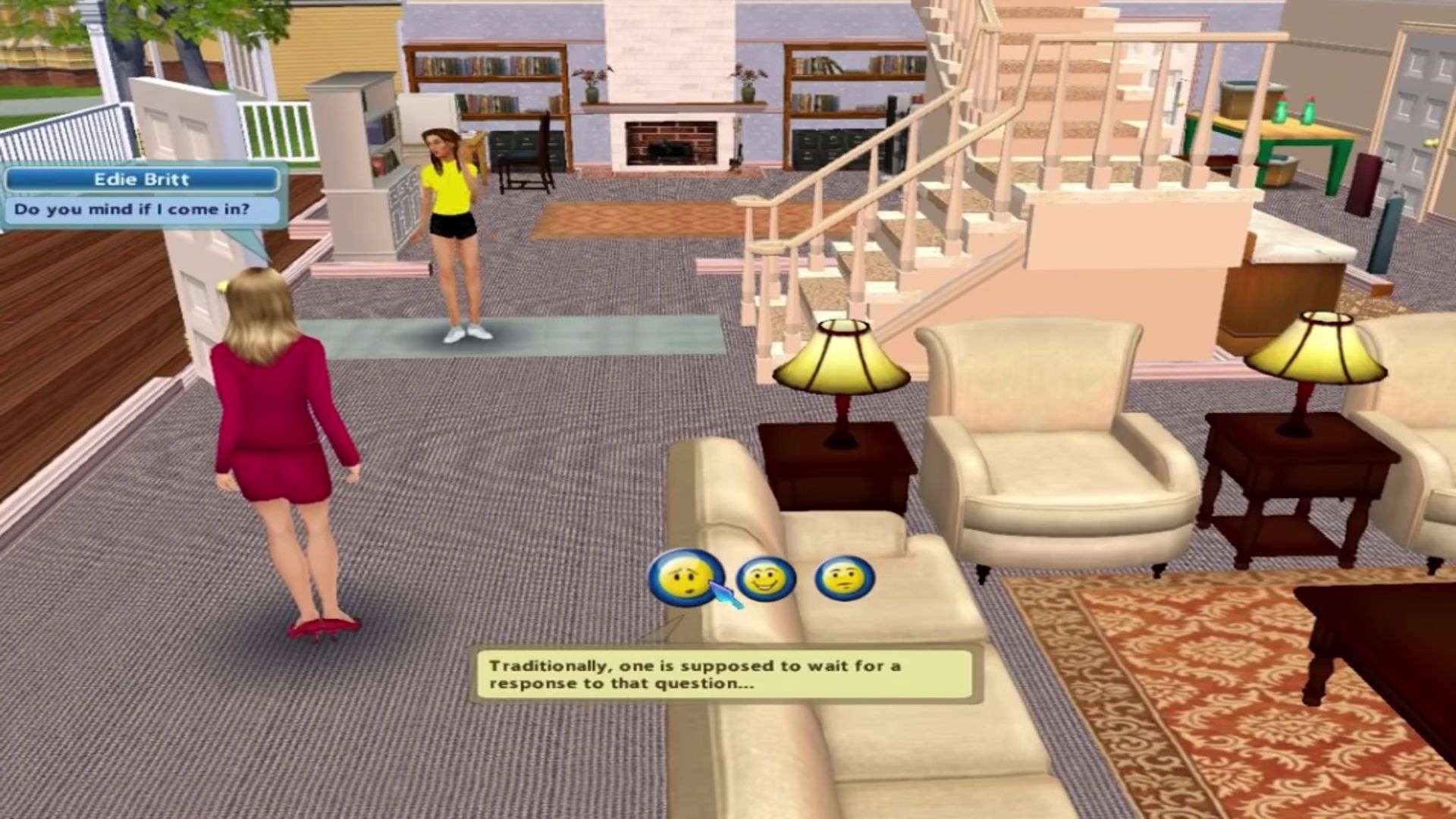
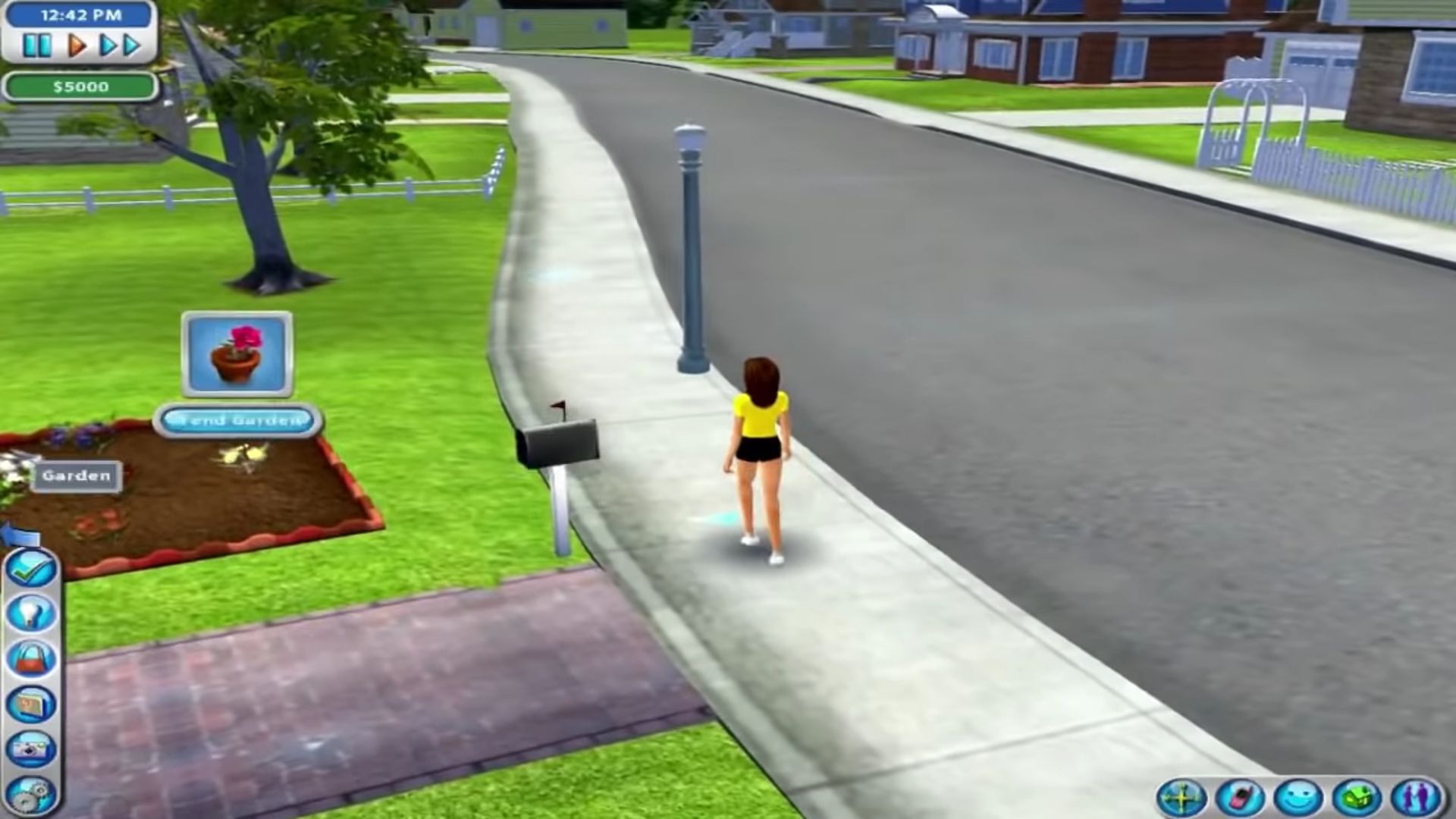

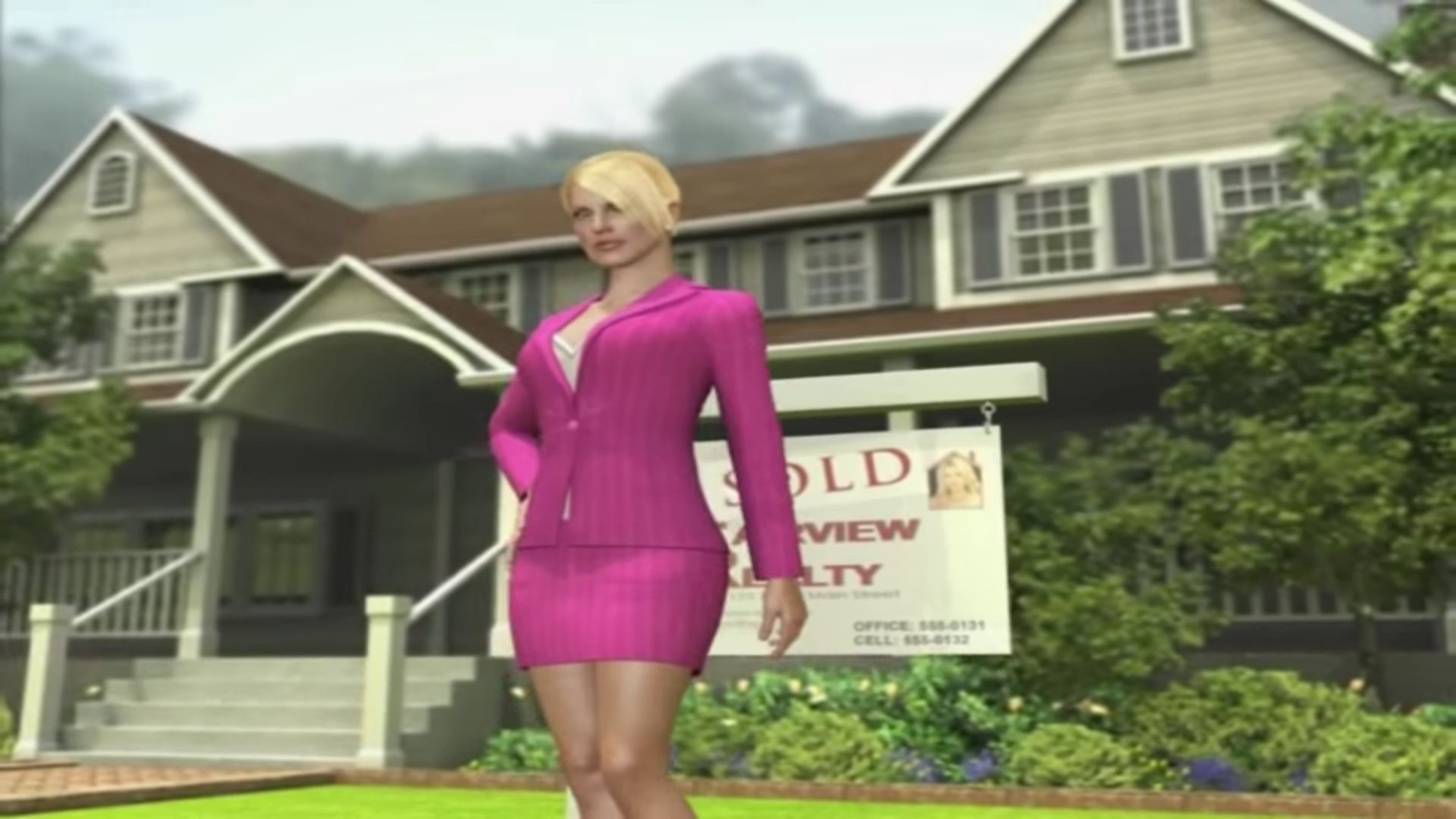
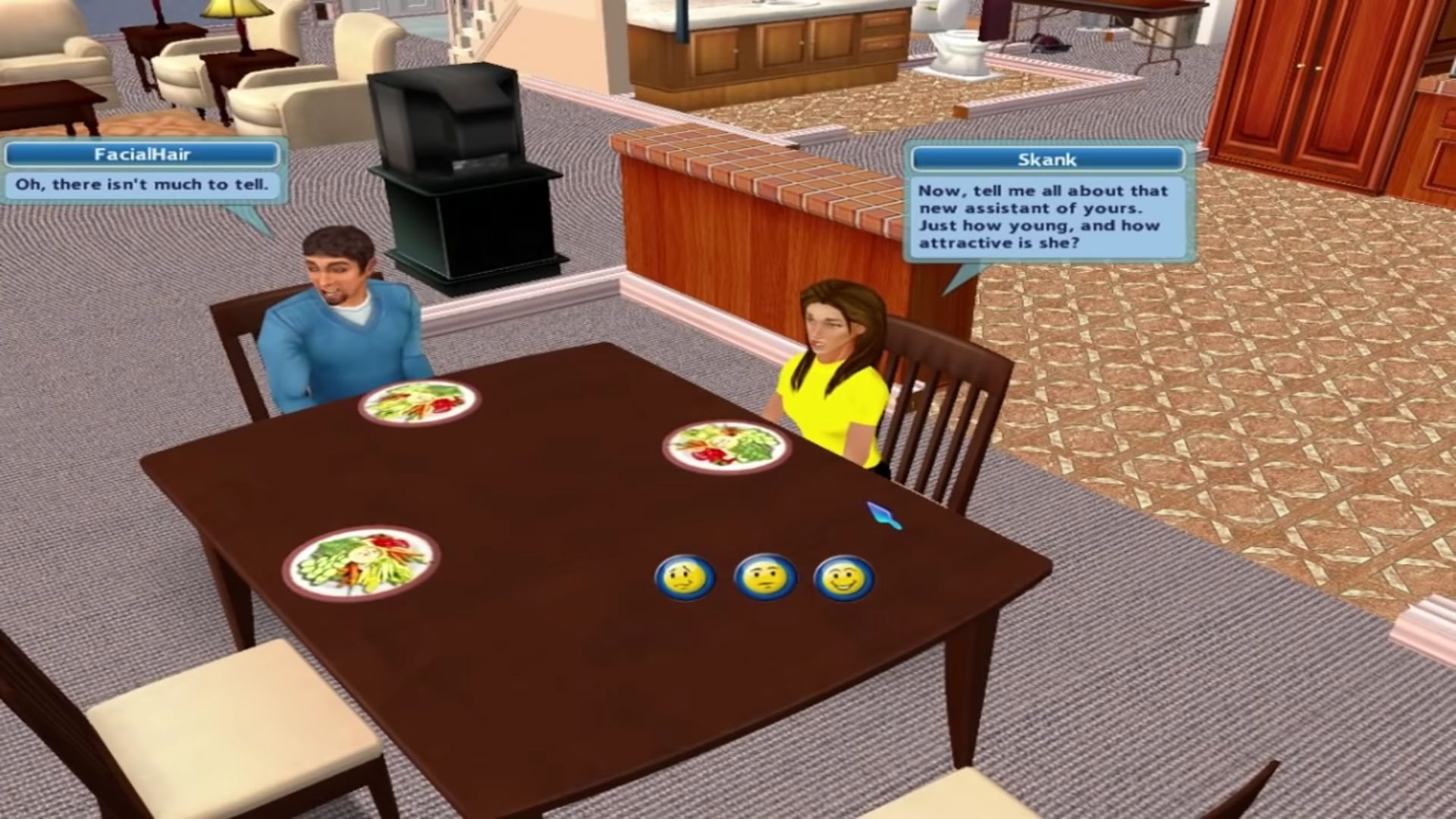
0
0
0
1
Look for the disk on you’re drives.
Inside the drive it will say set up – double click it.
Set it to the default folder or make one for the game -doesn’t matter.
When prompted to insert disk 2 mount disk 2.
Go back to the set up select disk 2 continue the set up.
After you are done installing the game go to the torrent folder where the disks are.
There in the extracted folder you will find a zip folder called crack.
Unzip it open the folder and you’ll find the desperate housewives icon application copy it and paste it in the desperate housewives main folder.
Make sure it overwrites the application.
Right click the application icon.
Go to properties.
Click compatibility.
Check mark run in compatibility mode.
Make sure it’s running with Windows XP (Service Pack 3).
Now run you’re game and everything should be working fine. Hope this helps a little.
0
0
Mine says that there is no room to move the file
0
0
-1
xox, Neko
0
0
0
0
0
0
0
0
0
0
0
0
0
0
0
0