| Publishers | EA Games |
| Developers | Eurocom, Griptonite Games, KnowWonder, Argonaut Games, Aspyr |
| Release date | 2002 |
| Genre | Action-adventure |
| Game rating |
Game Description
Harry Potter and the Chamber of Secrets is an action-adventure video game published by Electronic Arts based on J.K. Rowling’s novel Harry Potter and the Chamber of Secrets and the film of the same name. It was the last Harry Potter to be game released for the Game Boy Color and also the last Harry Potter game to be released on the PlayStation.
Download Harry Potter and the Chamber of Secrets
We might have the game available for more than one platform. Harry Potter and the Chamber of Secrets is currently available on these platforms:
PlayStation (2002)
Harry_Potter_and_the_Chamber_of_Secrets_PS_ROM_USA.EN.FR.ES.zip (488.5MB)
PlayStation 2 (2002)
Harry_Potter_and_the_Chamber_of_Secrets_PS2_ROM_Europe.zip (547.2MB)
Windows (2002)
Harry_Potter_and_the_Chamber_of_Secrets_Win_Setup_EN.7z (491.0MB)
Harry_Potter_and_the_Chamber_of_Secrets_MagiPack_Repack_Win_Setup_EN.zip (282.1MB)
How to play on Windows – Method 1
- Download the file called Harry_Potter_and_the_Chamber_of_Secrets_Win_Files_EN.7z and extract the folder inside
- Open the extracted folder. Go to “Game Files” and launch “Harry Potter and the Chamber of Secrets.exe”
- Harry Potter and the Chamber of Secrets should now launch
How to play on Windows – Method 2
- Download the file called Harry_Potter_and_the_Chamber_of_Secrets_Win_Setup_EN.7z (870.5MB) and extract the folder inside
- Double click on Autorun.exe to launch the game setup. When asked for a serial key, use
1500 8368512 6523563 7055 - Follow the on-screen instructions and finish installing the game
- Open the folder called “crack” and copy the “game.exe” file. Go into the installation directory and paste “game.exe” – it should ask you to replace the files which already exist. Select yes.
- Double click on “game.exe” and Harry Potter and the Chamber of Secrets should launch.
Additional files, patches and fixes
Harry Potter and the Chamber of Secrets Game Boy Color Manual (English)
Harry Potter and the Chamber of Secrets GameCube Manual (English)
Harry Potter and the Chamber of Secrets Windows ReadMe (English)
Harry Potter and the Chamber of Secrets Windows ReadMe (French)
Harry Potter and the Chamber of Secrets Windows ReadMe (Spanish)
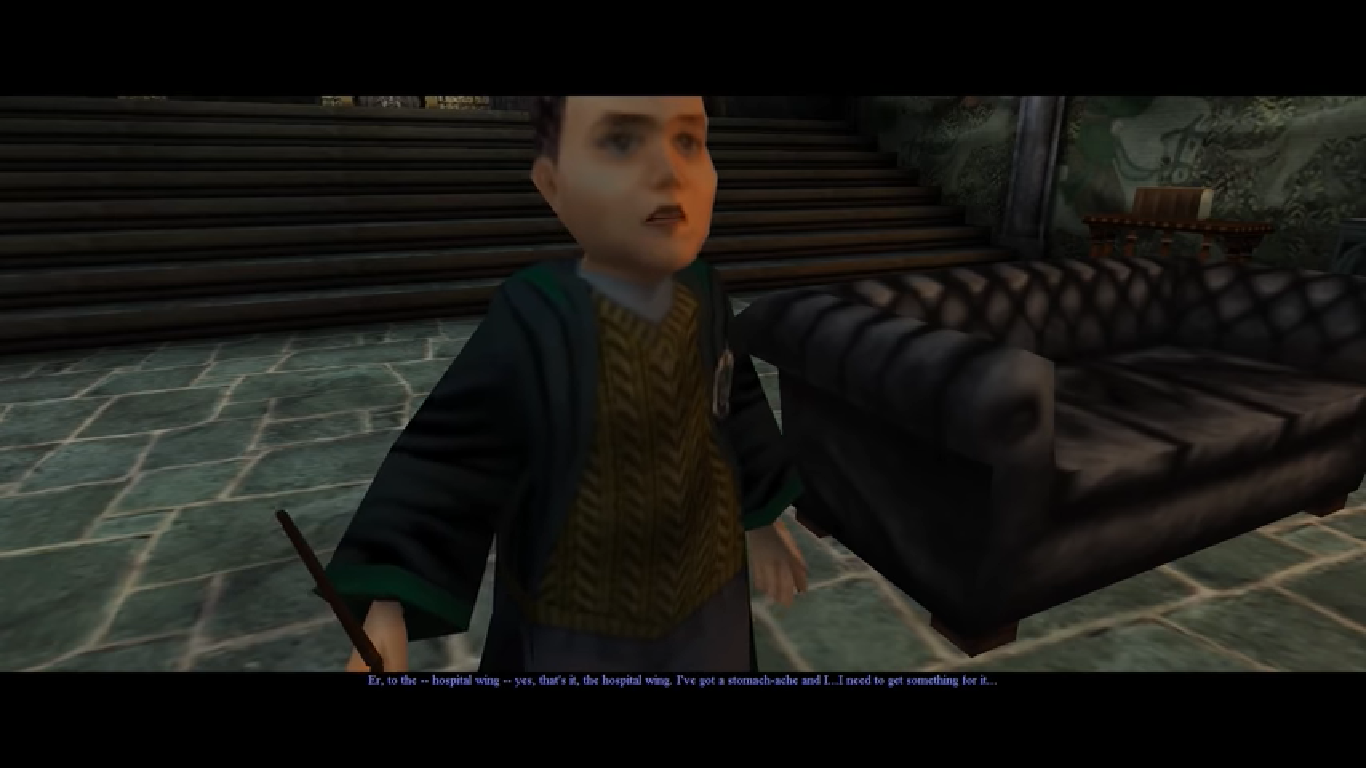
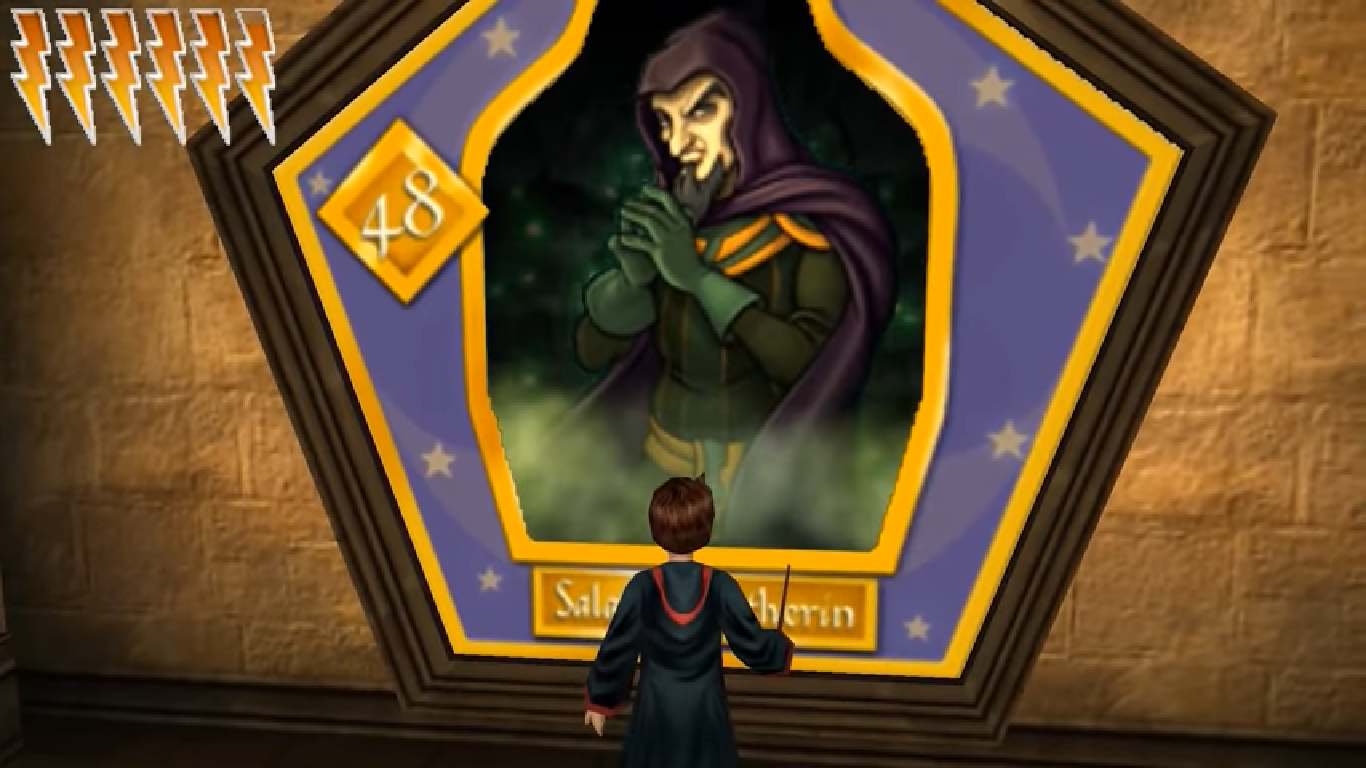
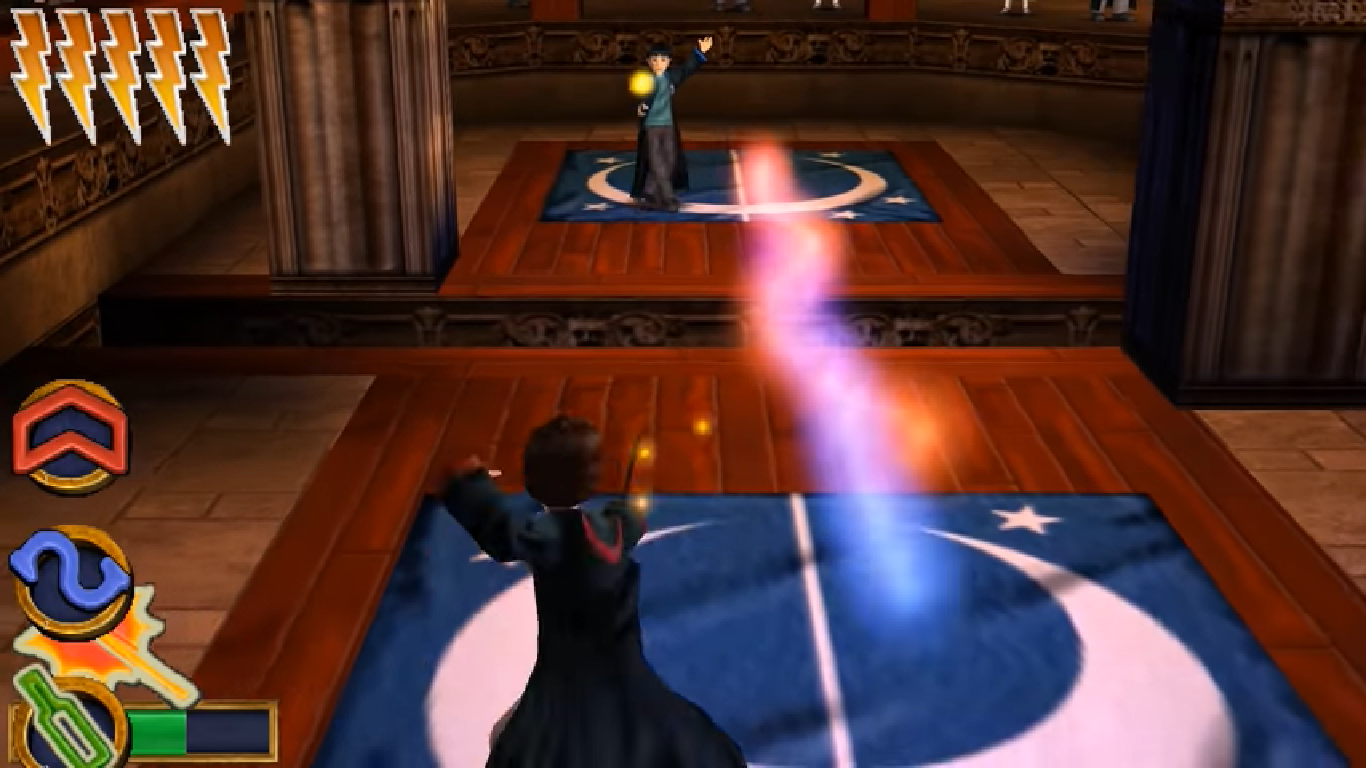
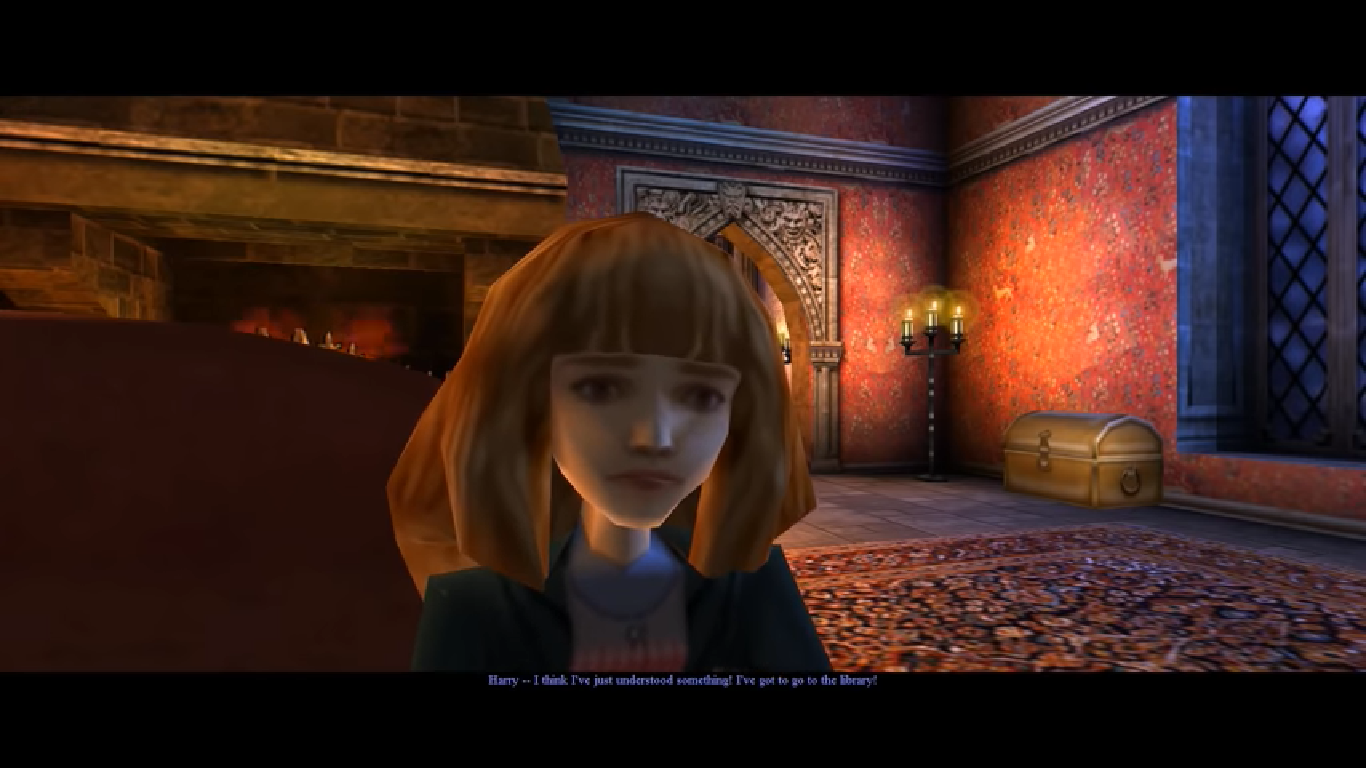
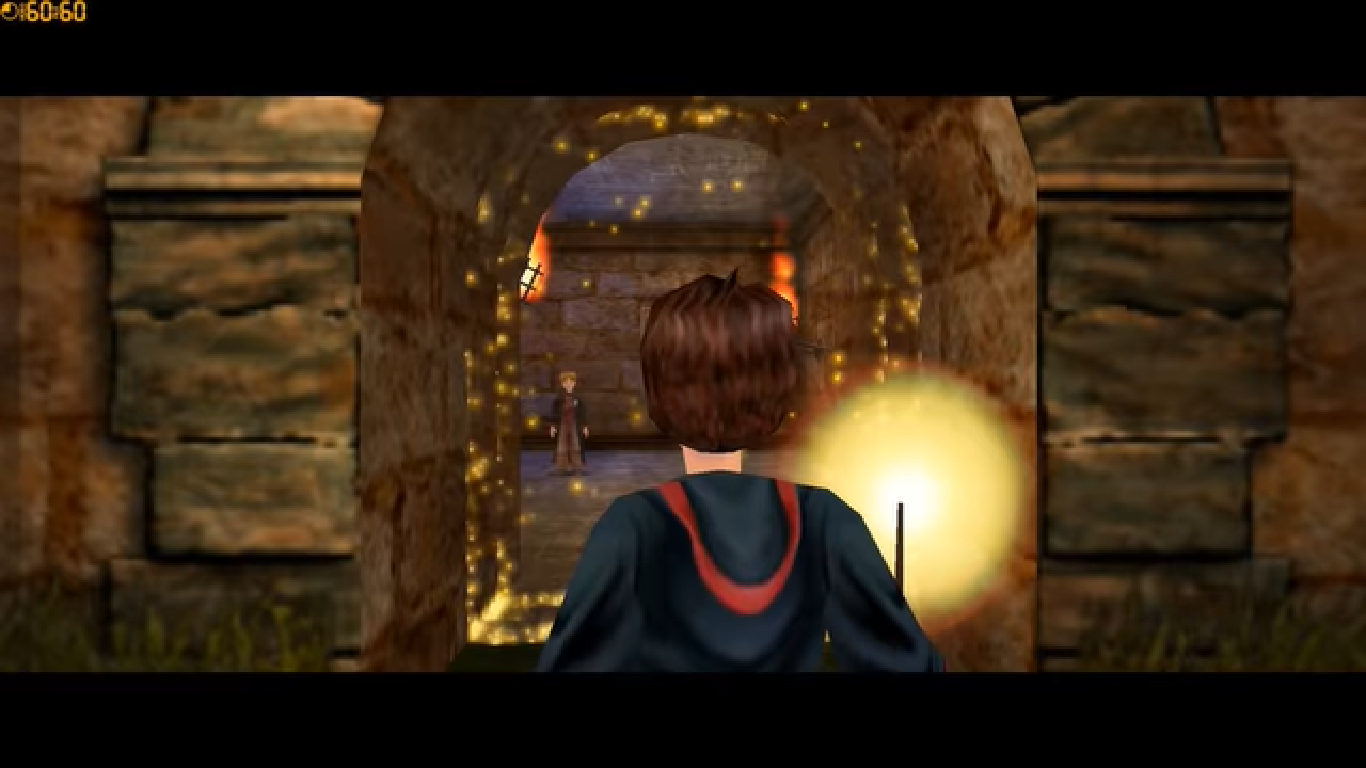
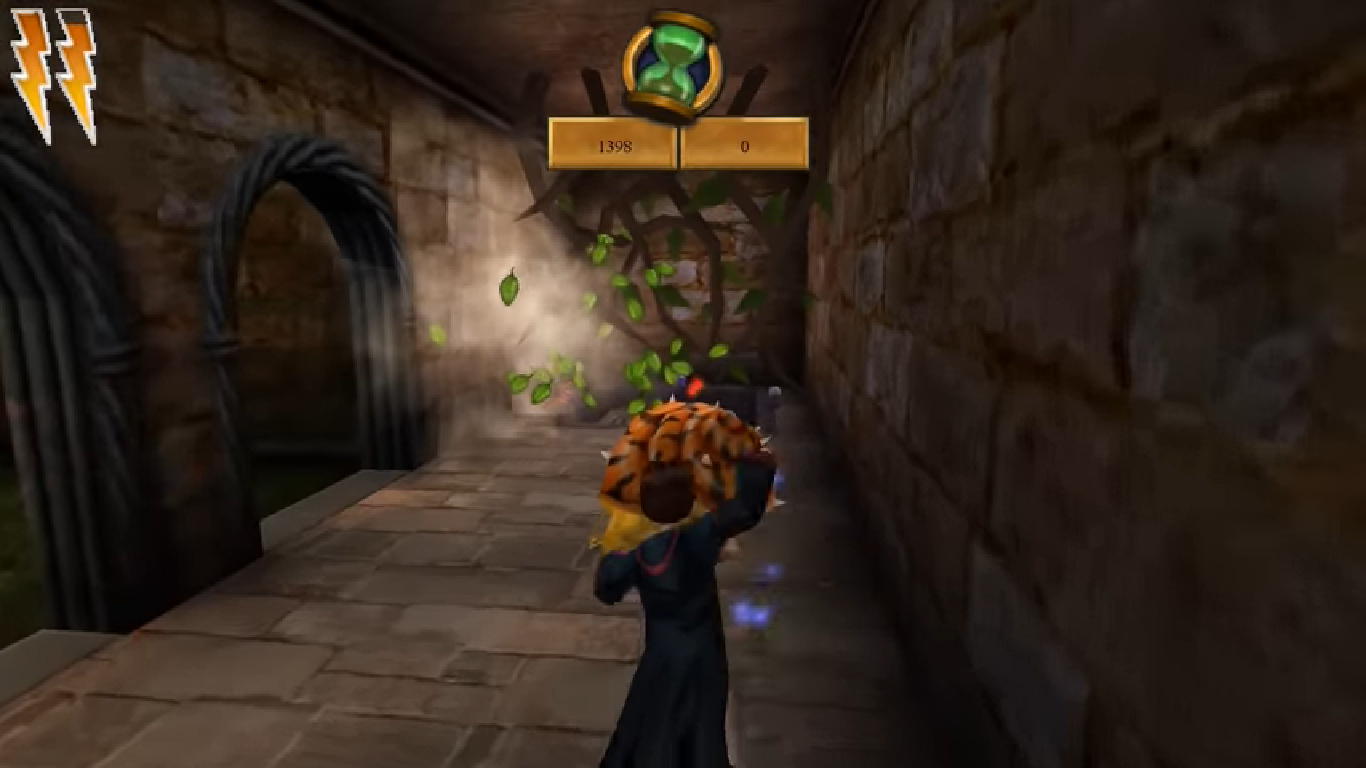
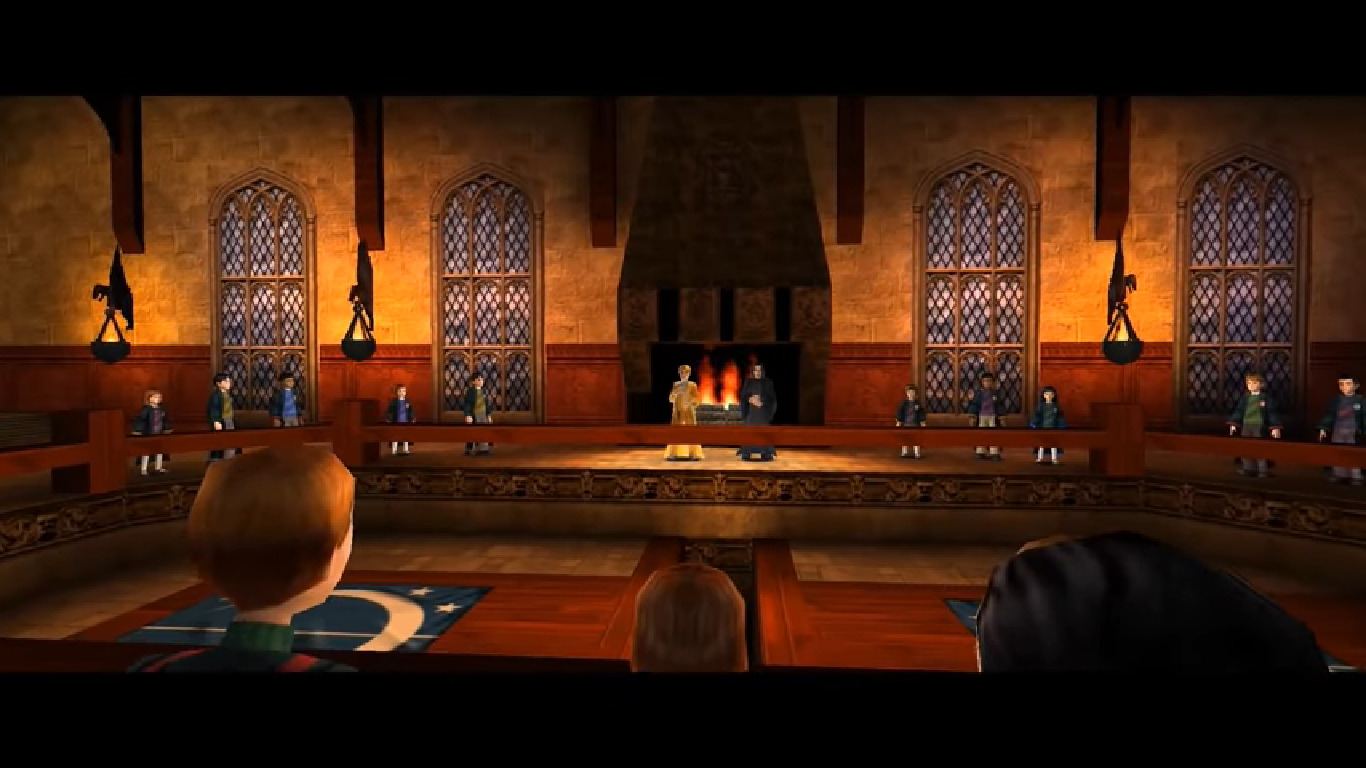
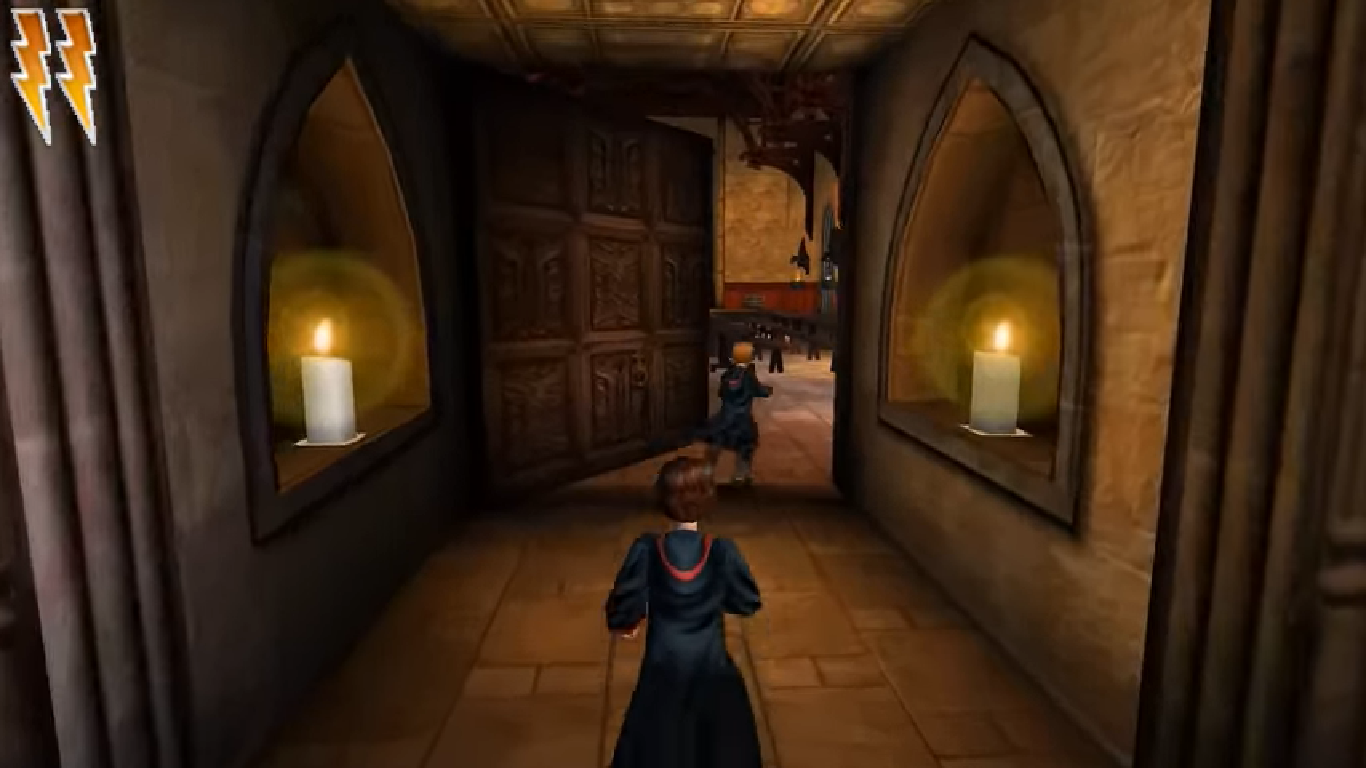
Harry Potter and the Chamber of Secrets Screenshots
Windows
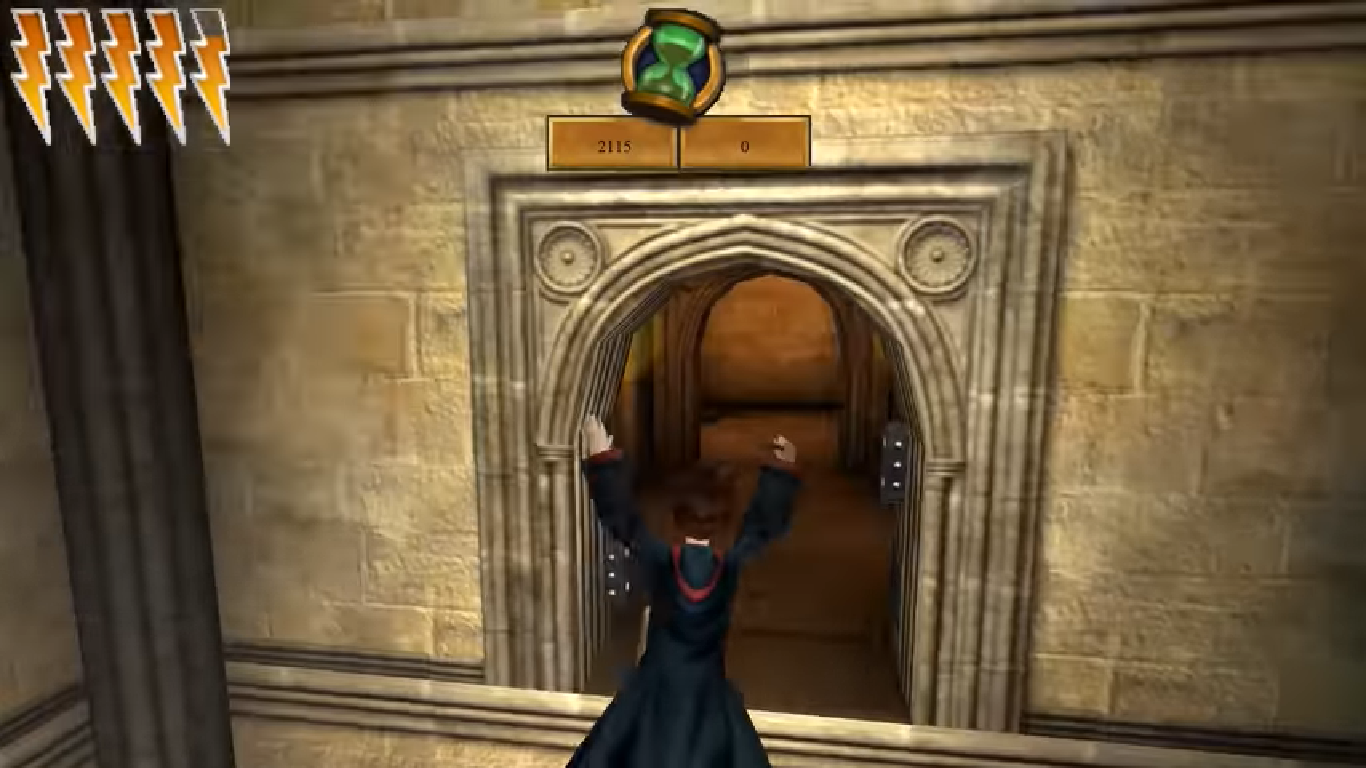
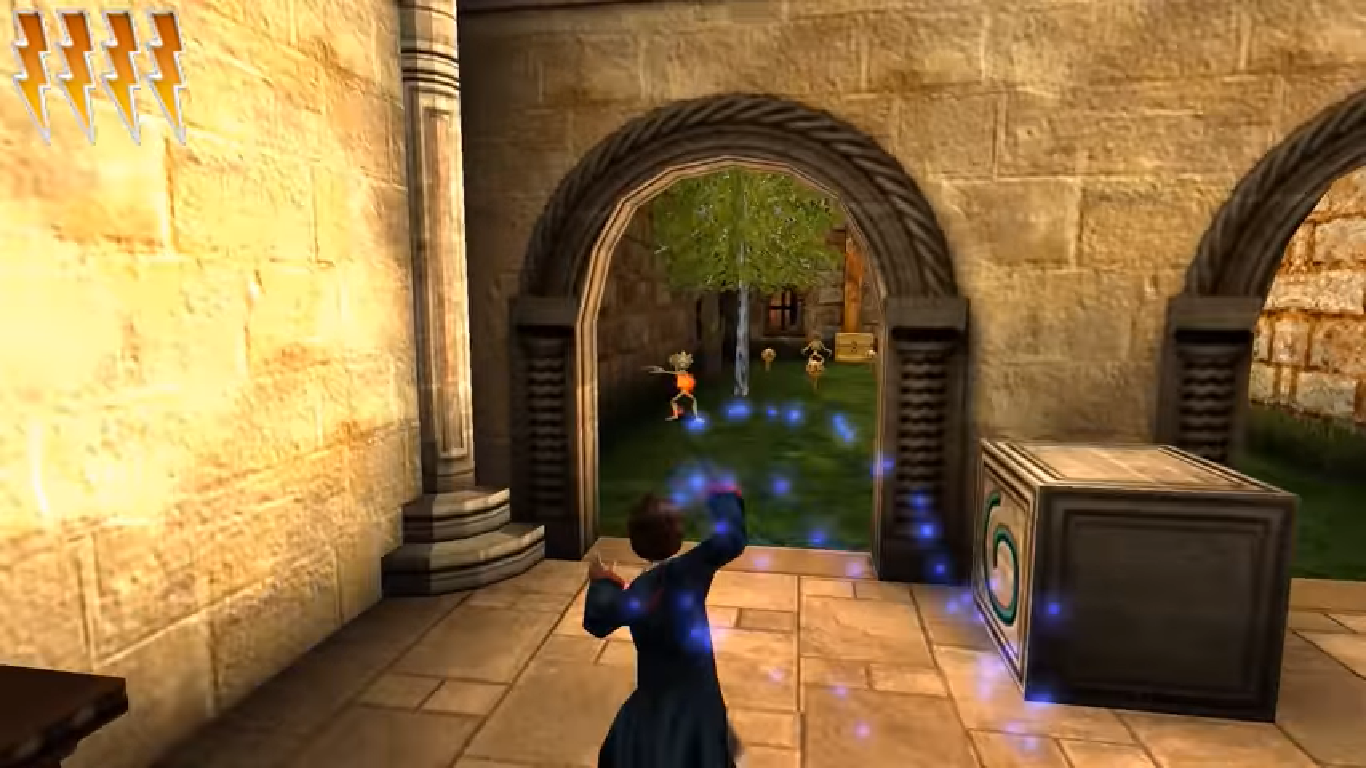

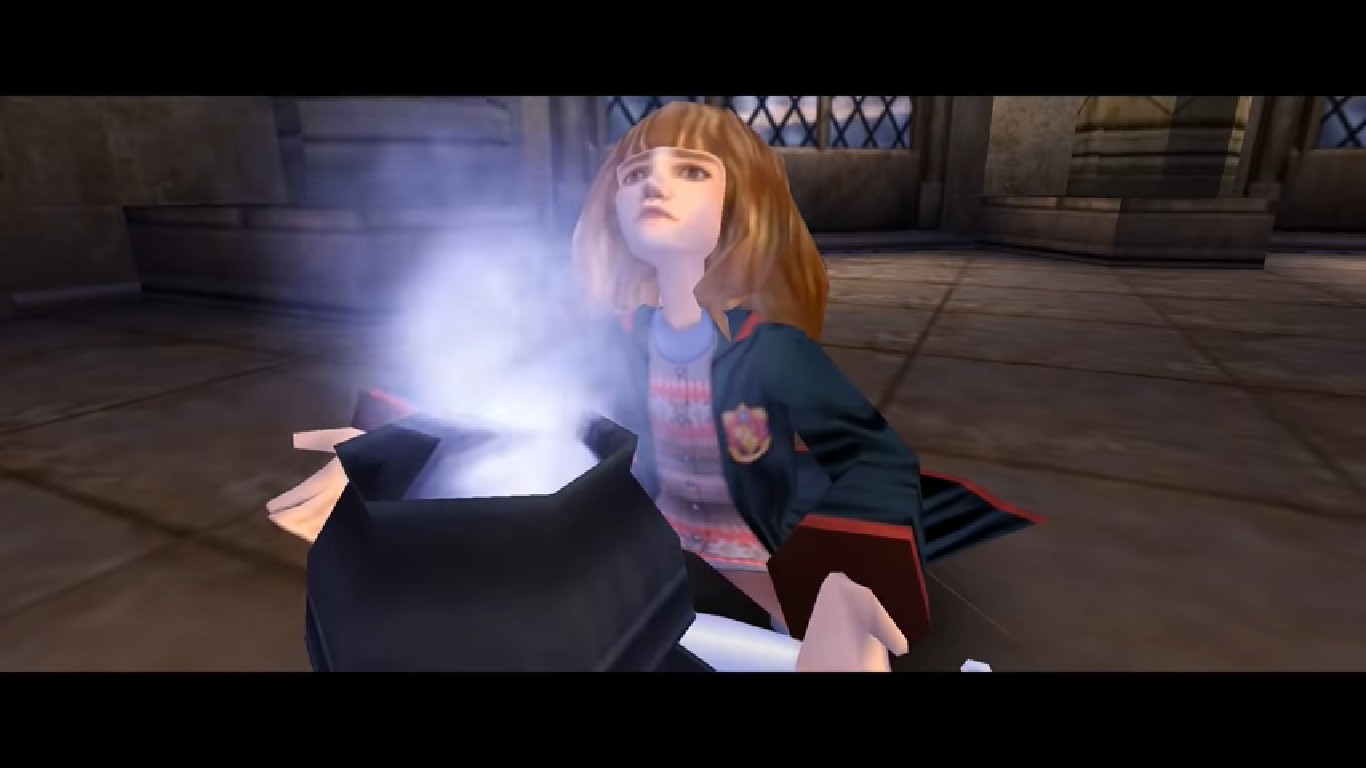

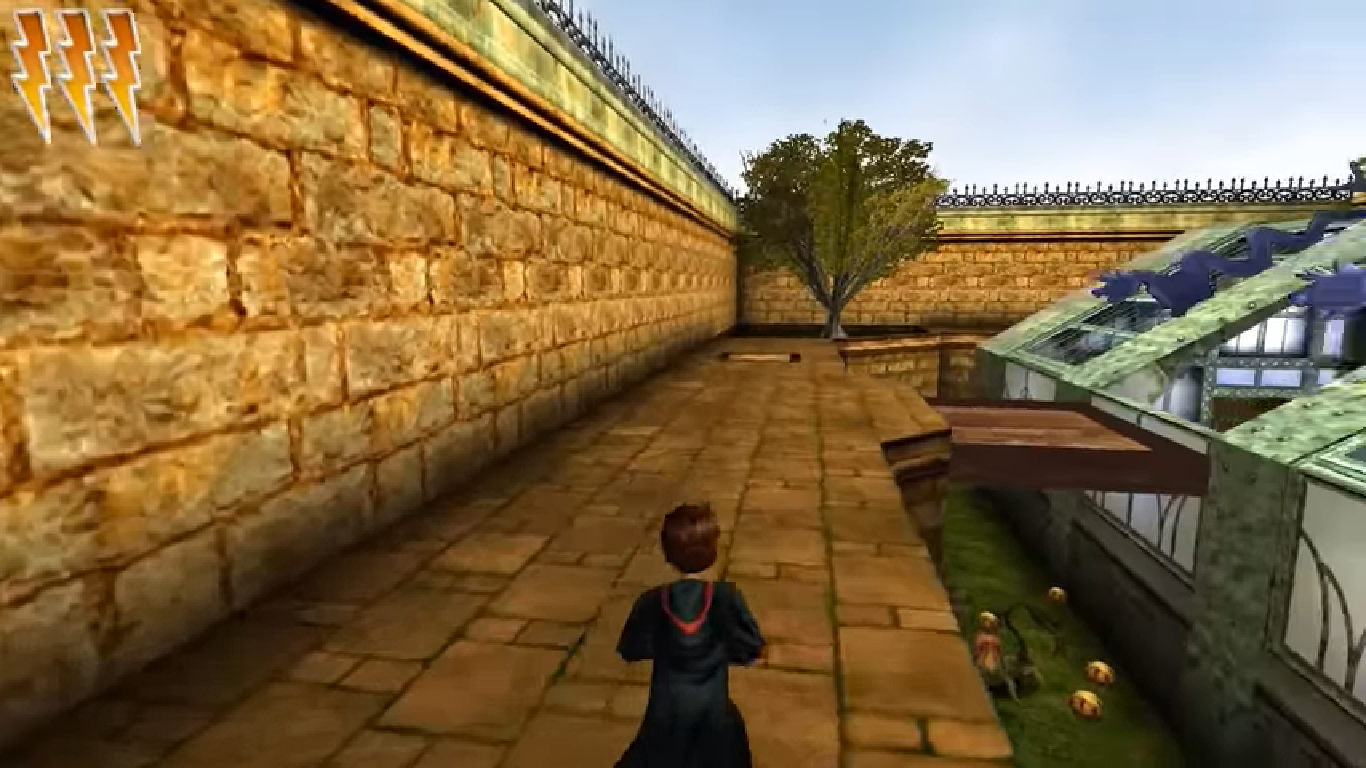




0
0
0
0
0
0
0
0
And find [winDrv.windowsclient] .Find Windowedcoloredbits=16 change the 16 in 32 —>Windowedcoloredbits=32 .do the same with fullscreencolourbit=16 . Save the document and start te game! There can be Some delay in the game recognizing your keyboard. Give it a few minutes and it Will be fine. And remember..boot up takes a very long time. Dont press any button untill the game starts. Enjoy Guys! If you need help, let me know 🙂 Grtz. Nick
0
0
Thank you so much for this download. This game takes me back to my childhood.
0
0
me launch up the game. Start up a new game, graphics look a little
wonkier than I remember right at the beginning. This is confirmed further
when we get the first look of Harry, and the graphics of his face are
slightly messed up to where it looks like he’s wearing Cyclops’ visor
from X-Men.
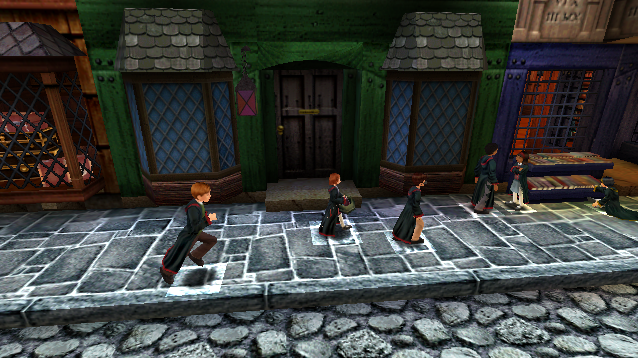
Other characters have a random glowy square below them as they walk. Okay, so far it’s all minor stuff.
Cut to the Whomping Willow, and looking at the tree causes the game to lag
massively. Even pausing the game, despite nothing
demanding being on the pause screen, continues that massive slowdown.
Considering you’re required to attack the tree to continue the story,
this is a pretty rough beginning, and it worries me to think how many random slowdown/lag moments there are going to be to have one hit so hard right in the very beginning.
On top of that, hitting the save book made it go into eternal limbo of waiting, since it never went off of the saving progress screen.
Right now, I’d call the PC version completely unplayable because a game that isn’t normally as demanding as this (and is normally on par with the first game in what it demands) shouldn’t be lagging so roughly.
For now, I’d recommend that if people are having issues with this game, stick with the PS2/Gamecube version or even the PS1 version as they’re arguably a bit more superior to this (especially the PS2/Gamecube version).
0
0
0
So everything was working perfectly fine yesterday : I used the second method on Windows, it worked, I played, it was amazing…
But today, when I went to launch the game, an error message appear:
” General protection fault!
History: appInit”
I tried everything, re installing the game, same effect
I don’t know what to do
0
0
0
0
0
0