| Publishers | EA Games |
| Developers | Eurocom, Griptonite Games, KnowWonder, Argonaut Games, Aspyr |
| Release date | 2002 |
| Genre | Action-adventure |
| Game rating |
Game Description
Harry Potter and the Chamber of Secrets is an action-adventure video game published by Electronic Arts based on J.K. Rowling’s novel Harry Potter and the Chamber of Secrets and the film of the same name. It was the last Harry Potter to be game released for the Game Boy Color and also the last Harry Potter game to be released on the PlayStation.
Download Harry Potter and the Chamber of Secrets
We might have the game available for more than one platform. Harry Potter and the Chamber of Secrets is currently available on these platforms:
PlayStation (2002)
Harry_Potter_and_the_Chamber_of_Secrets_PS_ROM_USA.EN.FR.ES.zip (488.5MB)
PlayStation 2 (2002)
Harry_Potter_and_the_Chamber_of_Secrets_PS2_ROM_Europe.zip (547.2MB)
Windows (2002)
Harry_Potter_and_the_Chamber_of_Secrets_Win_Setup_EN.7z (491.0MB)
Harry_Potter_and_the_Chamber_of_Secrets_MagiPack_Repack_Win_Setup_EN.zip (282.1MB)
How to play on Windows – Method 1
- Download the file called Harry_Potter_and_the_Chamber_of_Secrets_Win_Files_EN.7z and extract the folder inside
- Open the extracted folder. Go to “Game Files” and launch “Harry Potter and the Chamber of Secrets.exe”
- Harry Potter and the Chamber of Secrets should now launch
How to play on Windows – Method 2
- Download the file called Harry_Potter_and_the_Chamber_of_Secrets_Win_Setup_EN.7z (870.5MB) and extract the folder inside
- Double click on Autorun.exe to launch the game setup. When asked for a serial key, use
1500 8368512 6523563 7055 - Follow the on-screen instructions and finish installing the game
- Open the folder called “crack” and copy the “game.exe” file. Go into the installation directory and paste “game.exe” – it should ask you to replace the files which already exist. Select yes.
- Double click on “game.exe” and Harry Potter and the Chamber of Secrets should launch.
Additional files, patches and fixes
Harry Potter and the Chamber of Secrets Game Boy Color Manual (English)
Harry Potter and the Chamber of Secrets GameCube Manual (English)
Harry Potter and the Chamber of Secrets Windows ReadMe (English)
Harry Potter and the Chamber of Secrets Windows ReadMe (French)
Harry Potter and the Chamber of Secrets Windows ReadMe (Spanish)
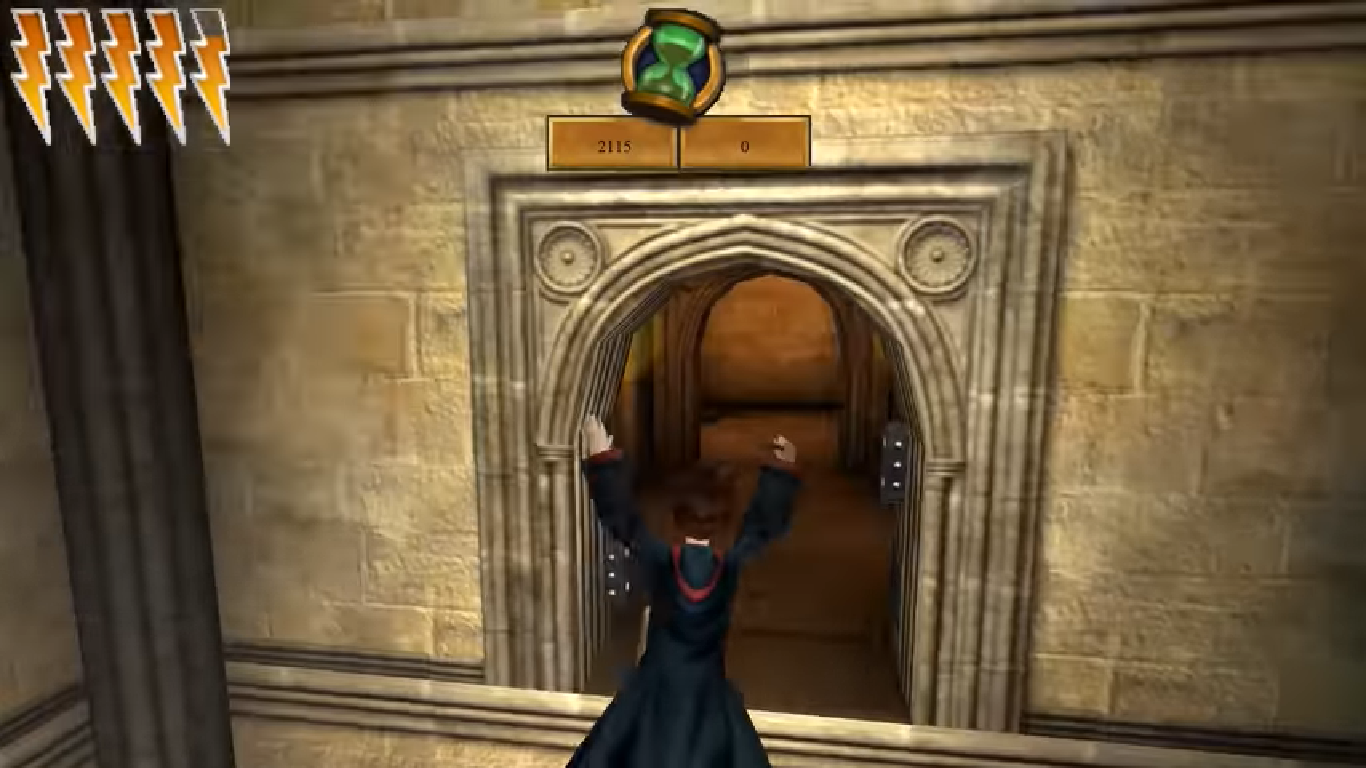
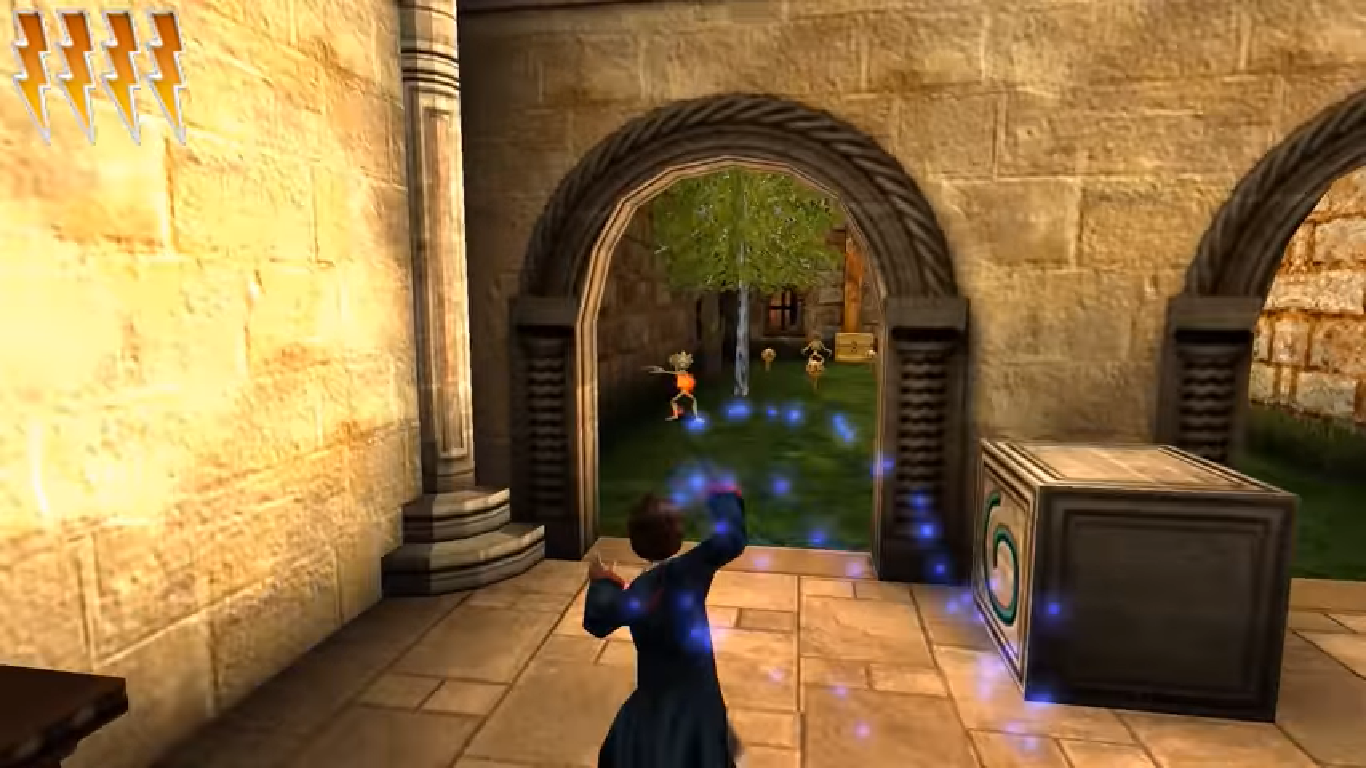
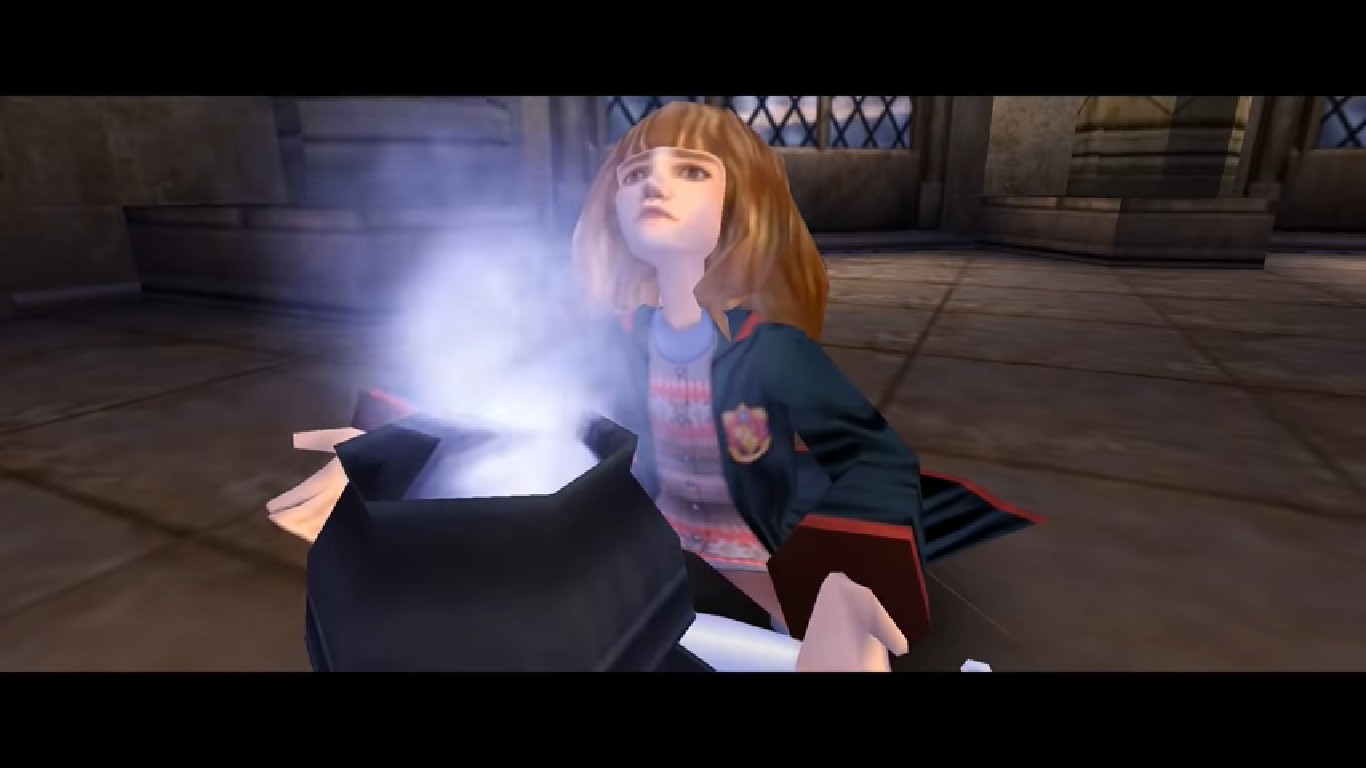
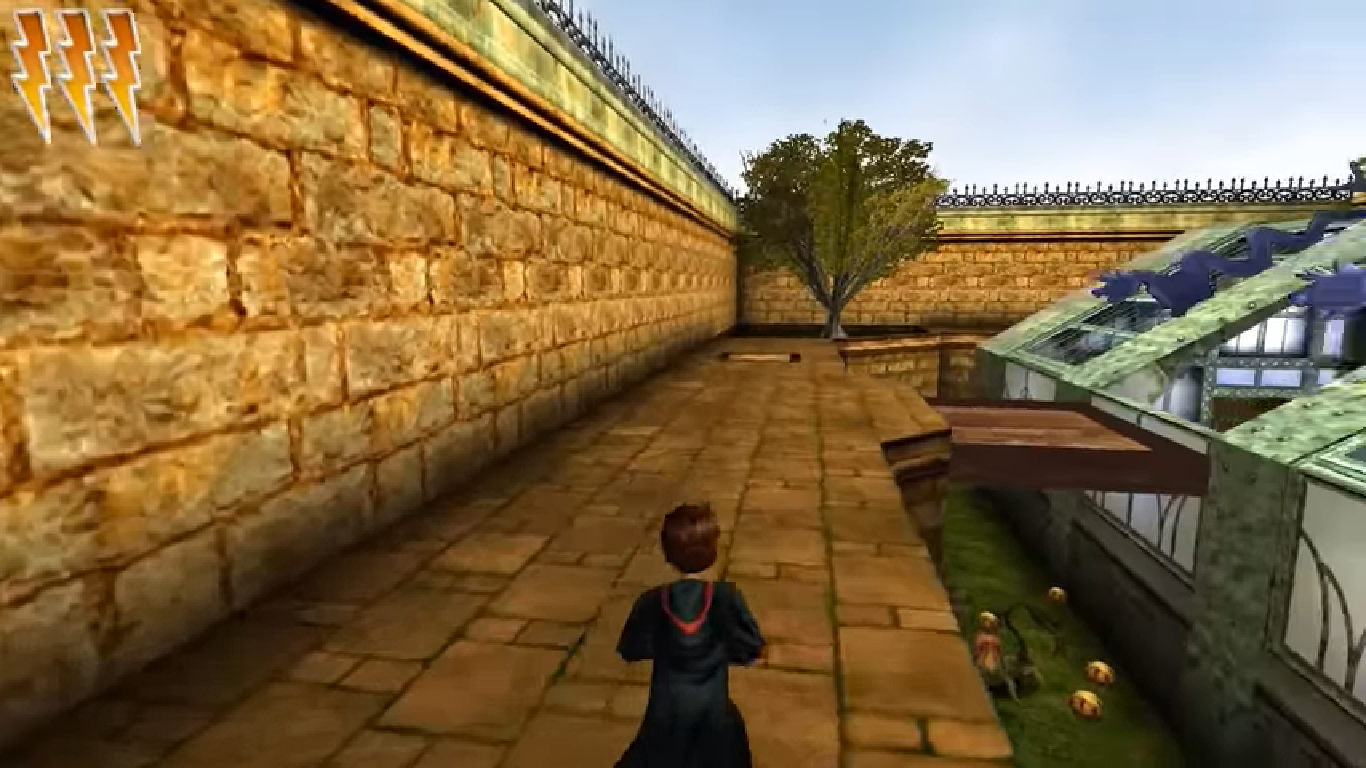
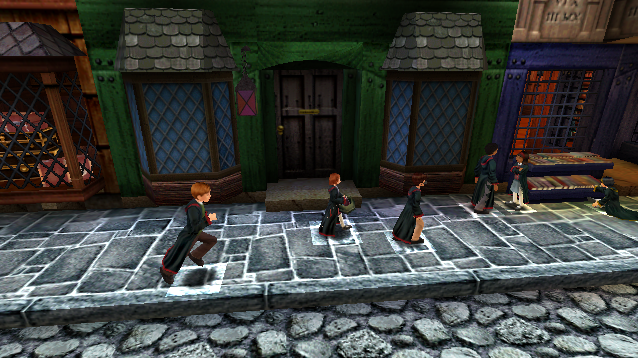
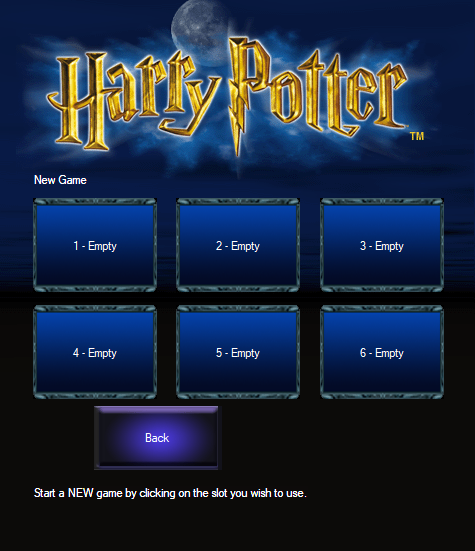
Harry Potter and the Chamber of Secrets Screenshots
Windows
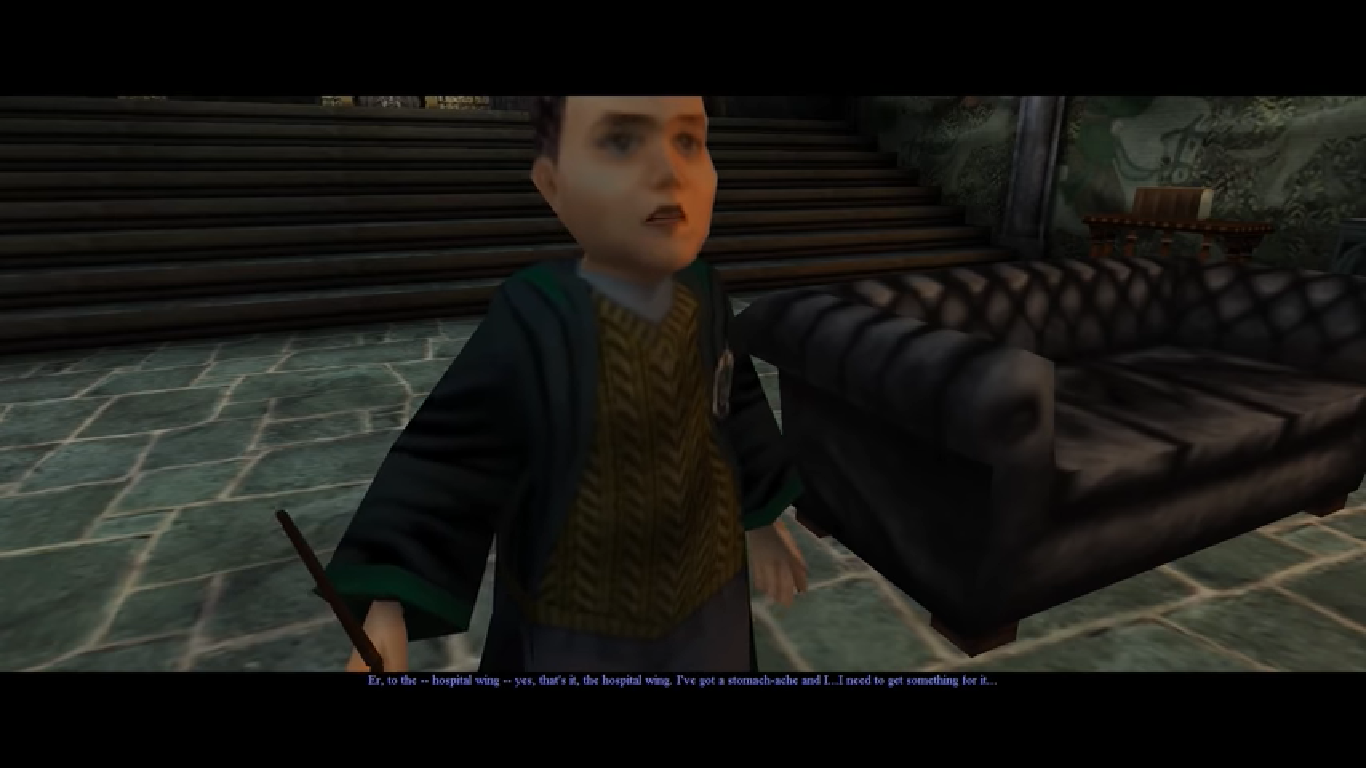
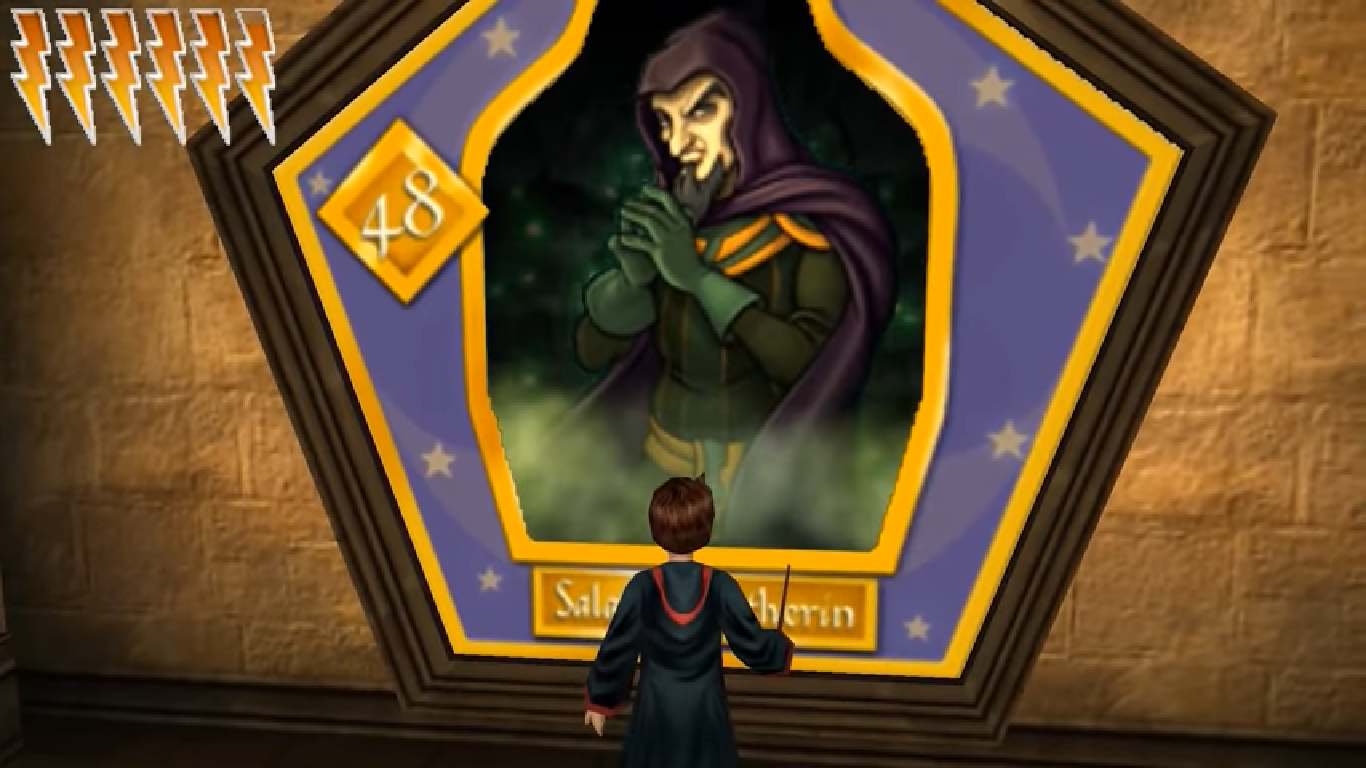
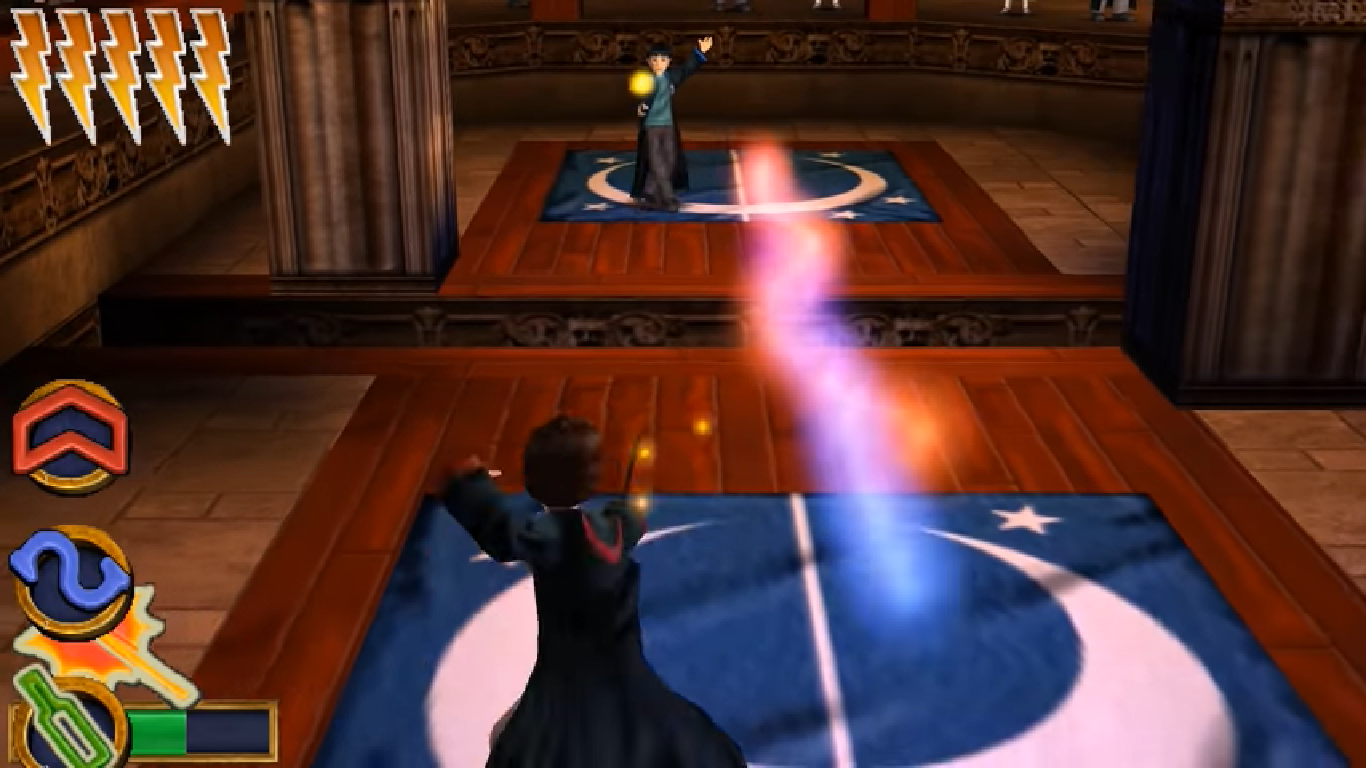
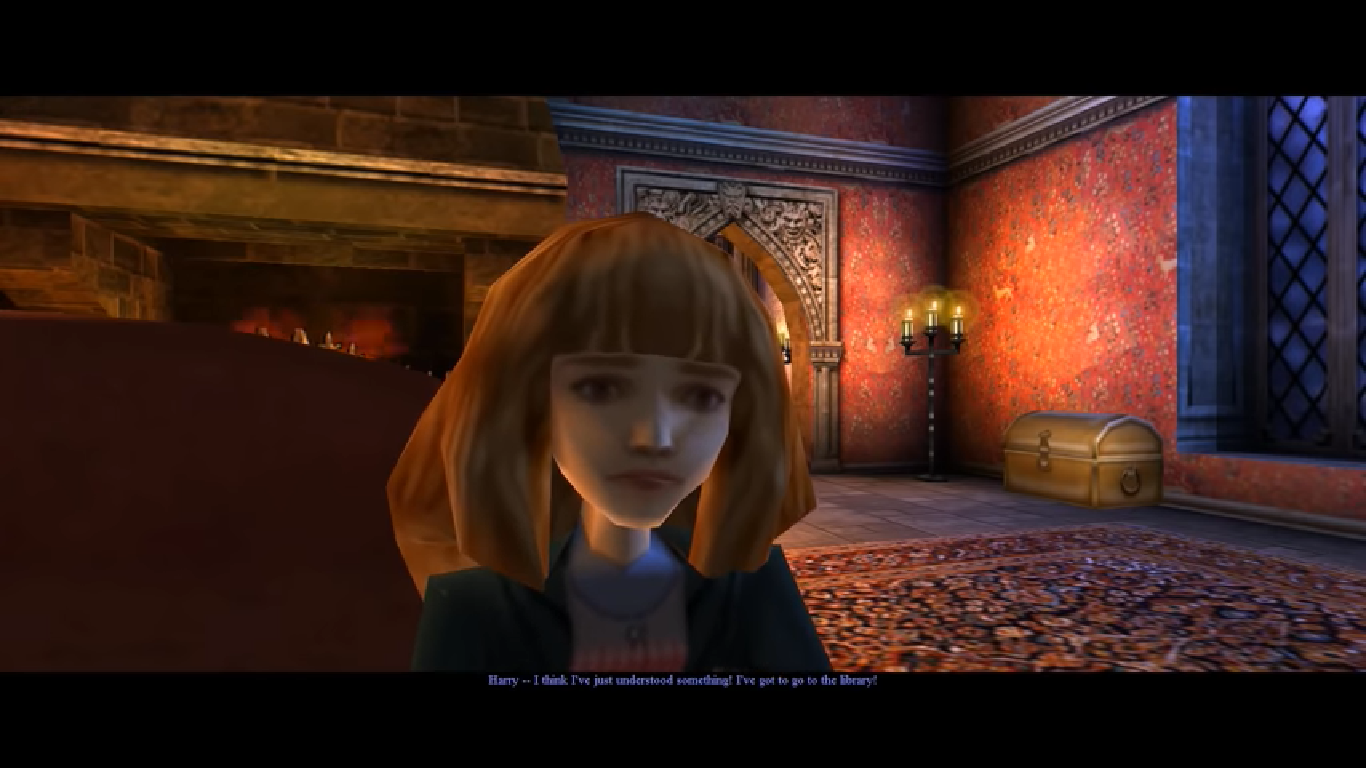



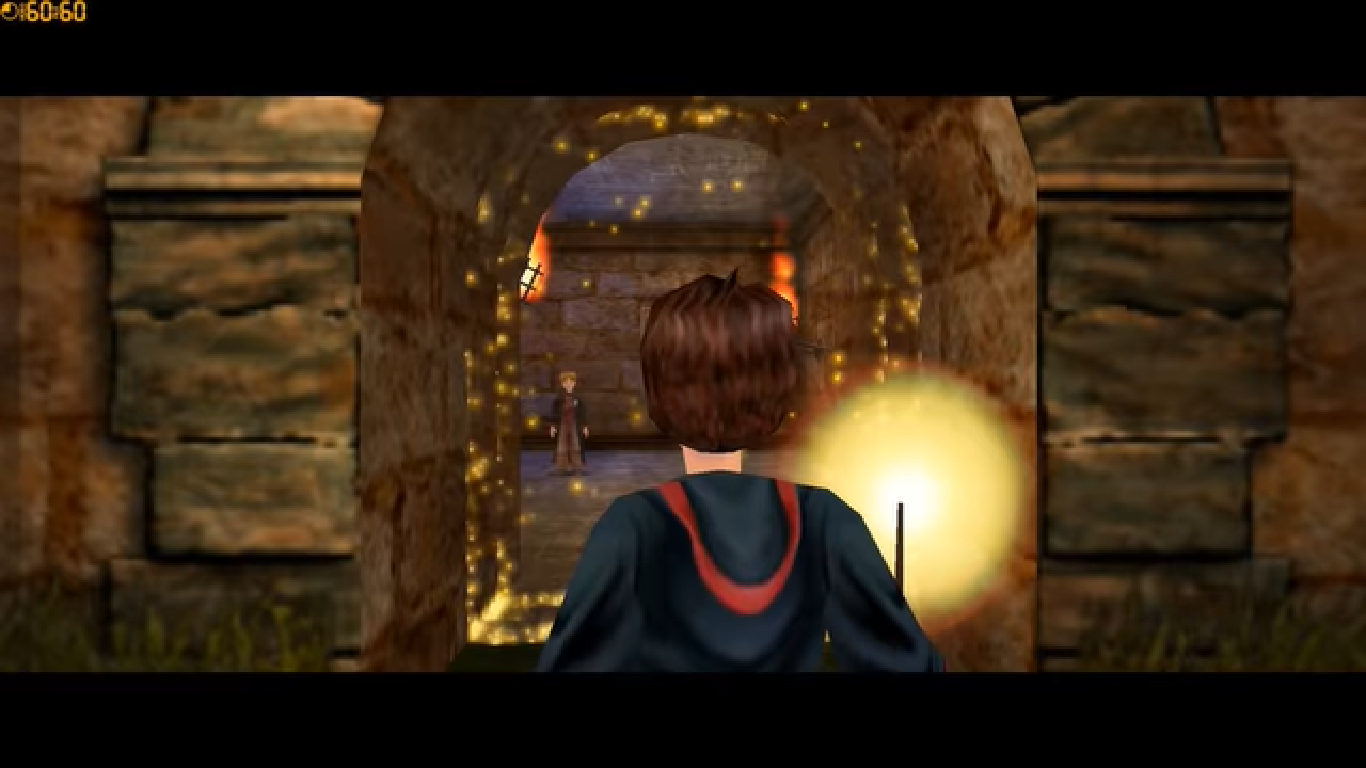
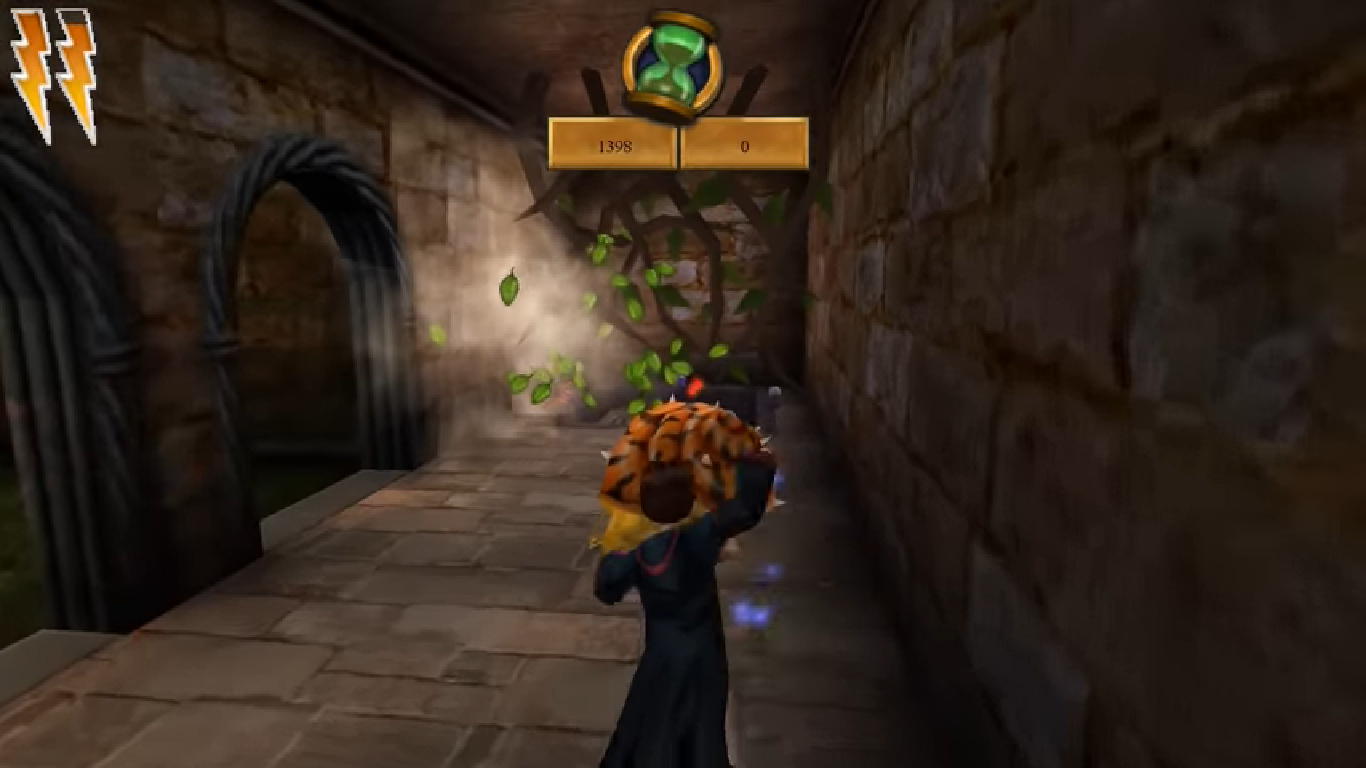

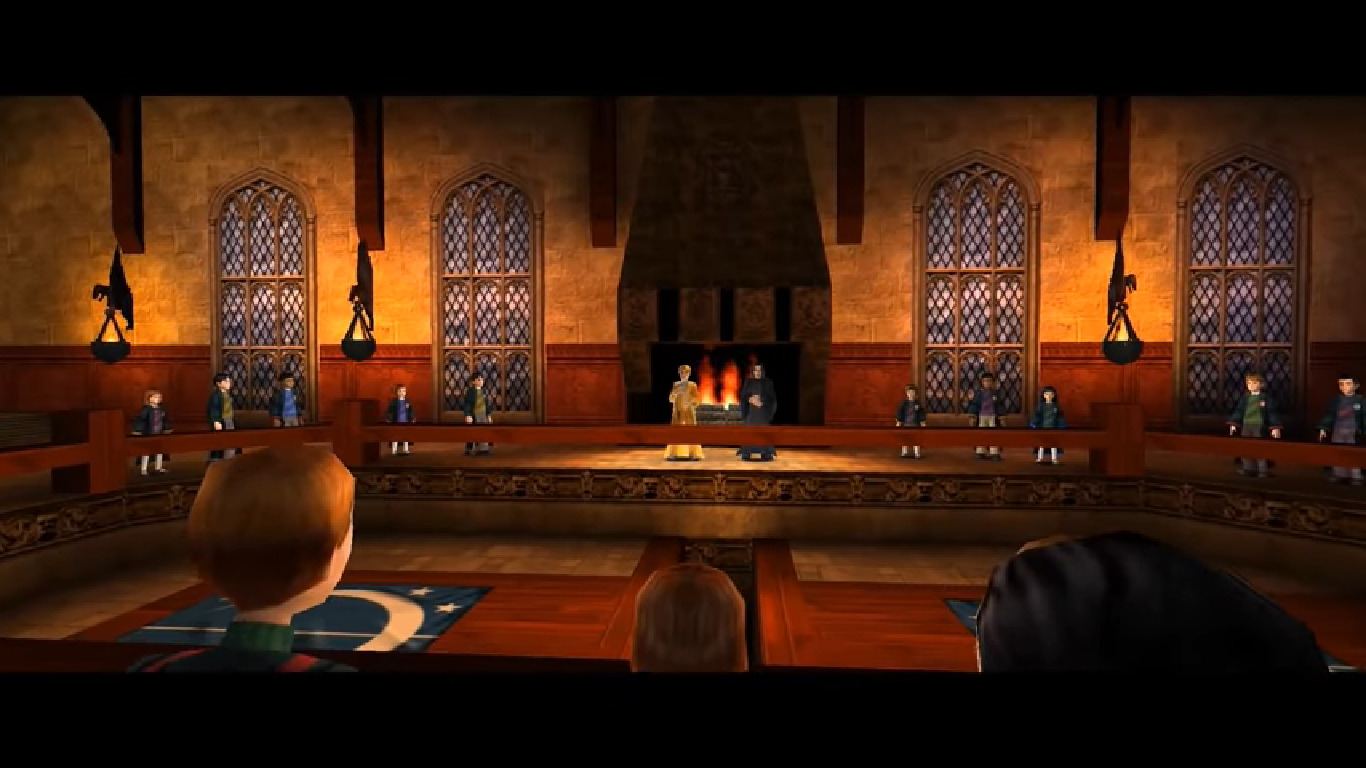
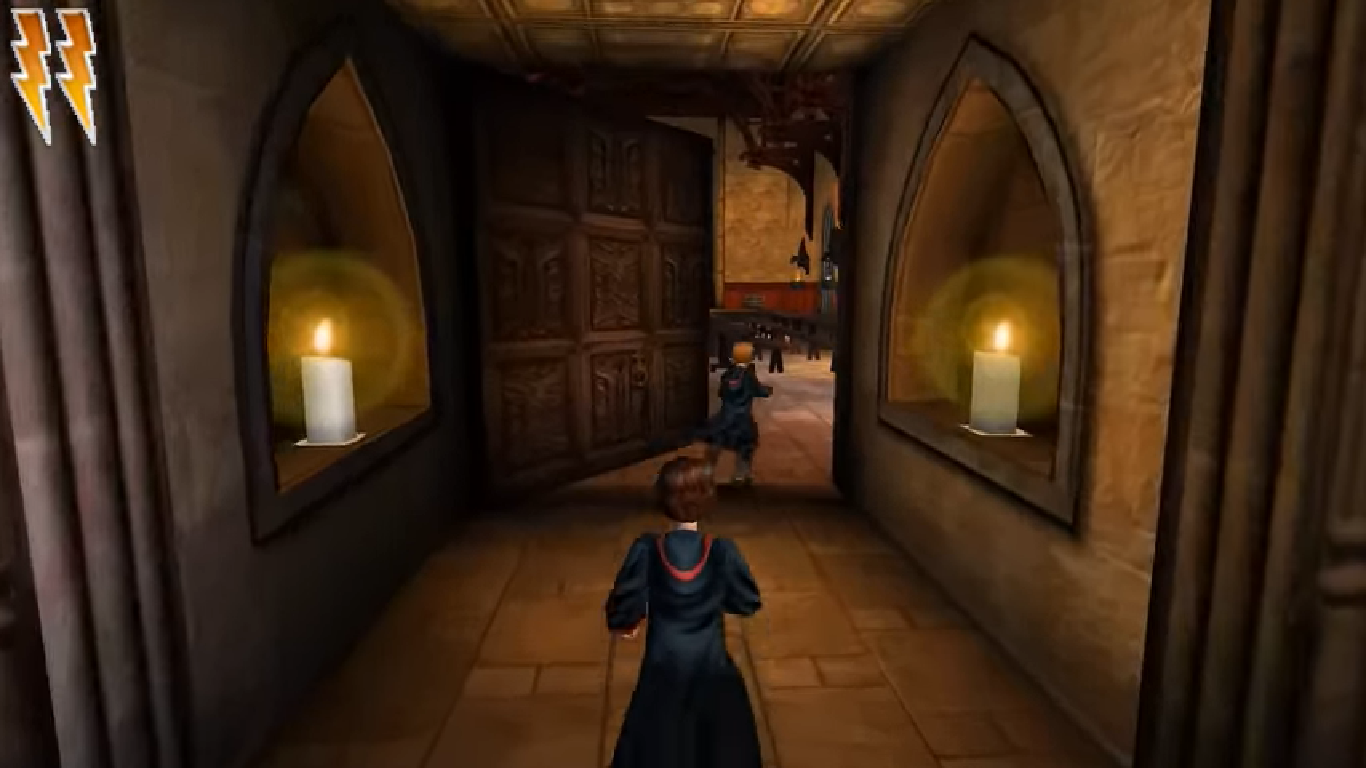


0
0
0
(i couldnt do the: Open the folder called “crack” and copy the “game.exe” file. Go into the installation directory and paste “game.exe” – it should ask you to replace the files which already exist. Select yes.)
but when i click for the game to open and i say yes to the changes device nothing happens. does anyone know the solution?
0
0
I’m also stuck at this step, I’m not sure where to past “game.exe” from the foulder “crack”. Tried a few places, nothing worked.
0
0
0
0
0
Can you help me with it ?
0
What should i do?
0
0
0
0
0
0
– I ran it in compatibility mode for Windows XP (Service Pack 2), which you can do in the Properties for the .exe / application file
– I also ran the game as Administrator
– Changed colours from 16 bit to 32 bit in the in-game menu which got rid of all the frame rate issues
– The .exe / application file is in the system folder when you download it called Game
– Used 7Zip for the extraction which is free
0
0
https://www.youtube.com/watch?v=Ks2QmH3bfuQ&t=171s&ab_channel=JokerAlex21
0
it says i have no permission to edit the files, and that i should contact the owners lol
do you have any clues what to do?
0
0
0