| Publishers | EA Games |
| Developers | Eurocom, Griptonite Games, KnowWonder, Argonaut Games, Aspyr |
| Release date | 2002 |
| Genre | Action-adventure |
| Game rating |
Game Description
Harry Potter and the Chamber of Secrets is an action-adventure video game published by Electronic Arts based on J.K. Rowling’s novel Harry Potter and the Chamber of Secrets and the film of the same name. It was the last Harry Potter to be game released for the Game Boy Color and also the last Harry Potter game to be released on the PlayStation.
Download Harry Potter and the Chamber of Secrets
We might have the game available for more than one platform. Harry Potter and the Chamber of Secrets is currently available on these platforms:
PlayStation (2002)
Harry_Potter_and_the_Chamber_of_Secrets_PS_ROM_USA.EN.FR.ES.zip (488.5MB)
PlayStation 2 (2002)
Harry_Potter_and_the_Chamber_of_Secrets_PS2_ROM_Europe.zip (547.2MB)
Windows (2002)
Harry_Potter_and_the_Chamber_of_Secrets_Win_Setup_EN.7z (491.0MB)
Harry_Potter_and_the_Chamber_of_Secrets_MagiPack_Repack_Win_Setup_EN.zip (282.1MB)
How to play on Windows – Method 1
- Download the file called Harry_Potter_and_the_Chamber_of_Secrets_Win_Files_EN.7z and extract the folder inside
- Open the extracted folder. Go to “Game Files” and launch “Harry Potter and the Chamber of Secrets.exe”
- Harry Potter and the Chamber of Secrets should now launch
How to play on Windows – Method 2
- Download the file called Harry_Potter_and_the_Chamber_of_Secrets_Win_Setup_EN.7z (870.5MB) and extract the folder inside
- Double click on Autorun.exe to launch the game setup. When asked for a serial key, use
1500 8368512 6523563 7055 - Follow the on-screen instructions and finish installing the game
- Open the folder called “crack” and copy the “game.exe” file. Go into the installation directory and paste “game.exe” – it should ask you to replace the files which already exist. Select yes.
- Double click on “game.exe” and Harry Potter and the Chamber of Secrets should launch.
Additional files, patches and fixes
Harry Potter and the Chamber of Secrets Game Boy Color Manual (English)
Harry Potter and the Chamber of Secrets GameCube Manual (English)
Harry Potter and the Chamber of Secrets Windows ReadMe (English)
Harry Potter and the Chamber of Secrets Windows ReadMe (French)
Harry Potter and the Chamber of Secrets Windows ReadMe (Spanish)
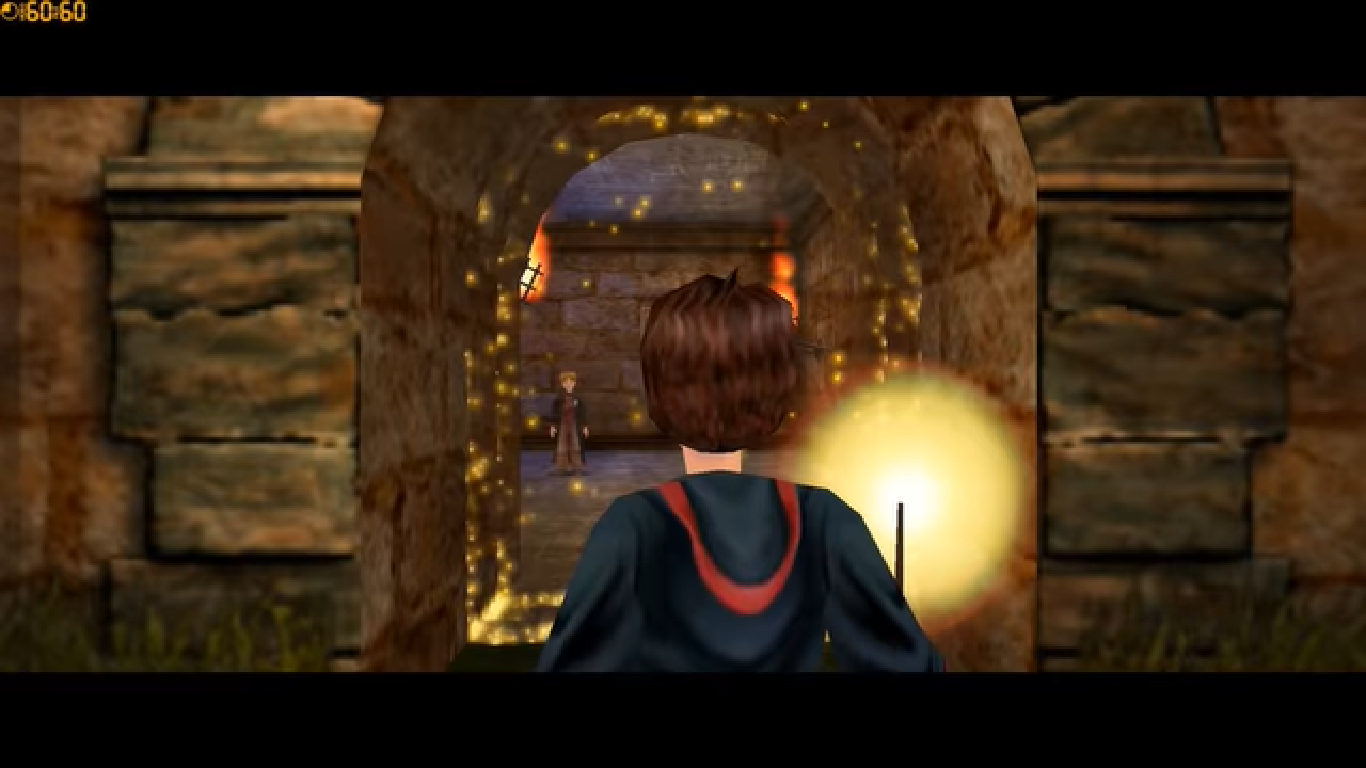
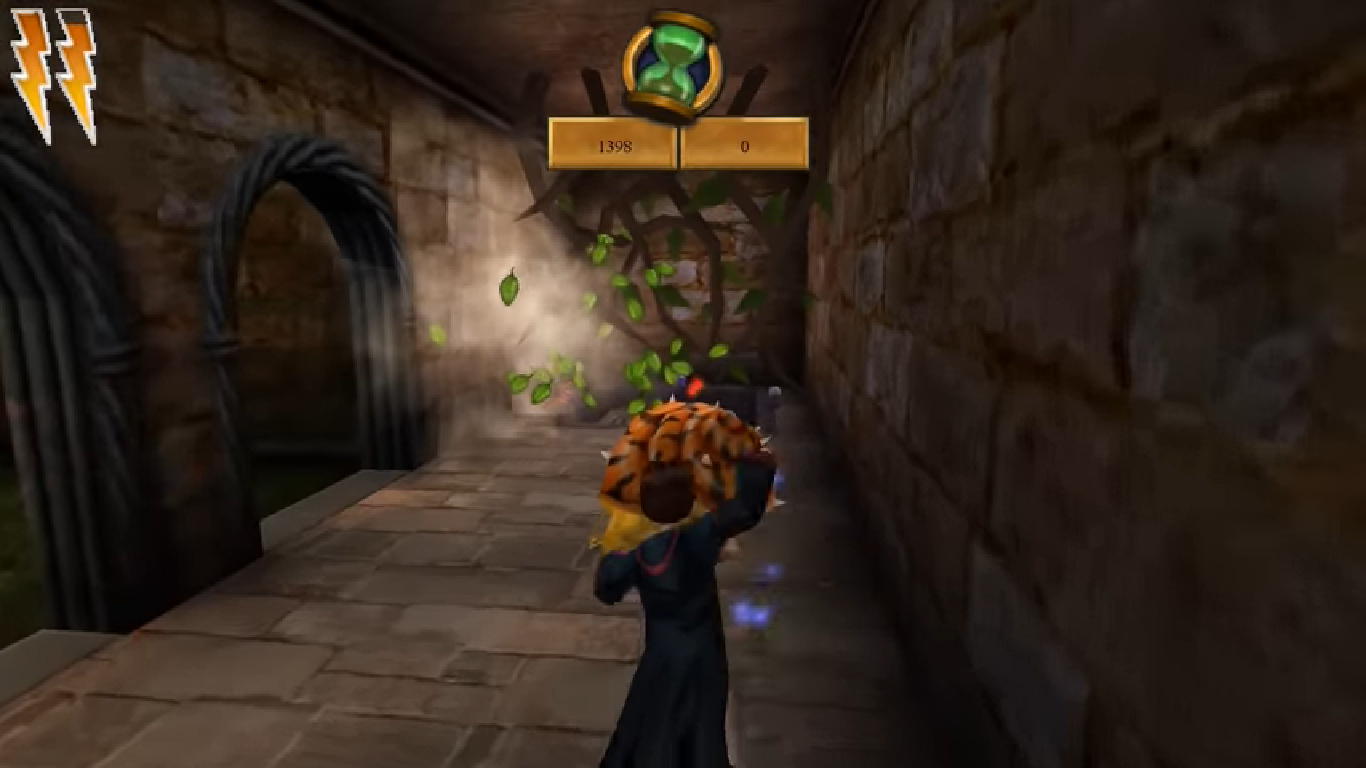
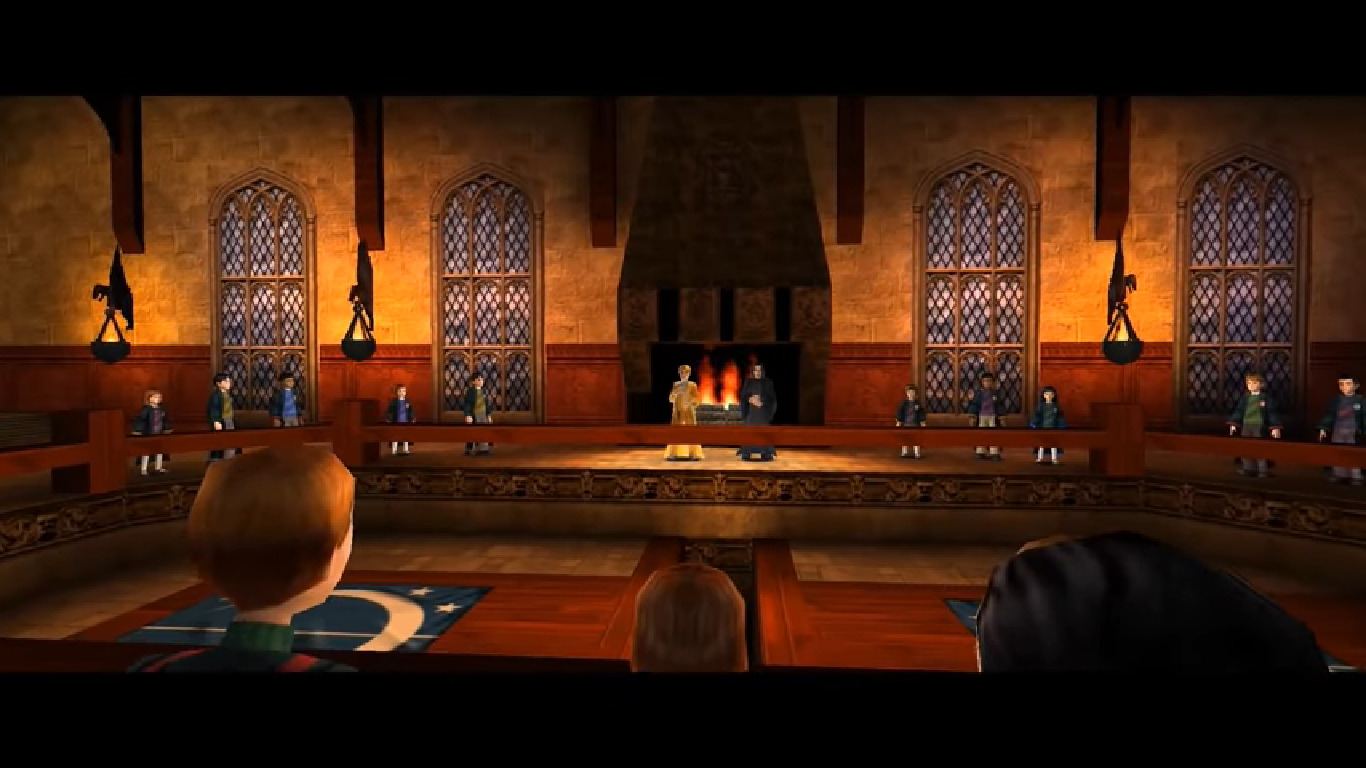
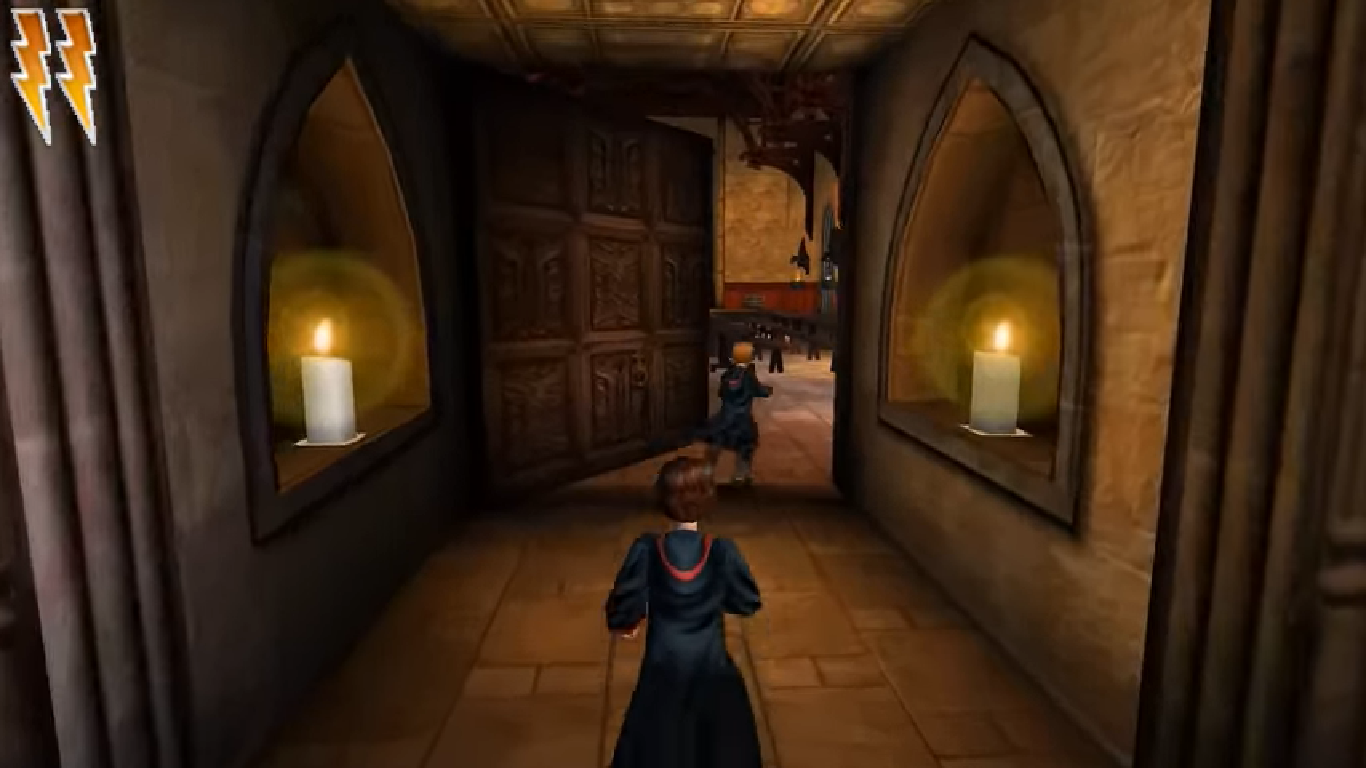
Harry Potter and the Chamber of Secrets Screenshots
Windows
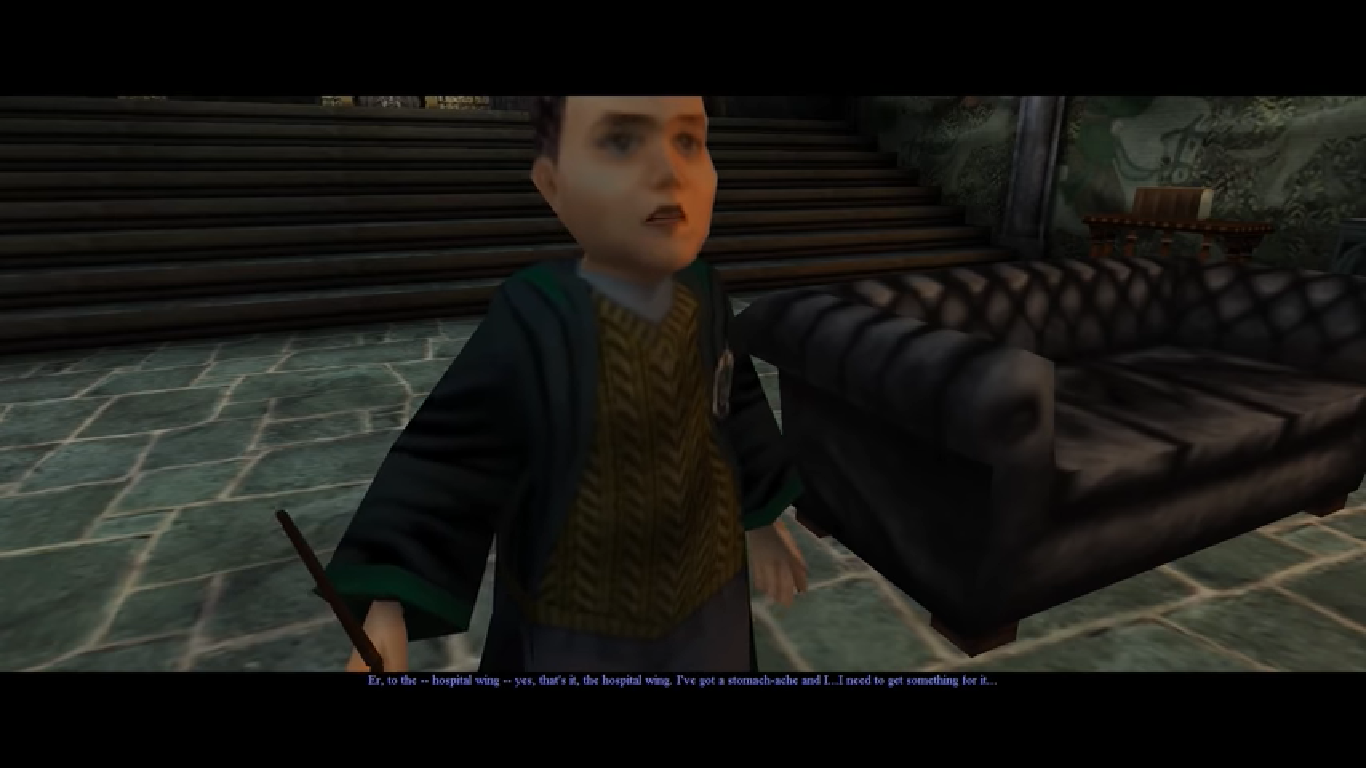
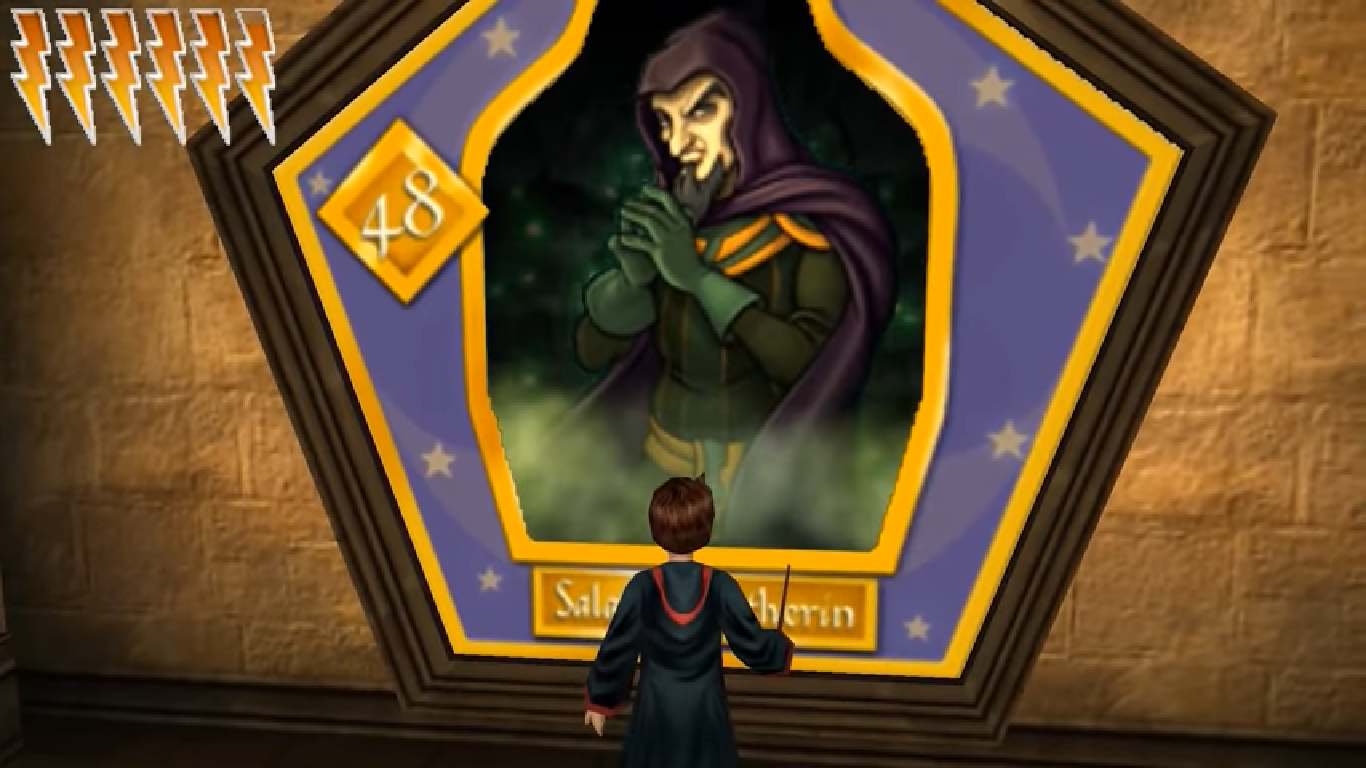
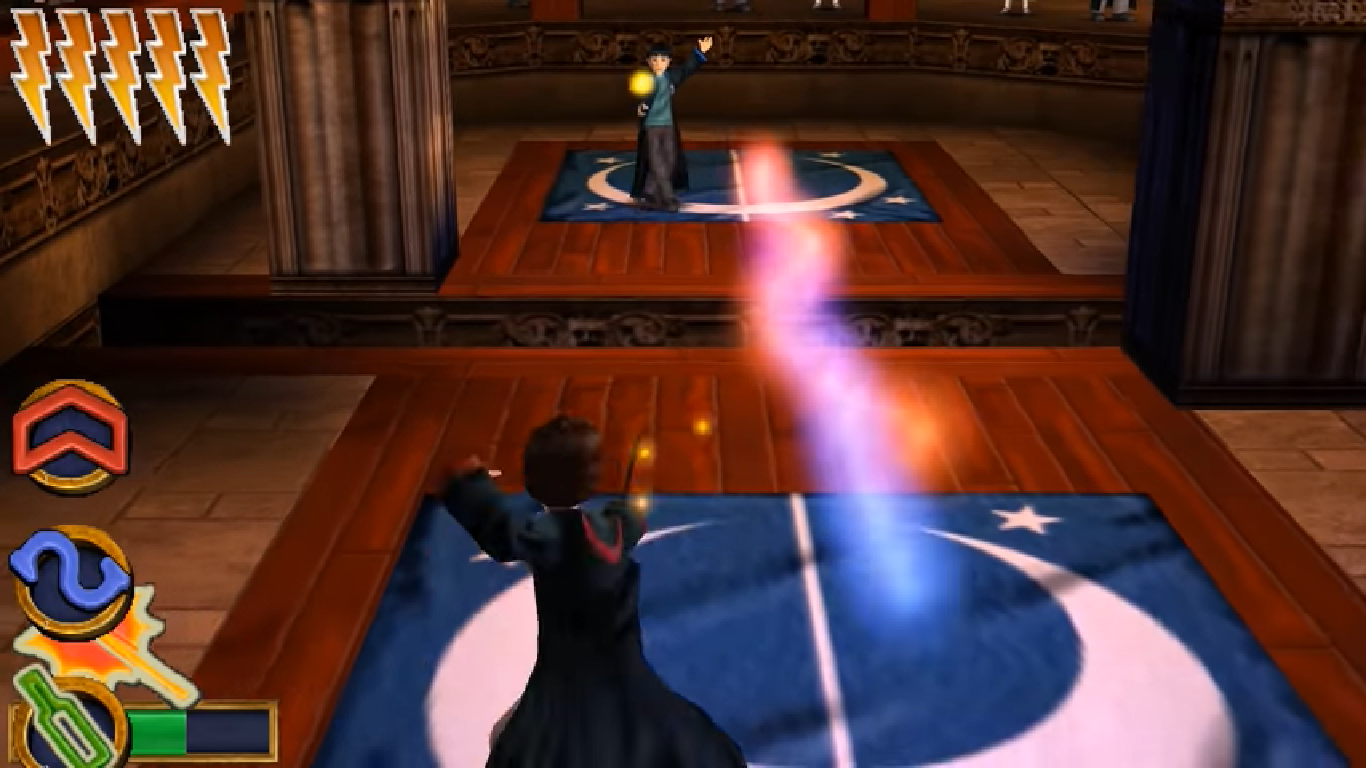
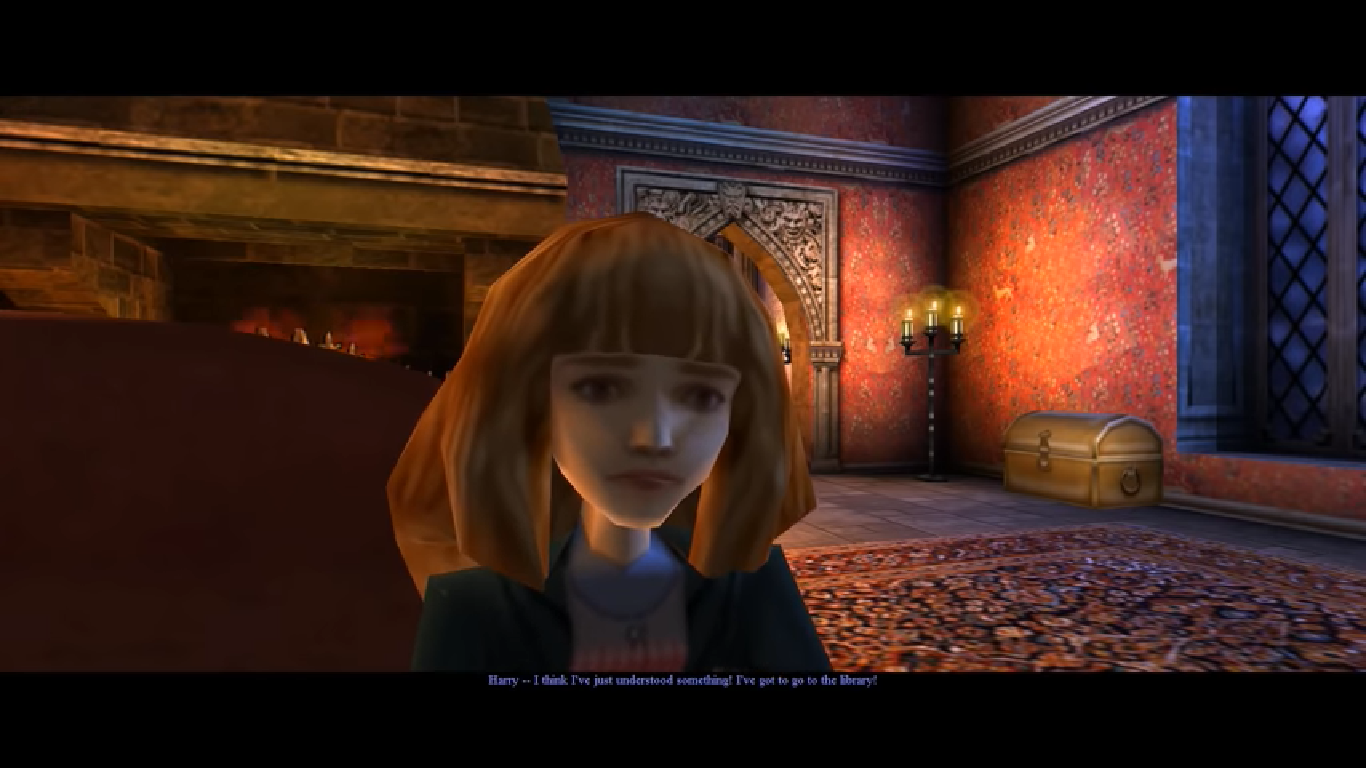
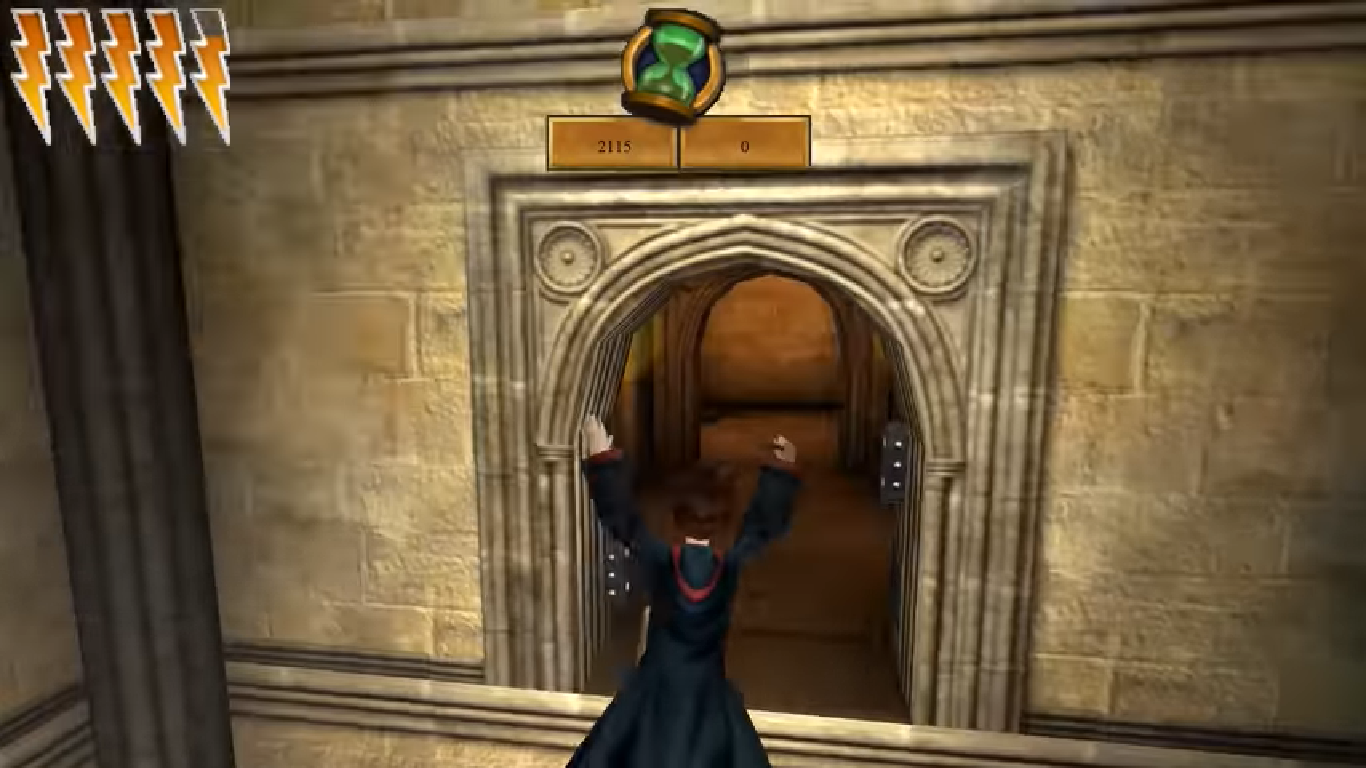
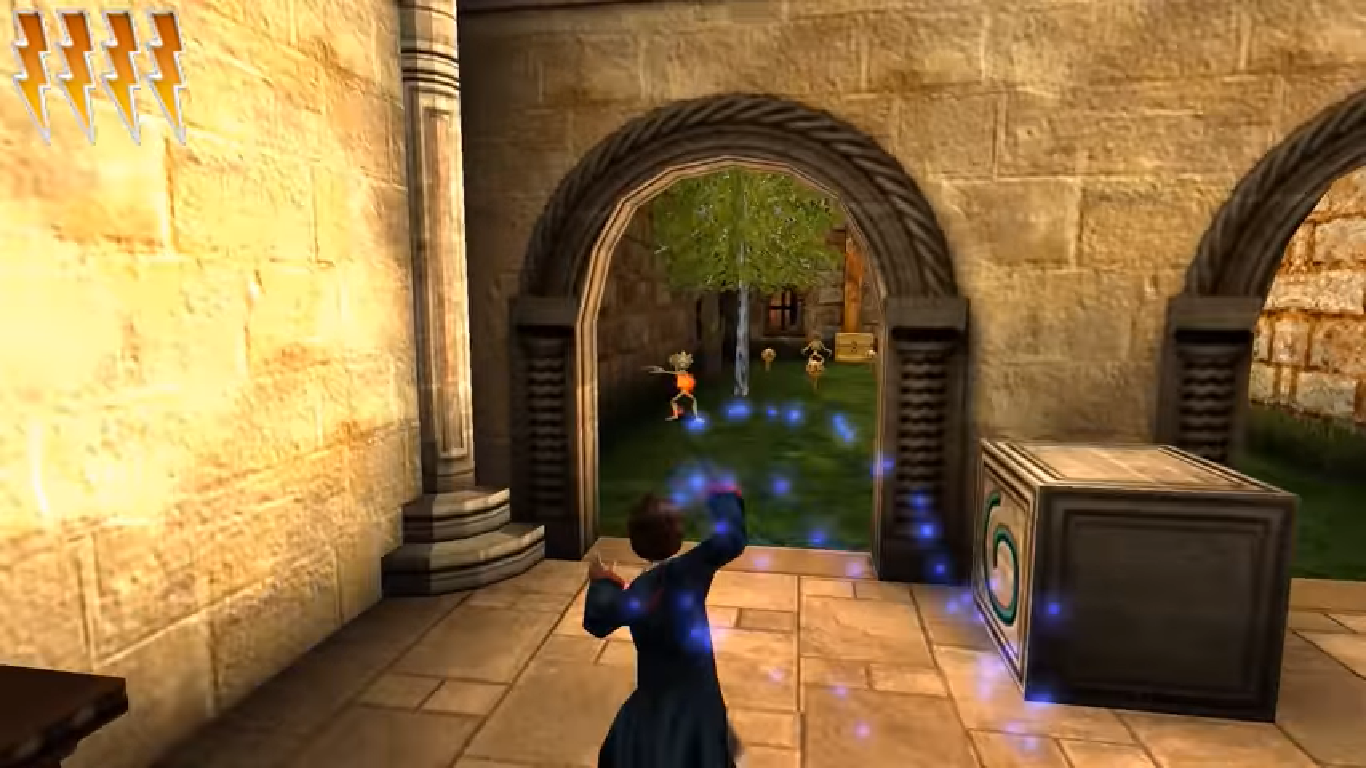

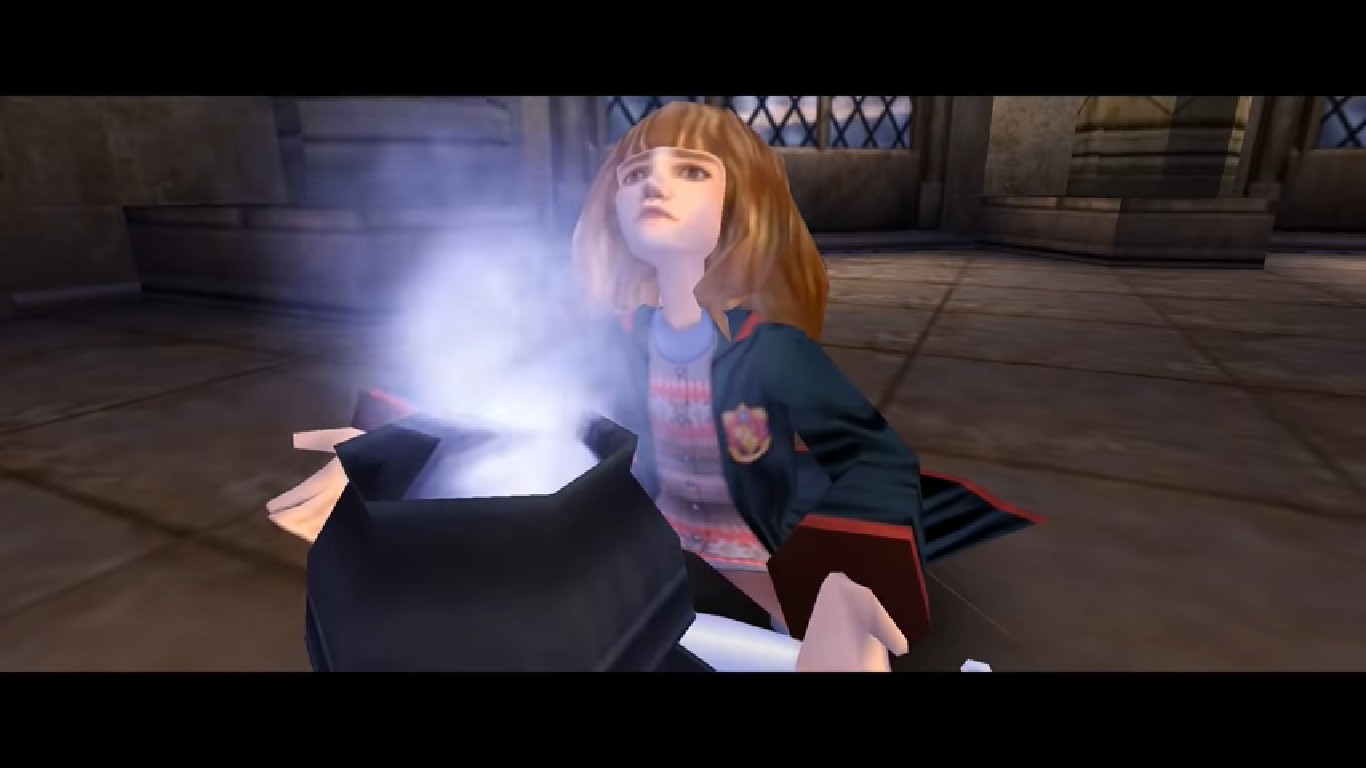

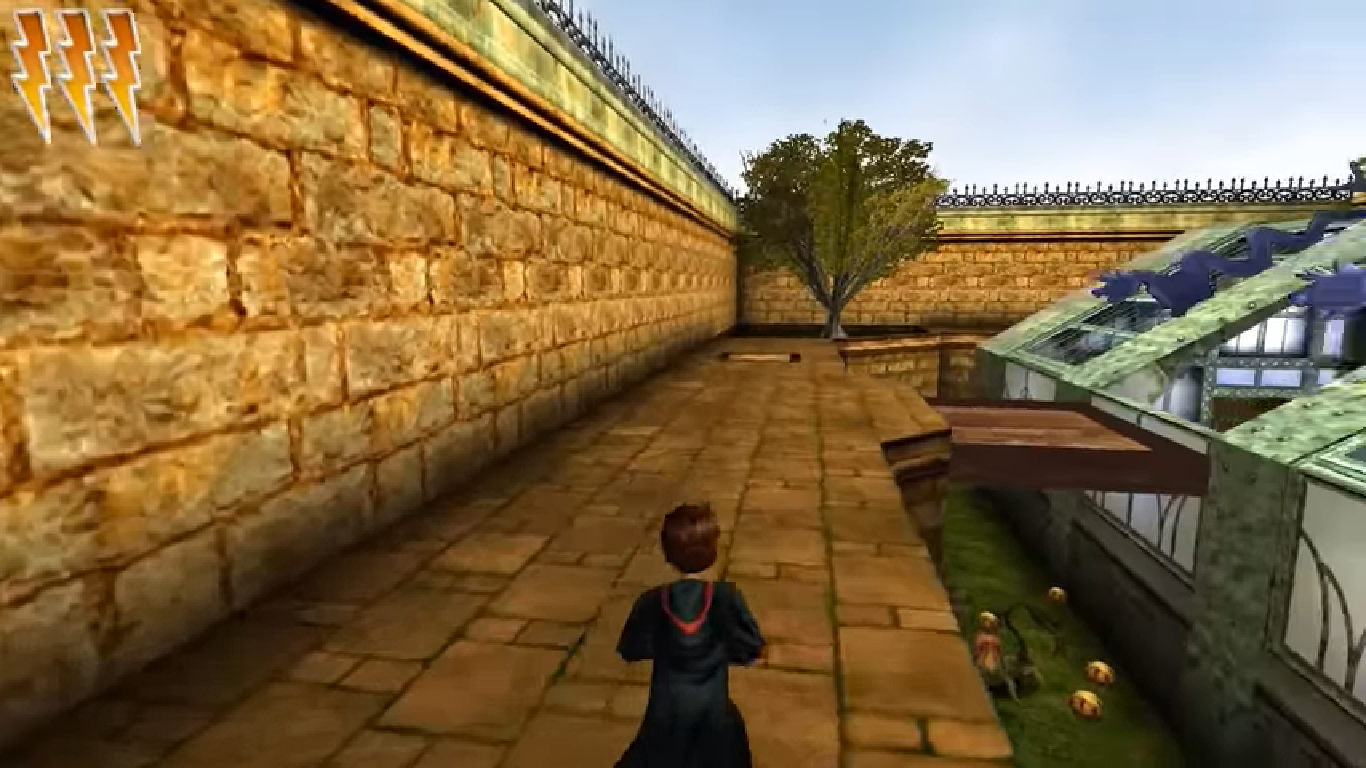


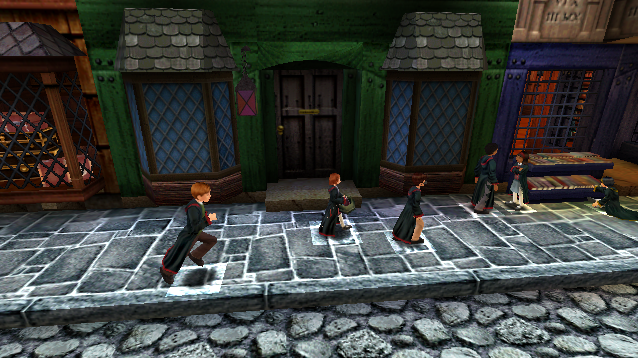

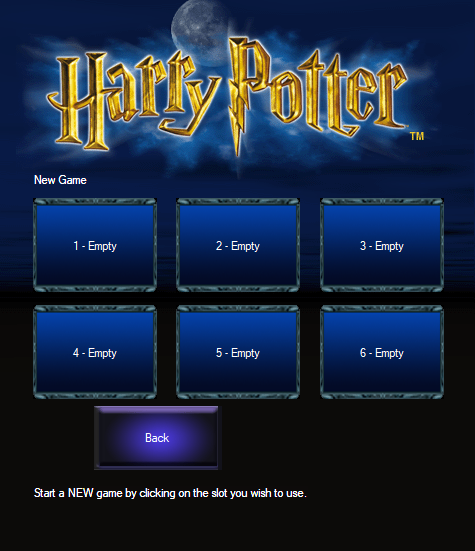

0
Also, after closing the game and coming back I found out that it didn’t save. Tried a couple more times and keeps happening. Can it be solved?
0
Thank you so much for providing this game (and the instructions to install), I played it a lot in my childhood and I’m so happy playing it again!
0
Also, could it be because every time I open it Windows hits me with the “Do you allow this to make changes to your device?” message? I always click yes and I’m running the game as administrator, but I can’t seem to get it to go
0
0
someone posted a video below “How To Get Harry Potter Games 1-3 Working on Windows 10 (+ Extra Graphical Improvements and Fixes)”. I didn’t particularly care about changing the resolution or anything, but I followed his instructions about editing the game.ini file’s framerate setting to 60 instead of 30. The game still lagged when I started it up again but then I just opened the menu, went to the sound and video options and changed texture detail to medium and color depth to 32 bit. The window blinked out for a second then came back perfect without all the choppy lag that made it impossible to move. It’s running exactly how I remember now. 🙂
Hope this helps!
0
0
0
I need the game files not the installer can someone reupload it?
0
0
0
0
Update, so I got the setup file working, turns out, step 4 is very important. that said the preinstall doesnt work
0
idk how its works im trying for 1 hour but i dont know what im doing wrong. if somoene can help me add me on discord: Lasse#1514
0
0
Full path: Control PanelProgramsPrograms and Features
Find Harry Potter then uninstall
0
Method 2: When Clicked on AutoRun.exe (I’ve already tried change the Compatibility)
https://uploads.disquscdn.com/images/adedc82d3cecc9c35a357eab4b8e8cc28f4f35aa4143bd4d3f31378d4ecc3cfa.png
0
0
0
0
0
0
I can crack the game my self if I wanted to.
0
0
0
Also, when I try to download the file for method one, I get taken to an external page that says ‘Item not available.’ Can anyone help please?