| Publishers | Activision |
| Developers | Edge Of Reality, Vicarious Visions, Beenox |
| Release date | 2006 |
| Genre | Action |
| Game rating |
Game Description
Over the Hedge is a 2006 video game based on the film of the same name, and a sequel to the same film. It was published by Activision, and was released on May 9, 2006. Edge of Reality developed the GameCube, PlayStation 2, and Xbox versions, Beenox developed the PC version, and Vicarious Visions developed handheld versions for the Nintendo DS and Game Boy Advance.
Download Over The Hedge
We might have the game available for more than one platform. Over The Hedge is currently available on these platforms:
Windows (2006)
Over_The_Hedge_Win_ROM_EN.7z (670MB)
Over_The_Hedge_Win_Files_EN.7z (409MB)
How to play on Windows
- Download and Extract Over_The_Hedge_Win_ROM_EN.7z
- Open the “Game Files” folder and mount Over the Hedge.nrg
- Run setup.exe and follow on-screen instructions to install the game (if you want the game in English, make sure you select “English Version” where prompted)
- Play the game
Additional files, patches and fixes
Over The Hedge Screenshots
Windows

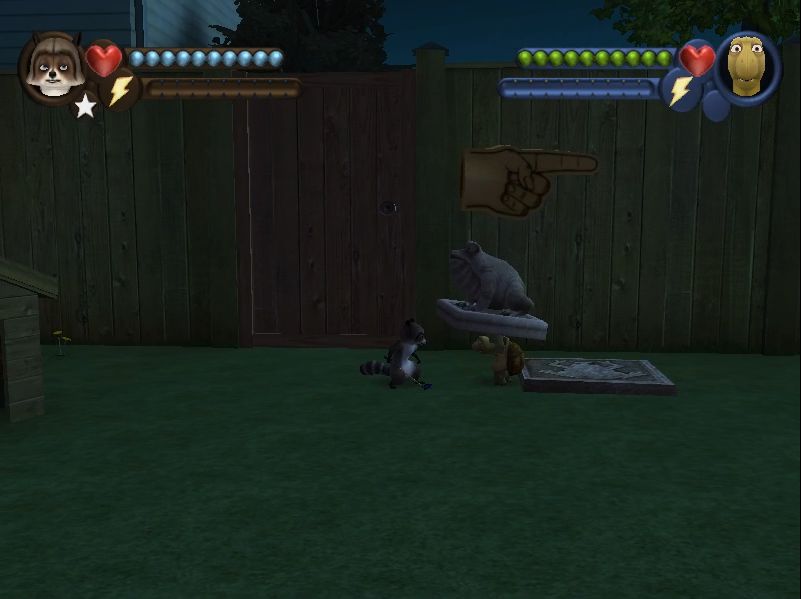
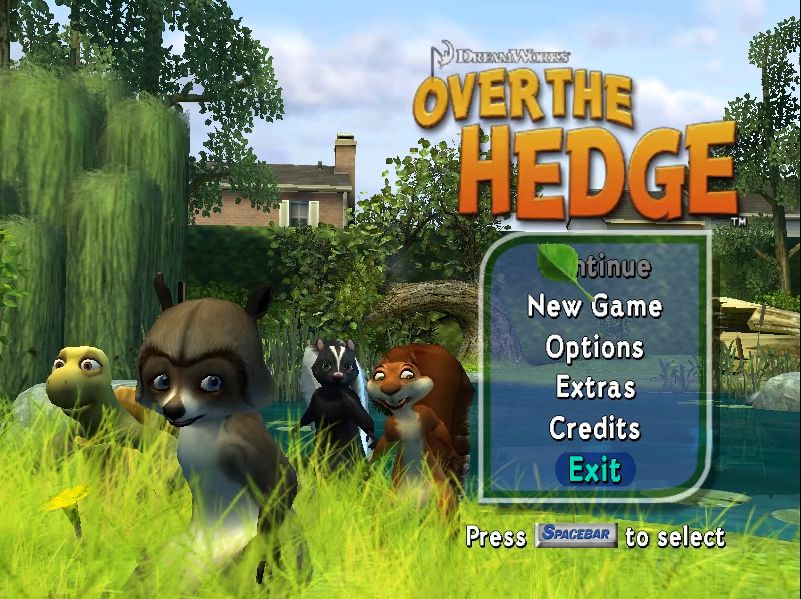



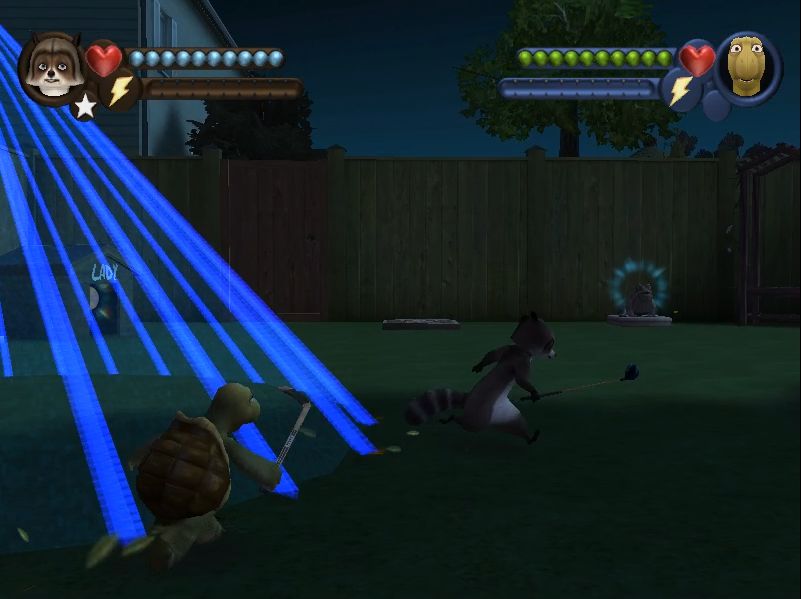
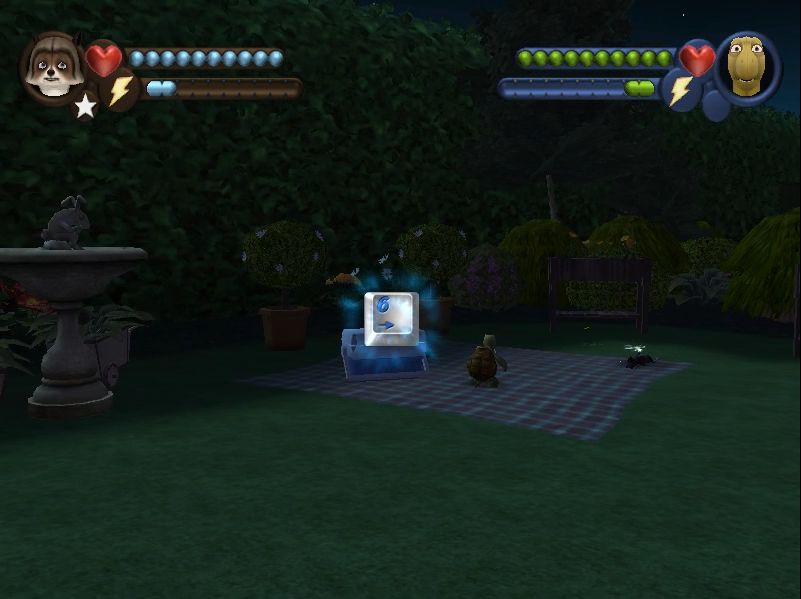
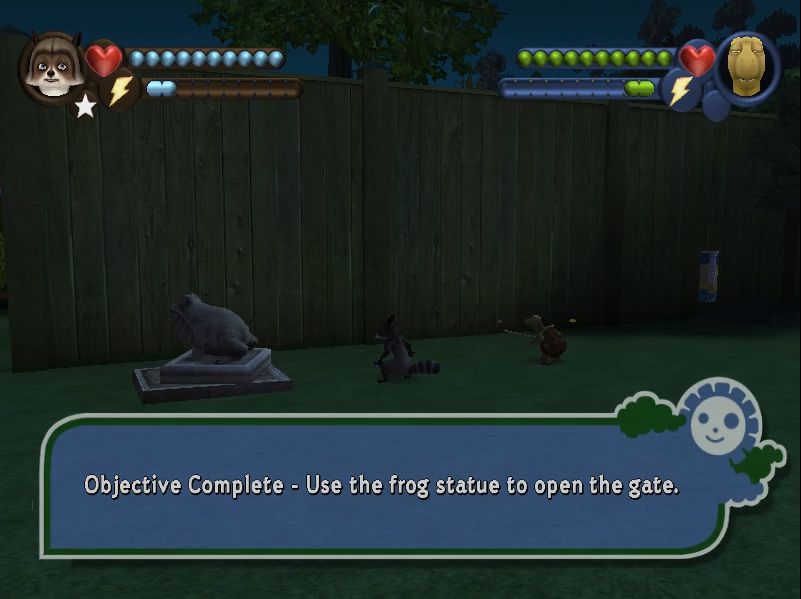
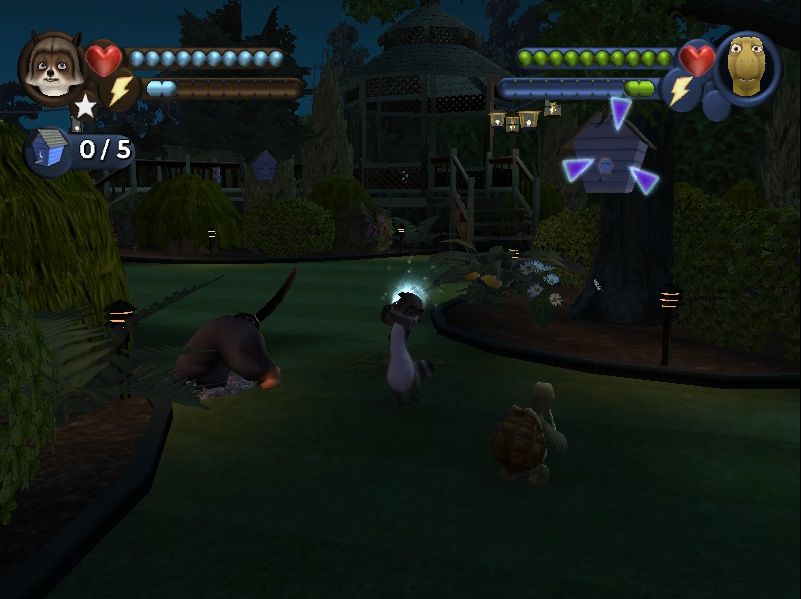
0
0
Use dgVoodoo 2
Download the latest version of dgVoodoo 2 and extract the archive.
To to MS\x86 folder and copy the D3D9.dll file.
Paste the file into the game installation folder where the game executable is.
Also copy the dgVoodoo.conf and open it in a text editor of choice.
Find FPSLimit and change it from 0 to 60.
Find dgVoodooWatermark and change it from true to false
This is what the site pcgamingwiki says to do. My game still runs to fast in fullscreen.. if this also happens you can try what I did – Download “FSR Magpie”, keep the game in windowed mode and let Magpie upscale the game to fullscreen; worked for me. Also, you might not need dgvoodoo2 if you use Magpie (though vooddoo does make the game look clearer)
0
0
0
0
0
0
0
0
0
0
0
0
0
0
0
0
0
0
0