| Publishers | Electronic Arts, US Gold, Electronic Arts Studios, Ocean Software |
| Developers | Electronic Arts, New Level Software, Donkey Do, Probe Entertainment, EA Advanced Technology Group, The Code Monkeys, 3d6 Games |
| Release date | 1991 |
| Genre | Vehicular combat, Racing |
| Game rating |
Game Description
Road Rash is a vehicular combat racing video game developed and published by Electronic Arts for the Sega Genesis in 1991. It was ported to a variety of contemporary systems and was followed by five sequels.
Download Road Rash
We might have the game available for more than one platform. Road Rash is currently available on these platforms:
Windows (1996)
Road_Rash_Win_ISO_EN.7z (380MB)
Road_Rash_Win_Setup_EN.7z (27.8MB)
How to play on Windows
- Download and Extract Road_Rash_Win_Setup_EN.7z
- Open the “Game Files” folder
- Double click on RoadRash.exe and install the game
- Copy paste RoadRash.bat from the Game Files folder to the game installation directory
- Launch game using ROADRASH.exe or desktop shortcut if you created one
- Play the game!
Additional files, patches and fixes
Road Rash Windows Manual (English)
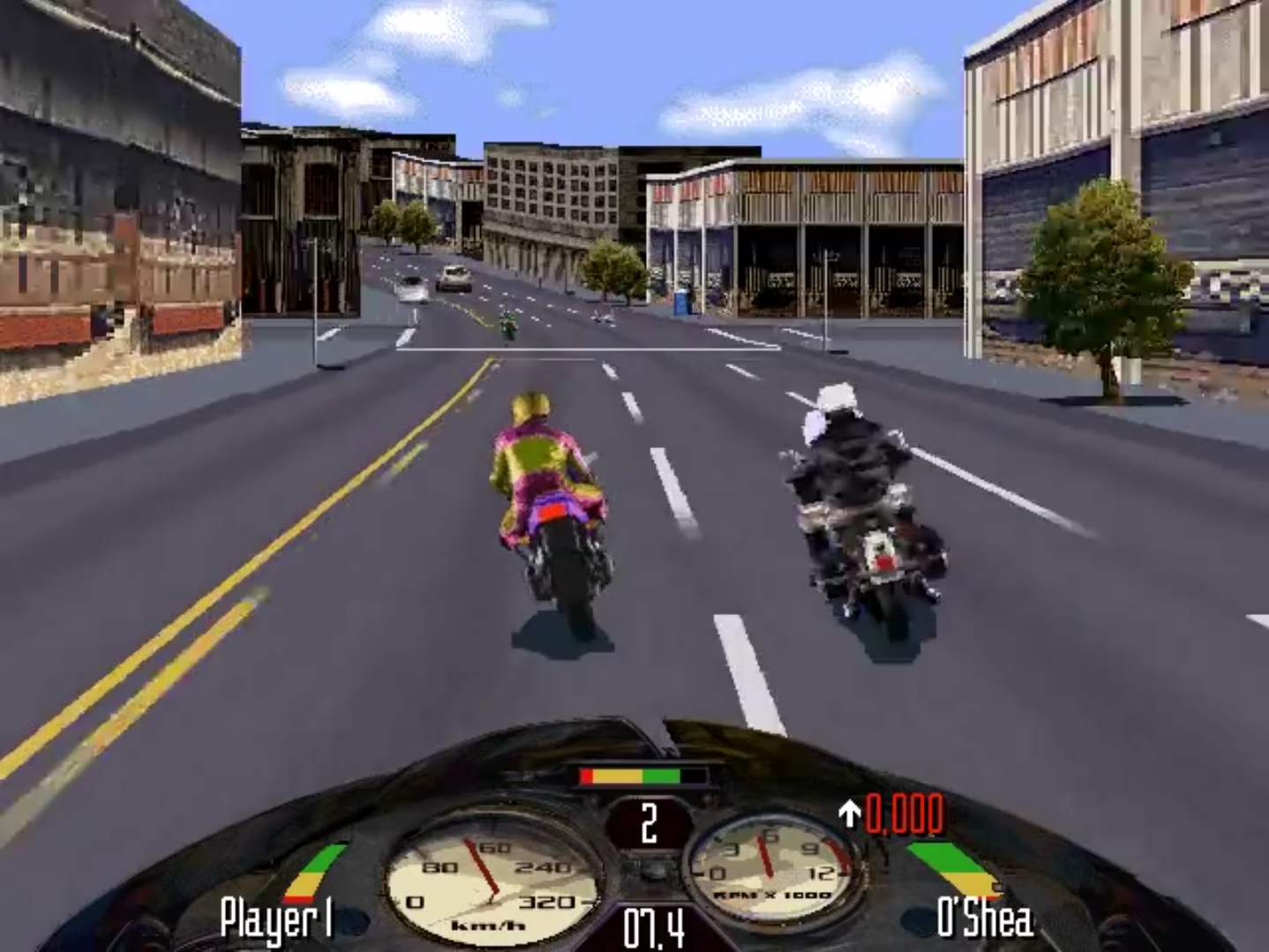
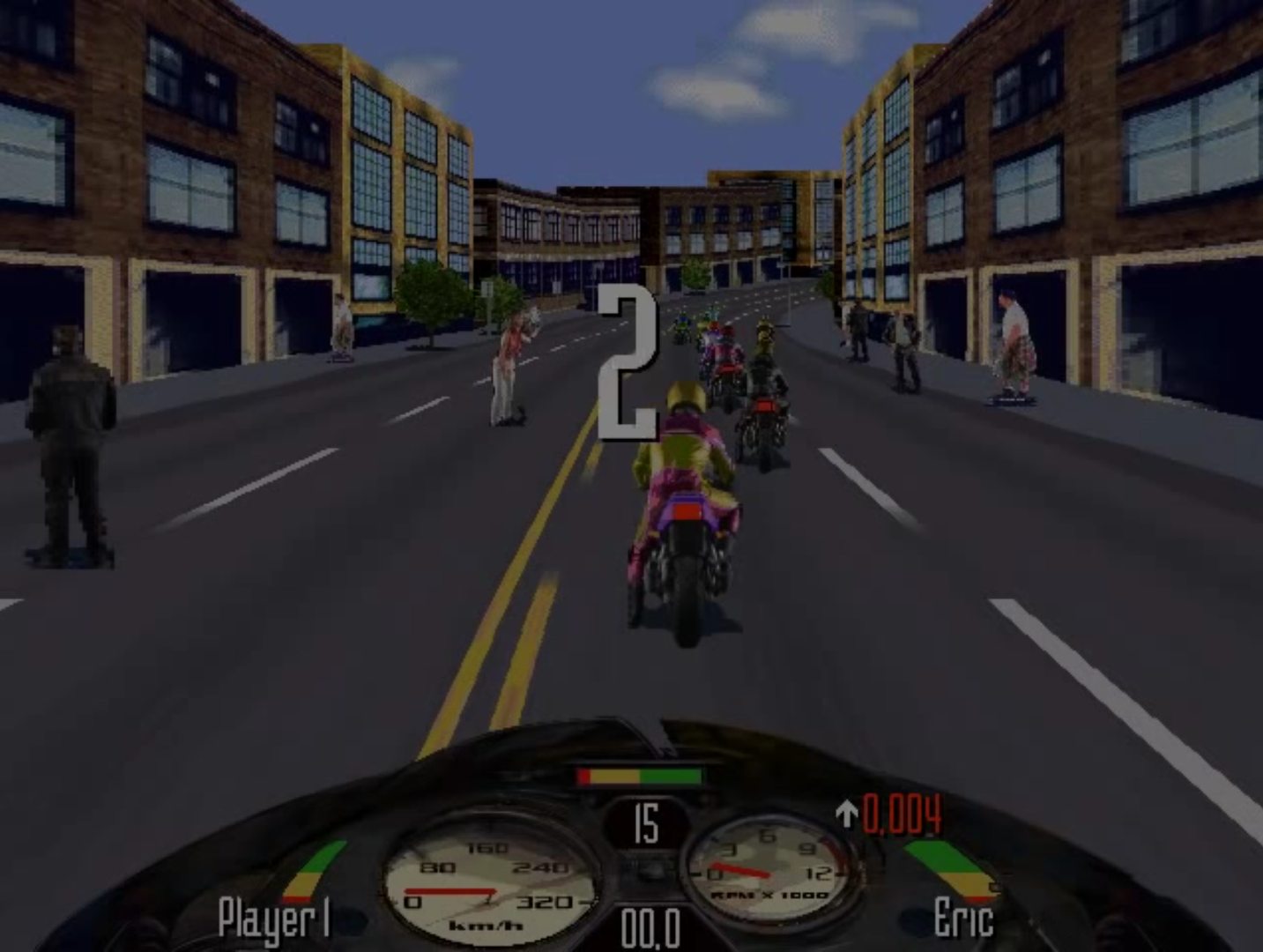
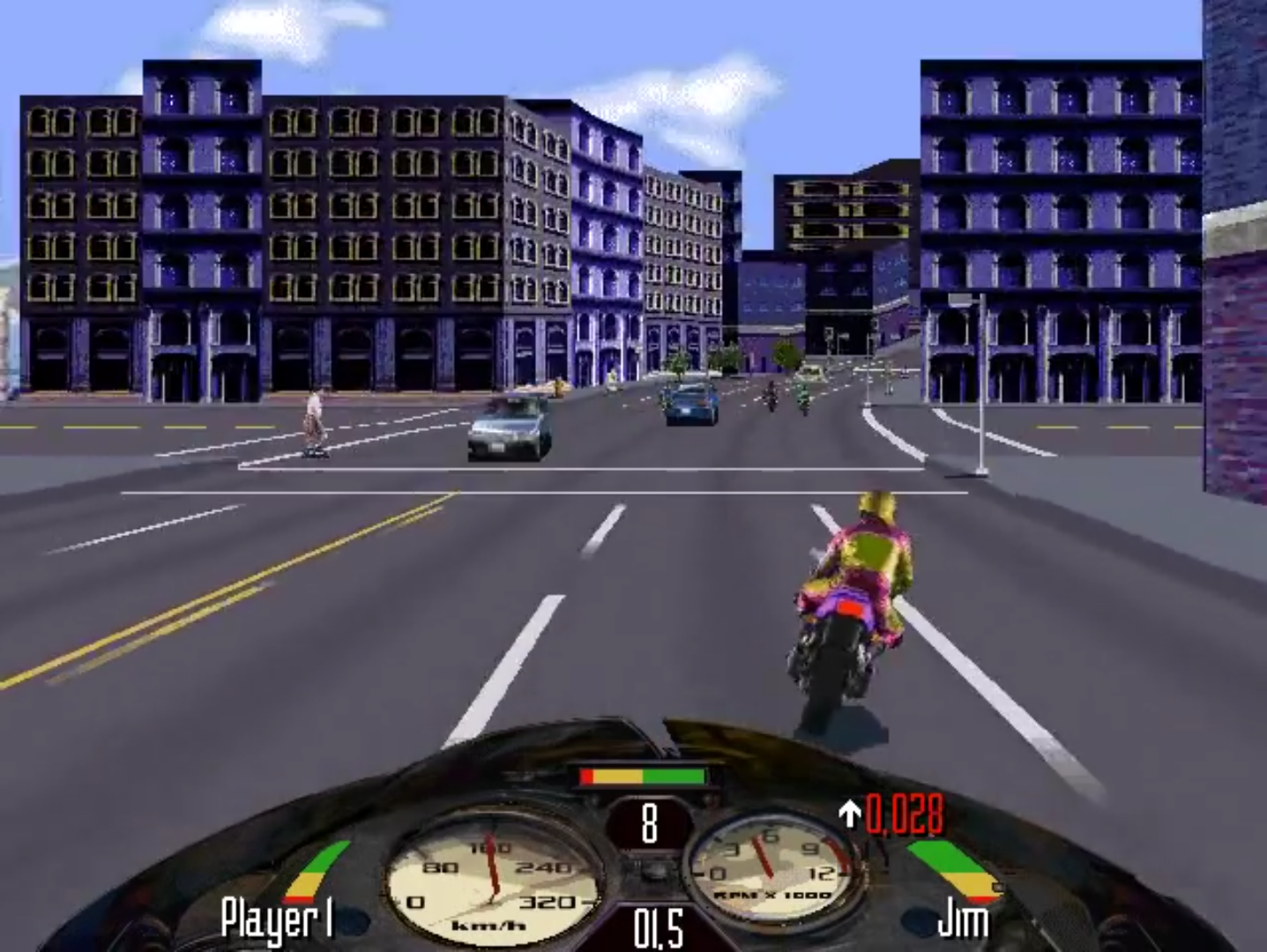
Road Rash Screenshots
Windows
0
0
0
0
0
0
0
0
1] Download the PowerISO/Daemon Tool whichever one you like.
2] Mount the ISO file by creating a virtual drive.
3] Make a new folder where ever you want the game to be. e.g.: E:Road Rash
4] Copy everything from ROADRASH and SETUP from the mounted ISO to E:Road Rash.
5] Play.
6] Drop a like to let me know this helped.
Note: The only difference between the second smaller installer is that there are no videos. That is why the ISO is larger.
https://uploads.disquscdn.com/images/c7fb78f62f11a4780e6fefc8c7abac8eccdff175bb017f7d6801f8288b10dae4.png
0
no-cd patch here
0
0
0
link: https://drive.google.com/file/d/1-8FNRxIvVg4H8VRKLiW9nuGzpSnUjdHK/view?usp=sharing
this link is upper download link on this website . i remake it for opening problem on latest windows
2 Open the ROADRASH.iso (488 MB) . file . it will opened as CD Disk File in My Computer
3 Download Road Rash Installer
link https://drive.google.com/file/d/1758rXetsNIq3ueJd7KNfFrbVELU4DWuO/view?usp=sharing
4 Open Road Rash Installer
5 Select the drive that you want to install
6 Open The location and click RASHME.EXE or ROADRASH.EXE and Play the Game
there is virus in my google drive . trust me .
0
1. After mounting the .ISO file, I’m getting “Unsupported 16-bit Application” error. Also, when I click “Setup.exe” from the “SETUP” folder, I’m getting “This app can’t run on your PC”.
2. The Road Rash Installer link you’ve given returns “Page Not Found” error.
0
0
0
0
0
link: https://drive.google.com/file/d/1-8FNRxIvVg4H8VRKLiW9nuGzpSnUjdHK/view?usp=sharing
this link is upper download link on this website . i remake it for opening problem on latest windows
2 Open the ROADRASH.iso (488 MB) . file . it will opened as CD Disk File in My Computer
3 Download Road Rash Installer
link https://drive.google.com/file/d/1758rXetsNIq3ueJd7KNfFrbVELU4DWuO/view?usp=sharing
4 Open Road Rash Installer
5 Select the drive that you want to install
6 Open The location and click RASHME.EXE or ROADRASH.EXE and Play the Game
there is virus in my google drive . trust me .
0
the game works great, but the coulors are fucked.
playing on a win 7 64 bit system.
0
0
0
0
0
0