| Publishers | Warner Bros. Interactive Entertainment |
| Developers | Torus Games |
| Release date | 2010 |
| Genre | Action |
| Game rating |
Game Description
Scooby-Doo! and the Spooky Swamp is a third person platform game with action elements developed by Torus Games and published by Warner Bros. Interactive Entertainment for the PlayStation 2, Wii and Nintendo DS consoles and also for Microsoft Windows.
Download Scooby-Doo! and the Spooky Swamp
We might have the game available for more than one platform. Scooby-Doo! and the Spooky Swamp is currently available on these platforms:
Windows (2010)
Scooby_Doo_and_the_Spooky_Swamp_Win_ISO_EN.7z (1.63GB)
How to play on Windows
- Download and Extract Scooby_Doo_and_the_Spooky_Swamp_Win_ISO_EN.7z
- Mount the ISO file and run the game setup
- Follow on-screen instructions to finish installation
- Launch game using desktop shortcut
Additional files, patches and fixes
Scooby-Doo! and the Spooky Swamp Screenshots
PlayStation 2


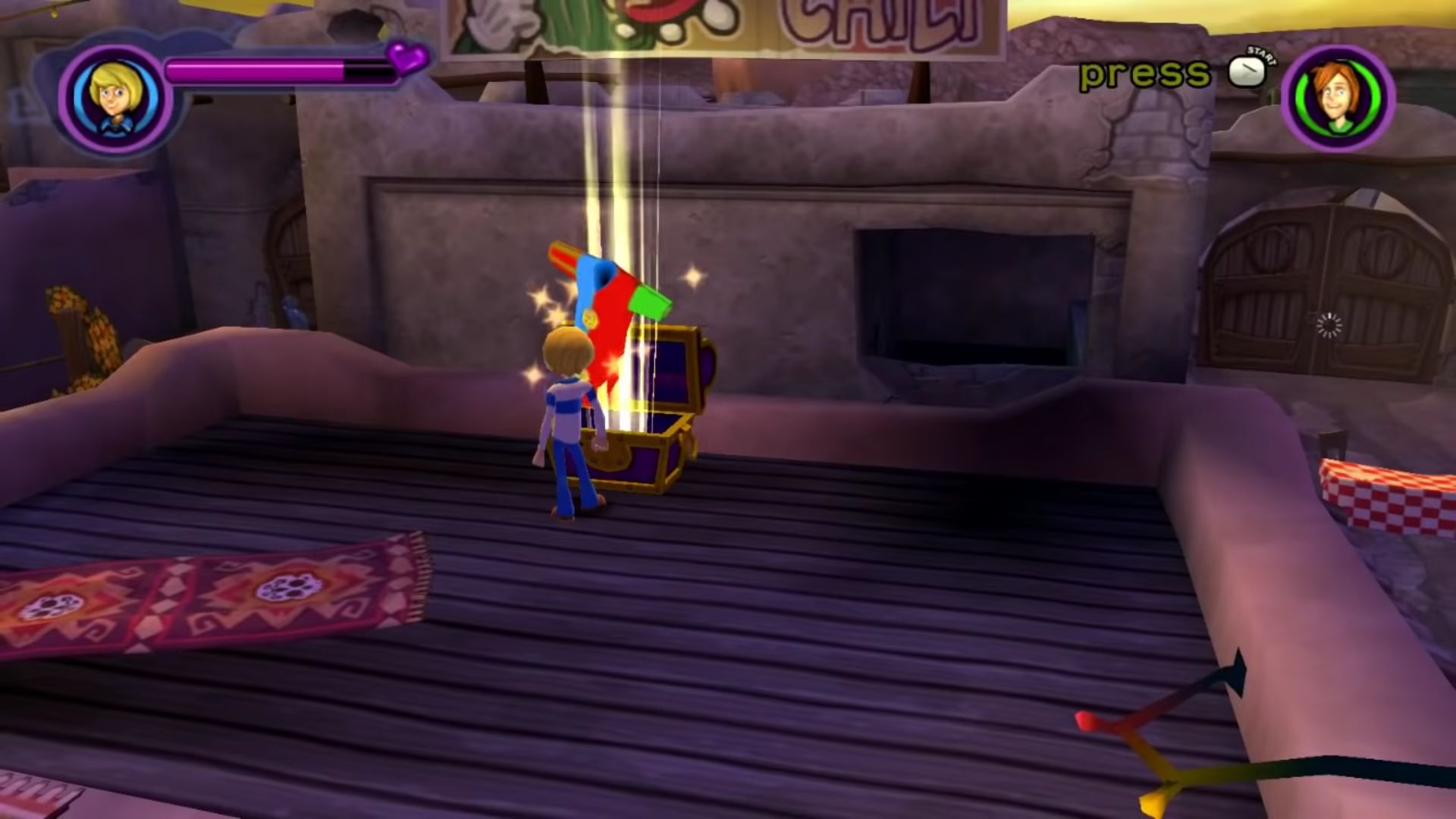
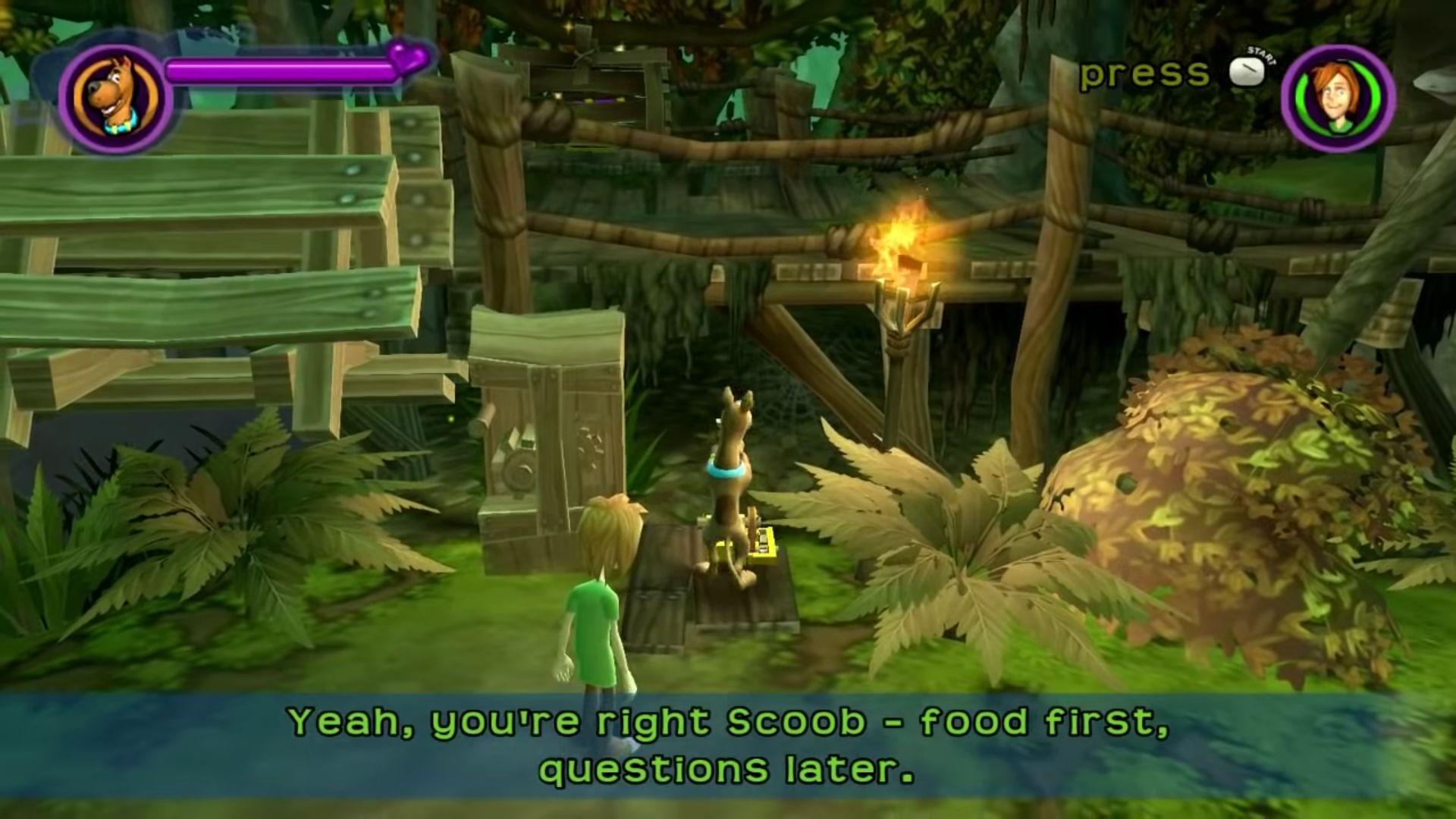
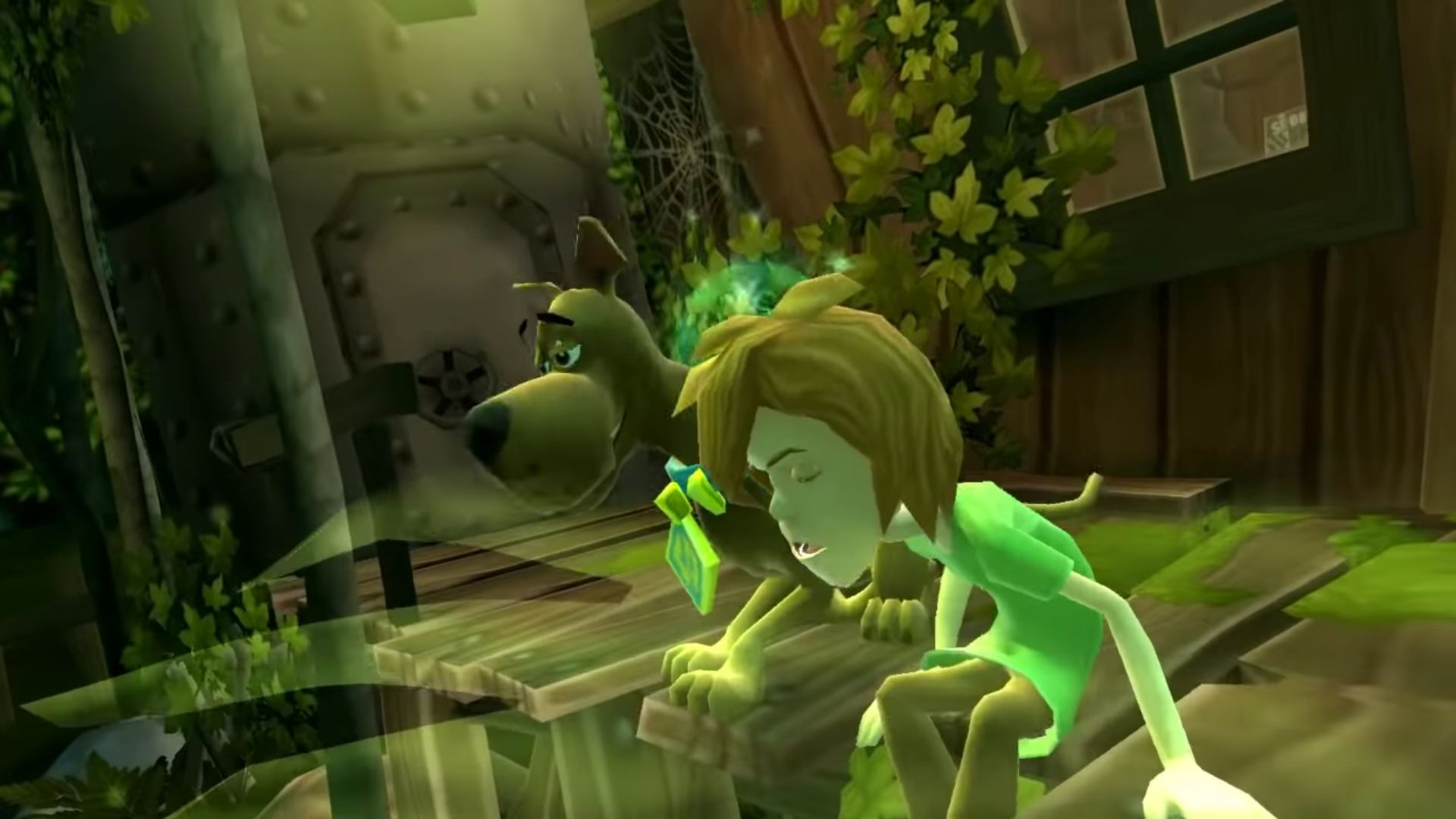
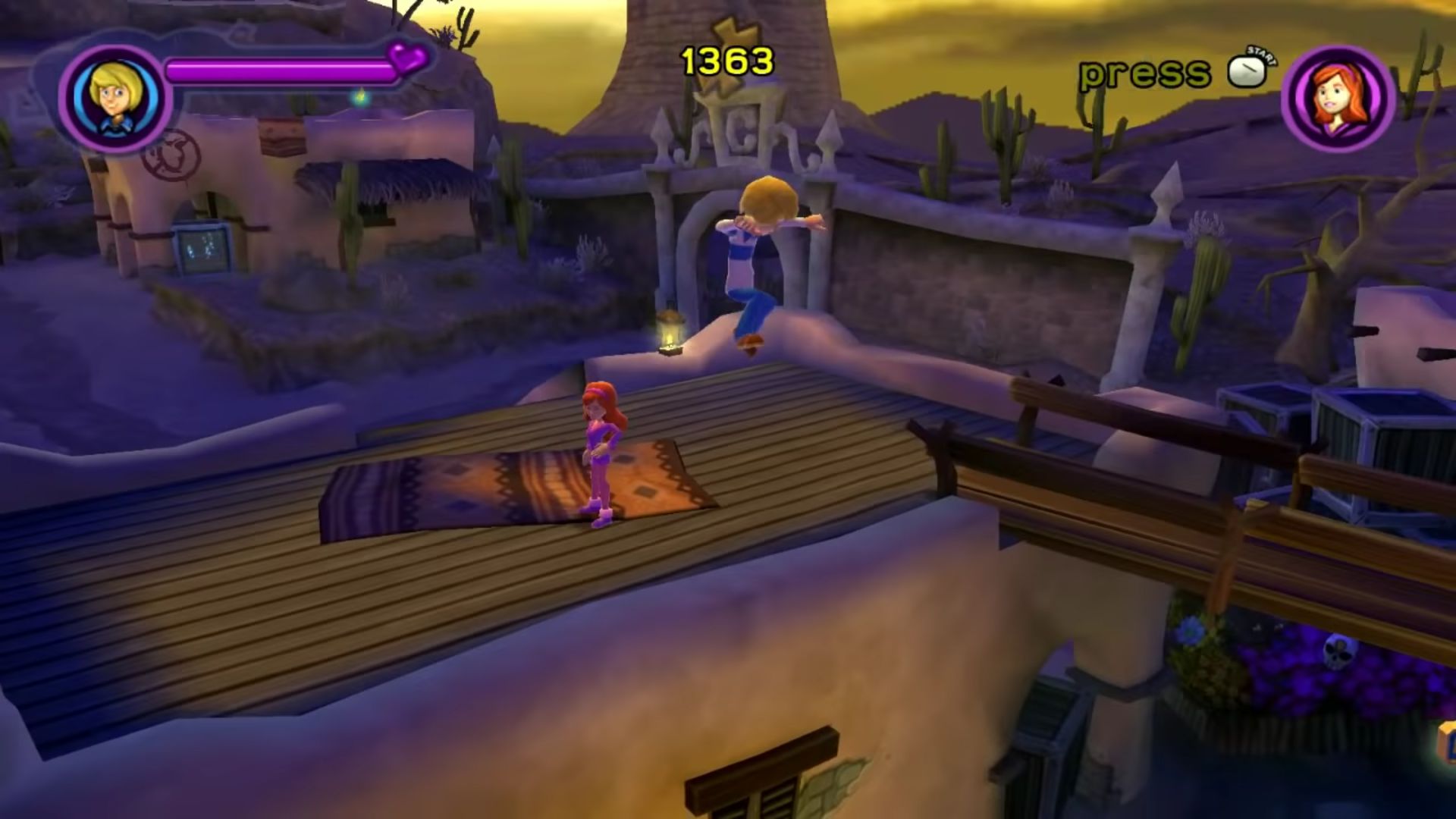
0
0
0
In a main game folder, the one with manual, acpc . Paste it here and if prompted to, click replace file in destination.
0
0
0
0
With this same problem with the ”crack” folder, you just copy it and then that alone doesn’t work (-_-) but wait, go to the key where you lose the security code, go to the three options that are scanning the computer, wait no Are you scared, okay? It will take a while to scan and then you will see that the world folder is a little and at the end glue crack and at the end say fusono?
access key problem. It is important to clack this at the end
0
0
0
0
0
0
0
0
0
0
0
0
0
if you have the zip file, unzip, then mount the OGD scooby doo disc file, and find the set up, and run that till its done.
in the same window that poped up when you mounted the scooby doo disc file, there should be a folder called ” crack”, drag that to your desktop.
Then, open windows explorer, and go to your main hard drive, and in it should be 2 foulders called program files, the on you want is the one with numbers following it. inside that program files folder, should be a folder called “WB games”.
open the “WB Games” folder, and find the “scooby doo and the spooky swamp” folder, and open it.
now go and also open the crack folder you dragged to your desktop before.
and you should see inside the crack folder is a file called “scooby2”, drag that into the scooby doo and the spooky swamp folder, and if prompted to, click replace file in destination
you should be abel to run the game from the desktop icon it makes no problem after that
0
0
0
0
0