| Publishers | The Learning Company |
| Developers | Riverdeep Interactive Learning Limited |
| Release date | 2002 |
| Genre | Adventure, Educational |
| Game rating |
Game Description
Scooby-Doo! Case File #1: The Glowing Bug Man is a 2002 Windows XP game by the Learning Company for ages 5-10. The game has different simulated endings depending on difficulty and the clues found throughout the game.
Download Scooby-Doo! Case File 1: The Glowing Bug Man
We might have the game available for more than one platform. Scooby-Doo! Case File 1: The Glowing Bug Man is currently available on these platforms:
Windows (2002)
Scooby_Doo_Case_File_1_The_Glowing_Bug_Man_Win_ROM_EN.zip (401MB)
How to play on Windows
- Download and Extract Scooby_Doo_Case_File_1_The_Glowing_Bug_Man_Win_ROM_EN.zip
- Open the “Game Files” folder
- Mount “Case File 1.bin” and run “PLAY.EXE”
- Follow on-screen instructions to install the game
- Play the game
Additional files, patches and fixes
Scooby-Doo! Case File 1: The Glowing Bug Man Windows Manual (English)
Scooby-Doo! Case File 1: The Glowing Bug Man Screenshots
Windows


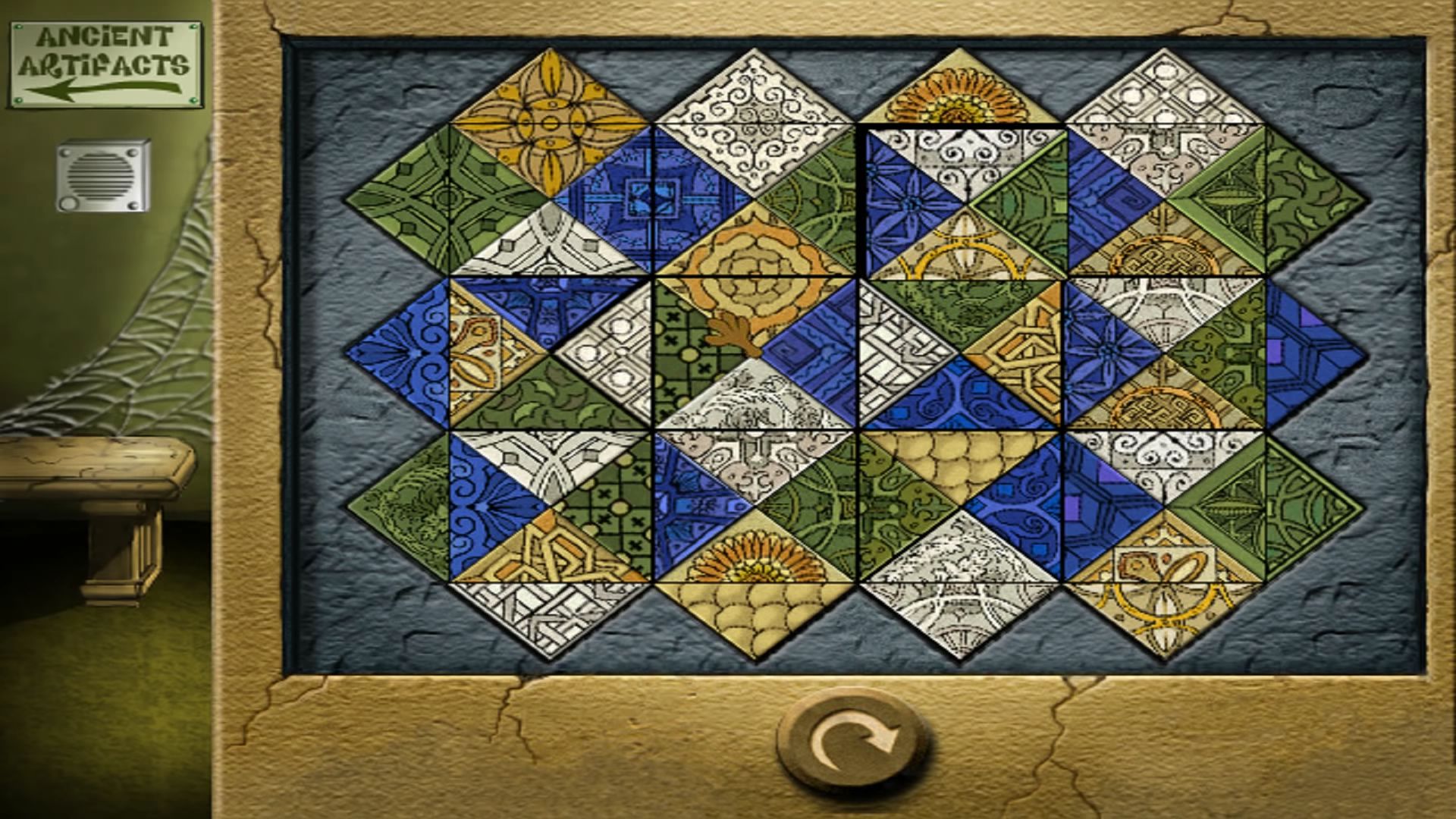
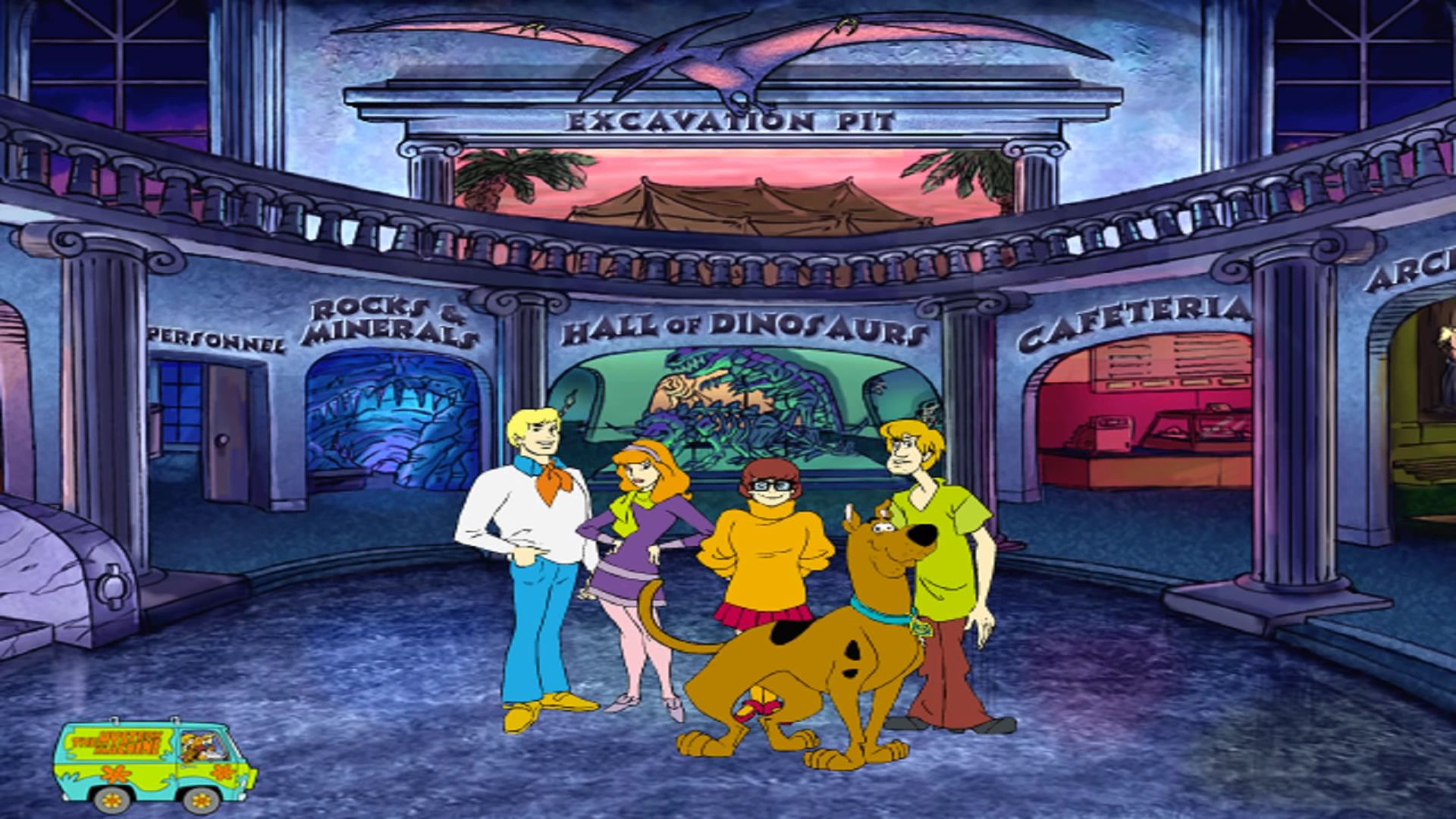

0
0
Before we start, make sure you have:
✅ Oracle VirtualBox installed (free)
✅ A Windows XP ISO (Home or Professional, 32-bit)
✅ Your Scooby-Doo game CD or ISO
If you already have those, jump right in.
1️⃣ Create a Windows XP Virtual Machine
Open VirtualBox
Click New
Fill in:
Name: Windows XP
Type: Microsoft Windows
Version: Windows XP (32-bit)
Click Next
Memory (RAM)
Set 512 MB (or 1024 MB if your PC can spare it)
Hard Disk
Select Create a virtual hard disk now
Type: VDI
Allocation: Dynamically allocated
Size: 10–20 GB (10 is enough)
Click Create
2️⃣ Install Windows XP
Select your new XP machine → Settings
Go to Storage
Under Controller IDE:
Click Empty
Click the CD icon → Choose a disk file
Select your Windows XP ISO
Click OK
Start the VM
Click Start
Follow the Windows XP installer:
Press Enter to install
F8 to accept license
Choose the disk
Format with NTFS (Quick)
⏳ This takes a bit. Let it finish and reboot until XP reaches the desktop.
3️⃣ Install VirtualBox Guest Additions (Important)
This improves graphics and mouse control.
With XP running, click Devices (top menu)
Select Insert Guest Additions CD Image
Inside XP, open My Computer
Run VBoxWindowsAdditions.exe
Reboot XP when finished
4️⃣ Mount the Scooby-Doo Game
If you have a physical CD
VM Settings → Storage
Under Controller IDE → add Optical Drive
Choose Host Drive
Make sure “Live CD/DVD” is checked
If you have an ISO
VM Settings → Storage
Choose Optical Drive → Choose a disk file
Select the Scooby-Doo ISO
Click OK, then start XP.
5️⃣ Install Scooby-Doo in Windows XP
Inside XP, open My Computer
Open the Scooby-Doo CD
Run Setup.exe or Install.exe
Install normally
When finished, leave the CD/ISO mounted
⚠️ Important:
Do NOT remove the CD/ISO — the game checks for it when starting.
6️⃣ Run the Game 🎮
Start the game from:
Desktop shortcut or
Start Menu
👉 The “reinstall” error should be gone.
XP understands the game’s file checks and codecs properly.
🔧 Recommended Settings (Fix Glitches)
Inside VirtualBox Settings → Display:
Video Memory: 64–128 MB
Graphics Controller: VBoxVGA
Disable 3D Acceleration
If the mouse feels weird:
Press Right Ctrl to release it
Or enable Auto-capture mouse
0
0
0
0
0
0
0
0
If have any issues or you want to see my other 250 the learning company Games.
The Link for the game is below
Scooby-Doo! Case File 1: The Glowing Bug Man
https://archive.org/download/httpsarchive.orgdetailslearning-creative-64-bit-installation-version-3.7/Learning-Creative%2064-bit%20Installation%20%28Final%20V.3.7%29/The%20Princeton%20Review%20%26%20Scooby-Doo/Scooby-Doo%2C%20Case%20File%20%231%20The%20Glowing%20Bug%20Man.iso
Hi everybody or old games team seeing this. (Being re-edited for November 2021 build with learning upgrades that were released to fix compatibility issues with Windows 11-based systems).
The old games team already has the latest version for Scooby-Doo! Case File 1: The Glowing Bug Man. However, it does work but fails on Windows Vista & above due to lack of run times & Indeo Codec. This ISO as of (version 3.5) will now work with Windows 8 & 10 Builds. (Warning 1 & 2).
Warning 1: install Indeocodic which is required for windows 10. Might have Random underlining issues that prevent it to install reported for some users.
Link below
https://archive.org/downloa…
If the manual installation does not work please email me for SophieAyase’s version.
Warning 2: SophieAyases’s version from that installer was rewritten & made even more aggressive attempts to remove the newer Indeocodic & force enable Indeo video Raw (yvu9).
This might damage Windows 10 itself.
Warning for Windows 8 & 10 users: Due to infrastructure security Changes by Microsoft that you will see a lot of kernel & runtime errors, Of how regsvr32 ir50_32.dll is hindered at the engineering level. If you click yes you might see massage error 227, or 643. You can safely click ok without issue. Then you will see searching for instances of Netscape. Please wait… after that is done to press the developer to install for components indeo audio encoder & codec. Indeo video Raw (yvu9) is also required for Scooby-doo case file 1 to work. Which is included in the installer.
Coding changes: IV what I did was the following changes
• IV now added Microsoft DirectX June 2010 under the installer. It is based on blackwingcat June 2010. Windows 2000 should Work. However Windows 2000 are no longer supported. I’ve only tested it on reader rabbit and Scooby-doo and just works.
• Iv reconfigured Indeo Video 5.0, 4.0, or 3.2 codec to be detected on systems that are running on windows vista & Windows7. By looking for code C: WindowsSystem32Ir50.32.dll, IR.qc.dll or IR50.qck.dll, Ir4.32.ax, Ir41.qc.dll Or Ir/.qcx.dll including Video 3.2 Ir32.dll.
For Windows 8 & 10: it chicks for Indeo Audio Codec & Indeo Audio Encoder code.
• Including C:WindowsSysWOW64 under 64-bit Windows if detected on Windows Vista & Windows 7 you will see this message you need to install Indeo(R) 5. Click OK to continue.
• For Windows 8 & Above (Despite what this game claims It does not rely on Indeo Video 5.0. 4.0 or 3.2 codecs or C: WindowsSystem32Ir50.32.dll, IR.qc.dll or IR50.qck.dll, Ir4.32.ax, Ir41.qc.dll, Ir/.qcx.dll including Video 3.2 Ir32.dll) instead it users Indeo Audio Codec. & Indeo video Raw (yvu9).
The following components ware Upgraded from adobe acrobat 5 to version 9 if for any reason Adobe reader 9 becomes incompatible With Windows 10 use Foxit Reader. Or other .pdf software likes google chrome.
I’ve also added 4 run-times Components from the Windows XP Environment that will work with Windows 8 & above. Sadly I forget what thaw ware. So you have to trust me that it is safe.
I even adding and altering code under setup.exe and setup.ini Source for the installation framework to work under Windows above Vista. By doing this is to modernize the behavior of
win32’s even rerouting existing code for a smoother experience with windows 10.
Warning 1: The upgraded versions from that archive made quite a departure from its 2002 code. Functionality-wise is no longer compatible with the Windows 9x environment. As of Version 3.5. Windows 2000 or XP are not supported. They may well run – I Can no longer offer support for issues that occur when using the games under those systems.
0
0
0
-1
0
0
Log in as administrator to the command line and type there: regsvr32 ir50_32.dll