| Publishers | Activision |
| Developers | Luxoflux, KnowWonder, Beenox, Aspyr, Vicarious Visions, Skyworks Interactive |
| Release date | 2004 |
| Genre | Action, Adventure, Fighting |
| Game rating |
Game Description
Shrek 2 (also known as Shrek 2: The Game and ported for the PC as Shrek 2: Team Action) is an action-adventure video game published by Activision and released in 2004. The game was developed by Luxoflux for the PlayStation 2, Xbox and GameCube, while a version for PC was developed by KnowWonder.
Go beyond the film as you guide Shrek and all his pals on a thrilling, squad-based action-adventure. Voyage through familiar haunts like Shrek’s swamp. Explore all-new areas like Far Far Away and even locations not seen in the film, like Billy Goat’s Gruff Bridge, the Spooky Forest, and the Dwarven Mines.
Get 3 of your friends together and watch the mayhem multiply. Choose 4 characters from a list of 10, including Shrek and Princess Fiona, Donkey, Puss in Boots and Lil’ Red, and everybody plays at once. Tag-team baddies and use each character’s special abilities to solve puzzles and accomplish mission objectives. Switch among characters in the heat of battle. Laugh out loud as you and your pals are treated to hours of comic dialogue and sight gags.
Experience Hero Time. Master each character’s unique special moves in single-player segments and mini-quests that feature one character at a time. Then show off the skills you’ve perfected in the main game and start cleaning swamp!
Download Shrek 2
We might have the game available for more than one platform. Shrek 2 is currently available on these platforms:
Windows (2004)
Shrek_2_Win_Files_EN.7z (204MB)
How to play on Windows
- Download and Extract Shrek_2_Win_Files_EN.7z
- Open the “Game Files” folder and then the “System” folder
- Launch “game.exe”
Shrek_2_Team_Action_Win_ROM_EN.zip (615.9MB)
Additional files, patches and fixes
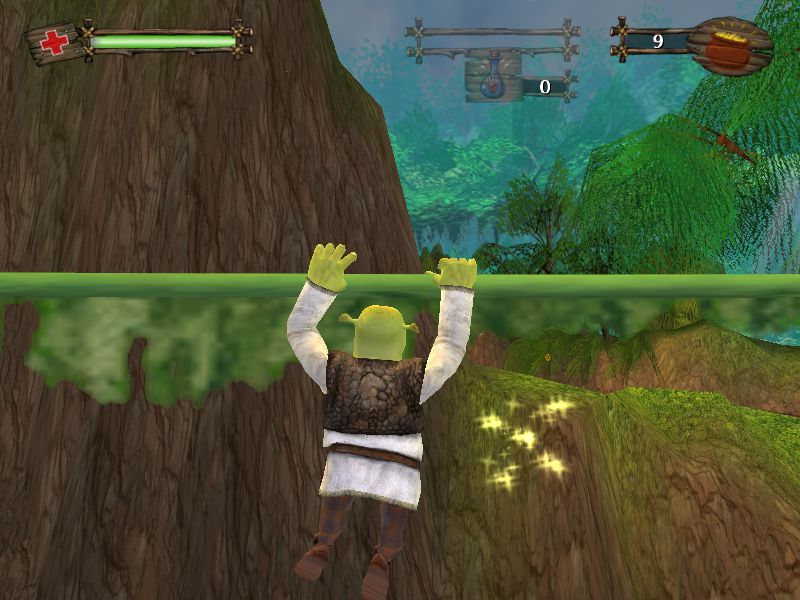
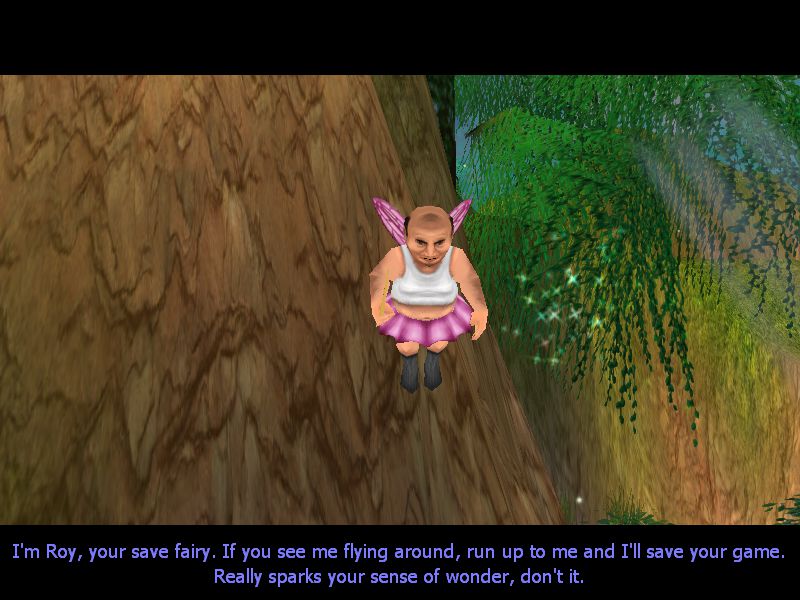
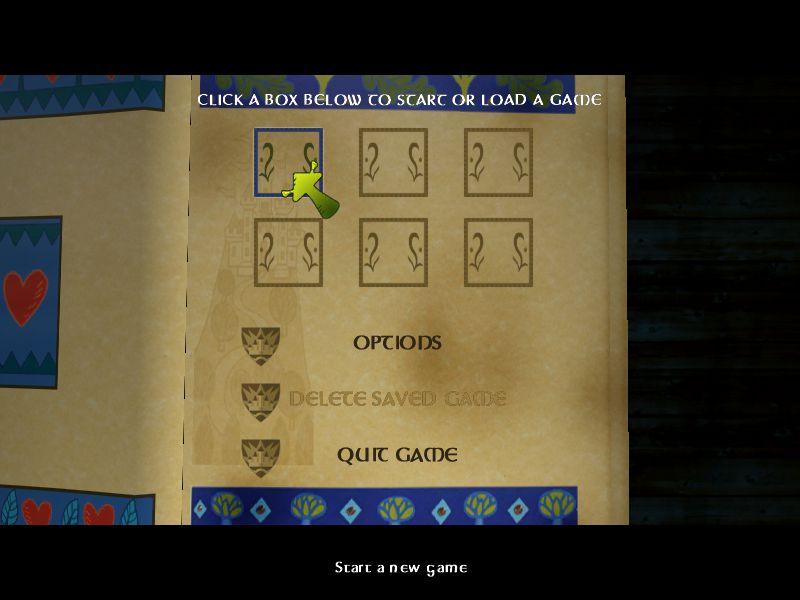
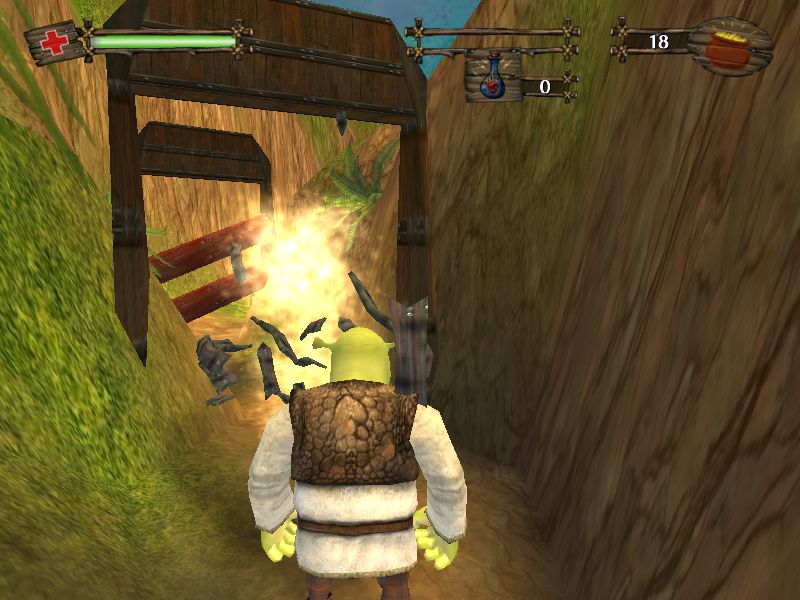
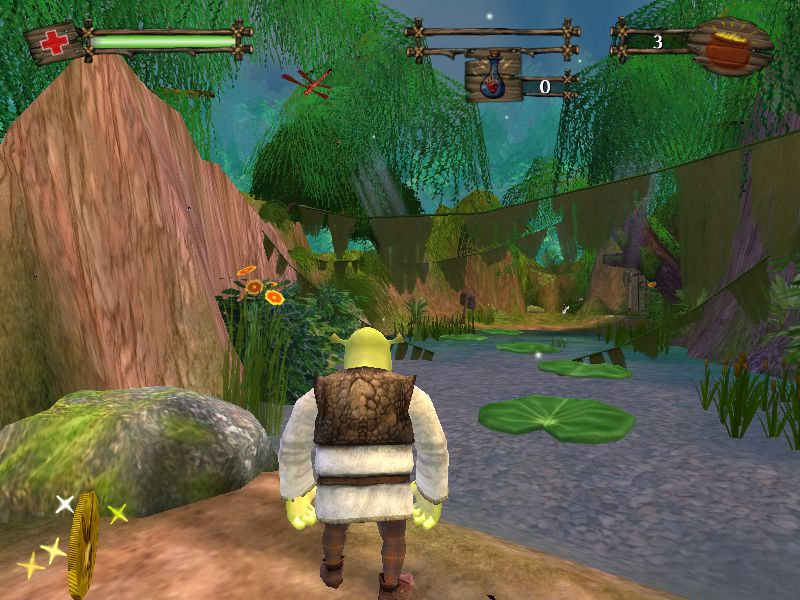
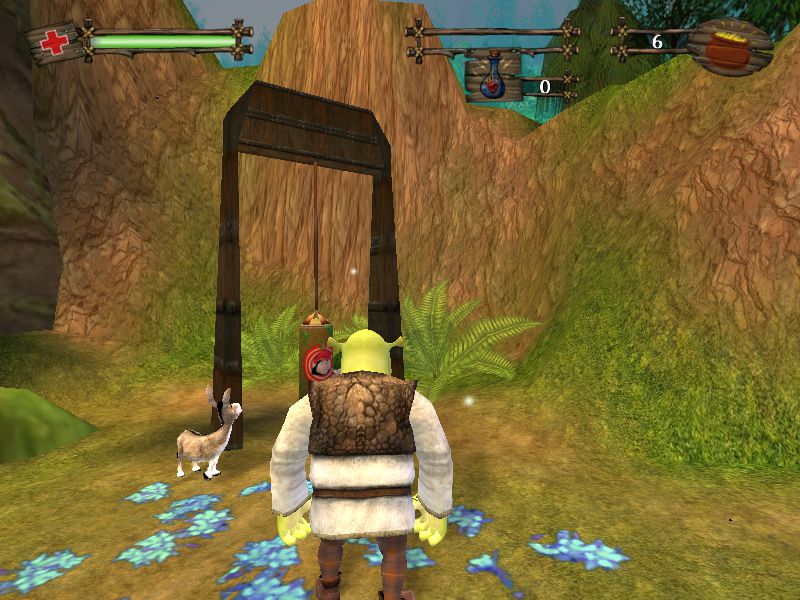
Shrek 2 Screenshots
Windows

0
0
0
0
0
0
1
0
-2
1
0
0
save
game
game
user
look at the file type of each one find the one that says ‘game Configuration sett…’ delete that and you should be able to start the game… have to repeat when you launch the game
0
0
Simply extract the provided “Music” folder into “Game Files”.
As pointed out by shashi 92, OGD’s version of Shrek 2 for PC is indeed missing the Music folder, so that’s why it’s all quiet aside from voice lines and sound effects.
I got these audio files from my own physical copy of Shrek 2 that I dug up from a box in the shed.
I hope this works for you as it did for me!
0
0
the game had no soul without music
0
0
0
0