Sonic Riders

Publishers Sega
Developers Sonic Team, Now Production
Release date 2006
Genre Racing
Game rating

Game Description

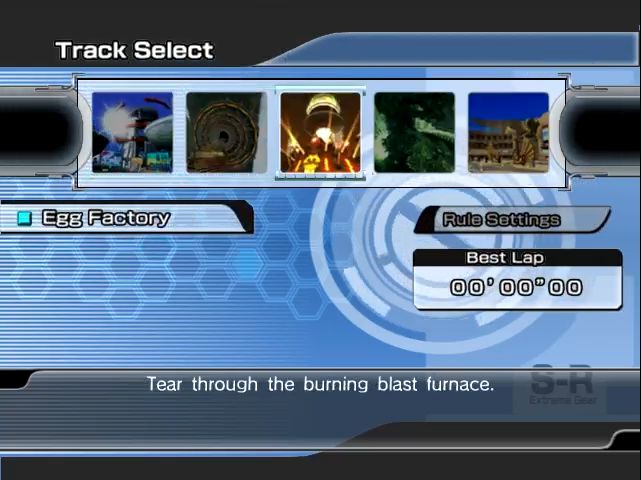
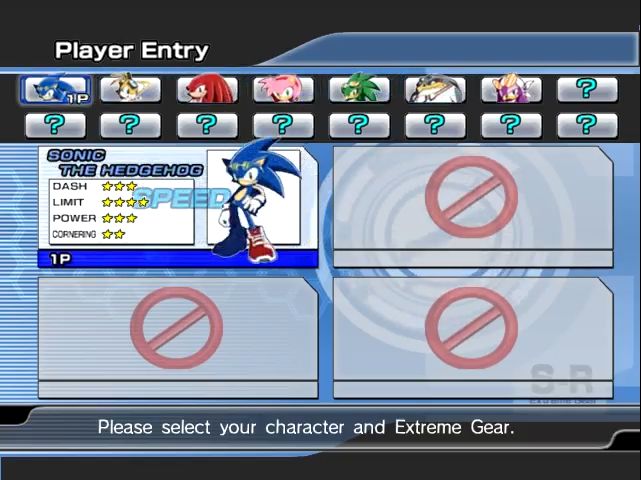
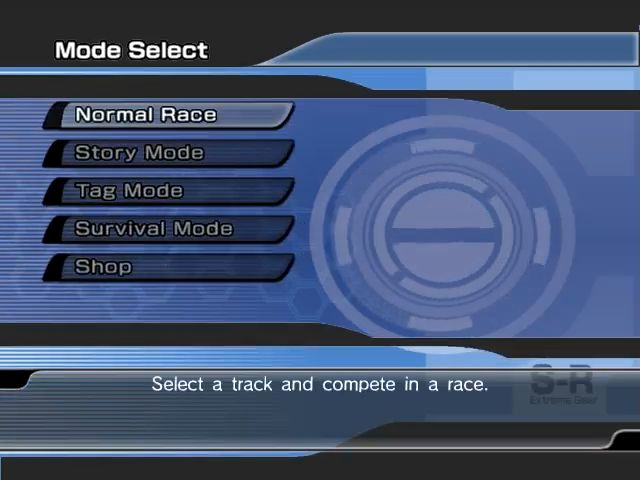
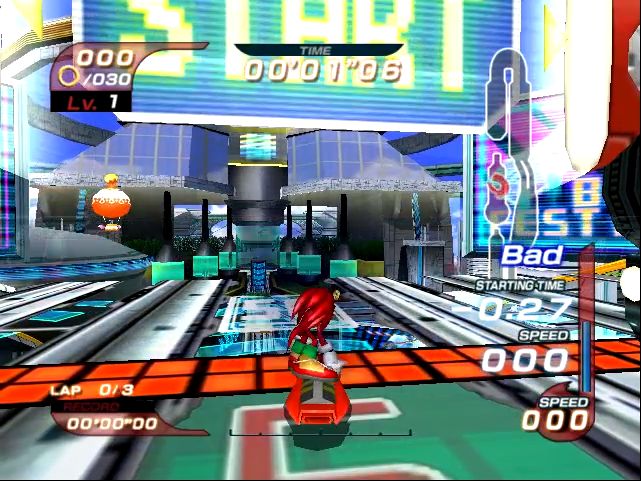
Sonic Riders is a 2006 racing video game for the GameCube, PlayStation 2, and Xbox in which the player controls characters from the Sonic the Hedgehog series on hoverboards. In the game’s 16 tracks, the player competes against characters—either controlled by computers or other players—in story and battle modes. It was developed by Sonic Team and Now Production, published by Sega, and released in February 2006 in Japan and North America. It was released in Europe the following month and for Windows at the end of the year.

Download Sonic Riders

We might have the game available for more than one platform. Sonic Riders is currently available on these platforms:

Windows (2006)

Sonic_Riders_Win_Preinstalled_EN.zip (2.07GB)

Sonic_Riders_Win_ROM_EN.zip (1.82GB)

How to play on Windows (preinstalled)

  1. Download and extract Sonic_Riders_Win_Preinstalled_EN.zip
  2. Open the “Game Files” folder
  3. Launch “Launcher.exe” and select “PLAY GAME”

How to play on Windows (have to install)

  1. Download and extract Sonic_Riders_Win_ROM_EN.zip
  2. Open the “Game Files” folder and mount “pro-soni.BIN”
  3. Run “SonicRidersSetup.exe” and install the game.
  4. Once installation has completed, copy paste “SonicRiders.exe” from the NoCD folder to game installation directory.
  5. Launch “Launcher.exe” to play the game
  6. Optional: For full screen, go to the “Save” folder, then edit the Config.ini folder and make FullScreen=1

Additional files, patches and fixes

Sonic Riders Screenshots

Windows

Similar games

38 thoughts on “Sonic Riders”

  1. 0

    Update: I fixed the save issue by right-clicking on the Sonic Riders folder in Program Files (I used the suggested windows 10 installation location), going into properties, then security and enabling Full Control. I also right clicked on the exe launcher for sonic riders and selected Run as Administrator. Chat GPT was a great help in figuring this out.
    Reply
  2. 0

    After a lot of attempts, I managed to mount the BIN file of the game by using UltraISO. I used the Mega version of the ROM zip. I followed the rest of the steps listed here and got the game to work. I’m also using Borderless Gaming to run it full screen. My current problem is that I can’t find a way to save my progress from being erased after each time exiting the game. The Save folder containing Config.ini doesn’t seem to update. Any suggestions? I’ll post back here if I find a way to fix this
    Reply
  3. 0

    Downloaded both versions and cannnot get the game to open. It keeps telling me “you can only open this with the launcher.” I opened the launcher and clicked on install game but nothing happens…
    Reply
  4. 0

    I managed to get the game to work but if I play on full screen I can’t find a way to leave the game without shutting down my computer… rip
    Reply
  5. 0

    Hi! It looks like I’ve done everything I should have but I’m not able to copy and paste SonicRiders.exe to the mounted game folder… It says I don’t have enough space on the virtual disk and I’m not able to expand it. Is there anything I can do?
    Reply
  6. 0

    Once I mount the file and run it the minute I select install game it just closes the launcher and doesn’t install
    Reply

Leave a Comment