| Publishers | Sega |
| Developers | Sonic Team, Now Production |
| Release date | 2006 |
| Genre | Racing |
| Game rating |
Game Description
Sonic Riders is a 2006 racing video game for the GameCube, PlayStation 2, and Xbox in which the player controls characters from the Sonic the Hedgehog series on hoverboards. In the game’s 16 tracks, the player competes against characters—either controlled by computers or other players—in story and battle modes. It was developed by Sonic Team and Now Production, published by Sega, and released in February 2006 in Japan and North America. It was released in Europe the following month and for Windows at the end of the year.
Download Sonic Riders
We might have the game available for more than one platform. Sonic Riders is currently available on these platforms:
Windows (2006)
Sonic_Riders_Win_Preinstalled_EN.zip (2.07GB)
Sonic_Riders_Win_ROM_EN.zip (1.82GB)
How to play on Windows (preinstalled)
- Download and extract Sonic_Riders_Win_Preinstalled_EN.zip
- Open the “Game Files” folder
- Launch “Launcher.exe” and select “PLAY GAME”
How to play on Windows (have to install)
- Download and extract Sonic_Riders_Win_ROM_EN.zip
- Open the “Game Files” folder and mount “pro-soni.BIN”
- Run “SonicRidersSetup.exe” and install the game.
- Once installation has completed, copy paste “SonicRiders.exe” from the NoCD folder to game installation directory.
- Launch “Launcher.exe” to play the game
- Optional: For full screen, go to the “Save” folder, then edit the Config.ini folder and make FullScreen=1
Additional files, patches and fixes
Sonic Riders Screenshots
Windows
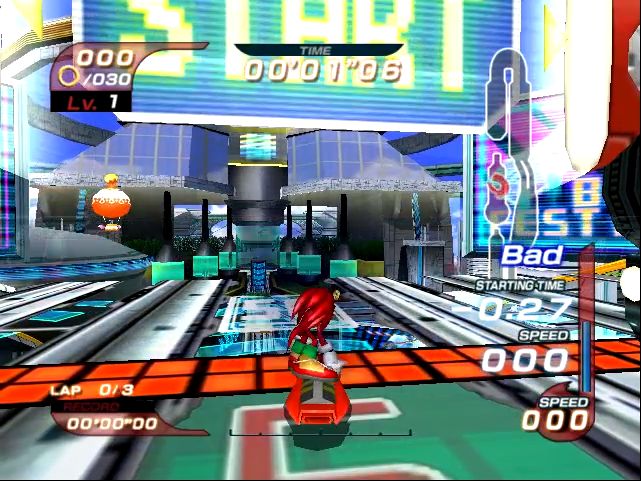

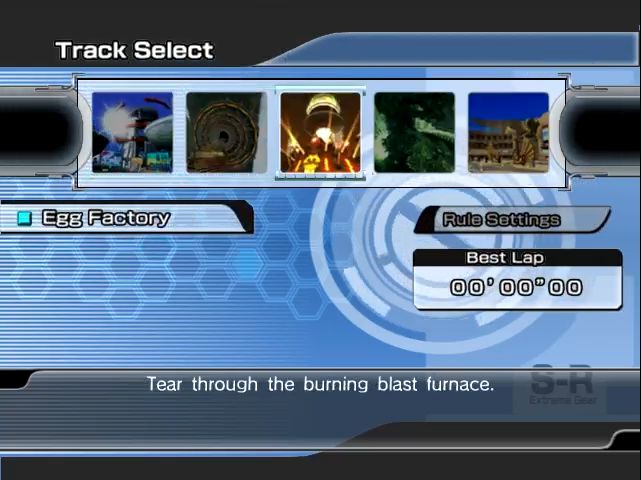
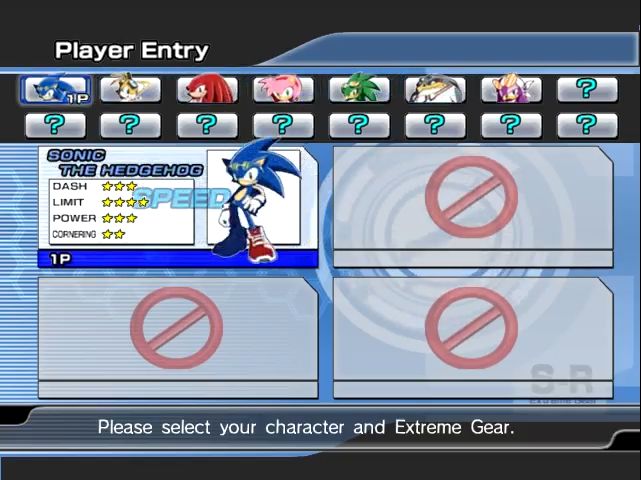
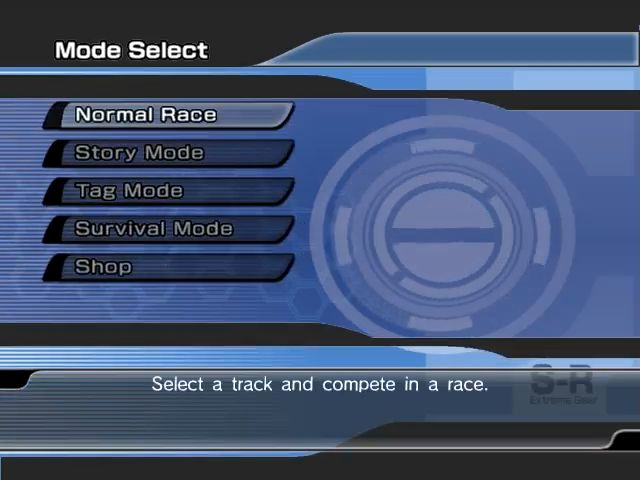
0
0
0
0
0
0
0
you need adminstrator though
thats what i used for the non-preinstalled verison
0
0
0
0
0
0
0
0
0
0
its always stuck to the launcher
0
0
0
Here are three short and easy steps to get Sonic Riders to work fully and properly!:
~ Step 1:
Right click on the Sonic Riders shortcut located on your desktop.
~ Step 2:
Click “Open file location” (For those who didn’t create a desktop shortcut during the installation process, you can simply go to the File Explorer path: C:Program Files (x86)SegaSonic Riders ).
~ Step 3: This current step needs to be applied to both “Launcher.exe” and “SonicRiders.exe” (in the current folder), for the game to work properly.
Part 1. Right click on the .exe file, and select “Properties”.
Part 2. Click on the “Compatibility” tab.
Part 3. In the “Settings” section, click on the checkbox labeled: “Run this program as administrator”.
Part 4. Click “Apply” (located on the bottom right corner of the current window).
Part 5. Exit or Close out the current window, and run the game with the Sonic Riders launcher!
~ Step 4 (Extra): If Step 3 didn’t work for you, then follow this step instead:
Part 1. Right click on the .exe file, and select “Properties”.
Part 2. Click on the “Compatibility” tab.
Part 3. In the “Settings” section, click on the checkbox labeled: “Run this program as administrator”.
Part 4: Also, look for the section: “Compatibility mode” and click the checkbox ” Run this compatibility mode for: “.
Part 5: Click the dropdown, and select: “Windows XP (Service Pack 2)”
Part 6. Click “Apply” (located on the bottom right corner of the current window).
Part 7. Exit or Close out the current window, and run the game with the Sonic Riders launcher!
Hope this helps! Have fun playing Sonic Riders! 😀
0
0
0
Preinstalled doesn’t work.
can someone share bypass launcher crack or smht ?
0
when i open launcher, it says install game instead of start game, its not PRE INSTALLED at all
clicking on install game doesnt work of course
0