| Publishers | THQ Inc. |
| Developers | The Fizz Factor |
| Release date | 2002 |
| Genre | Adventure |
| Game rating |
Game Description
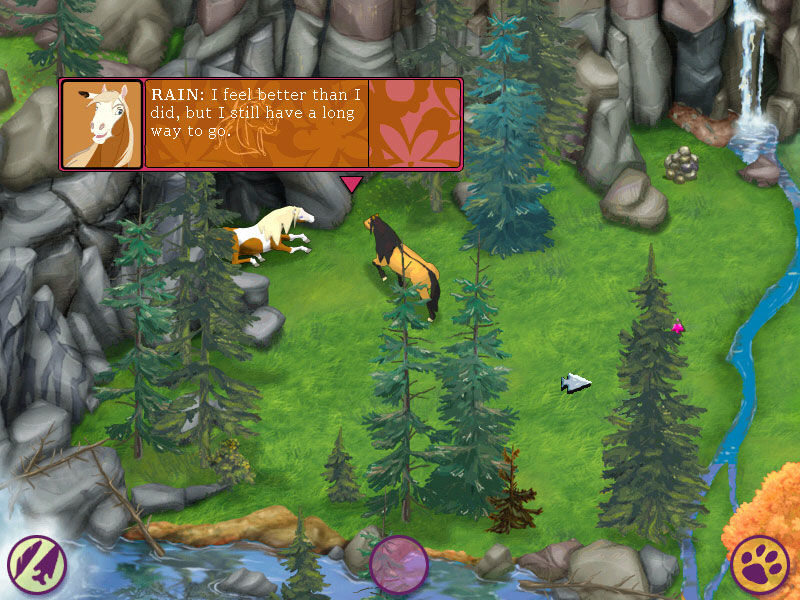
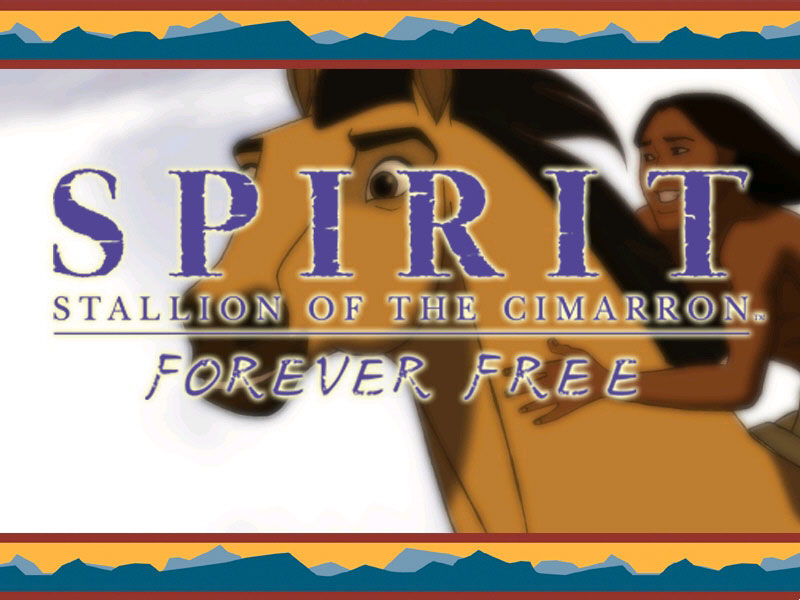
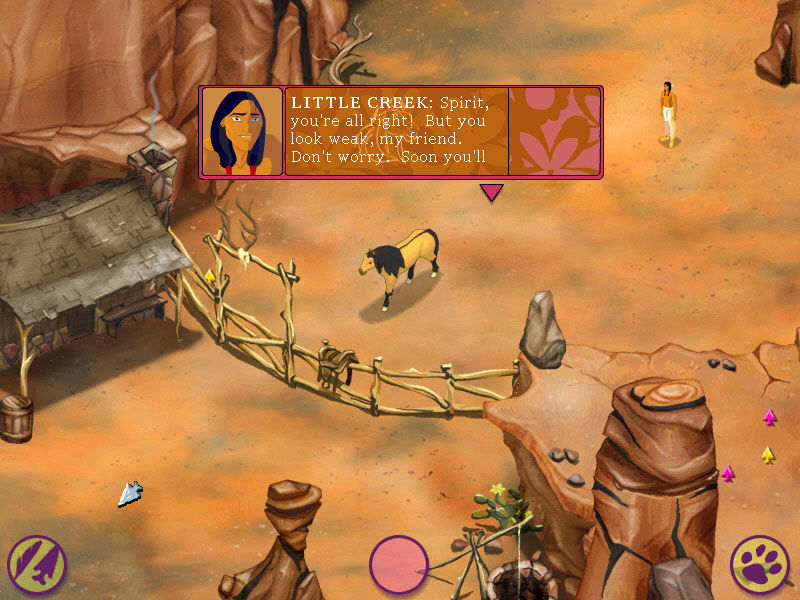
Spirit: Stallion Of The Cimarron: Forever Free is a computer game released in 2002. After the events of the movie, Spirit and his herd were captured by rustlers. One by one, each of the horses were sold to various people, until it was only Spirit and an old gray horse that remained.
Download Spirit: Stallion of the Cimarron – Forever Free
We might have the game available for more than one platform. Spirit: Stallion of the Cimarron – Forever Free is currently available on these platforms:
Windows (2002)
Spirit_Stallion_of_the_Cimarron_Forever_Free_Win_ISO_EN.zip (152.2MB)
Additional files, patches and fixes
Spirit: Stallion of the Cimarron – Forever Free Windows Manual (English)
Spirit: Stallion of the Cimarron – Forever Free Windows ReadMe (English)
Spirit: Stallion of the Cimarron – Forever Free Screenshots
Windows
0
Could there be some kind of map issue? I’ve tried deleting my game and restarting, then uninstalling the whole thing too, but nothing seems to help. Has anyone else encountered this or am I just cursed?
0
0
0
0
Instead of setting your DXWind pathway to the PlaySpirit.exe, you need to set it to the Spirit.exe application that’s in the folder titled “game.” It’s been the only thing to work for me, so hopefully it’s able to help anyone who may be looking for a solution!
0
0
0
0
anyone know to fix this?
0
0
If you’re new to this kinda thing, I’d recommend downloading Daemon Tools Lite (its free, no worries) and using that to mount the disc. Else you can just Google “how to mount an iso”.
Daemon Tools Lite: https://www.daemon-tools.cc/products/dtLite
Installation and mounting an .iso: https://www.youtube.com/watch?v=pH8LO3Y3uHc&ab_channel=BeshevGames
0
0
0
– You’ll need to download DxWnd from SourceForge here
– Once downloaded, use a program like 7-Zip to open up the file
– From here you’ll want to follow the thread pictured below
https://uploads.disquscdn.com/images/06f4f6a4d29bdd587298031b224c4245e1e7eab70eb9776ed62202cf56396480.png
Unfortunately you may have to deal with black backgrounds behind text or obscuring some text completely (screenshots attached) BUT it’s no more than a slight inconvenience as I was still able to play & beat the game.
https://uploads.disquscdn.com/images/8222700ab5e0b16e1ad15ead75af320d04e2c2a67ba76b9bb6186a57e4a34aba.png
Let me know if this worked for you! 🙂
0
0
0
0
0
0
Btw, I found that the “Good” graphicssetting, though a little gnarly looking, totally fixes the black bars and obscured text.
0
0
HOWEVER I did come across this discussion on SourceForge and it seems like these users were able to get the game to work by using DxWnd: https://sourceforge.net/p/dxwnd/discussion/general/thread/70821cfd3d/
I’m not familiar with how to use the program so if anyone could explain how to run “Spirit: Stallion of the Cimarron – Forever Free” on there, that would be amazing 🙂
Fingers crossed that we can find a solution for the black bars & crashing on startup issues!!!
0
0
So, for all of you having trouble playing the game because of black lines – the insruction @jasonralston1:disqus wrote is actually working, BUT(!) for it to work you need to change compability settings of game icon that is IN THE GAME FILES (spirit/game/spirit.exe), and not the desktop shortcut icon, and you’ll have to start the game with the same GAME FILES ICON ONLY!
Hope it helps!
GLHF!
0
0
-Changed in game graphic setting to Better (also confirmed working for Good). Best will break graphics.
Exit game, right click on Spirit.exe and go to Properties –>Compatibility
-Run in compatibility mode – Windows 95″
-Selected Reduced color mode – 16 bit (65536 color)
-Selected Run this program as administrator
https://uploads.disquscdn.com/images/6ecc937b9f6fd5a6e4bec387208239e1f9a4d78cc6248760eb363dadcd749d80.png
https://uploads.disquscdn.com/images/07eaad40a1c8da49a27b7ed25e5b8cd85c27f7a47c8842ea2d67d48cf9665949.png