| Publishers | Hidden Entertainment AB |
| Developers | Hidden Entertainment AB |
| Release date | 2008 |
| Genre | Action, Adventure |
| Game rating |
Game Description
Starshine Legacy 1: Mystery of the Soulriders is a Action developed and published by Hidden Entertainment AB in 2008.
Download Starshine Legacy 1: Mystery of the Soulriders
We might have the game available for more than one platform. Starshine Legacy 1: Mystery of the Soulriders is currently available on these platforms:
Windows (2008)
Starshine_Legacy_1_Mystery_of_the_Soulriders_Win_ROM_EN.zip (337.0MB)
Starshine_Legacy_1_Mystery_of_the_Soulriders_Win_ISO_EN.zip (287.1MB)
Additional files, patches and fixes
Starshine Legacy 1: Mystery of the Soulriders Screenshots
Windows
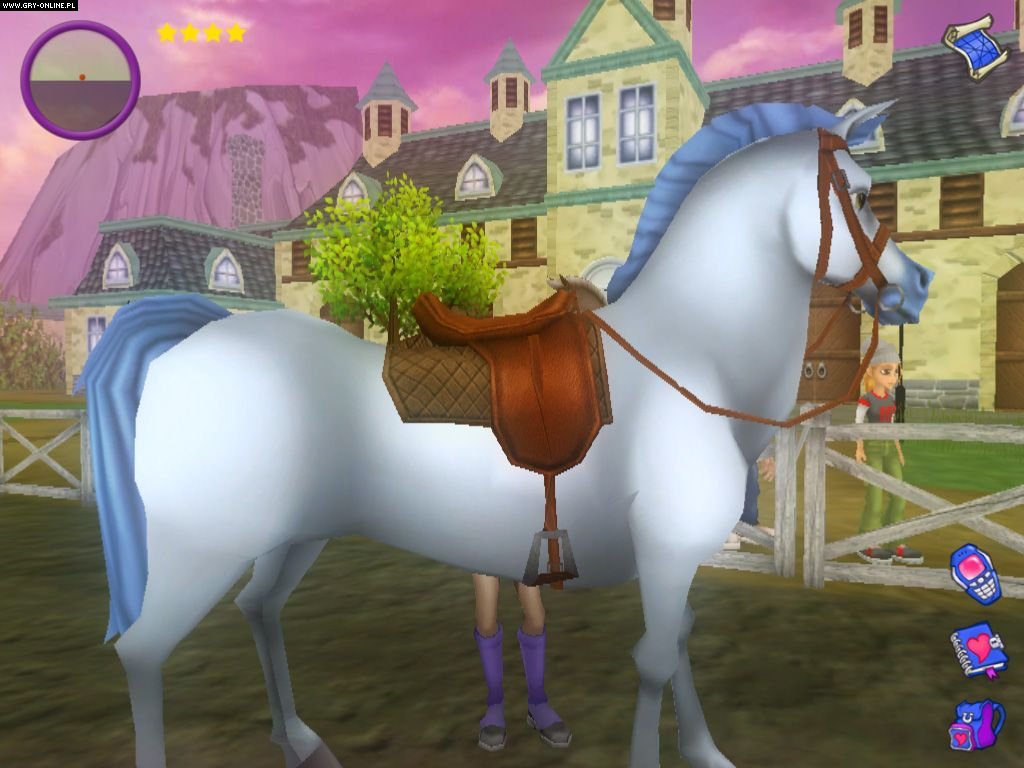
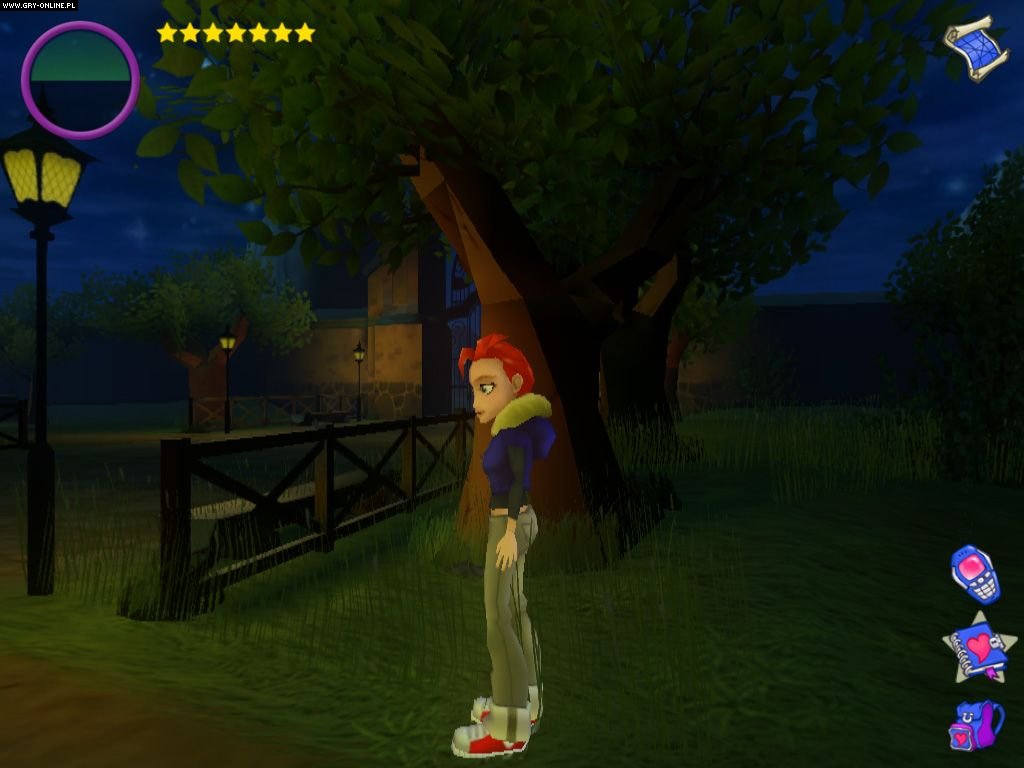
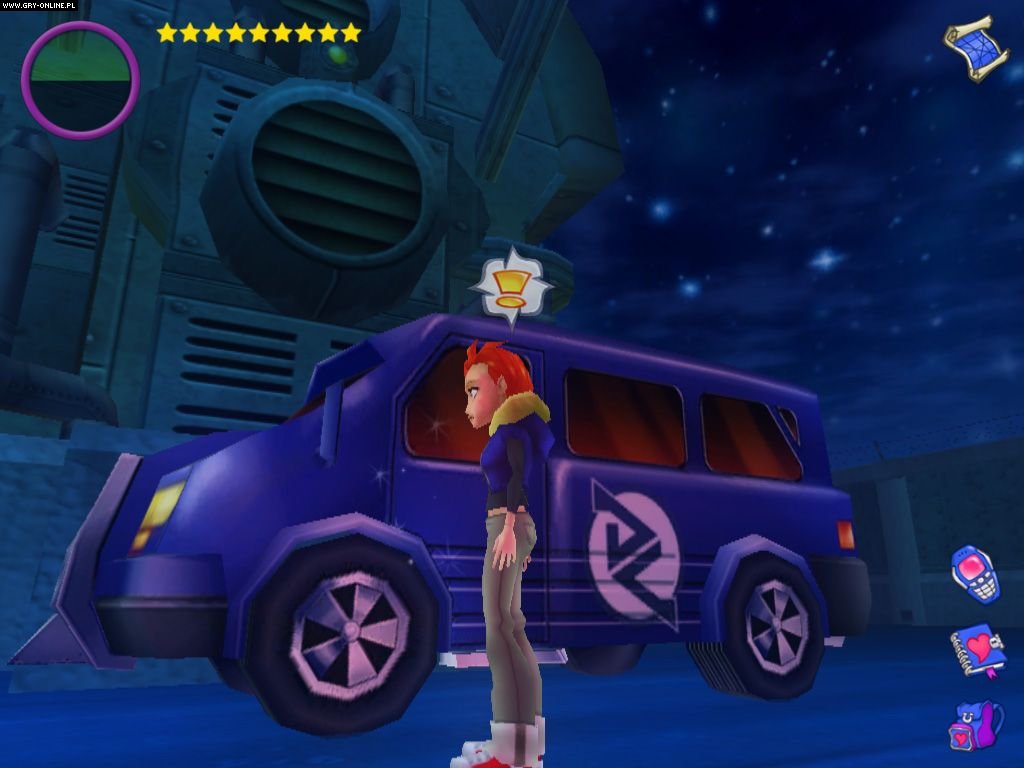
0
0
0
0
https://www.starstable.com/emn/starshinelegacy
0
0
0
0
0
0
0
0
0
0
0
0
0
For beginner’s like myself this is a bit of a guide, I hope it helpes someone.
(NOTE : Please read this before you proceed and not as you go, there are some steps that you may choose to do before hand, (setting the number of drives and having to restart) that could cause some bother or disruption if you have to do them in the middle of a task.)
1 – After the main folder is extracted where you want it, (like ‘downloads’) open up the ‘game files’ folder. Here you will see multiple files with the name ‘starshine1’.
2 – For this next step you will need a program that can handle these file types. I used ‘PowerISO’, but there are others. After PowerISO is all setup and what-not, it should be the default app used to open these file types, but if not, just right click and select ‘open with’. Go back into ‘game files’ and look for a file with the title ‘starshine1’ with a gold disc now for the file icon. (Or whatever the icon is for the ISO application you just downloaded). Open that one in the said application you just installed.
3 – Here you will see all the files inside the main ‘starshine1’ ISO file. You don’t have to do anything with those right now. Instead look at the top row (or where ever the tools are located in the program you’re using for this) amoung the tools you will see the option to ‘mount drive’. For PowerISO you will likely have to adjust the set number of drives, all you have to do is select 1. You will now be able to use an extra drive. (NOTE : It may tell you that you have to restart your computer to be able to adjust the drives, if this is the case, just save and close anything in any other tabs you may have open and restart.)
3 – Mount the file on the newly created drive. Open the file explorer and navigate to the new drive and amoung the files inside select the ‘setup’ application. But before you run it, right click and open ‘properties’ and navigate to the ‘compatibility’ tab. You will need to select :
‘Run this program in compatibility mode for:’
(I selected ‘Windows XP Service Pack 2’ but other options will likely work. Just select anything earlier than service pack 3.)
And then select :
Run as administrator.
The setup should then start.
Go through the installation process but only install the program into a folders who’s names contain no spaces. Like :
‘Documents/Games/StarshineEp1’
And when asked do not install directX9. (This may differ with some pcs, but for me, running windows 8.1 (with a higher version of it already installed). I didn’t. I read somewhere that users running windows 10 may have to mess with additional options called ‘legacy settings’ (?), but I don’t have any experience with that. So if you run windows 10, try googling it.)
4 – If all is well at this point, great! But if you had any issues during setup, I’m sorry but I don’t have any advice for that. Once the installation screen closes, you should now navigate over to the file that you installed the game in. Once there, select ‘PXStudioEngine’ and open properties once again and input the previously used settings into the compatibility tab. Once applied open up the PXStudioEngine and the game should play as normal.
(Sorry, I know this isn’t really a flat out list of instructions, but I added the numbers because a full wall of text without any breaks in it looked pretty intimidating lol. I’m really inexperienced in doing this stuff, but I hope my knowledge could help someone.)
0
0
0
0
0
0
0