| Publishers | Empire Interactive, Destineer |
| Developers | Strangelite |
| Release date | 2005 |
| Genre | Action, Shooter |
| Game rating |
Game Description
Starship Troopers is a first-person shooter game developed by British company Strangelite Studios and published by Empire Interactive. The game is based upon the 1997 film Starship Troopers by Paul Verhoeven.
Download Starship Troopers
We might have the game available for more than one platform. Starship Troopers is currently available on these platforms:
Windows (2005)
Starship_Troopers_Win_ISO_EN.zip (1.3GB)
Starship_Troopers_Win_Preinstalled_EN.zip (2.2GB)
Additional files, patches and fixes
Starship Troopers Screenshots
Windows
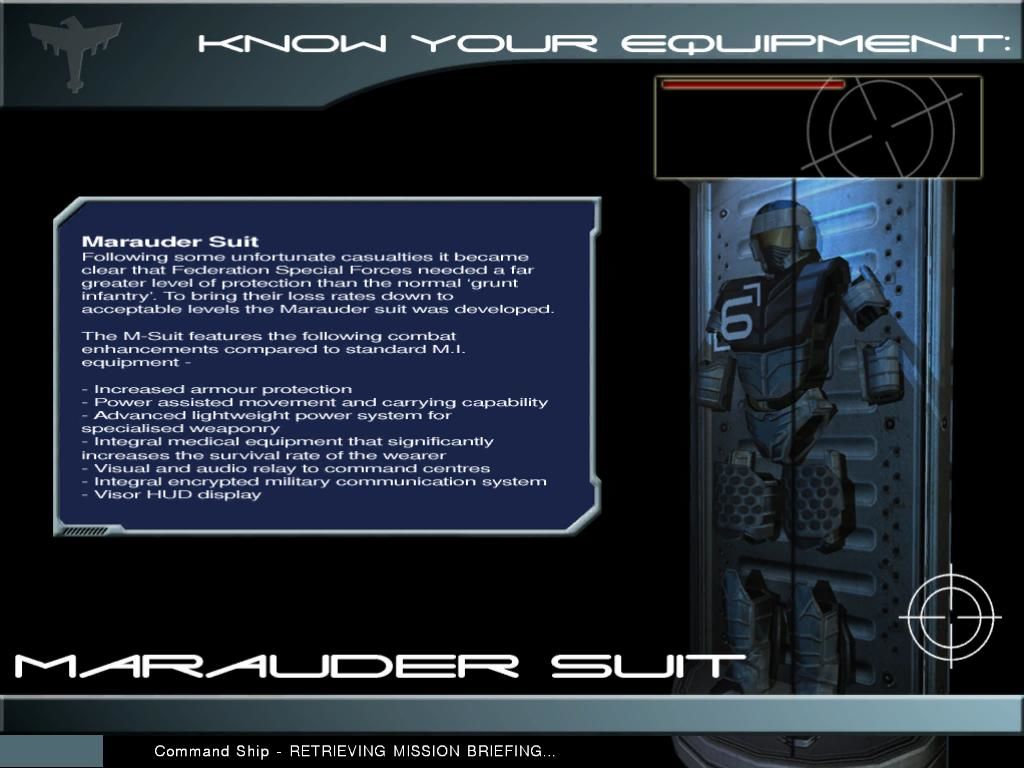
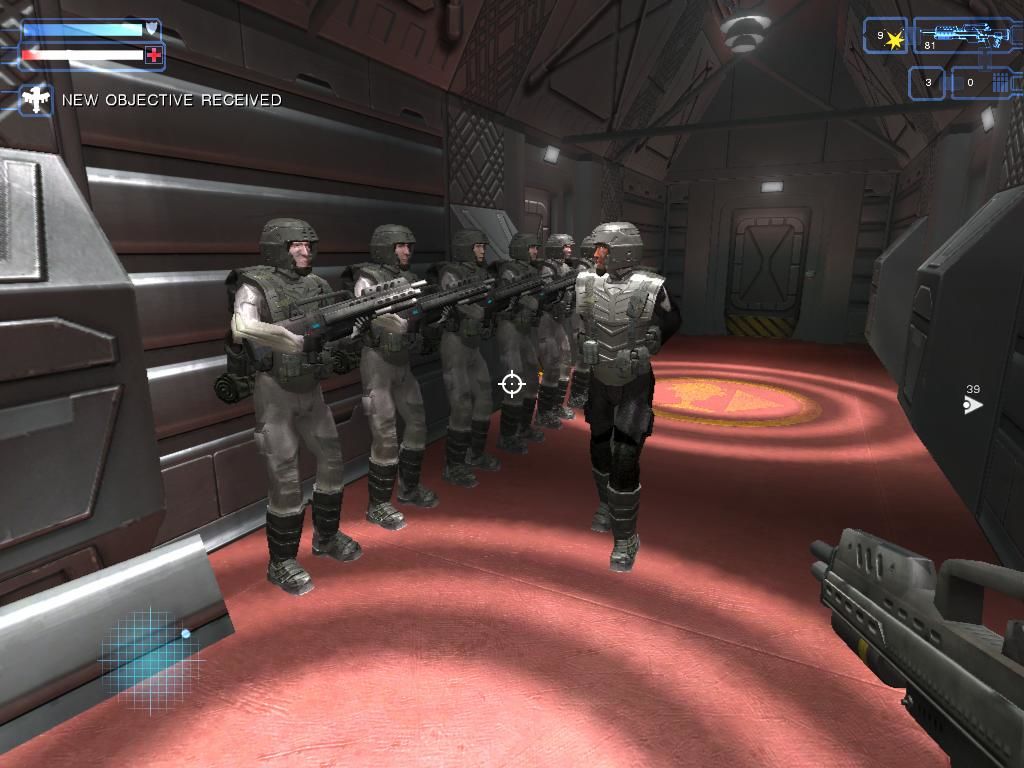

0
0
0
0
0
0
0
https://fdossena.com/?p=wined3d/index.frag and select the latest XP
Version from the downloads and copy and paste the files mentioned in the
above PCGaming link. I hope this helps a little.
0
0
Starship Troopers Link
0
Fix:
1) Open the “global.settings” the file is found in DocumentsEmpire InteractiveSSTSettings
2) change the Glow, Glowtrail, PostProcessing & Distort values to 0
To change resolution:
ScreenXRes: { “1920” } (or whatever res)
ScreenYRes: { “1080” }
3) In game: go to optionsgraphics
set Terrain shadows to NONE
set Shader quality to LOW
everything else to maximum
______________________________________
Last Level bug Fix:
go to the Starship Troopers Main Directory, go in the “ST” folder, you will see the level folders of the game.
Find folder called “Level_Brainbug” and rename it like this: “Level_BrainBug”
_________________________
Possible alternative fix (not tested by me):
Change as follows: ForcedFSAA: { “1” } Glow: { “1” } GlowTrail: { “1” } GlobalGlow: { “1” } ParticleGlow: { “1” } Distort: { “0” } and postprocessing also on, PostProcessing: { “1” } Then, to be able to put Model Detail and Effect Quality on max you need to turn off adaptiveperformance, we do this in the same file and we can find it under Performance. AdaptivePerformance: { “0” } By putting this on 0, it’s turned off, and now in the menu in-game we can turn Model Detail and Effect Quality on high instead of it being grayed out on low. Lastly, by putting Shader Quality on Medium, shadows will work! If you set this on medium you can turn on Terrain Shadows and Model Shadows to max.
0
0
0
0
0
can you help plz
0
0
0
I cant seem to play the final mission after “offensive”
During the after missions screen (Where they tell you your rank and you can either click next mission or quit to main menu), it just takes me back to the main menu. Any way around this?
0
0
0
0