| Publishers | Riverdeep Interactive Learning Limited |
| Developers | The Learning Company |
| Release date | 2002 |
| Genre | Educational |
| Game rating |
Game Description
Why is Numberland so fun? It’s because Numberland is a big animated cartoon, but in this cartoon, the child gets to be one of the characters — Stuart! And what’s going on in Numberland?
As the children play the games with the cartoon playmates, they earn “brainpower,” which they see filling up Stuart’s brain. When they have enough brainpower, they can use Numberland’s powerful Imagination Machine! This machine turns “imagined” toys into “real” toys, which the children can then sell in Bee’s toy store. So in a nutshell – – they explore and explore, learn how to play games from cartoon playmates, earn brainpower, make toys, sell them to customers, and learn math the whole time…And they never seem to get tired of it!
Download Stuart Little: His Adventure In Numberland
We might have the game available for more than one platform. Stuart Little: His Adventure In Numberland is currently available on these platforms:
Windows (2002)
Stuart_Little_His_Adventure_In_Numberland_Win_ISO_EN.zip (443.9MB)
Additional files, patches and fixes
Stuart Little: His Adventure In Numberland Windows Manual (English)
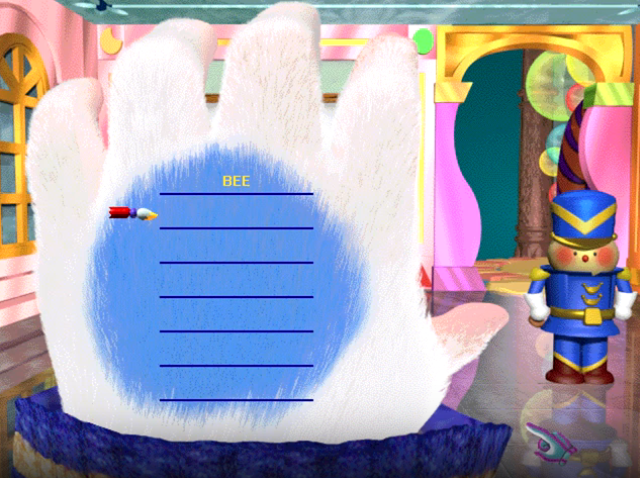
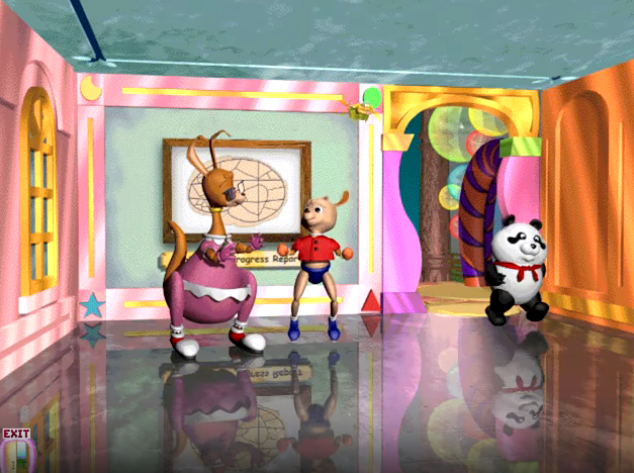
Stuart Little: His Adventure In Numberland Screenshots
Windows

0
0
sadly, these games do not have debug mode. i knew some learning company games did like
Reader Rabbit Kindergarten: Bounce Down in Balloon Town
and the other relaunch Series has been disabled.
I used it at one time with my Project called Learning-Creative 64-bit Installation (Final V.3.7). that is now Deprecated.
Link below
https://archive.org/details/httpsarchive.orgdetailslearning-creative-64-bit-installation-version-3.7
sadly, for Stuart Little games they are not really a solation except using Windows Vista or 7. as of Windows 8 Microsoft did remove real mode colors from kernel although Windows 8 X86 also known as 32-bit. they were solutions.
sadly, it’s Successor Windows 10 X86 and X64. completely killed it.
link below
https://www.guidingtech.com/9914/change-from-16-bit-to-32-bit-color-windows-7/
Sorry I really can’t Help you.
0
0
0
0
yes they is windows 10 x86 that does run 16-bit Application Support.
even if you did enable NTVDM under Windows features on or off
it will still not work. real mode colors from kernel is removed sense Windows 8.1 64-bit only.
does not apply to x86 however.
so officially Windows 7 is the last to support such technologies web lick here
https://www.guidingtech.com/9914/change-from-16-bit-to-32-bit-color-windows-7/
unless that i miss something i am positive It will not work even under Windows 10 x86.
that i personally Tested it was impossible hick even Windows 8 was barely Working.
0
0
0
0