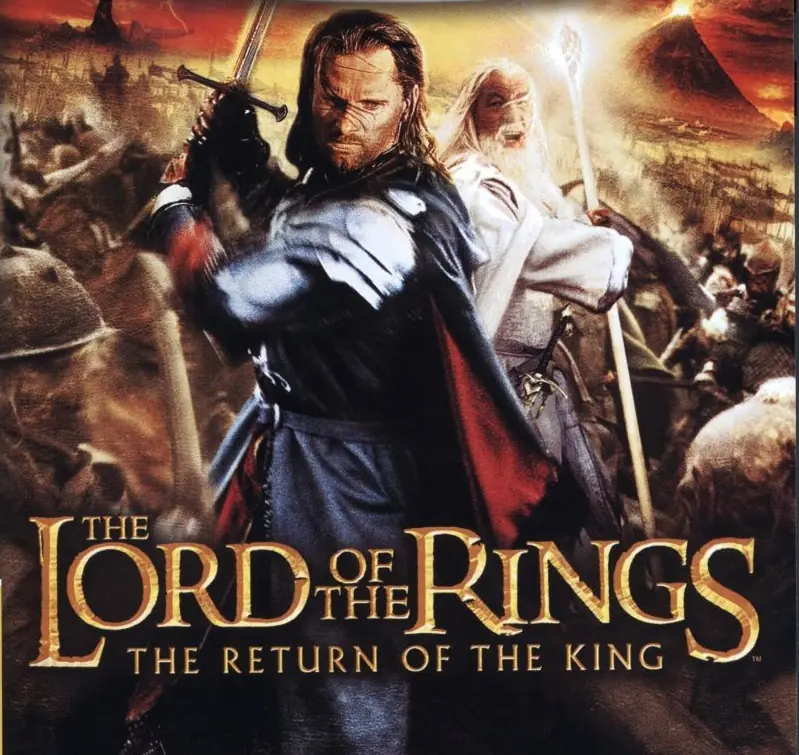
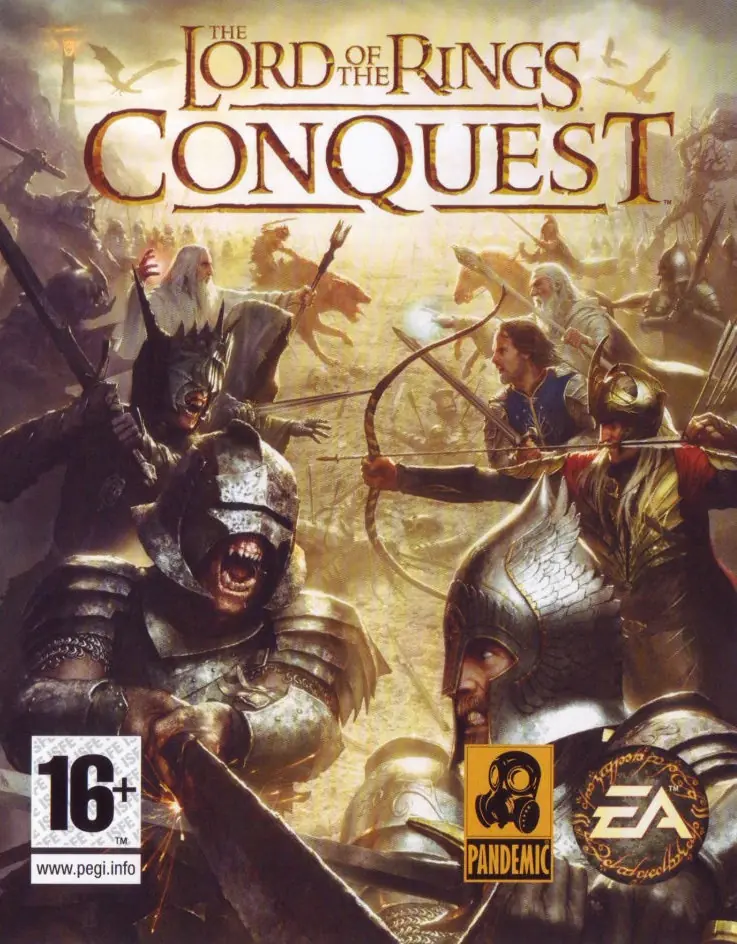
The game is similar to its predecessor in basic gameplay, but differs by adding multiple storylines, more playable characters and increased interaction with environments. A two-player co-op mode is also available for some missions. As with The Two Towers, The Return of the King was developed in close collaboration with the filmmakers, using many of the actual reference photos, drawings, models, props and other assets from the film. The game was met with positive critical reception for its graphics, audio, and gameplay, although its camera positioning and short length were criticized.
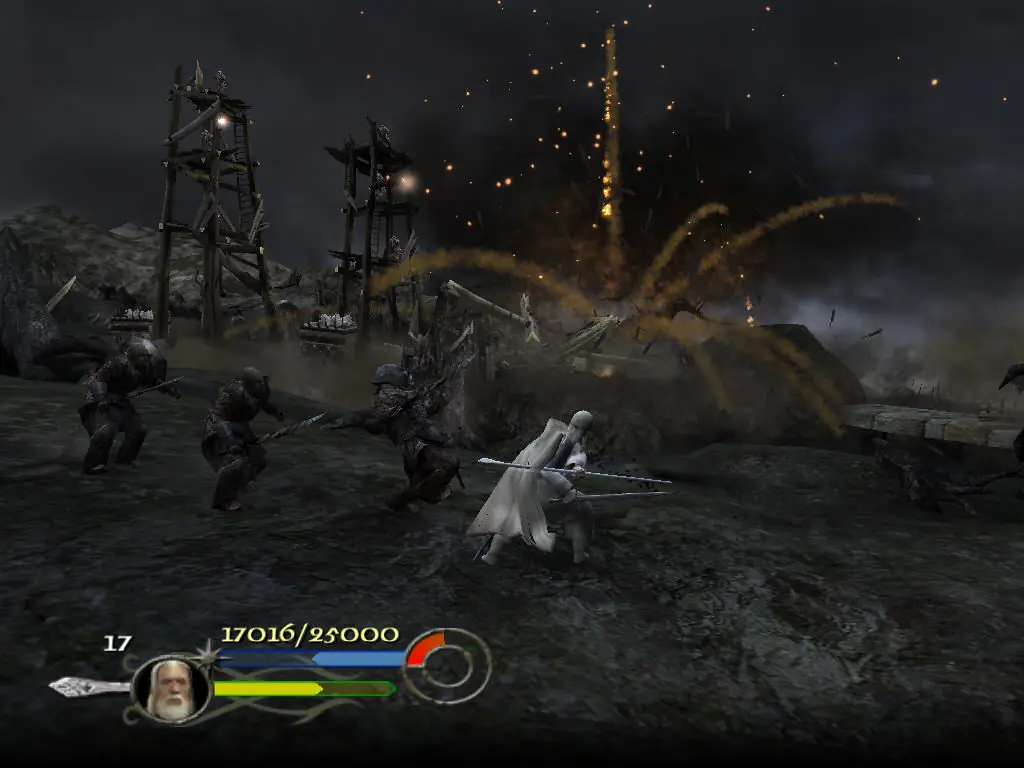
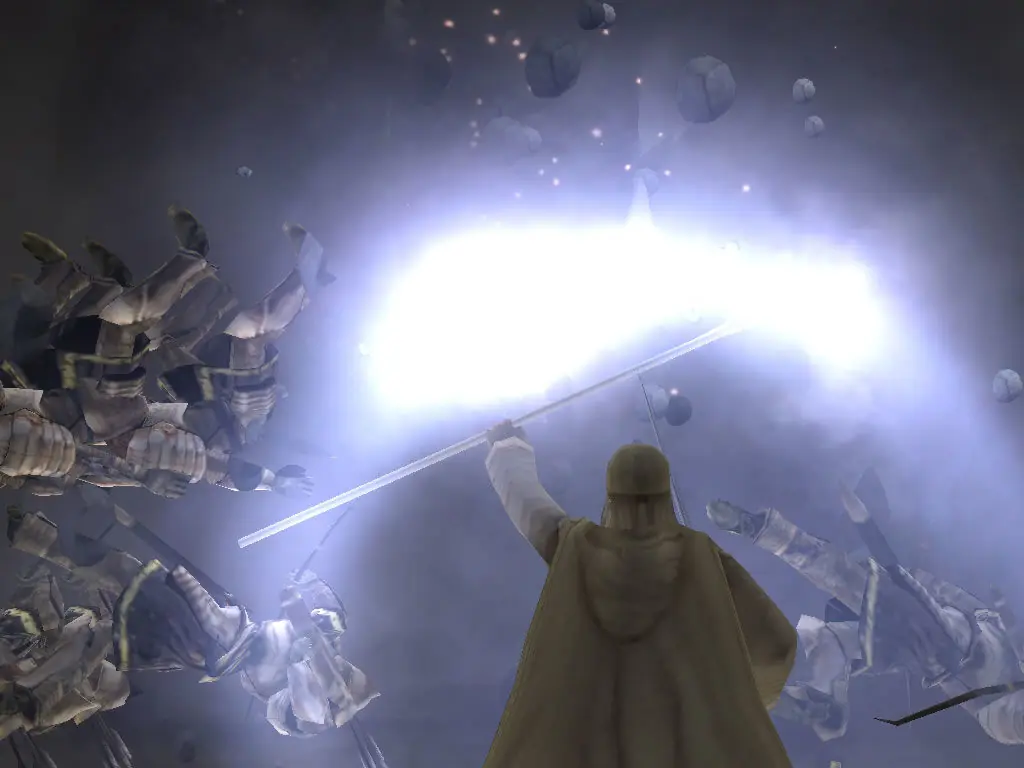
The game begins during the Battle of the Hornburg at Helm's Deep, with the Uruk-hai having just penetrated the outer walls. With the defenders falling back to the inner court, Gandalf (voiced by Ian McKellen) appears on a hill-top flanked by thousands of Rohirrim. The player takes control of Gandalf as he enters the battle and helps defeat the Uruk-hai and orc army. After this level, the game splits into three separate mission arcs, each with its own individual set of characters. The "Path of the Wizard" follows Gandalf, the "Path of the King" follows Aragorn (Chris Edgerly), Legolas (Andrew Chaikin) and Gimli (John Rhys-Davies), and the "Path of the Hobbits" follows Frodo (Elijah Wood) and Sam (Sean Astin), although initially only Sam is playable.
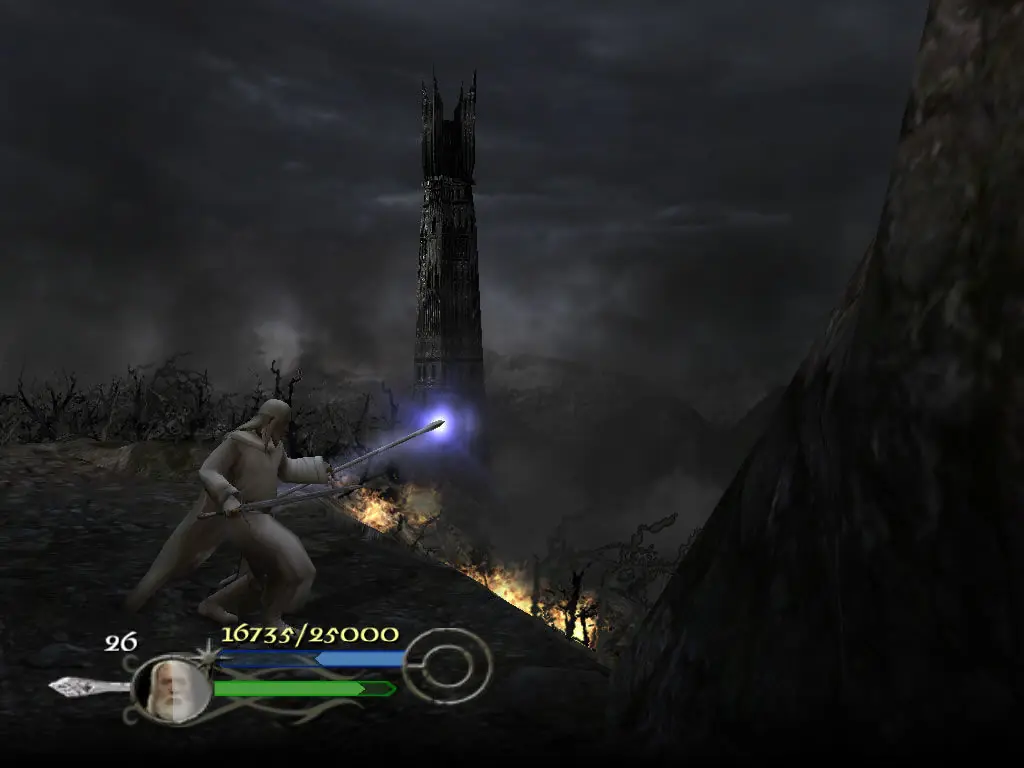
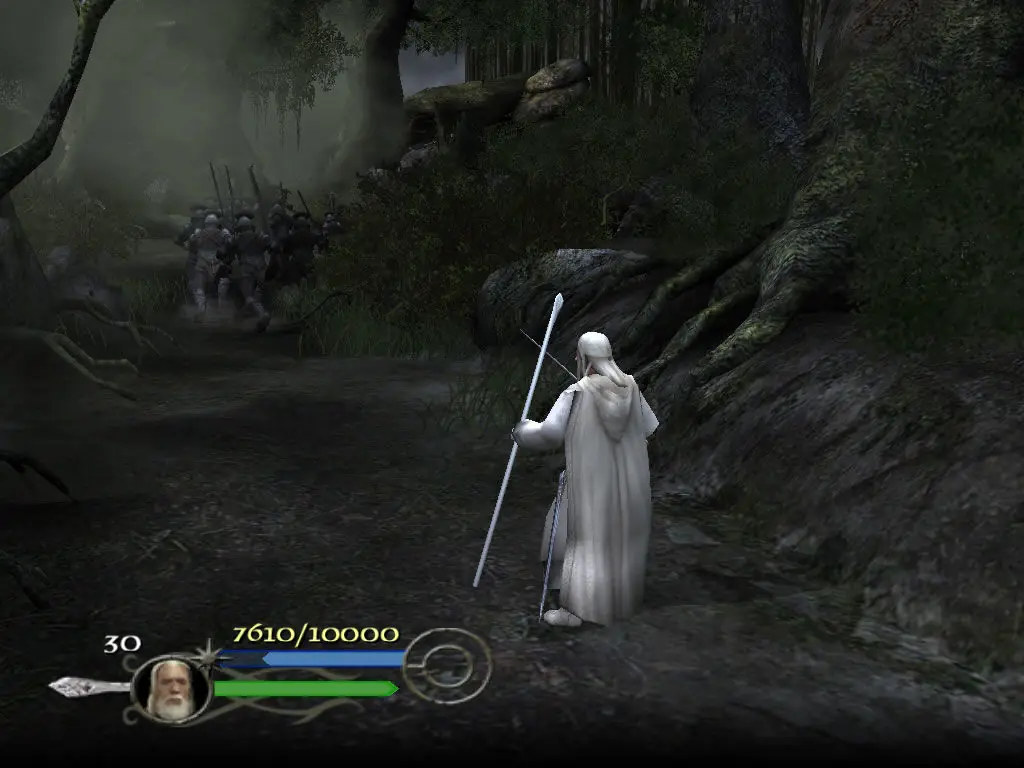
The Path of the Wizard continues immediately after the events of the first level. The remains of the Uruk-hai and orc army flee into Fangorn Forest. However, within the forest, the Ents, led by Treebeard, have awoken and joined the fight against Sauron. Gandalf helps the ents as they destroy the rest of the army, and then assists them in bringing down a dam holding back the River Isen. This floods Isengard, trapping Saruman (Christopher Lee), who had joined forces with Sauron, in his tower, Orthanc. Gandalf and Pippin (Billy Boyd) then head to Minas Tirith, capital of Gondor, leaving Aragorn, Legolas, Gimli and the Rohirrim to follow them. Gandalf has gone ahead of the others because Sauron mistakenly believes that Pippin has the Ring, and Gandalf plans to use this confusion to distract Sauron as Frodo and Sam are led by Gollum (Andy Serkis) towards Mount Doom to destroy the Ring. In Minas Tirith, Gandalf helps repulse the enemies from the walls for a time, but eventually, they break through the city's defenses. Gandalf and the soldiers of Minas Tirith then retreat to a courtyard, where they must defend the fleeing civilians from the enemy. Once the people are safely inside, Gandalf can do little but await the arrival of Aragorn.
The Path of the King picks up with Aragorn, Legolas, Gimli and the Rohirrim on the way to Minas Tirith. Before arriving, however, the three companions must walk the Paths of the Dead in an effort to convince the Army of the Dead to join their cause in the War of the Ring. To do so, they must defeat the King of the Dead (Jarion Monroe) in combat. After this, the Paths of the Dead start to collapse, and they must escape before the falling rubble crushes them. With the Army of the Dead pledged to aid them, they travel to Minas Tirith and enter the Battle of the Pelennor Fields. Joining the Rohirrim and the soldiers of Minas Tirith, they face orcs, Easterlings, Haradrim and oliphaunts. They must also defend Merry (Dominic Monaghan) and Éowyn (Lorri Holt), allowing Éowyn the opportunity to defeat the Witch-king of Angmar. As it seems they are about to be overwhelmed, the Army of Dead arrive, destroying the forces of Mordor and saving Minas Tirith.
The Lord of the Rings: The Return of the King is abandonware and no longer sold or supported by its publishers. Files are archived here for these platforms:
How to play on Windows
when click on exe
Thank you for bringing a childhood favorite back to me.