| Publishers | Atari |
| Developers | Shiny Entertainment |
| Release date | 2005 |
| Genre | Action, Adventure |
| Game rating |
Game Description
The Matrix: Path of Neo is an action-adventure video game, the third spin-off from The Matrix series and the second developed by Shiny Entertainment. The game was written and directed by The Wachowskis, who wrote and directed the three The Matrix films. Players control the character Neo, participating in scenes from the films.
Download The Matrix: Path of Neo
We might have the game available for more than one platform. The Matrix: Path of Neo is currently available on these platforms:
Windows (2005)
The_Matrix_Path_of_Neo_Win_Files_EN.7z (666.9MB)
The_Matrix_Path_of_Neo_Win_ISO_EN.7z (3.42GB)
How to play on Windows
- Download and extract The_Matrix_Path_of_Neo_Win_Files_EN.7z
- Run “Matrix Path Of Neo.exe” and the game should now launch. (Note: when I launched the game, it took around 5 minutes for the game to start, just to make you aware)
- Enjoy!
PlayStation 2 (2005)
The_Matrix_Path_of_Neo_PS2_ISO_EN_USA.7z (1.97GB)
Additional files, patches and fixes
The Matrix: Path of Neo Windows Manual (English)
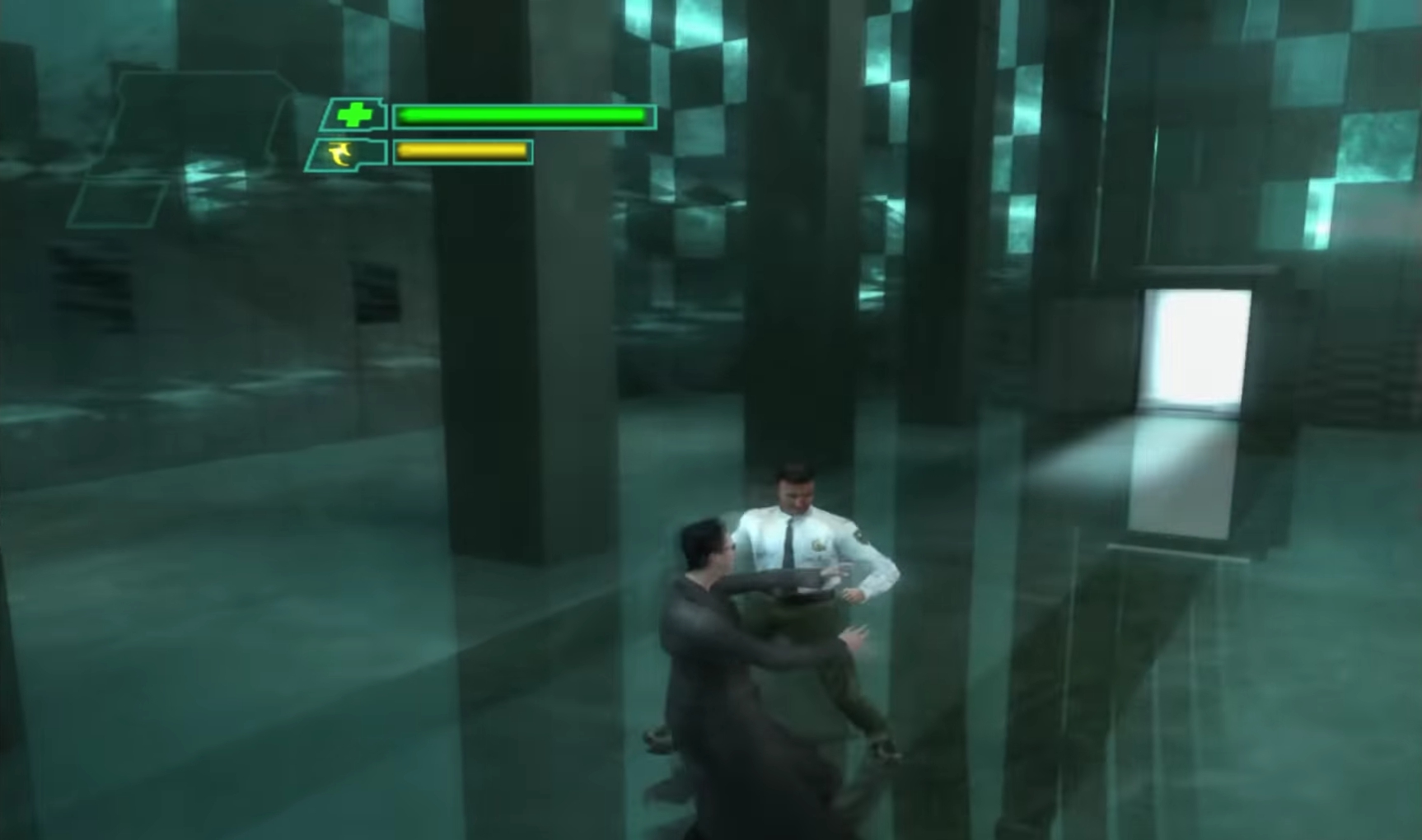
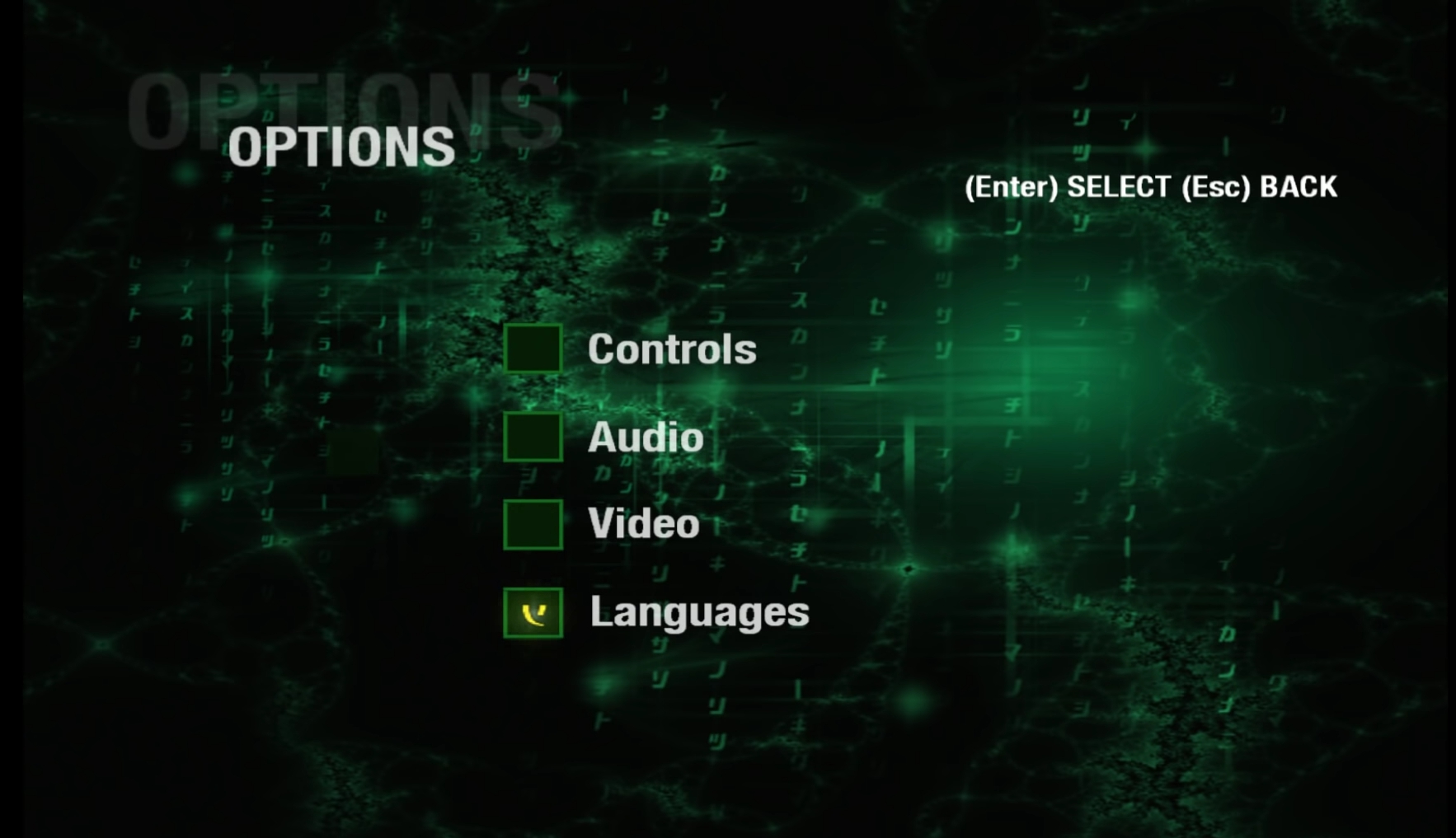
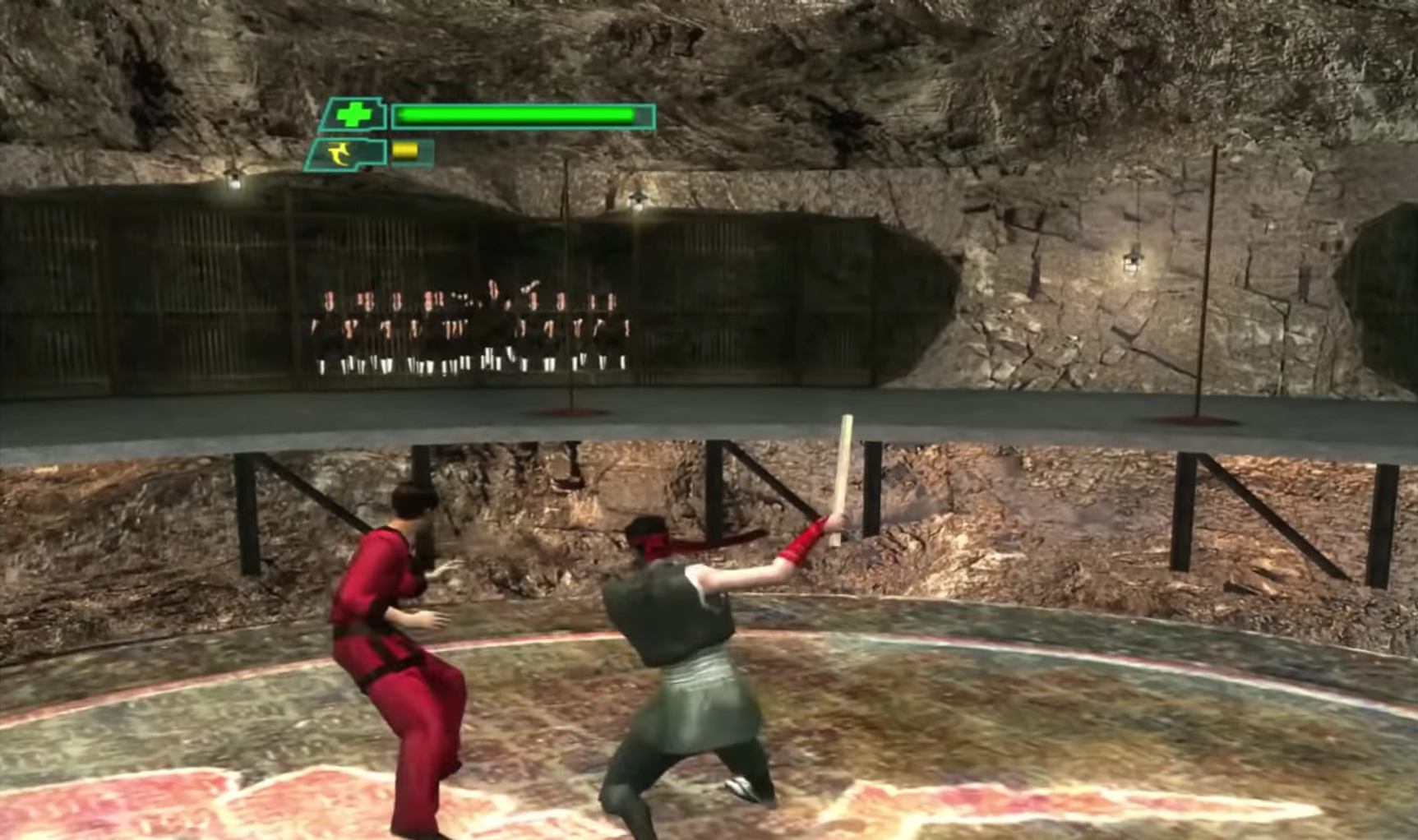
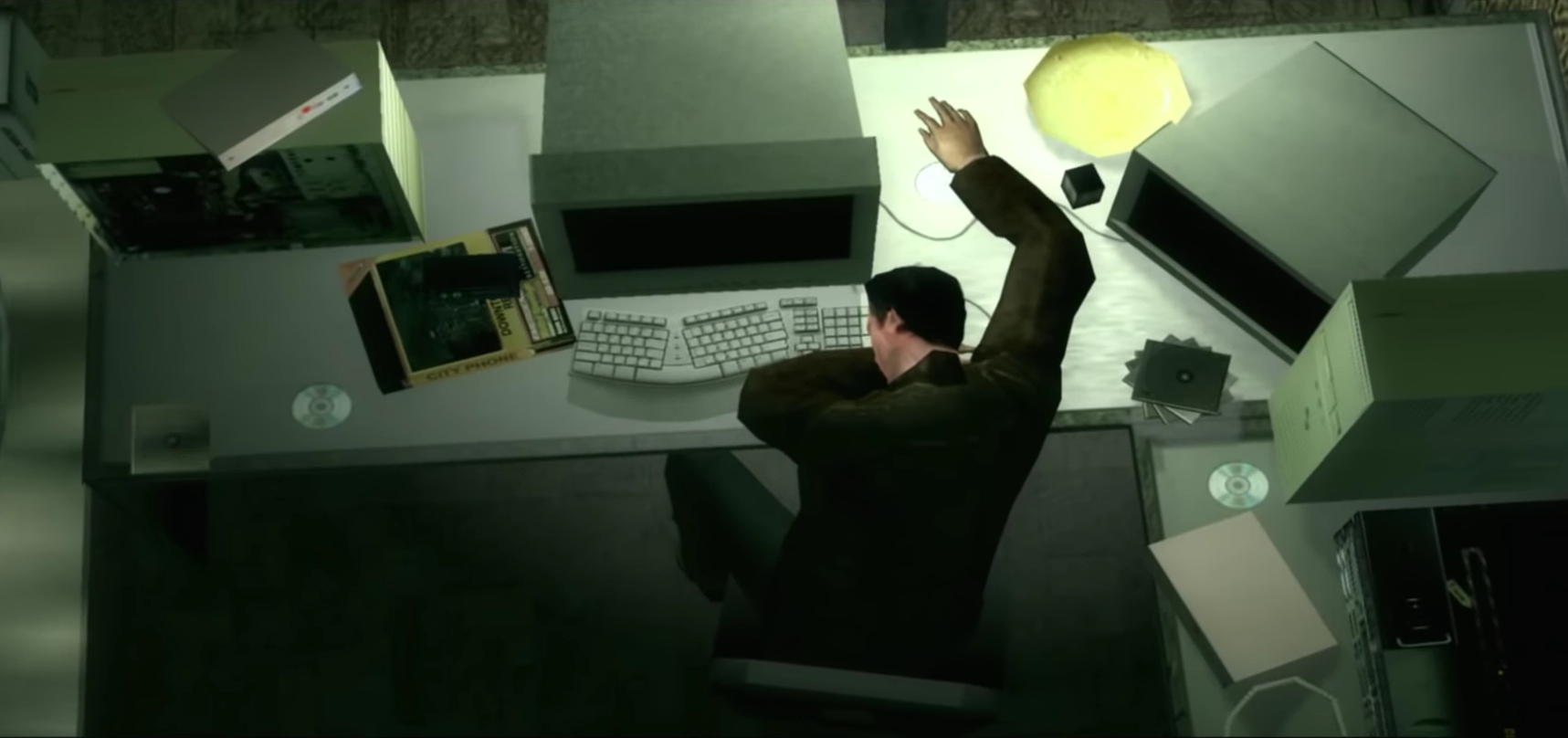
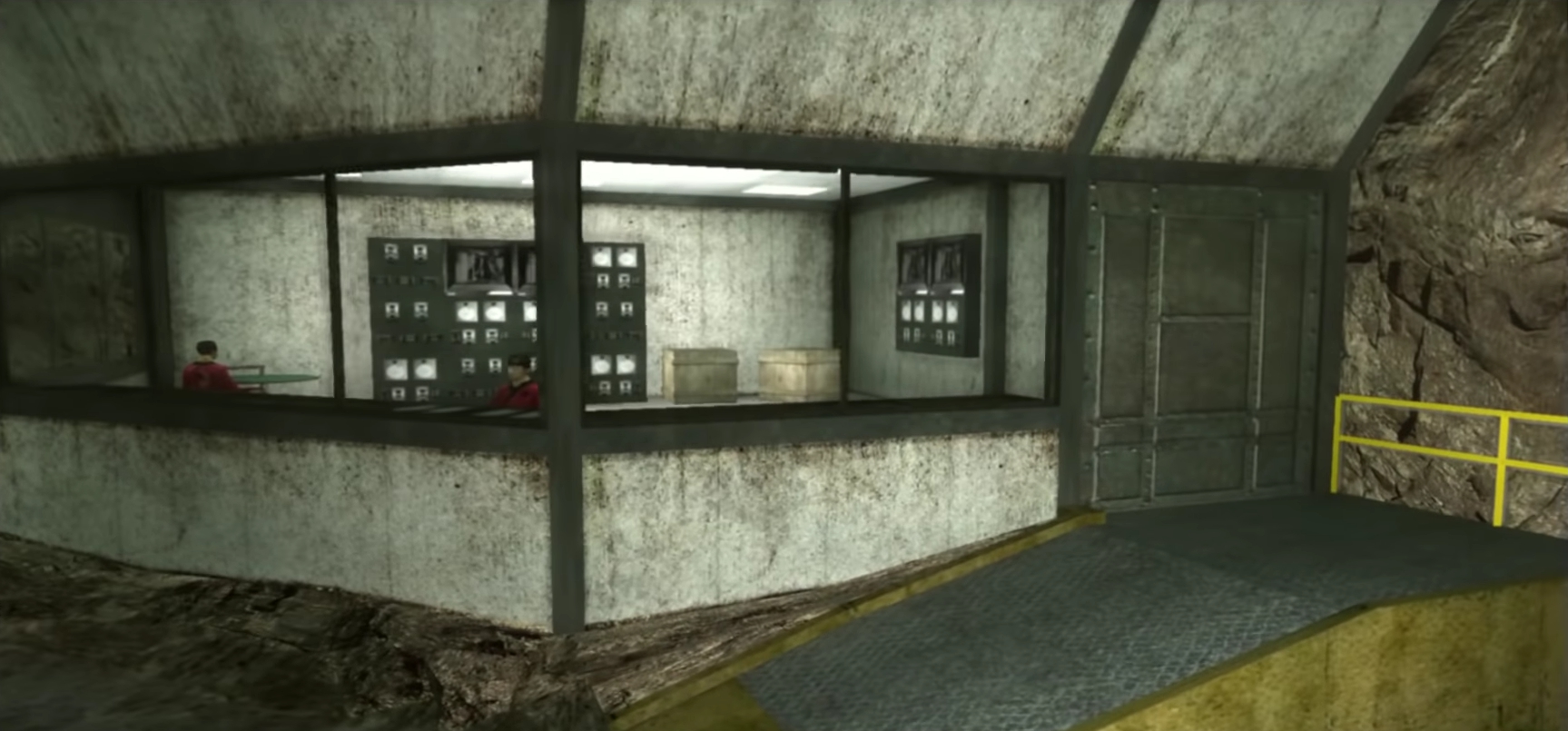
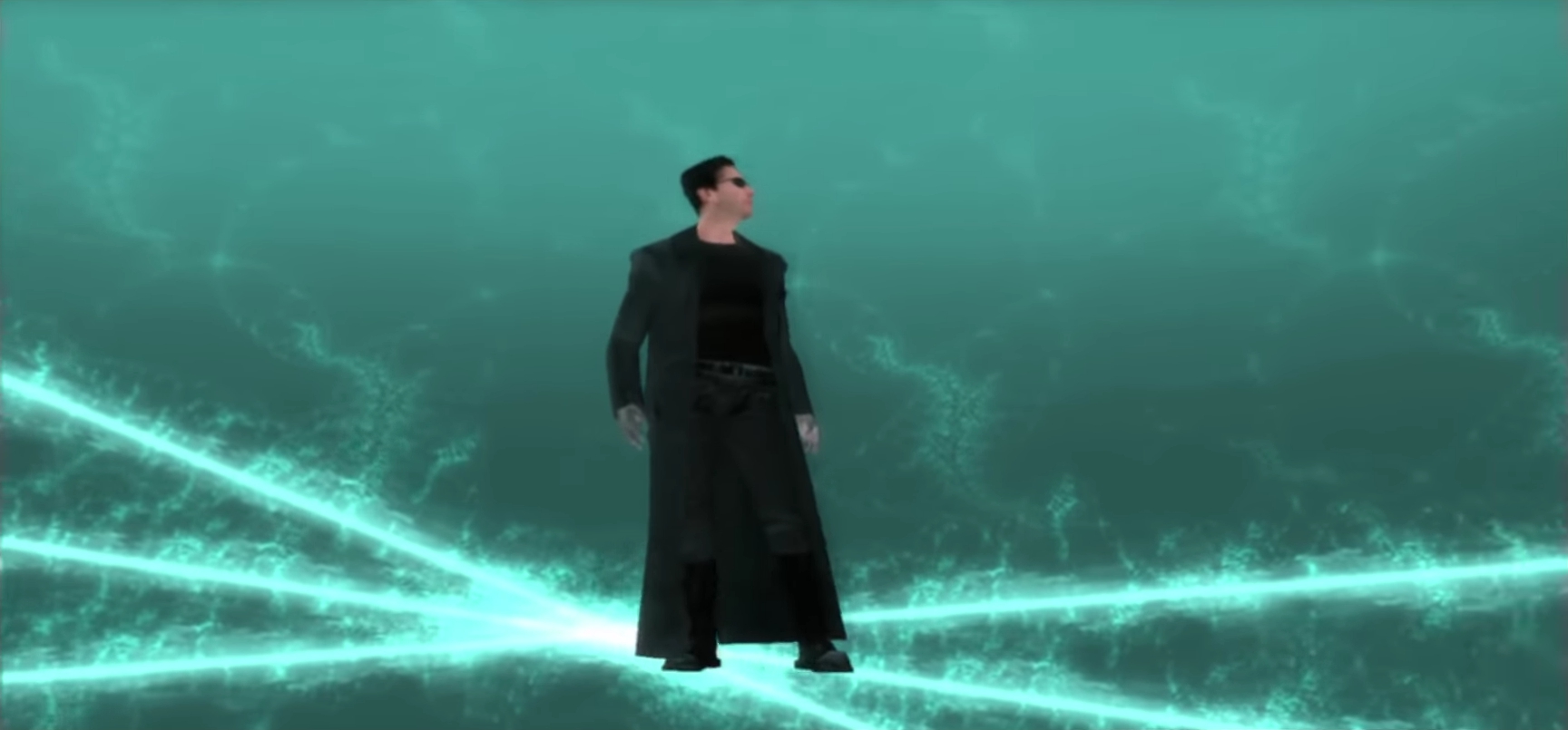
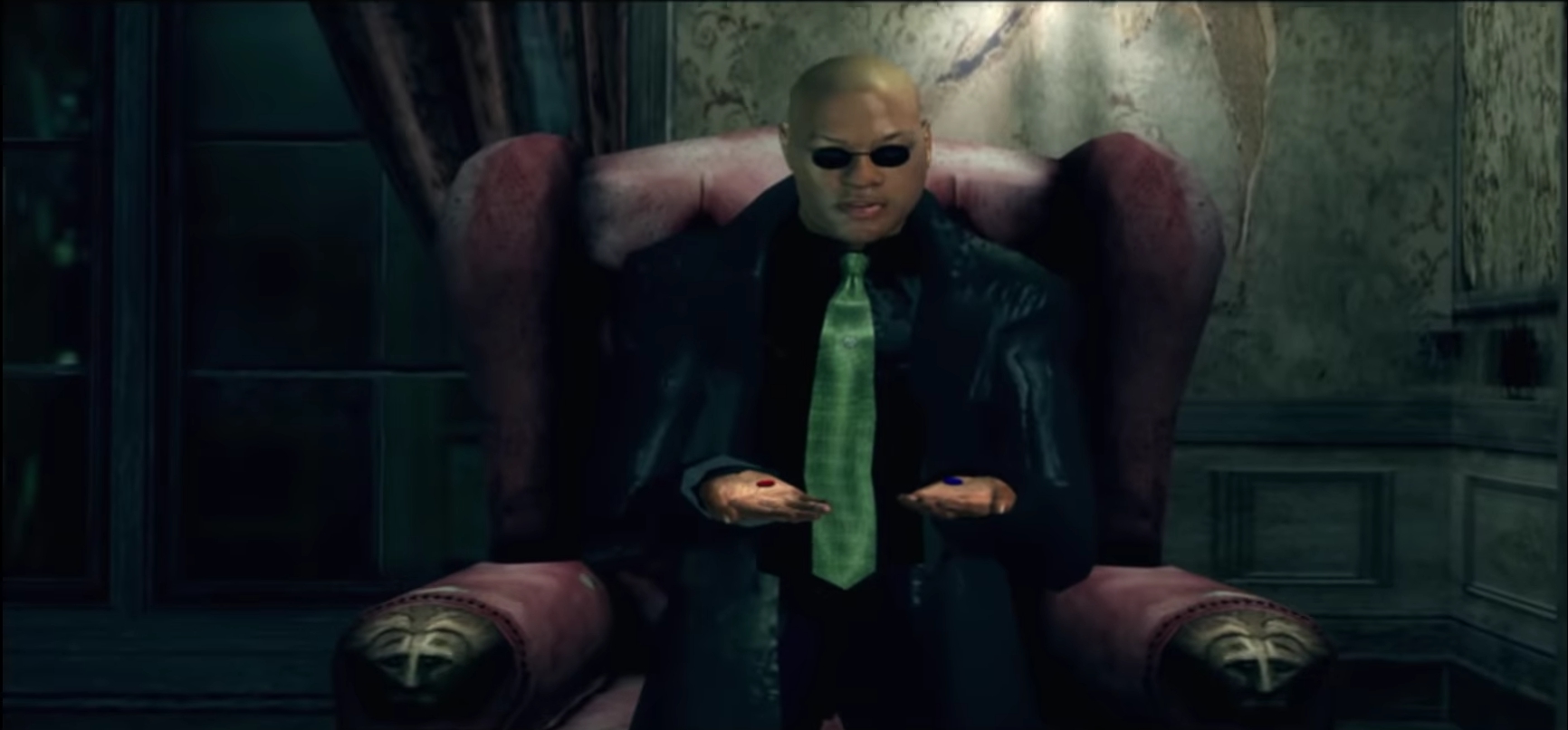
The Matrix: Path of Neo Screenshots
Windows
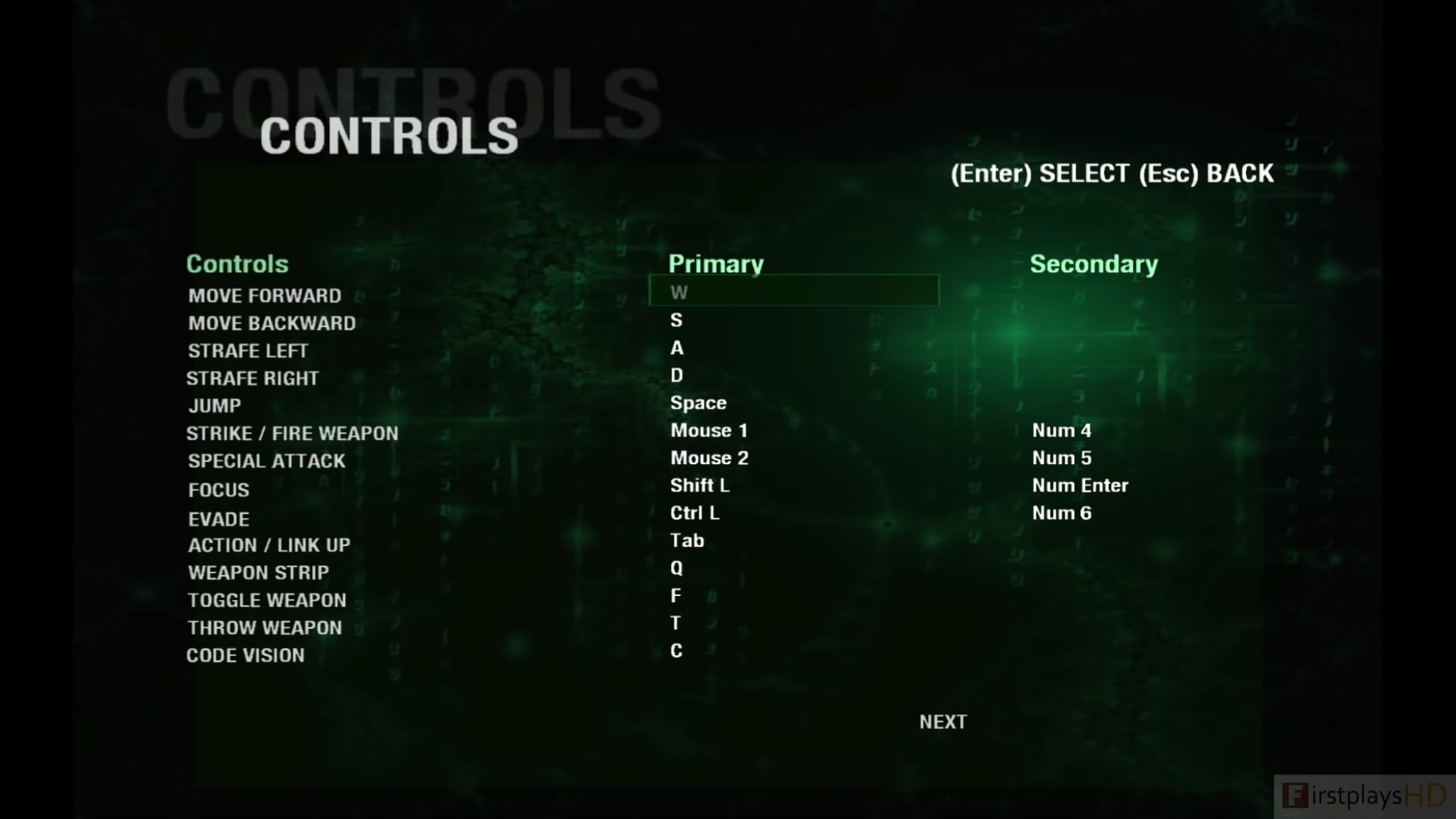

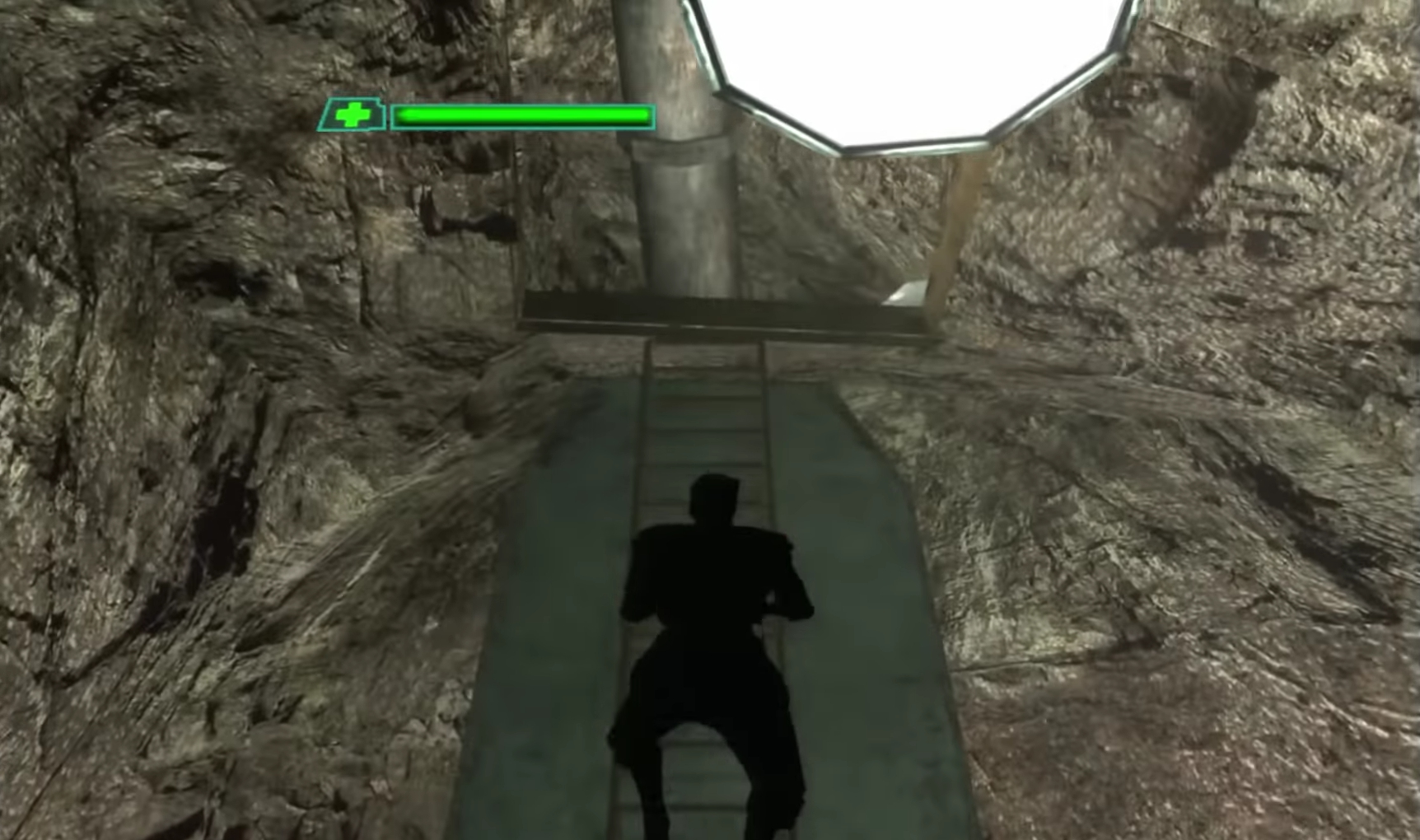
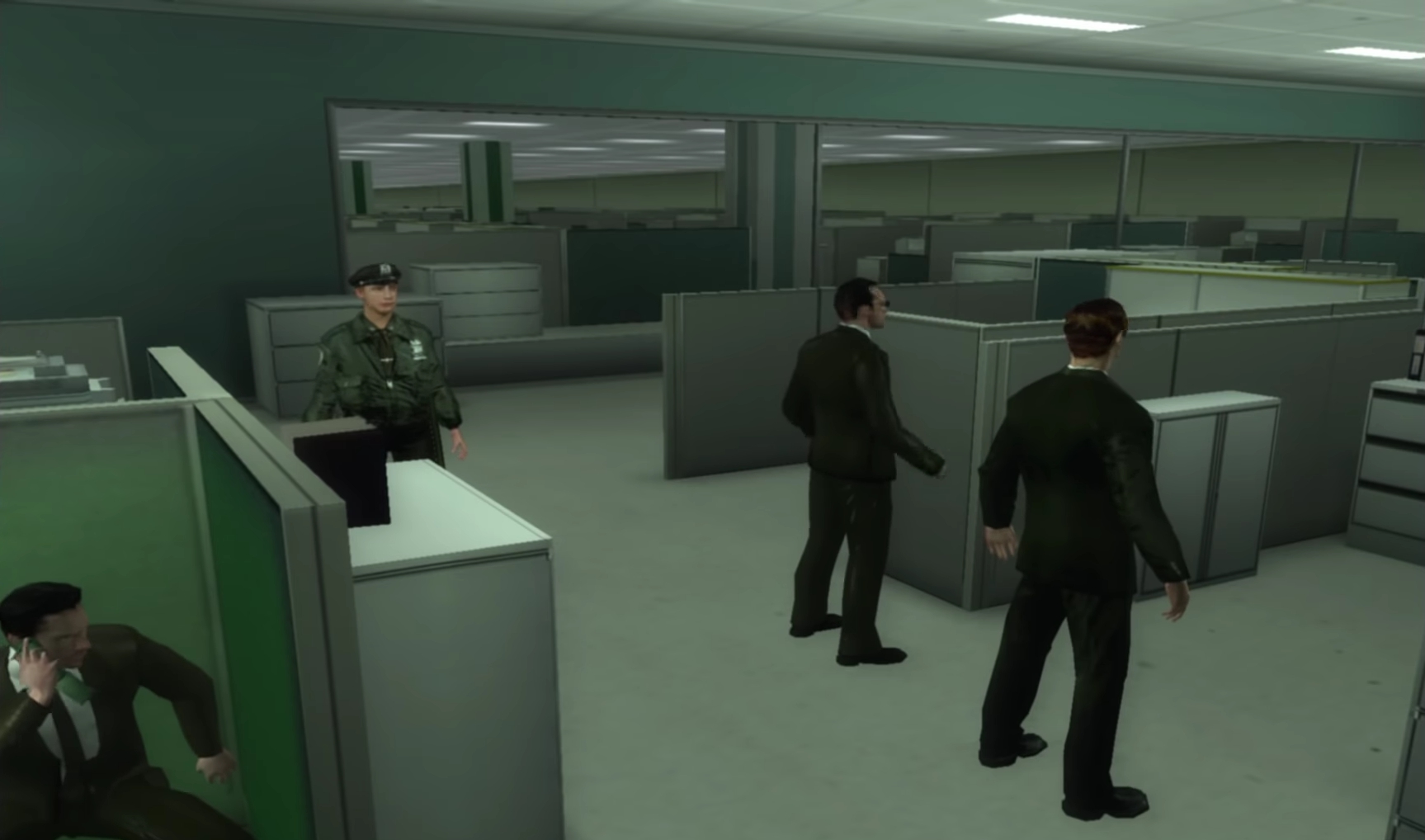

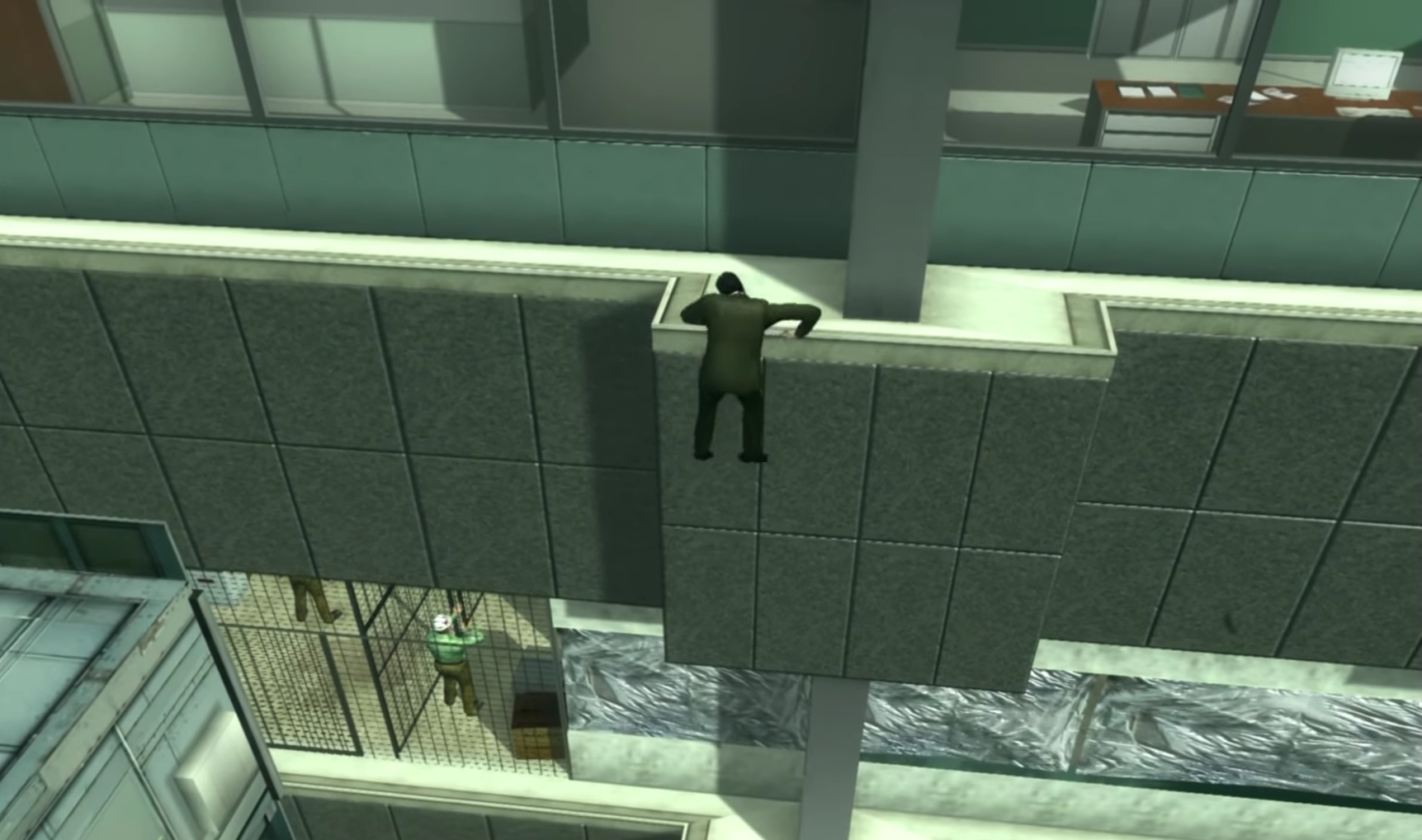


-4
-1
1
1
0
0
1
1
0
0
And Cannot find “Matrix3.exe”…. Anyone know a solution to this?
0
0
it should be noted that most games on oldgamesdownload have a similiar method of installation.
1. Download the file
2. Extract the archive, then open the
folder inside.
3. Right click the iso file and mount it to a virtual drive using any disk imaging tool of your choice. (Such as Virtual CloneDrive/DAEMON Tools Lite/PowerISO)
4. Open the mounted drive.
5. Run
and follow through with the installation procedure.
6. Once the install is finished, open the mounted drive, head to and enter the folder
7. Copy the file
8. Paste the copied file in the previously designated installation directory you chose during the installation process.
9. Click
Congratulations you have finished the setup, now run Matrix3.exe and enjoy.
0
0
0
0
0
0
-2