| Publishers | Ravensburger Interactive Media GmbH, Anglia Multimedia , Simon & Schuster |
| Developers | Wanderlust Interactive |
| Release date | 1997 |
| Genre | Adventure, Educational |
| Game rating |
Game Description
The Pink Panther: Hokus Pokus Pink is an adventure game for the PC released on October 18, 1997 by Wanderlust Interactive. It is based on the Pink Panther cartoon and is a sequel to The Pink Panther: Passport to Peril.
Download The Pink Panther: Hokus Pokus Pink
We might have the game available for more than one platform. The Pink Panther: Hokus Pokus Pink is currently available on these platforms:
Windows (1997)
The_Pink_Panther_Hokus_Pokus_Pink_Win_ROM_EN.zip (262.0MB)
The_Pink_Panther_Hokus_Pokus_Pink_Win_ROM_SV.zip (342.5MB)
Additional files, patches and fixes
The Pink Panther: Hokus Pokus Pink Screenshots
Windows

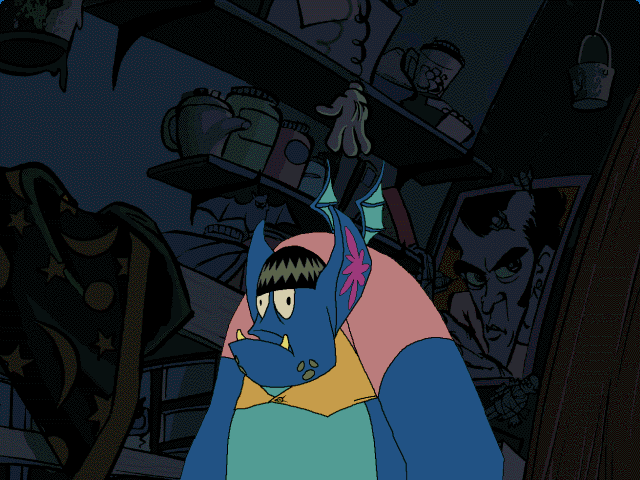
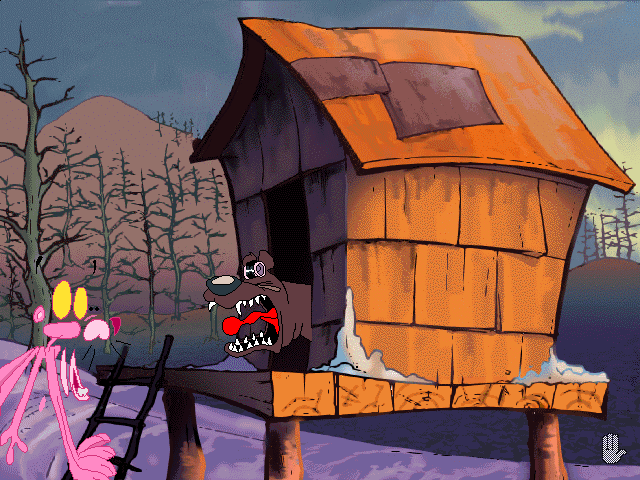
0
But this video worked
https://www.youtube.com/watch?v=GjM6TQrxgZg
0
0
You had that warning before when archive purged a lot of stuff, i don’t know why you removed from stuff that still don’t have the links working
I don’t mean to complain, i love your site, you had stuff that i couldn’t find anywhere, i just feel like if the link leads to nowhere you should probably put a notice saying what your plan is with that stuff.
0
1. download and unzip
2. run unecm.bat
3. mount your new pokus.bin to a virtual drive. you will need a software for that. I used virtual clone drive. so download and install it first. than right click and choose “open with virtual clone drive.
4. manual install: copy everything from the virtual drive folder to a new folder. hidden files included. so make sure they are visible.
5. set compatibly mode to win xp sp3
6. now the game gonna run when you press the pokus.exe. but the sound will glitch. to fix this finale issue. go to youtube and search : Dobby Tutorials: The Pink Panther: Hokus Pokus Pink – How to run on Windows 10 and sound FIX. in the description you will find a link for a download: find v6.1a. download, copy, and replace the original glitchy dll file in the game folder.
7. your done
0
0