| Publishers | THQ |
| Developers | Volition, Amplified Games |
| Release date | 2004 |
| Genre | Action, Shooter |
| Game rating |
Game Description
The Punisher is a third-person shooter video game developed by Volition and published by THQ. It was released in 2005 for the PlayStation 2, Xbox, and Microsoft Windows; a mobile phone game was also developed by Amplified Games and released in 2004. The game stars the Marvel Comics antihero, The Punisher. After his family was murdered by the Mafia, Frank Castle devoted his life to the punishment of criminals. Players take control of the titular ruthless vigilante to track down and kill criminals.
Download The Punisher
We might have the game available for more than one platform. The Punisher is currently available on these platforms:
Windows (2005)
The_Punisher_Win_ROM_EN.zip (1.80GB)
How to play on Windows
- Download and Extract The_Punisher_Win_ROM_EN.zip
- Open “Game Files” folder
- Open “CD1” folder and mount “The Punisher cd1.bin”
- Run “setup.exe” – begin installing game
- When prompted, mount CD2 and then CD3
- When installation is completed, copy “pun.exe” from the “NoCD” folder into the game installation directory
- Play the game
Additional files, patches and fixes
The Punisher Screenshots
PlayStation 2
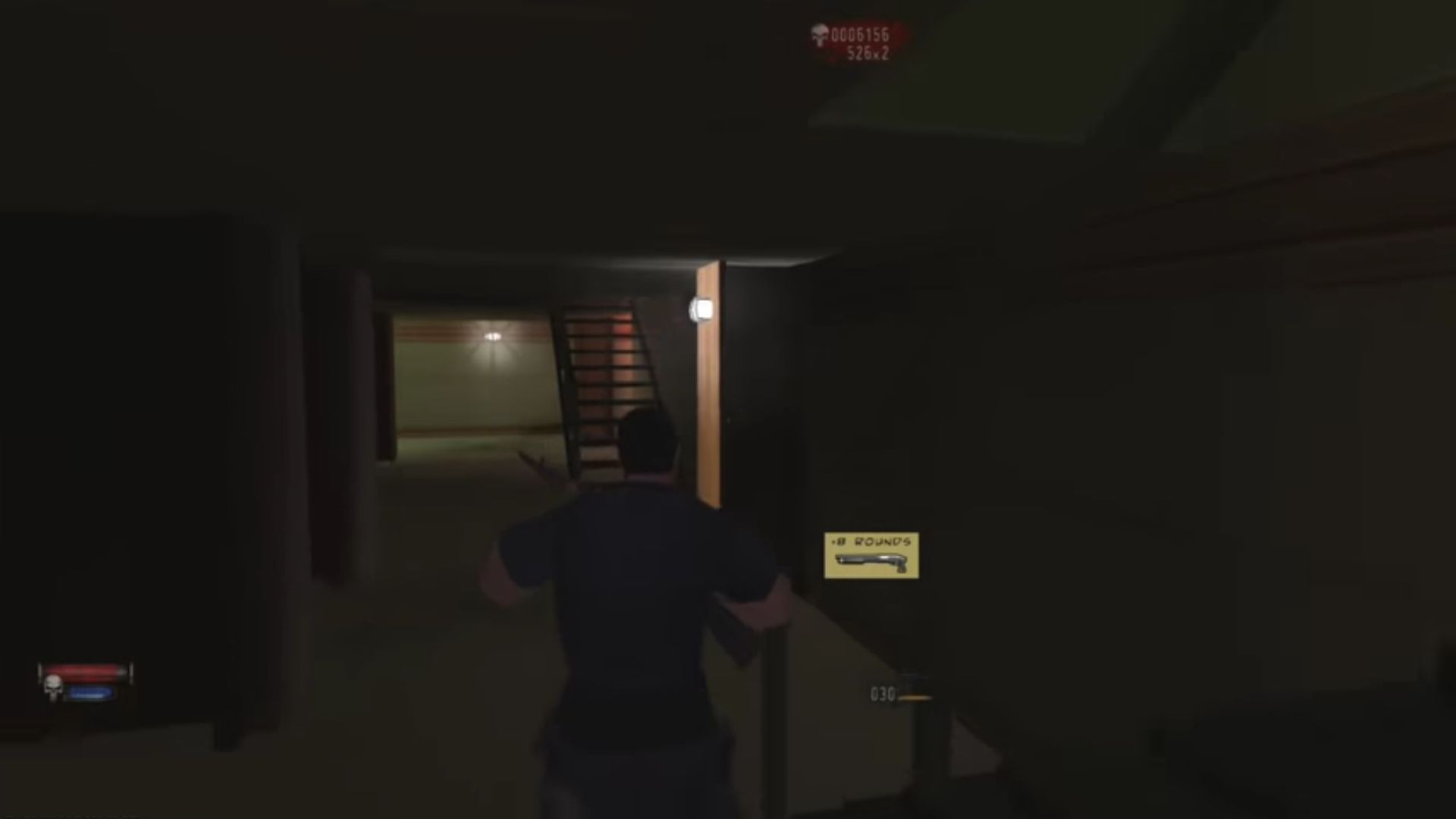
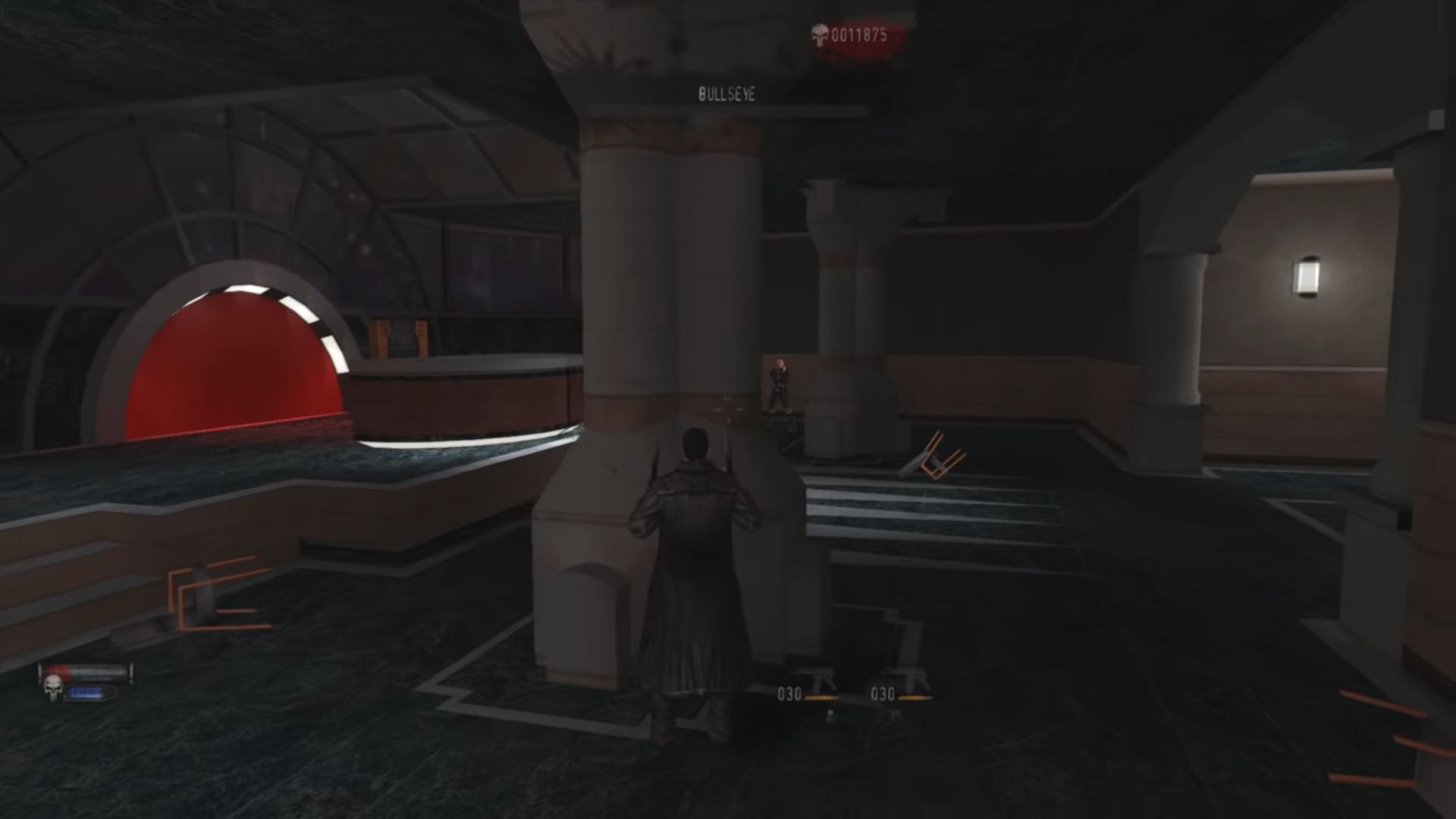
0
Failed to initalize Direct3D device
What should i do?
0
0
0
0
0
0
0
0
0
Program Files (x86)/THQ/The Punisher
0
0
If a game’s installer asks you at some point to go ahead and insert Disc 2 (or 3, or 4, etc) to continue the installation, go into Daemon Tools and click the eject arrow to unmount the current CD from the virtual drive, then double click the next CD file to mount the next CD onto that same virtual drive. Then you should be able to continue the installation.
You may also need to mount a certain disc to be able to play the installed game, depending on whether it requires that. Many older games do.
0
0
0
0
0
0
0
Older games sometimes have trouble detecting your computer’s graphics card if the card is significantly newer than the game. This could also be your problem. However, typically a game will only try to detect your graphics card at launch in order to optimize graphics settings for your card, but that shouldn’t be required in order to still run the game.
0
0
0
0
Download the .dll here and place it in the same folder as the game files/setup exe
0
0
0