| Publishers | Eidos Interactive |
| Developers | Overmax Studios, Object Software Limited |
| Release date | 2000 |
| Genre | Strategy |
| Game rating |
Game Description
Three Kingdoms: Fate of the Dragon (or simply Fate of the Dragon for short in the U.S. version) is a video game developed by Overmax Studios in 2000 for the PC. It is based on the historical background of the epic Romance of the Three Kingdoms.
Download Three Kingdoms: Fate of the Dragon
We might have the game available for more than one platform. Three Kingdoms: Fate of the Dragon is currently available on these platforms:
Windows (2000)
Three_Kingdoms_Fate_of_the_Dragon_Win_Files_EN.7z (54.9MB)
Three_Kingdoms_Fate_of_the_Dragon_Win_Setup_EN.7z (447MB)
How to play on Windows:
- Download Three_Kingdoms_Fate_of_the_Dragon_Win_Files_EN.7z and extract the “Three_Kingdoms_Fate_of_the_Dragon_Win_Files_EN” folder to your desktop.
- Open the extracted folder and then open the “Game Files” folder.
- Run “SetupReg.exe”
- Once registry has been updated, run “sanguo.exe”. Three Kingdoms: Fate of the Dragon should now launch.
Additional files, patches and fixes
Three Kingdoms: Fate of the Dragon Screenshots
Windows
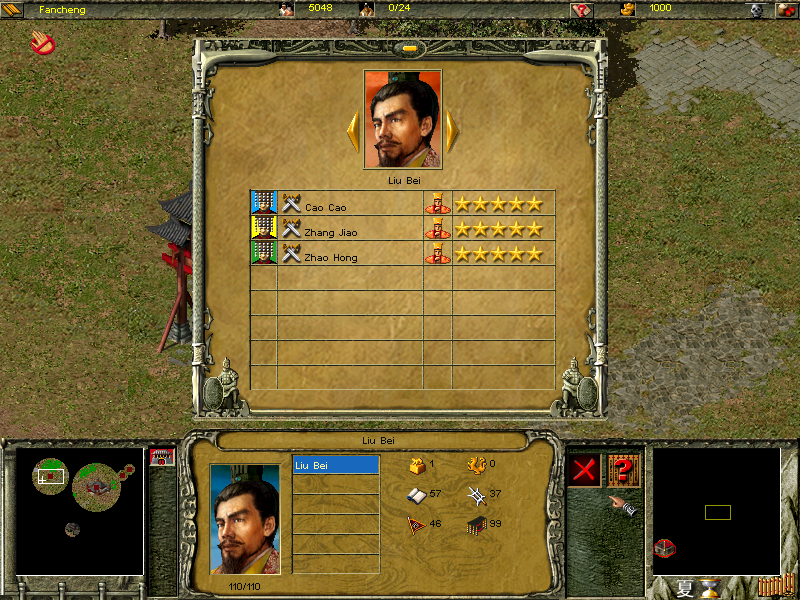
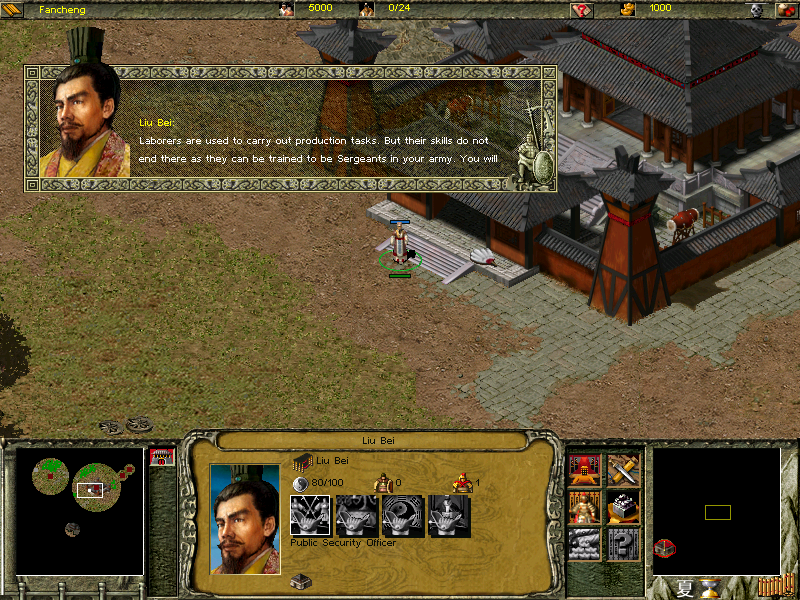
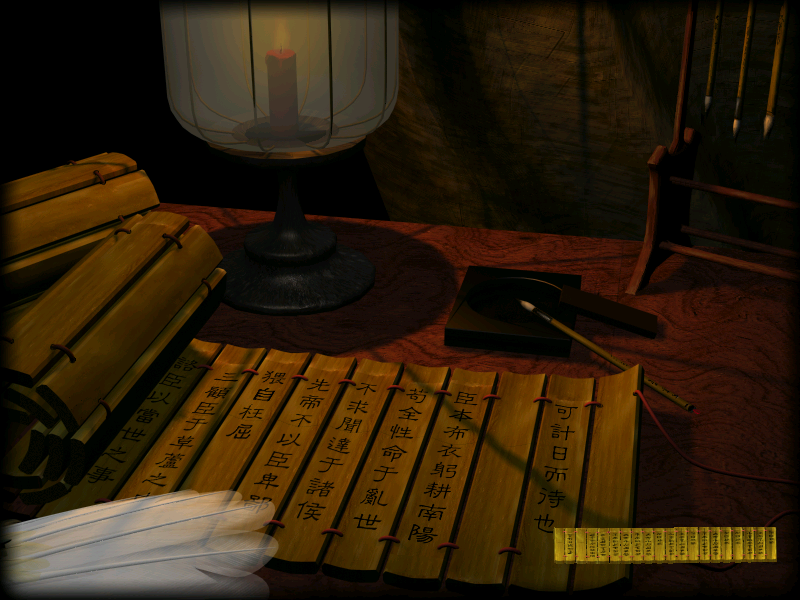
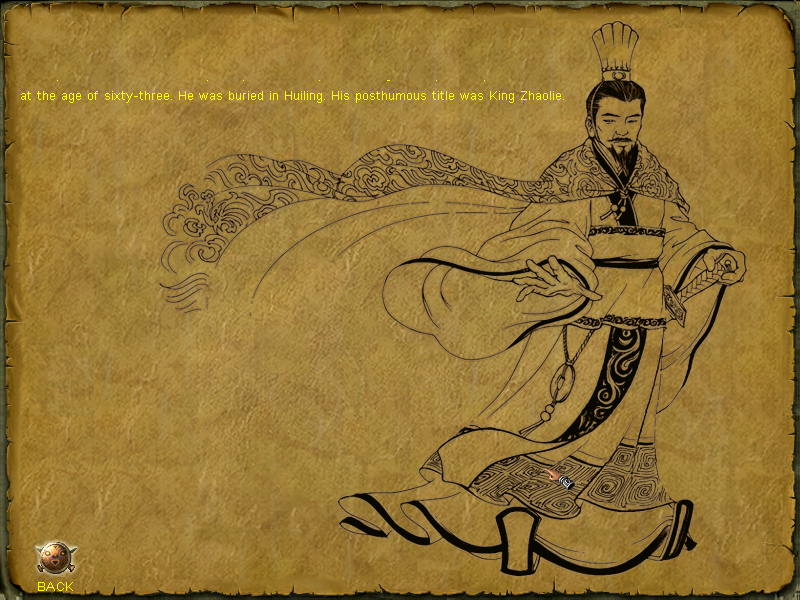
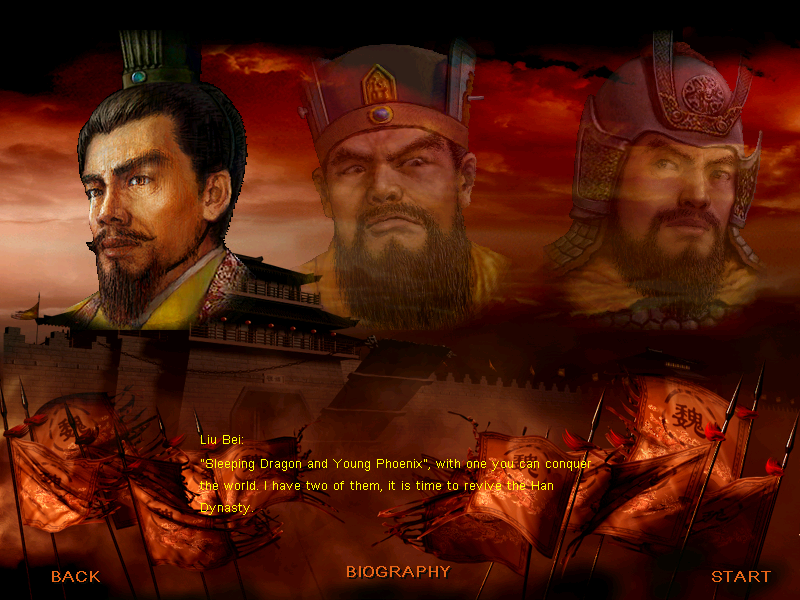
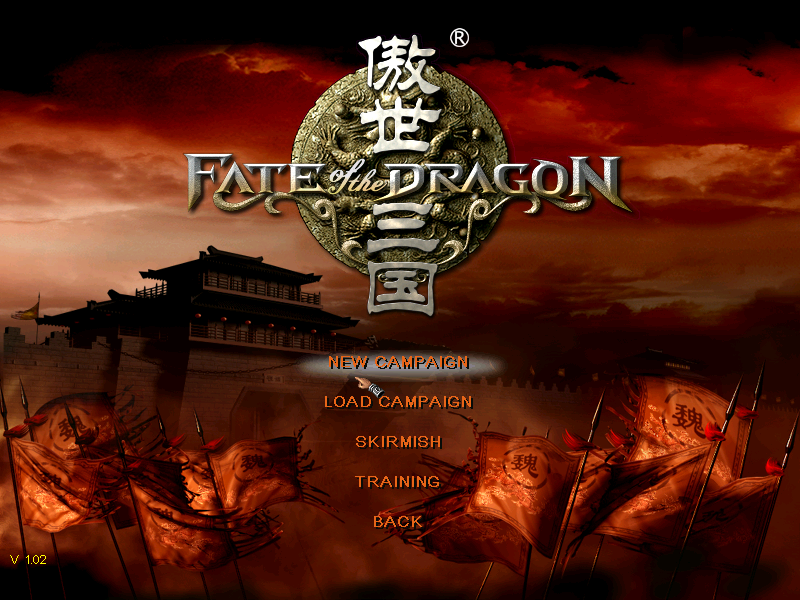
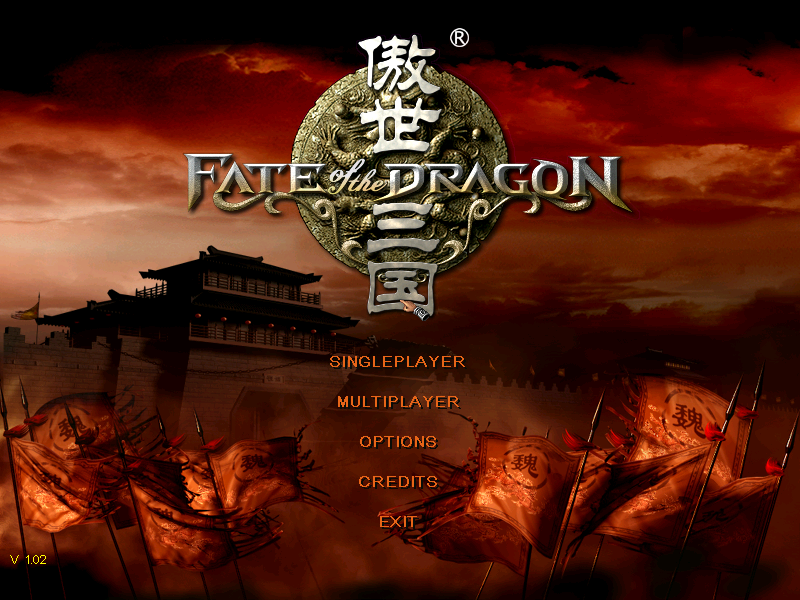
0
0
i runned setup.exe
but cant run sanguo.exe
system : the code execution cannot proceed because MFX.DLL was not found
0
0
1. Follow this website instruction. You will be able to play the game but with noticable lags whenever it-game notification pop up.
2. Download cnc-ddraw.zip from: https://github.com/FunkyFr3sh/cnc-ddraw/releases/ (I used version 5.7.0.0) and extract it into your game folder.
3. Start the game by “sanguo.exe”.
4. [Alt] + [Enter] = Switch to windowed mode. The game should run smoothly right now. Switch again to fullscreen mode and enjoy.
Note: The game audio is not working ingame. If you can fix it, please let me know.
0
0
1. Follow this website instruction. You will be able to play the game but with noticable lags whenever it-game notification pop up.
2. Download cnc-ddraw.zip from: https://github.com/FunkyFr3sh/cnc-ddraw/releases/ (I used version 5.7.0.0) and extract it into your game folder.
3. Start the game by “sanguo.exe”.
4. [Alt] + [Enter] = Switch to windowed mode. The game should run smoothly right now. Switch again to fullscreen mode and enjoy.
Note: The game audio is not working ingame. If you can fix it, please let me know.
0
0
0
1. Download the game files from this website.
2. Download the game from archive.org here: https://archive.org/details/goldgames244
(if you have problems opening the .iso just use Winrar and copy the whole thing to a folder.)
3. install the game.
4. Move over and replace the DATA and the Dialog Folders from the installation downloaded from this here.
(might also need to move over the patch)
5. change compattebility mode for sanguo.exe and run as admin.
Enjoy!
only this is that the bacround music is not working ingame. not sure why, its the BKG.MP3 in inside the Dialog folder.
0
Windows 10 is it? Heard Windows 10 can’t play, even can play on Win 7 on mordern machine is too fast
0
0
0
0
0
0