| Publishers | Activision |
| Developers | Traveller’s Tales, Vicarious Visions, Savage Entertainment |
| Release date | 2007 |
| Genre | Shooter |
| Game rating |
Game Description
Transformers: The Game is the name of multiple versions of a video game based on the 2007 live action film Transformers, all of which were released in North America in June 2007. Home console and PC versions were developed by Traveller’s Tales for the PlayStation 2, Xbox 360, Wii, PlayStation 3 and PC. A different PlayStation Portable version was developed by Savage Entertainment.
Download Transformers: The Game
We might have the game available for more than one platform. Transformers: The Game is currently available on these platforms:
Windows (2007)
Transformers_The_Game_Win_ISO_EN.zip (3.71GB)
How to play on Windows
- Download and Extract Transformers_The_Game_Win_ISO_EN.zip
- Mount OGD.Transformers.The.Game.ISO and run setup.exe
- Follow on-screen instructions to install the game
- Open the “NOCD” file and copy-paste “Transformers.exe” into the game installation directory – replace the files in the destination
- Play the game
Additional files, patches and fixes
Transformers: The Game Screenshots
Windows
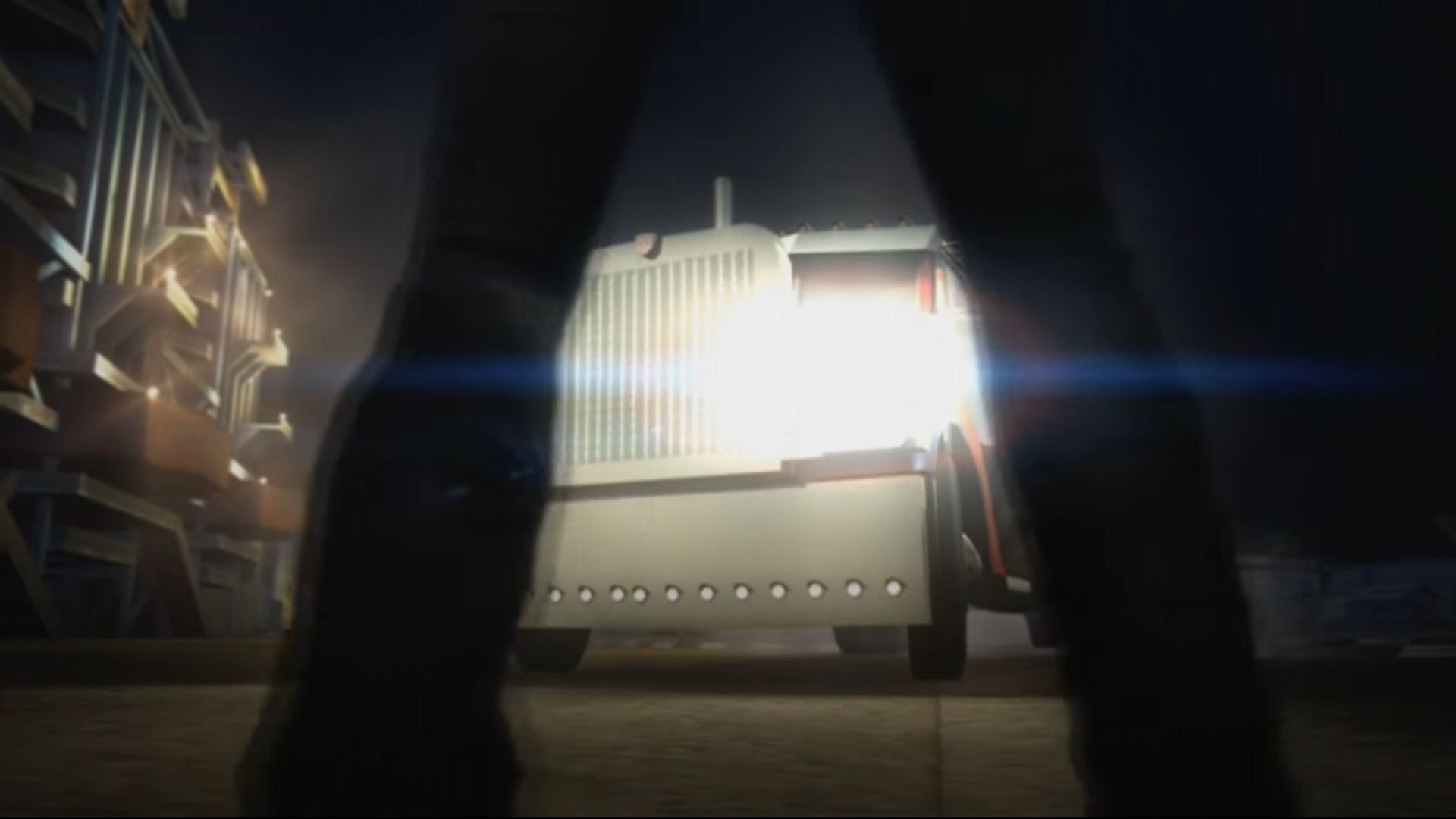
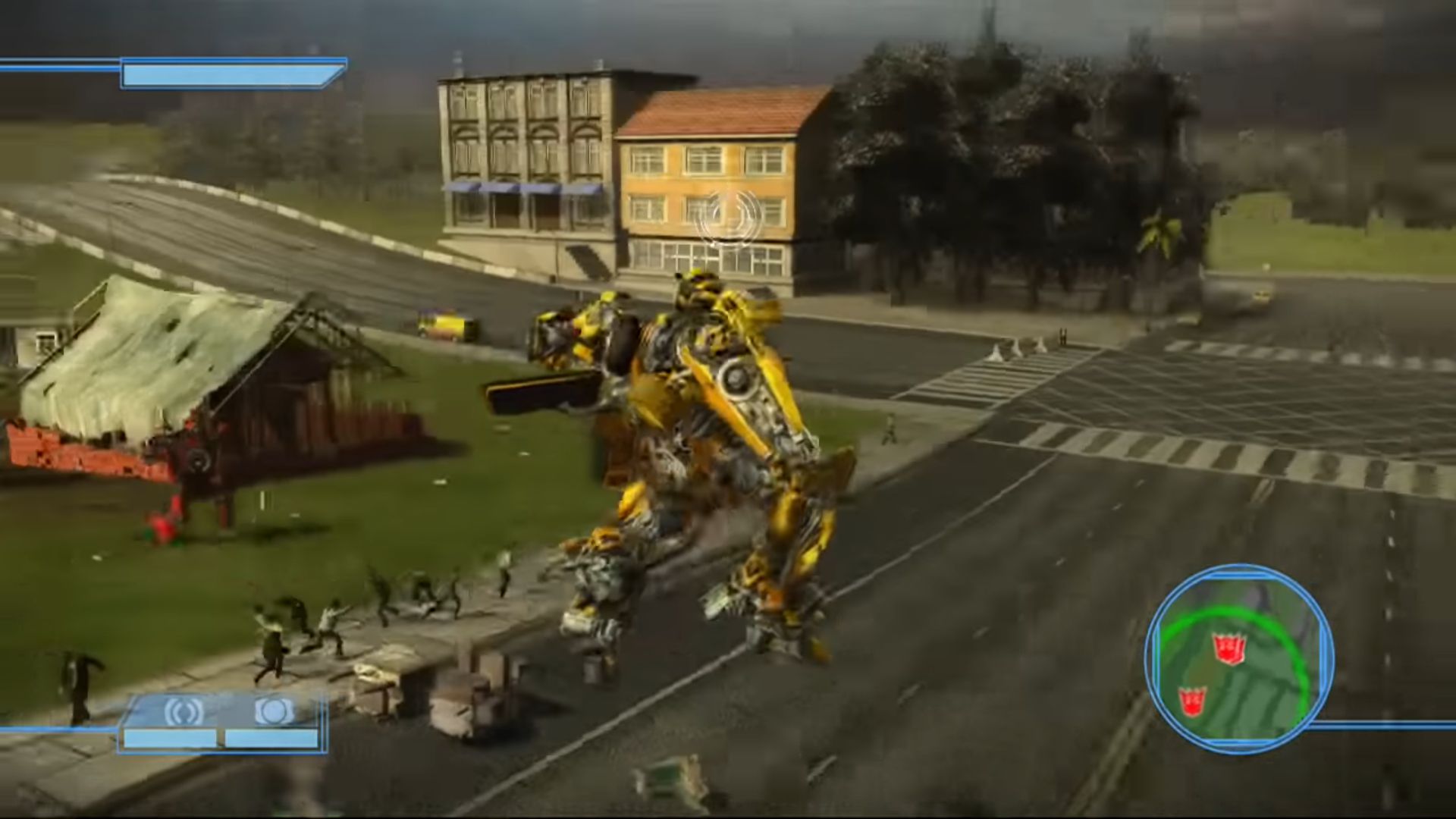
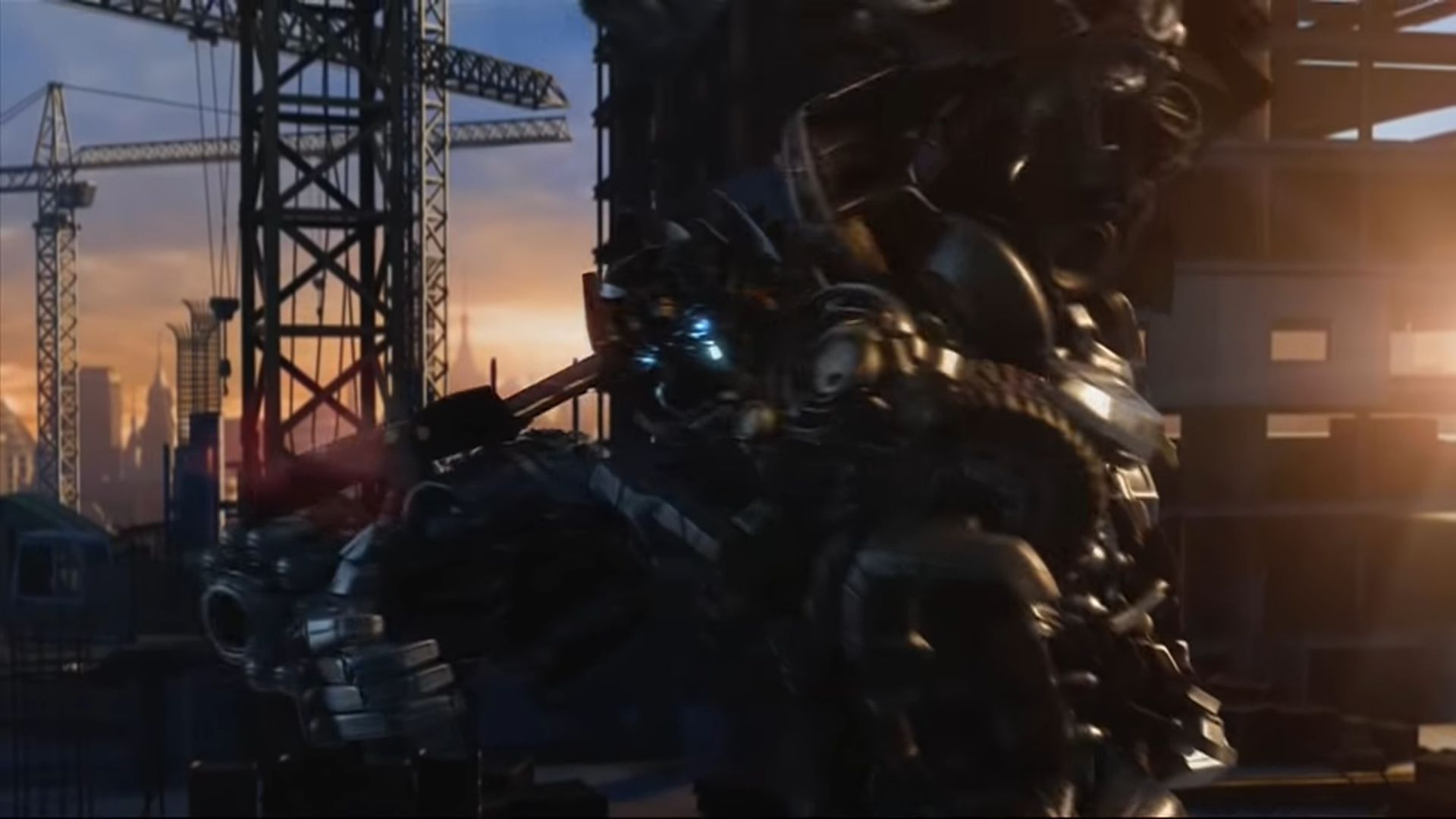
0
0
0
0
0
0
0
0
0
0
1
1. Go into your OGD.Transformers.The.Game file thingy
2. Re-run the setup of the game, EVEN IF IT ASKS YOU TO UNNISTALL THE GAME JUST DO SO AND RUN THE SETUP AGAIN IMMEDIATLY AFTERWARDS (the setup is just deleting the previous game files)
3.When you are in the setup, before cicking all the way through you will get TWO choices to install the components, choose the CUSTOM option FIRST, you will then see EXACTLY where your main game files is located on your PC (for me it was in my windows C; drive in my Progam x86 File thingy and only there i saw my MAIN Transformers game files,THIS IS YOUR GAME DIRECTORY THAT HOLDS ALL THE GAME FILES) HOWEVER don’t leave it on custom, go back and select the normal install (RECOMENDED) and continue. if the game main menu opens up DO NOT press play just as yet. you can just leave it open and do the next step first.
4. Now go into your NOCD folder, just copy the Autobot picture thingy and not the website link, paste that into your MAIN game folder and it will ask you if you would like to replace that autobot thingy and then you click replace.
5. press play on your transformers game.
G 0_= b
0
0
0
0
0
0
0
0
0
0
0
0
0