| Publishers | EA Games |
| Developers | EA Los Angeles |
| Release date | 2004 |
| Genre | Strategy |
| Game rating |
Game Description
The Lord of the Rings: The Battle for Middle-earth is a real-time strategy video game developed by EA Los Angeles for Microsoft Windows. It was released in December 6, 2004 and is based on Peter Jackson’s The Lord of the Rings film trilogy, in turn based on J. R. R. Tolkien’s original novel.
Download The Battle for Middle-earth
We might have the game available for more than one platform. The Battle for Middle-earth is currently available on these platforms:
Windows (2004)
The Battle for Middle-earth.rar (3.44GB)
How to play on Windows
- Click on the download button. It should redirect you to your download. Make sure you download the file properly and that your internet does not disconnect while downloading.
- Extract the “The Battle for Middle-earth” folder to your desktop.
- Open the “The Battle for Middle-earth” folder and then open the “Game Files” folder.
- Run the “Setup.exe” file and the game setup should launch. On higher resolution screens, you might not be able to see the full setup. In this case you can just press “Enter” on your keyboard to complete the setup. BFME 1 should begin installing on your computer.
- Once the game is installed, you can run the game from the desktop shortcut.
- Enjoy the game!
Additional files, patches and fixes
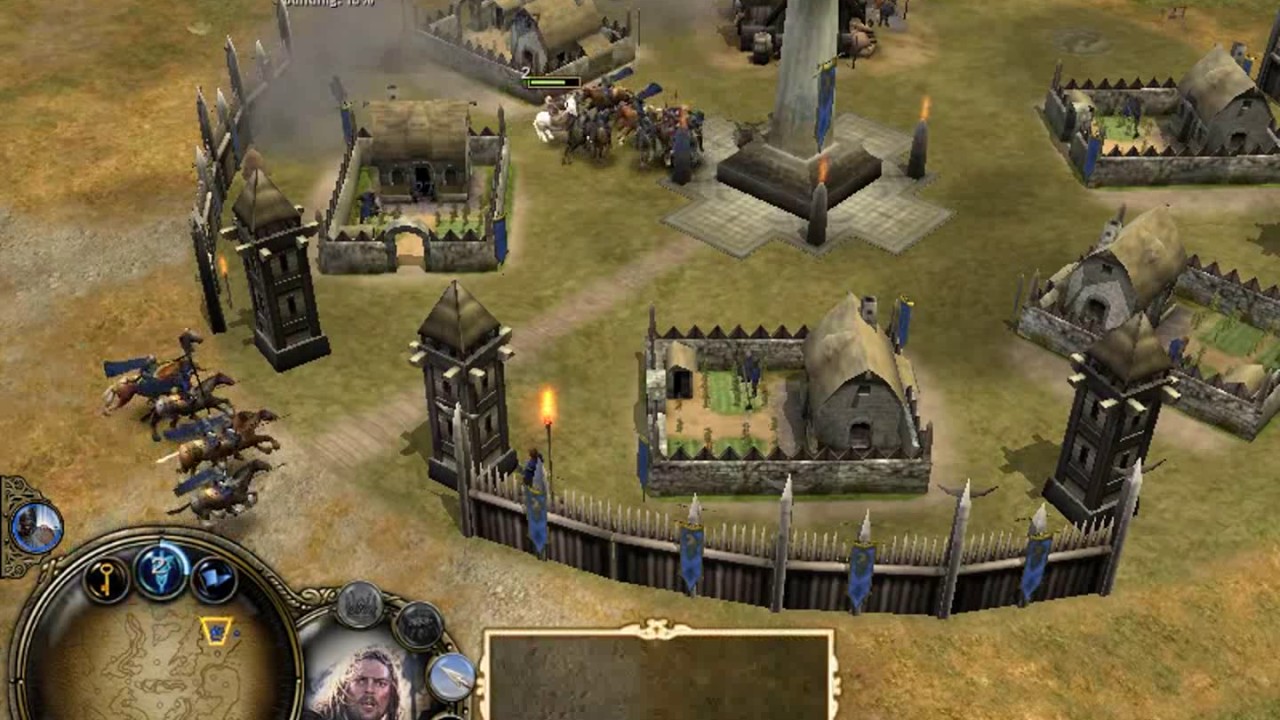
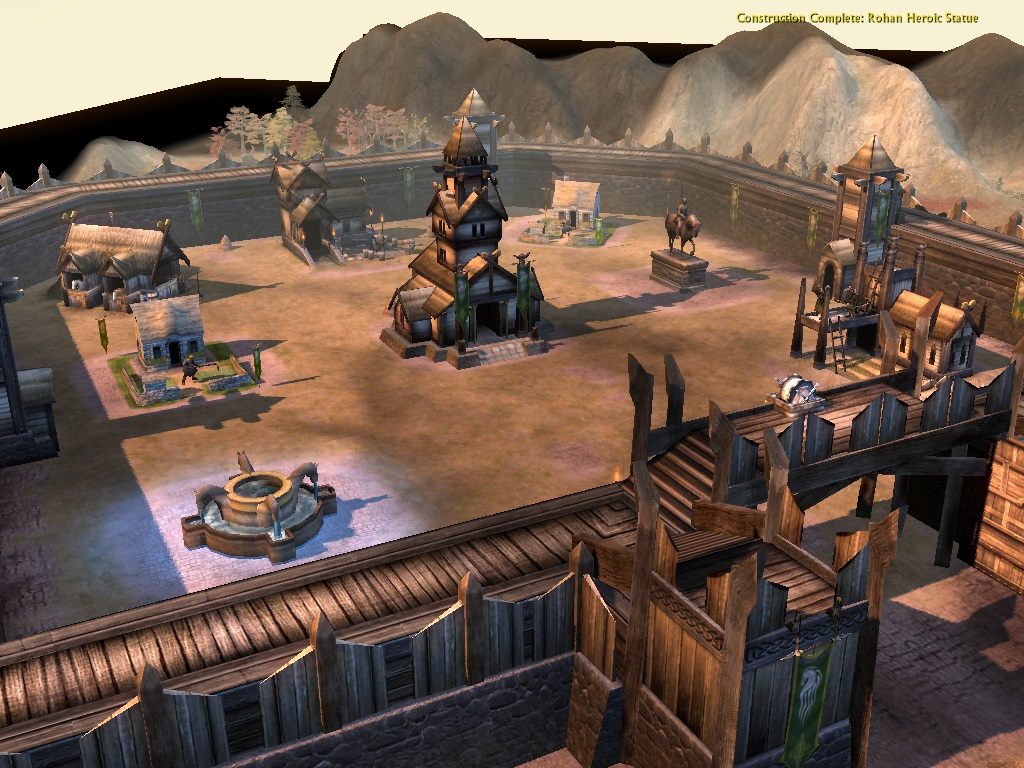
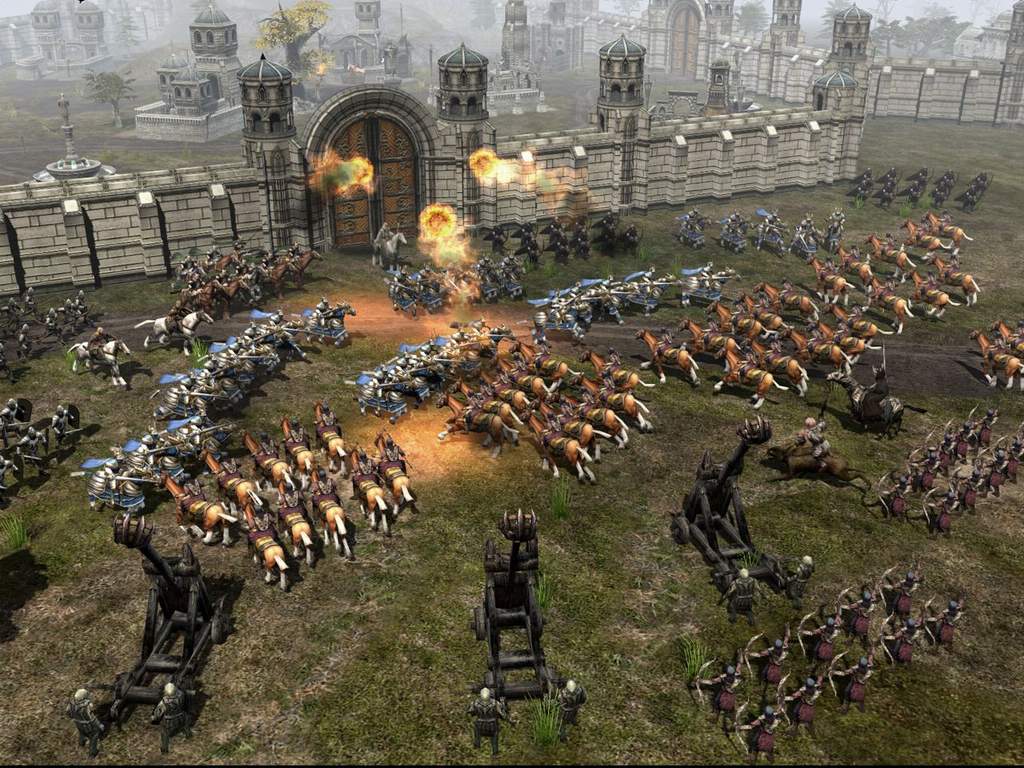
The Battle for Middle-earth Screenshots
Windows
when I switch it they ask about the CD
how can we make it ?
my laptop has not cd drive
can someone help me please