The Lord of the Rings: The Fellowship of the Ring

Publishers Black Label Games
Developers WXP, Pocket Studios, Surreal Software
Release date 2002
Genre Action, Adventure
Game rating

Game Description

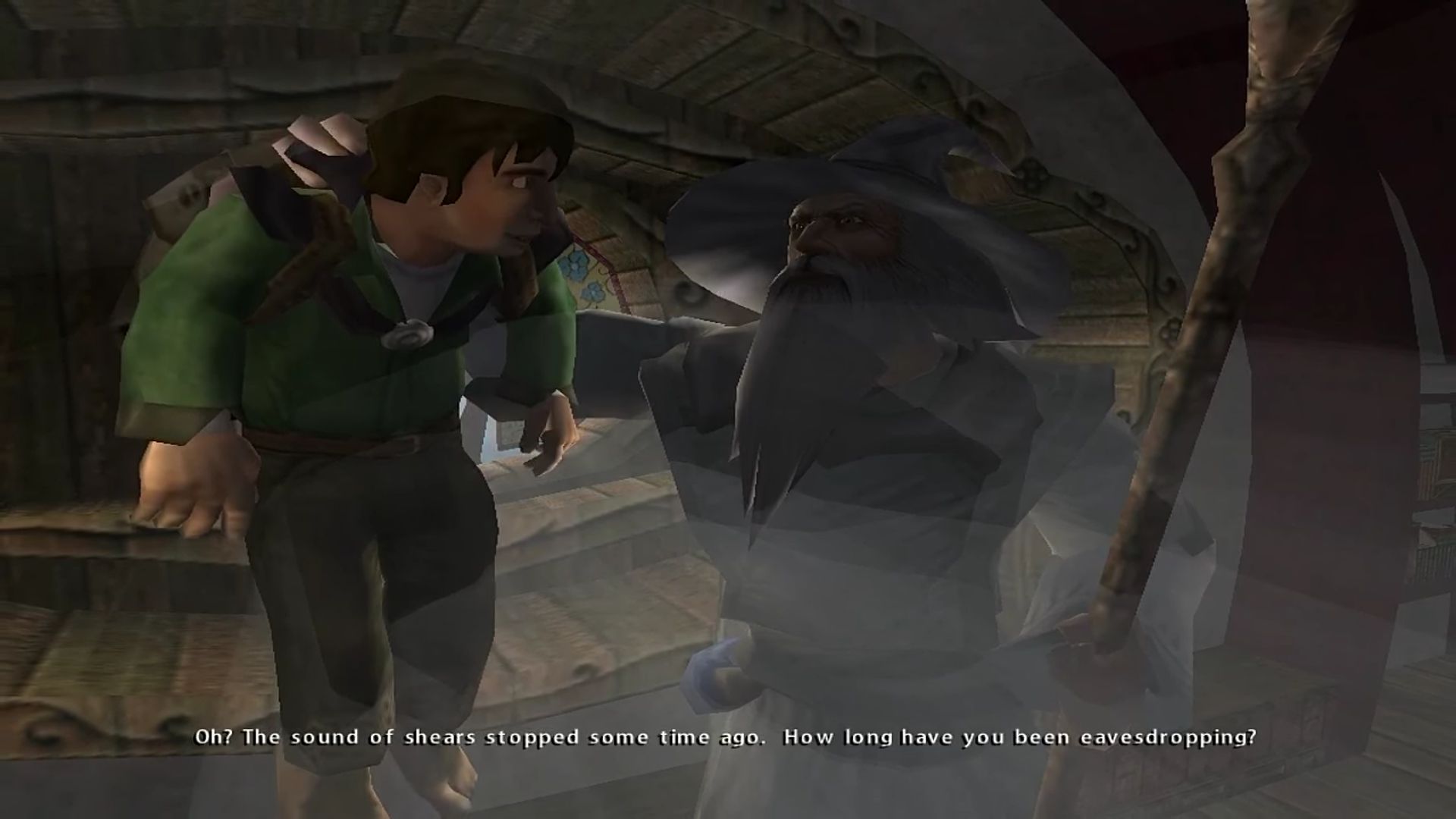
The Lord of the Rings: The Fellowship of the Ring is a 2002 action-adventure video game developed by WXP for the Xbox.

Download The Lord of the Rings: The Fellowship of the Ring

We might have the game available for more than one platform. The Lord of the Rings: The Fellowship of the Ring is currently available on these platforms:

Windows (2002)

The_Lord_of_the_Rings_The_Fellowship_of_the_Ring_Win_ROM_EN.7z (1.27GB)

How to play on Windows

  1. Download and Extract The_Lord_of_the_Rings_The_Fellowship_of_the_Ring_Win_ROM_EN.7z
  2. Open the folder “CD1” and mount FLT-LORA.bin and run the game seutp. Follow on-screen insctructions to complete game installation
  3. When prompted open the folder “CD2” and mount FLT-LORA.bin again tot a different drive this time. Continue the installation
  4. Once the installation is completed, open the mounted drive and then open the “Crack” folder. Copy-paste Fellowship.exe from the crack folder into game installation directory
  5. Play the game

Additional files, patches and fixes

The Lord of the Rings: The Fellowship of the Ring Windows ReadMe (English)

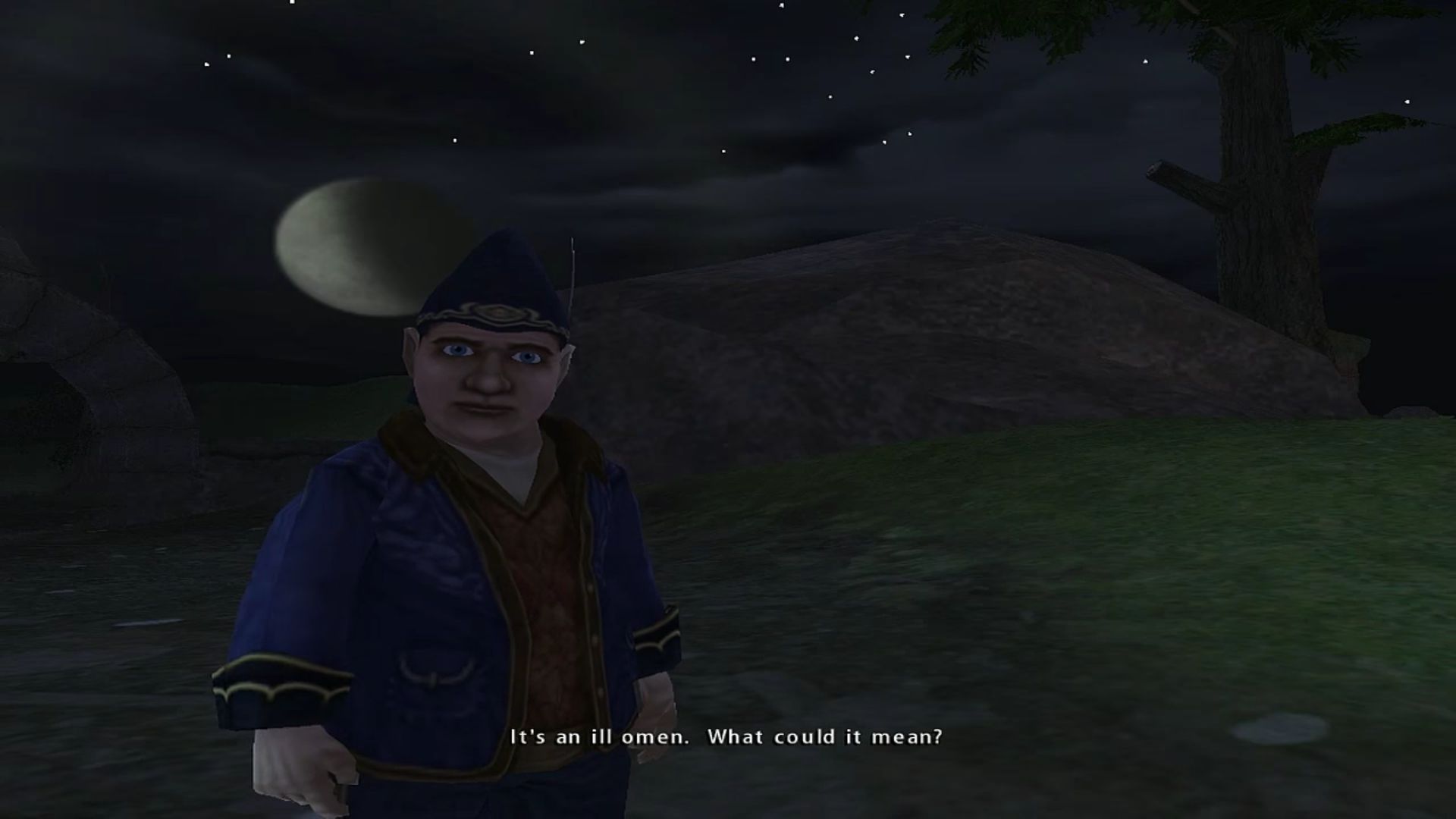
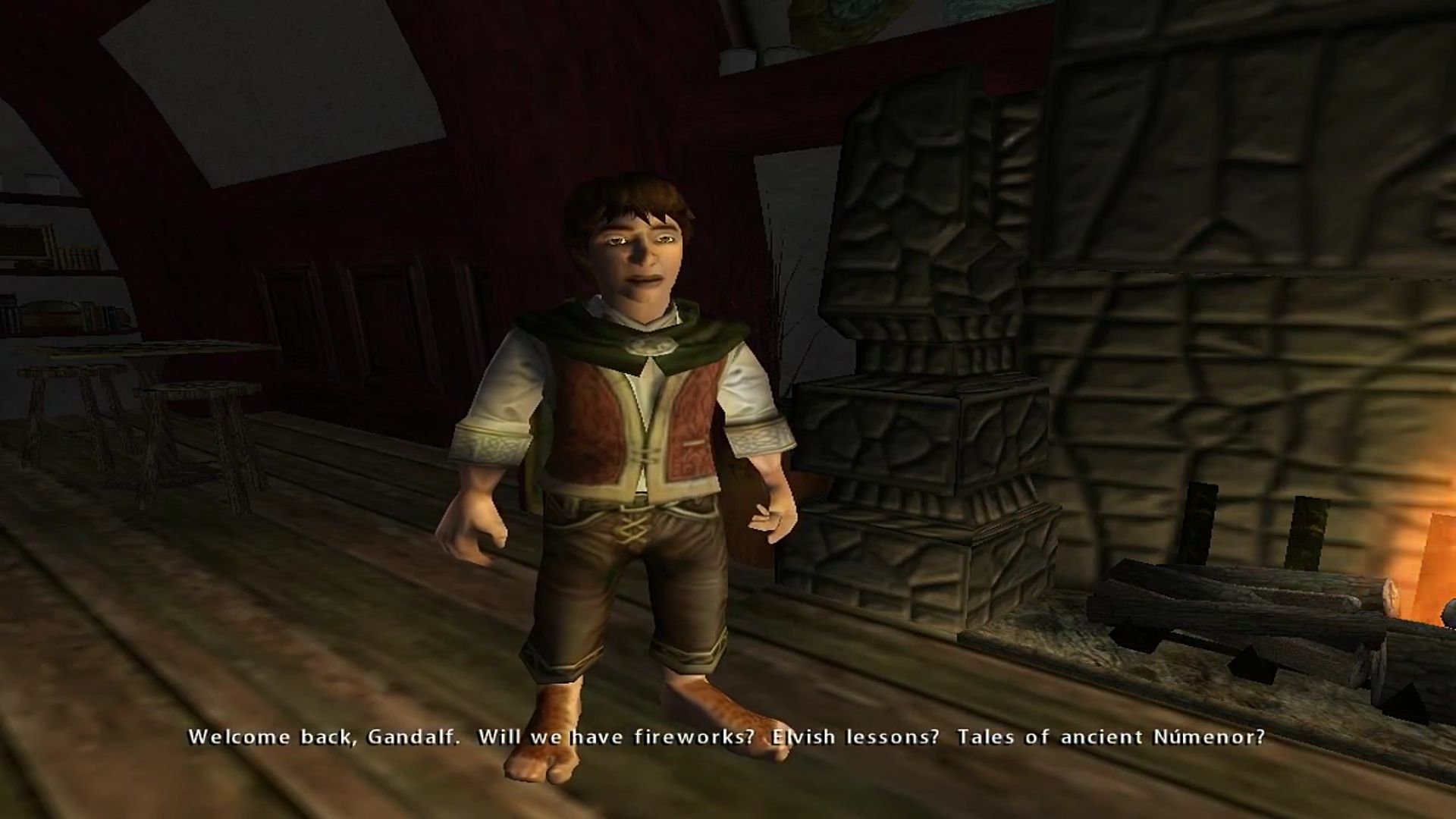
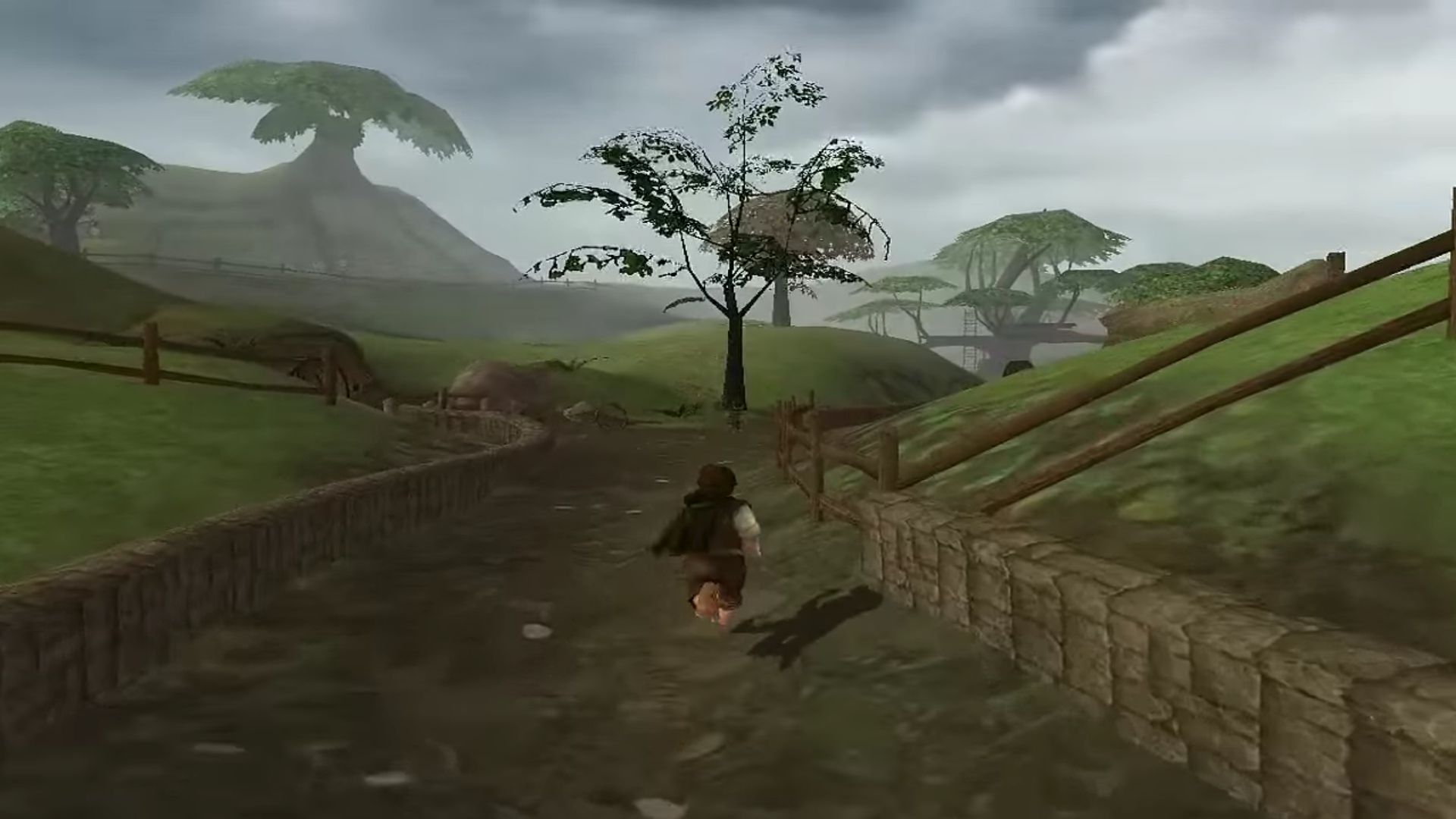
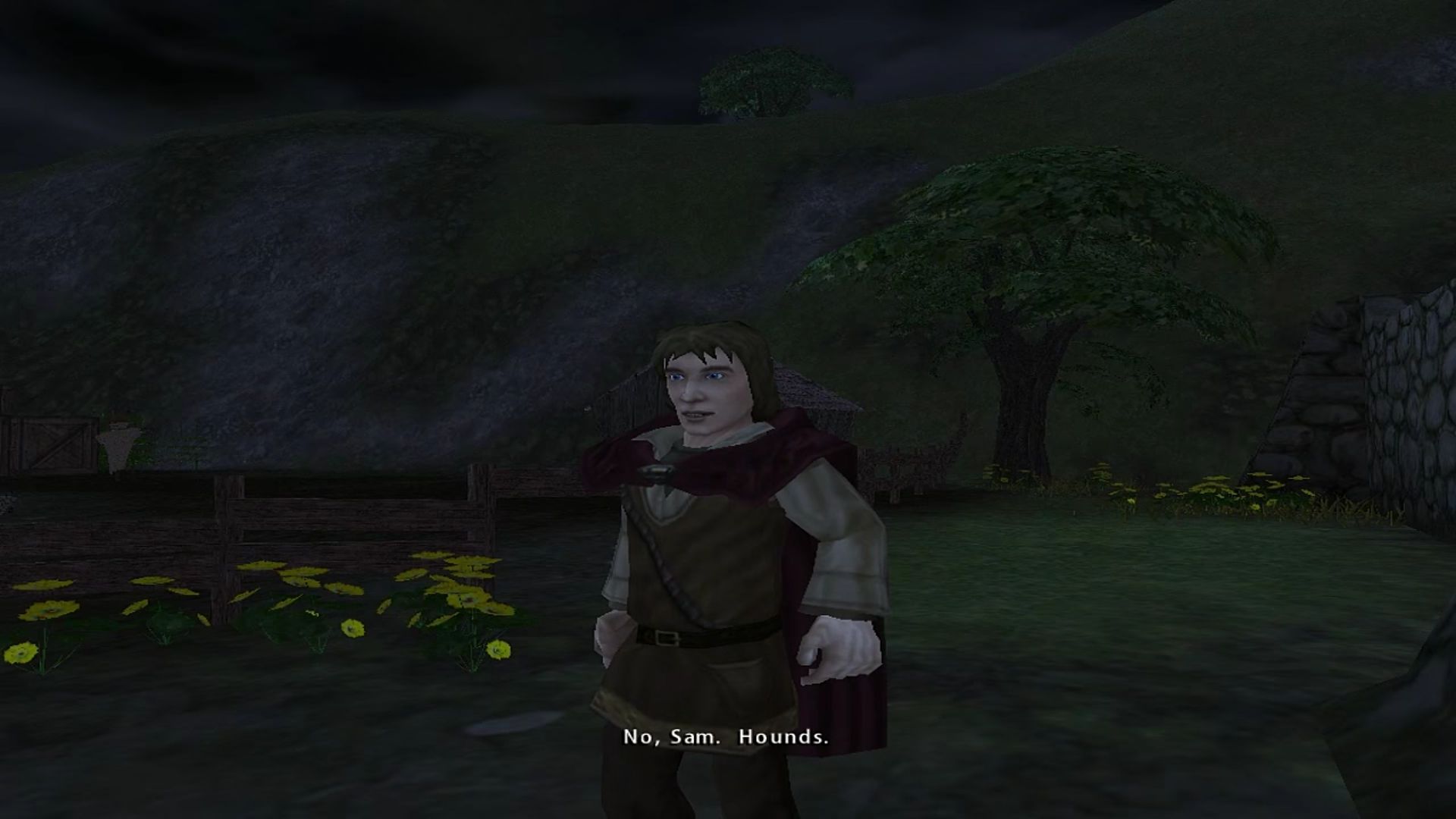
The Lord of the Rings: The Fellowship of the Ring Screenshots

Windows
44 thoughts on “The Lord of the Rings: The Fellowship of the Ring”

  1. 0

    To play the 2002 The Lord of the Rings: The Fellowship of the Ring on Windows 11, you must use a fan-made patch or wrapper. Without these modifications, modern security features in Windows 11 will prevent the CD’s copy protection (SafeDisc) from reading, and the game will simply crash to a black screen upon launch. Follow these steps to get the game fully working, optimized for modern widescreen monitors, and running at a stable framerate – 1. Install to a Custom Directory: a)To mount the files (FLT-LORA and FLT-LORB) use something like DAEMON Tools Lite. Follow the steps outline above to get the files onto your hard drive from the virtual drives within . Do NOT run setup yet. b)Open the CD files, right-click setup.exe, and select Run as Administrator. c)Crucial Step: When the installer asks where to save the game, do not install it to the default C:\Program Files directory. Windows 11 heavily protects that folder, which blocks older games from saving or running patches. Instead, change the installation path to a custom folder like C:\Games\Fellowship. 2. Update to the Official 1.1 Version. Modern fixes require the game executable to be fully updated to function. Download the official v1.1 US game update. Run the update installer to patch your game files to version 1.1.3. Install the Community PC Fix (Recommended). Rather than wrestling with outdated third-party emulators like 3D-Analyze, use the Lord of the Rings: The Fellowship of the Ring V1.1 PC Fix, found here – https://community.pcgamingwiki.com/files/file/3785-lord-of-the-rings-the-fellowship-of-the-ring-v11-fix/. This all-in-one wrapper modernizes the game. Just follow the instructions on this site to upgrade to v1.1 of the game, and then install the 1.3 Patch.
    Reply
  2. 0

    So, I mounted the drives, copied over the crack file, now when I try to open the game it pops up with “Fellowship Configuration on your PC needs the following Windows feature:” and the only option is to skip this install or cancel. When that happens another popup says DirectX 8.1 is not installed.
    Do I need this DirectX 8.1 or what am I doing wrong?
    Reply
  3. -1

    So for anyone looking, I recommend using Power Iso as you can mount as well as see the contents of the files given.

    The “crack” is in the bin file on disk 2. Make sure when installing Poweriso you enable bin and cue files

    Reply
  4. -1

    I got everything mounted but for some reason I can’t seem to find the Crack folder. Could someone give a step by step on where it is?
    Reply
  5. 0

    I have this game downloaded and have it mounted and installing the game however it gets to 84% and says need to insert disc to continue how do i fix this
    Reply

Leave a Comment