| Publishers | Vivendi Universal Games, Inc. |
| Developers | Funnybone Interactive |
| Release date | 2002 |
| Genre | Educational |
| Game rating |
Game Description
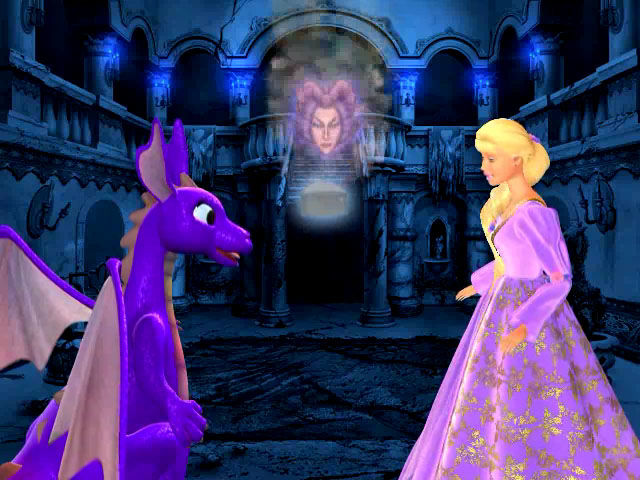
Barbie plays Rapunzel. A witch has turned Prince Stefan to stone and destroyed much of the castle, all for the offense of not being invited to the masquerade ball. Rapunzel and her dragon friend, Penelope, set out to restore the castle in time for the ball and find missing magic gems to restore the prince.
Download Barbie as Rapunzel: A Creative Adventure
We might have the game available for more than one platform. Barbie as Rapunzel: A Creative Adventure is currently available on these platforms:
Windows (2002)
Barbie_as_Rapunzel_A_Creative_Adventure_Win_ISO_EN.zip (348MB)
How to play on Windows
- Download and extract Barbie_as_Rapunzel_A_Creative_Adventure_Win_ISO_EN.zip
- Mount Rapunzel.iso
- Run INSTALL.EXE and install the game
- Play
Additional files, patches and fixes
Barbie as Rapunzel: A Creative Adventure Windows ReadMe (English)
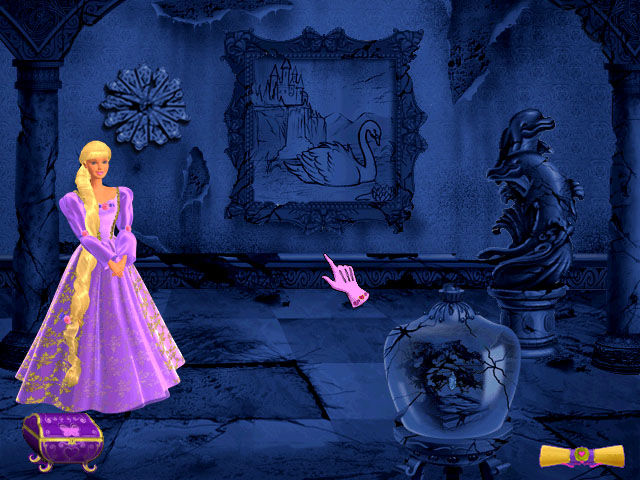
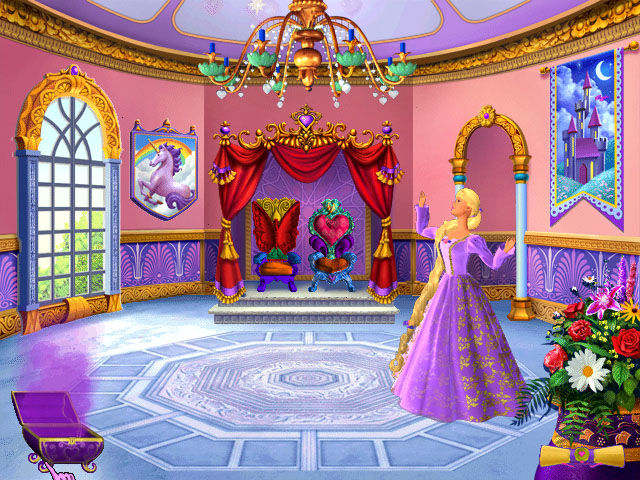
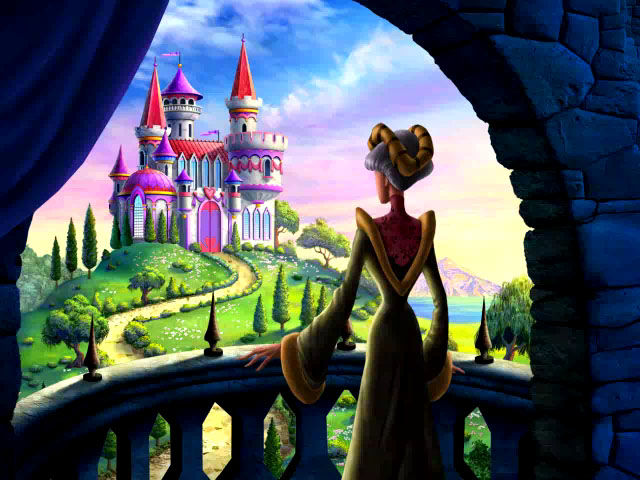
Barbie as Rapunzel: A Creative Adventure Screenshots
Windows
-2
-7
0
0
0
0
Thank you!
0
0
The split one is only for compatibility of oldest windows, the rest of it is full blackout. Please help me if someone can solve my problems, i really wanted to play this game :”)
0
Install the game, along with QuickTime.
Once the game is installed, right-click the desktop shortcut, select “Properties”.
Navigate to the “Compatibility” column.
Once there, check the “Run this program in compatibility mode for” box, then select “Windows 7” from the drop down menu.
Apply the settings, exit from the menu, and run the game.
I hope it works for y’all!
0
0
0
0
0
0
0
0
0
1) Download the Bella Sara link, extract everything.
2) Install the Bella game on your laptop with the Install Wizard.
When you click on the game after installing it, it might give you an error message saying the DVD isn’t right.
3) Go to the Dino R Ownz folder and COPY the game version that is inside that folder.
4) Go to your files and find in “my pc” > Windows SSD > Programs files (mine is called Programs x86) > Codemasters. Inside that codemasters folder, you will find a Bella Sara folder.
5) PASTE the version of the game you took from the Dino R Ownz folder INSIDE the Bella Sara folder that is in the codemasters folder. Inside that folder you will find some read me pages, an fmod.dll file and also a Bella Sara game version. When you will paste what you took from the Dino R Ownz folder into that Bella Sara folder, it will tell you a preexisting file is already named like that and it will ask you if you want to replace it, click yes. Now if you click on that version of the game from inside that folder, it should work!
Here are instructions I found for another cd game.
it might help. Though the file won’t be codemasters it’ll be somethimg else
0
0
0