| Publishers | Vivendi Universal Interactive Publishing |
| Developers | Vivendi Universal Interactive Publishing |
| Release date | 2004 |
| Genre | Puzzle |
| Game rating |
Game Description
Barbie: Princess & The Pauper is a great action-filled adventure with Erika and Princess Annaliese! They’ll work together to stop a villain before he can cause chaos to the Princess’ land.
Download Barbie as the Princess and the Pauper
We might have the game available for more than one platform. Barbie as the Princess and the Pauper is currently available on these platforms:
Windows (2004)
Barbie_as_the_Princess_and_the_Pauper_Win_ISO_EN.zip (421.2MB)
Additional files, patches and fixes
Barbie as the Princess and the Pauper Screenshots
Windows
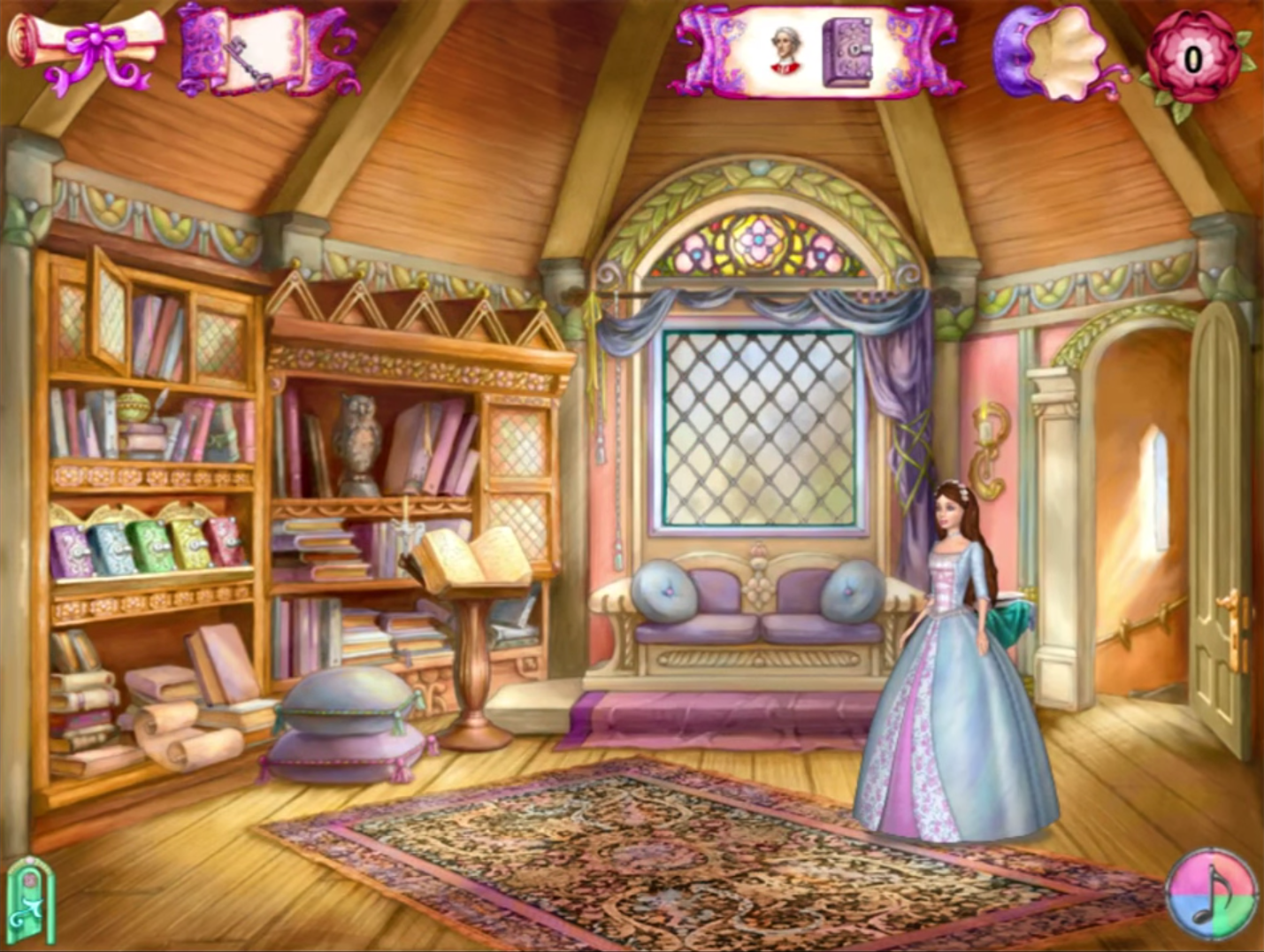
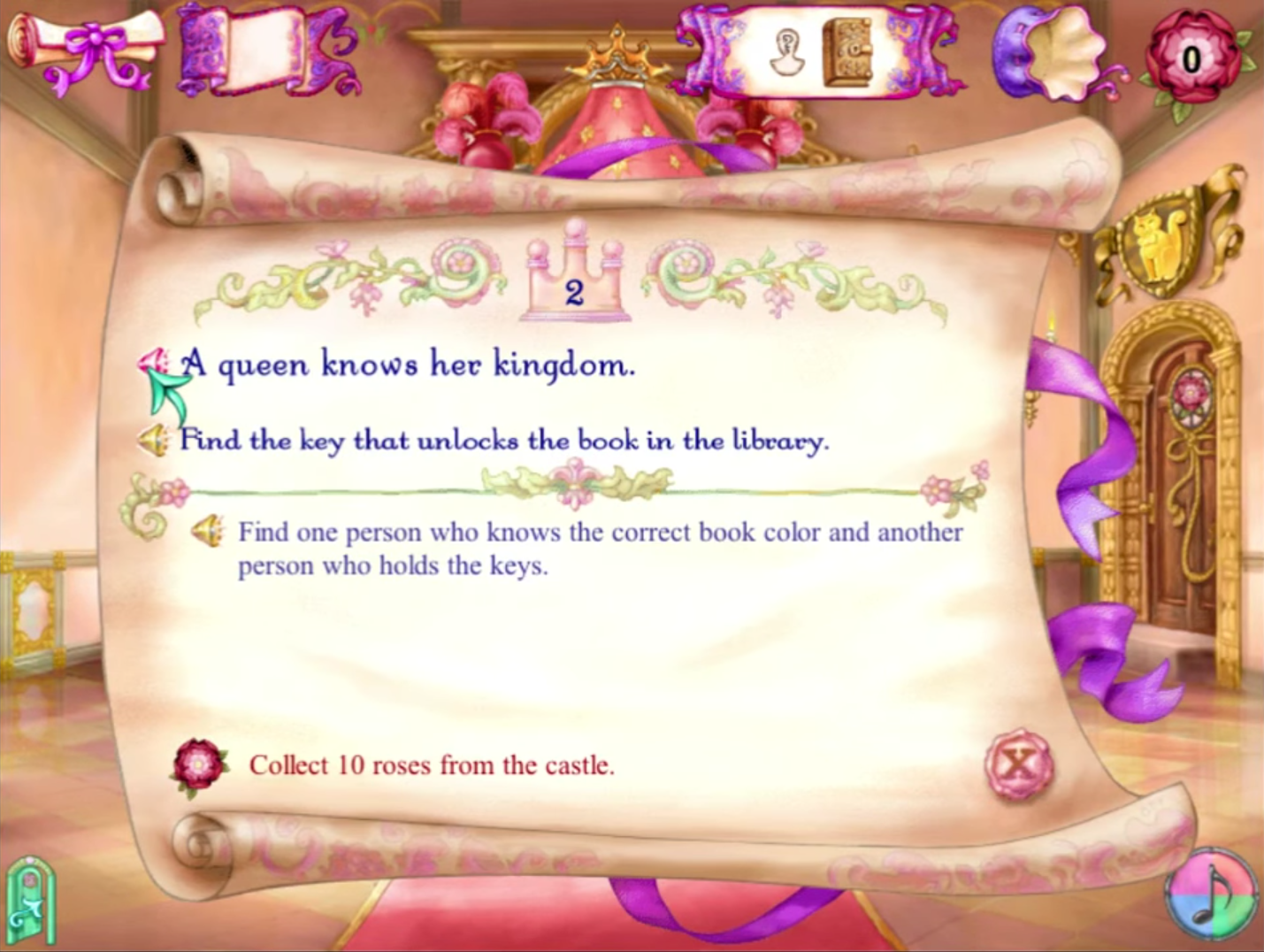
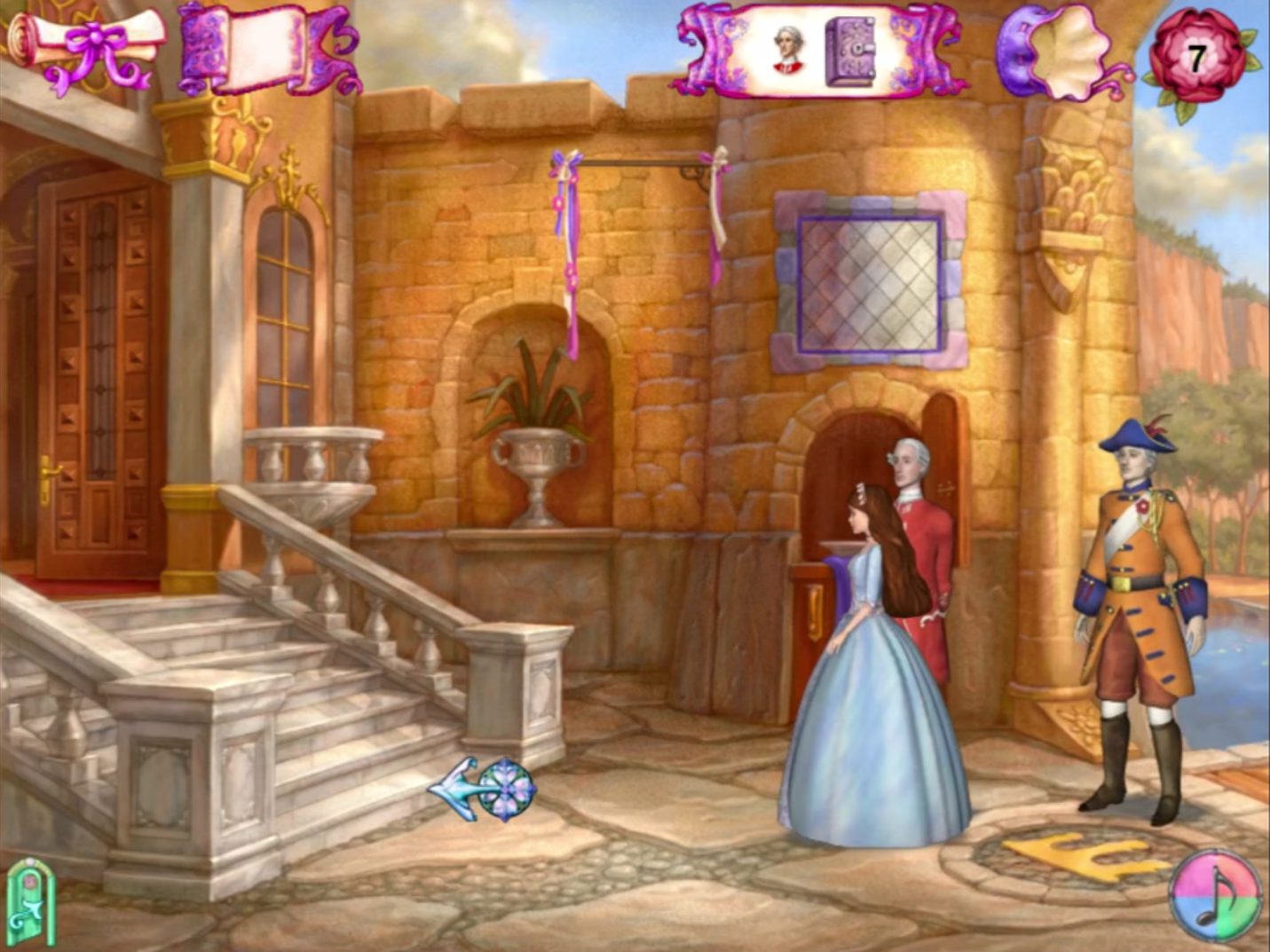
0
I got it to run today on my windows 10 laptop.
Note: make sure to restart computer prior to downloading the game
Steps to download listed below
1.click on the Barbie_as_the_Princess_and_the_Pauper_Win_ISO_EN.zip file above.
2. select the archive.org option and download it
3. unzip the downloaded file in your downloads folder. Once you do click on the file it will take you to a new window that shows the following games files,oldgamesdownload, and readme.txt
select games files
4.click on the Barbie as the Princess and the Pauper.iso
5. you will be taken to the following screen showing the following:
Files
Manual
Pauper
Support
AUTORUN.EXE
autorun.inf
INSTALL.EXE
INSTALL.INI
ReadMe.txt
Select the install.exe
6.Proceed with the installation of the game
7. When downloading the game make sure you save it in your local disk (C:) under program files (x86)
8.It will create the following folder Barbie (TM) and will store the game on there.
9. When it ask you to download the desktop icon option do not select it
10. instead to run the game go to local disk(C:), then program files (x86) then select Barbie (TM) then select Barbie(TM) as The Princess and the Pauper folder
11.select the launch.exe and screen will pop up to play the game then click on it (full screen view option)
NOTE:if you select the PPauper.exe option it will pop up a black screen with blue letters saying it the game works best in 800X600, go ahead and pick on the screen with your mouse to prompt game. Game will be shown in 800x 600 monitor view on the laptop
NOTE: I ran the game without the use of the game disk. Hope it works for you too
0
0
0
0
0
0
0
0
0
0
0
0
PLease i need help ._.
0
0
0
0
0
0
0
0
1. click left on the ISO file before
2. choose PowerISO > mount image to drive [:F]
3. the game will open, choose Play and you’re done!!!!!!
you’re welcome
0
0