| Publishers | EA Games |
| Developers | Eurocom, Griptonite Games, KnowWonder, Argonaut Games, Aspyr |
| Release date | 2002 |
| Genre | Action-adventure |
| Game rating |
Game Description
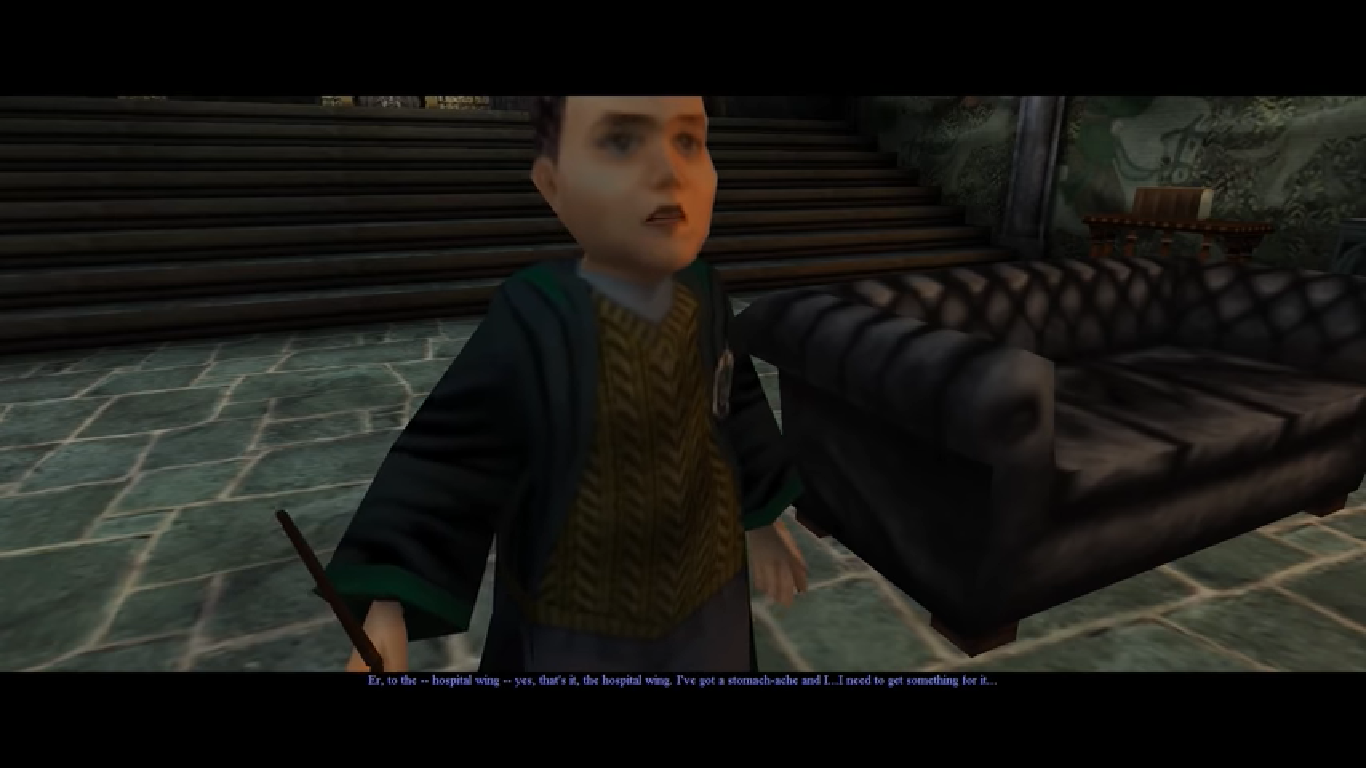
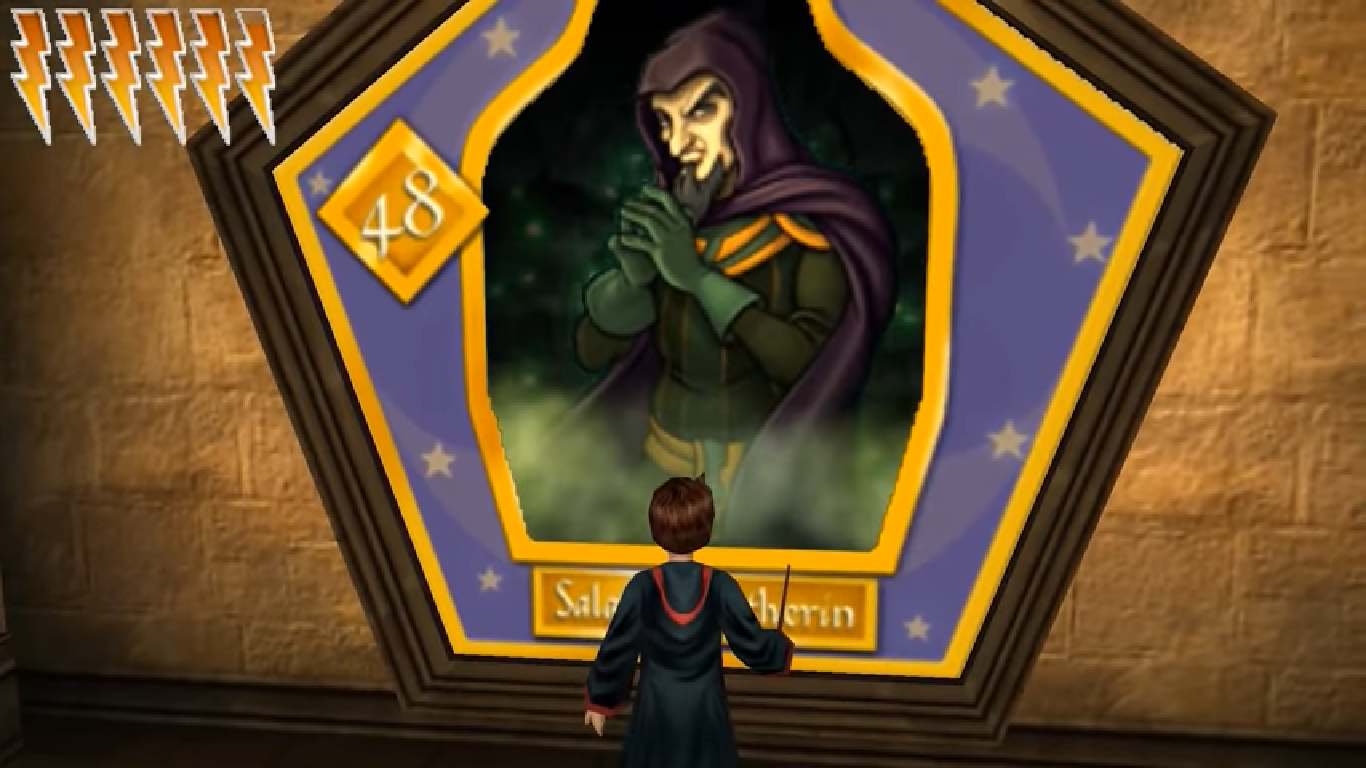
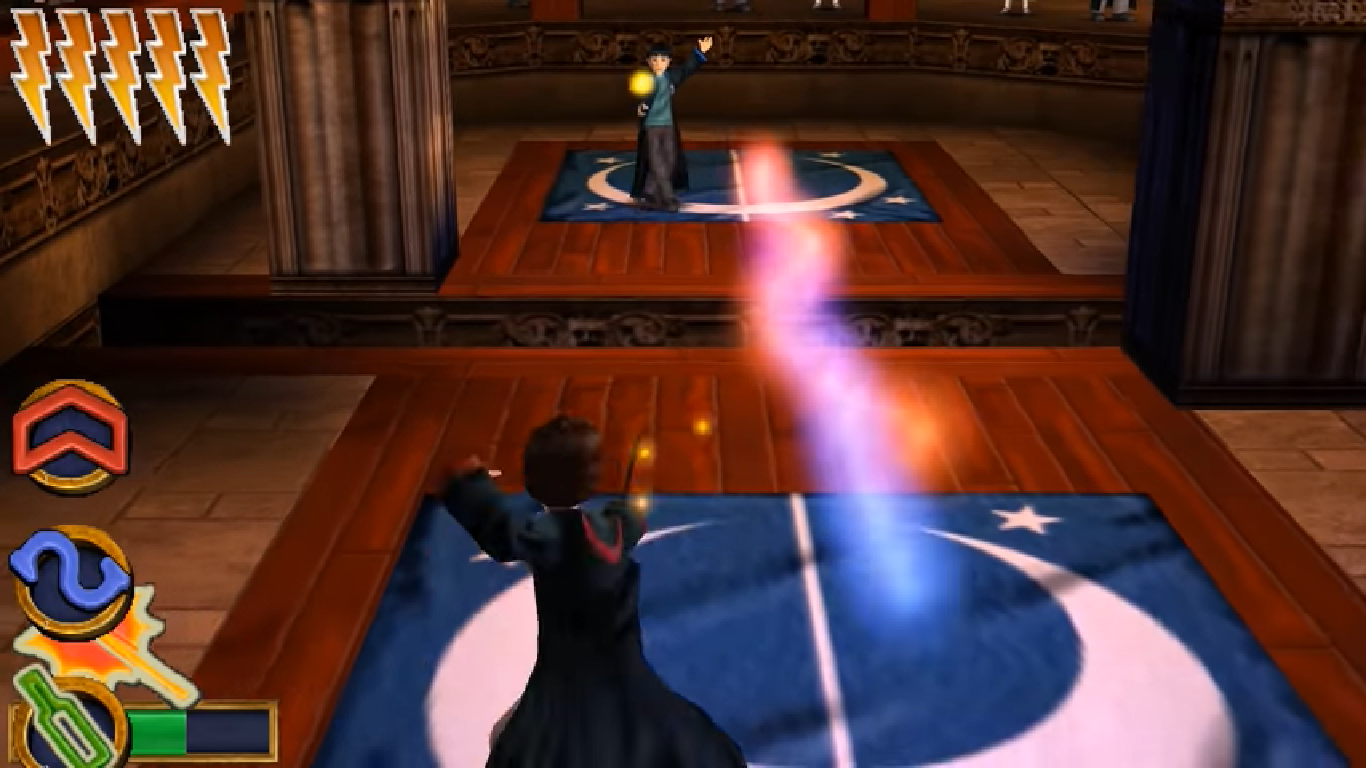
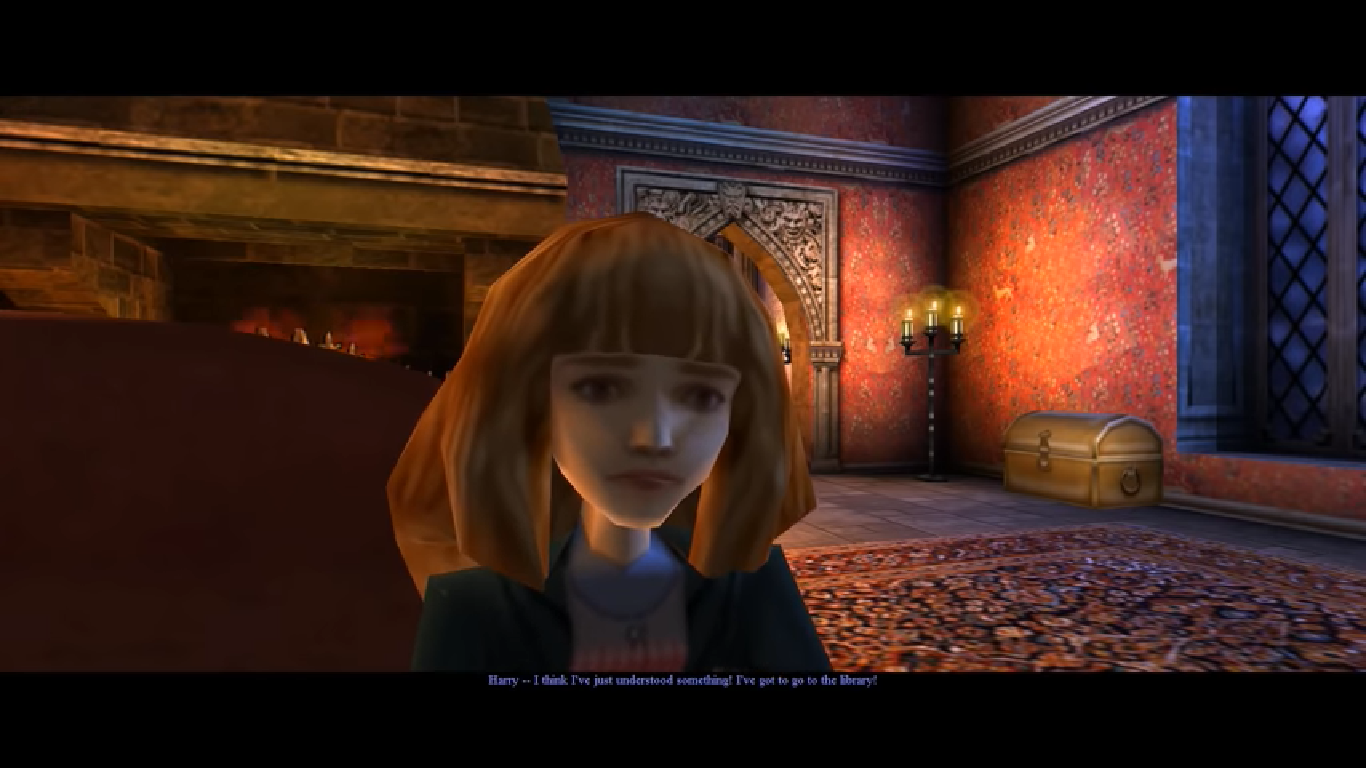
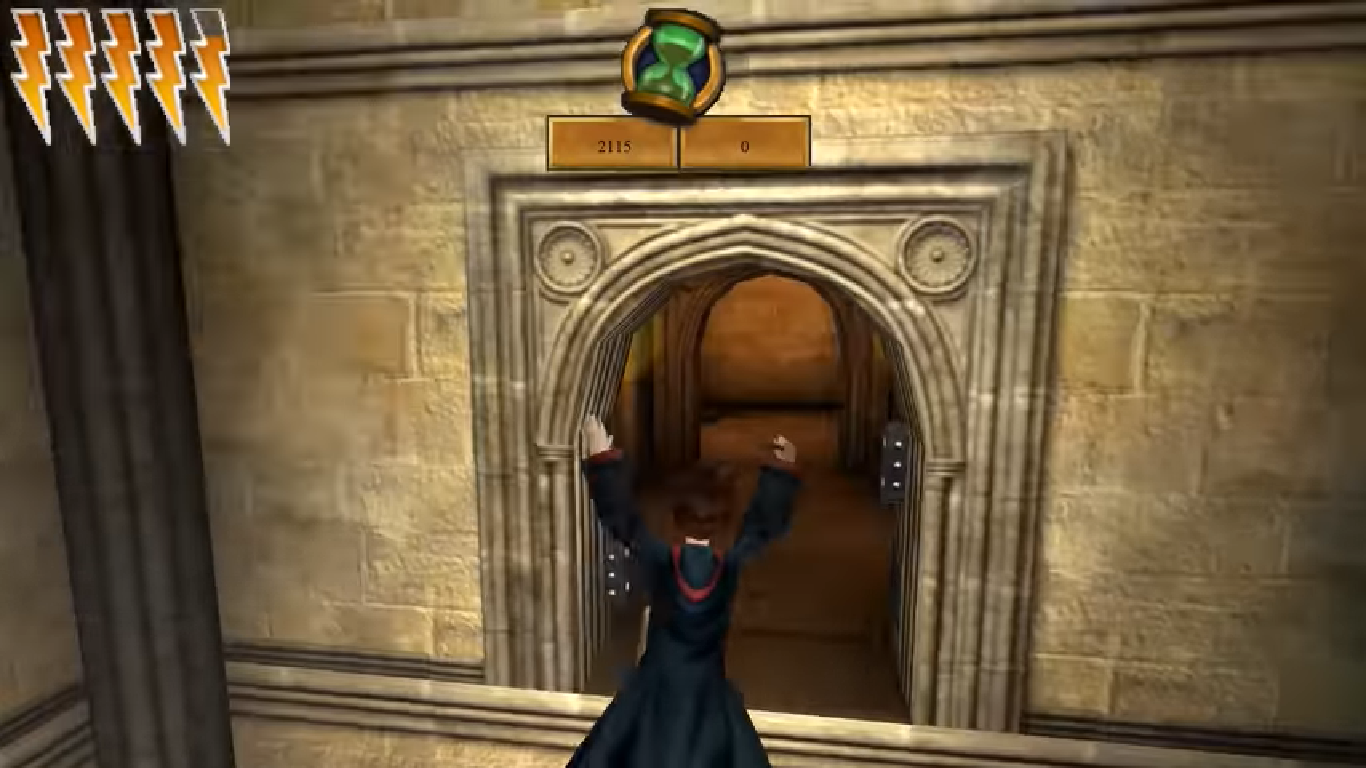
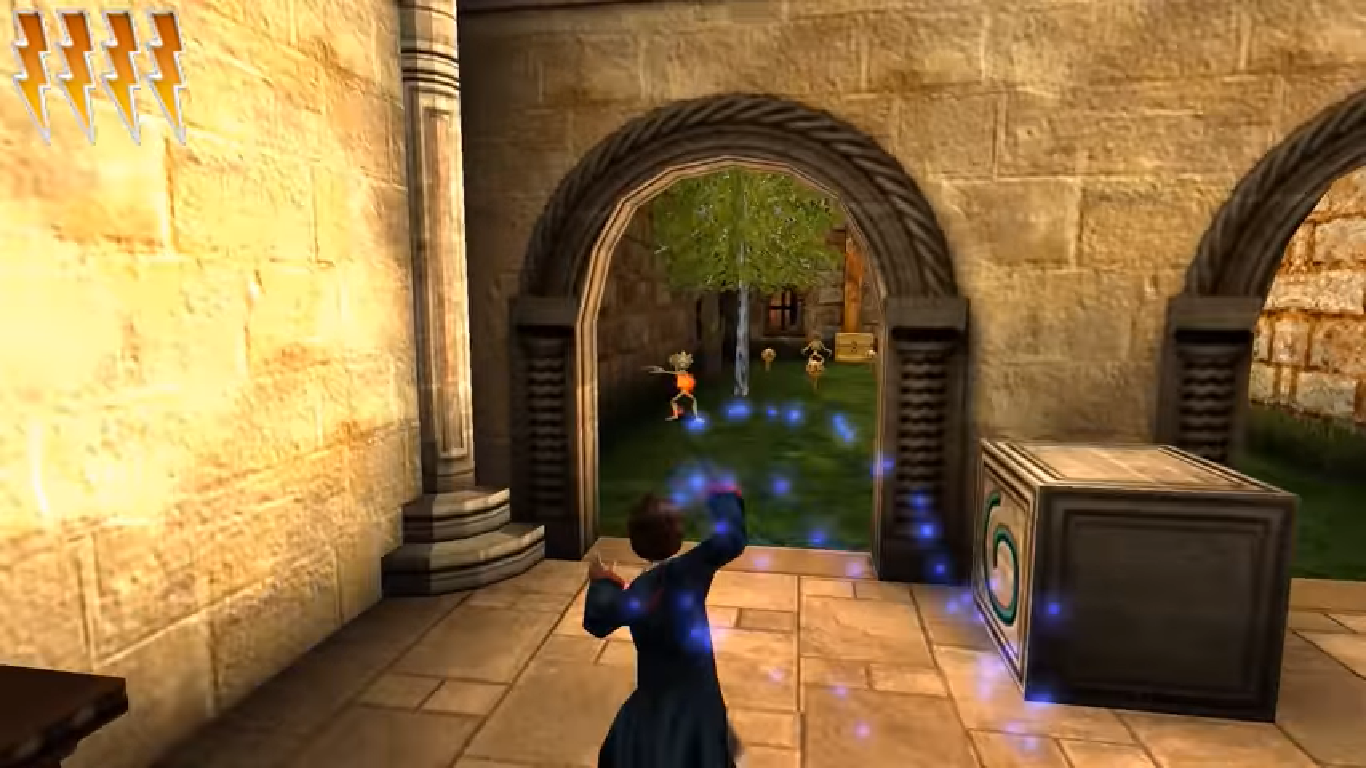
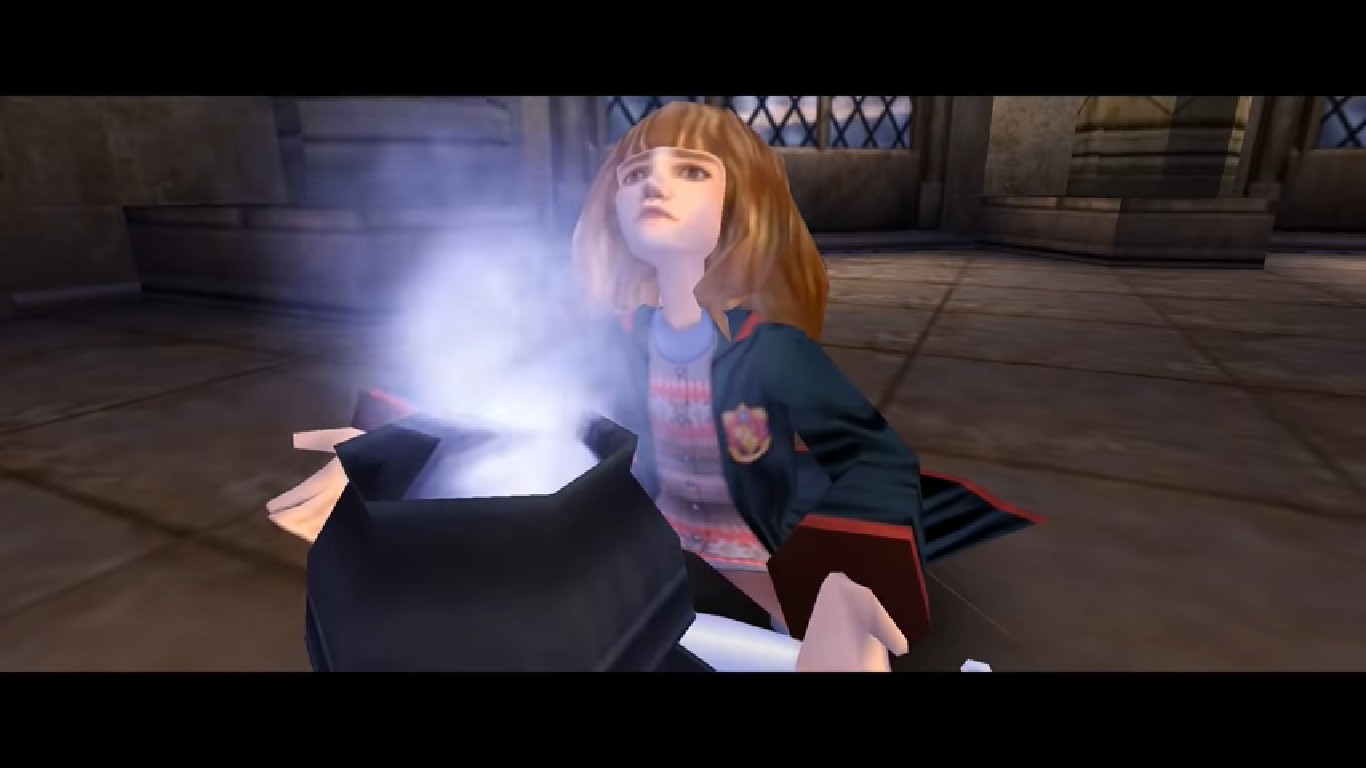
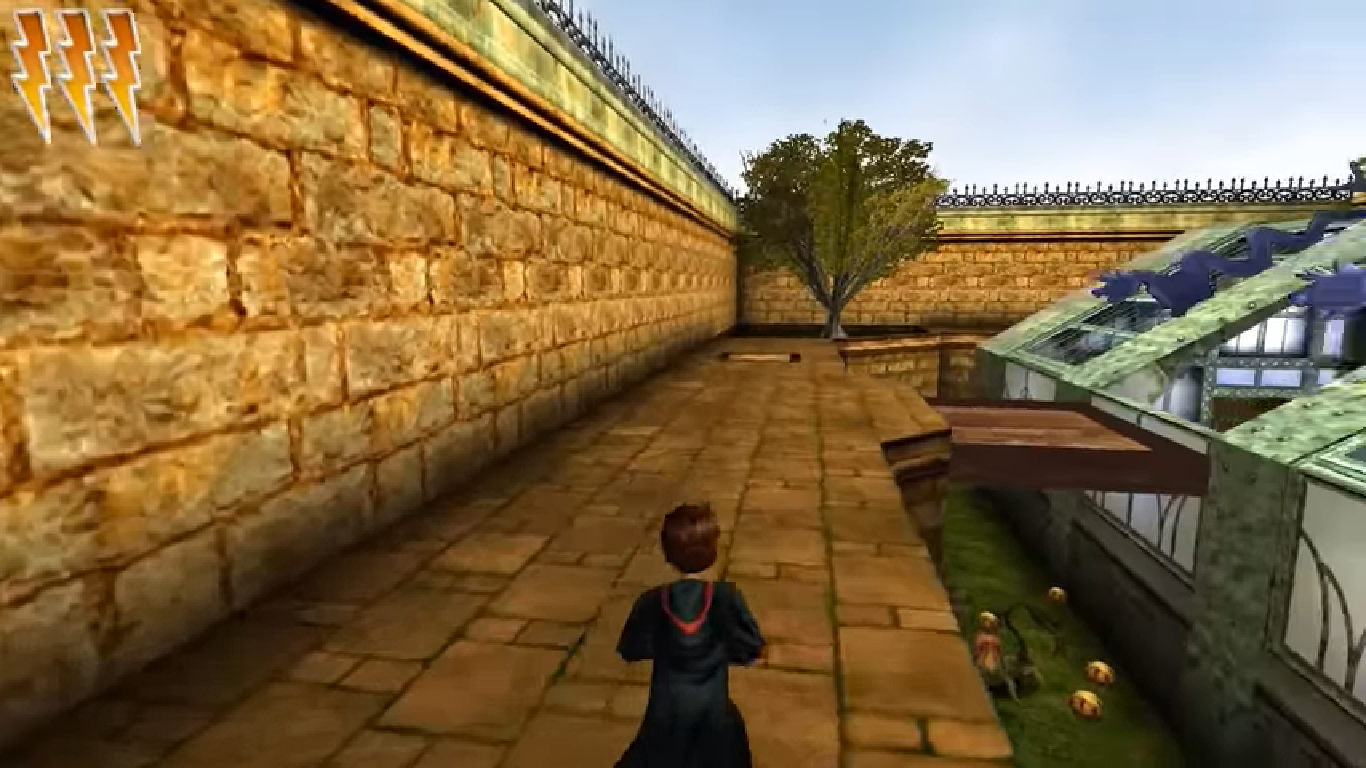
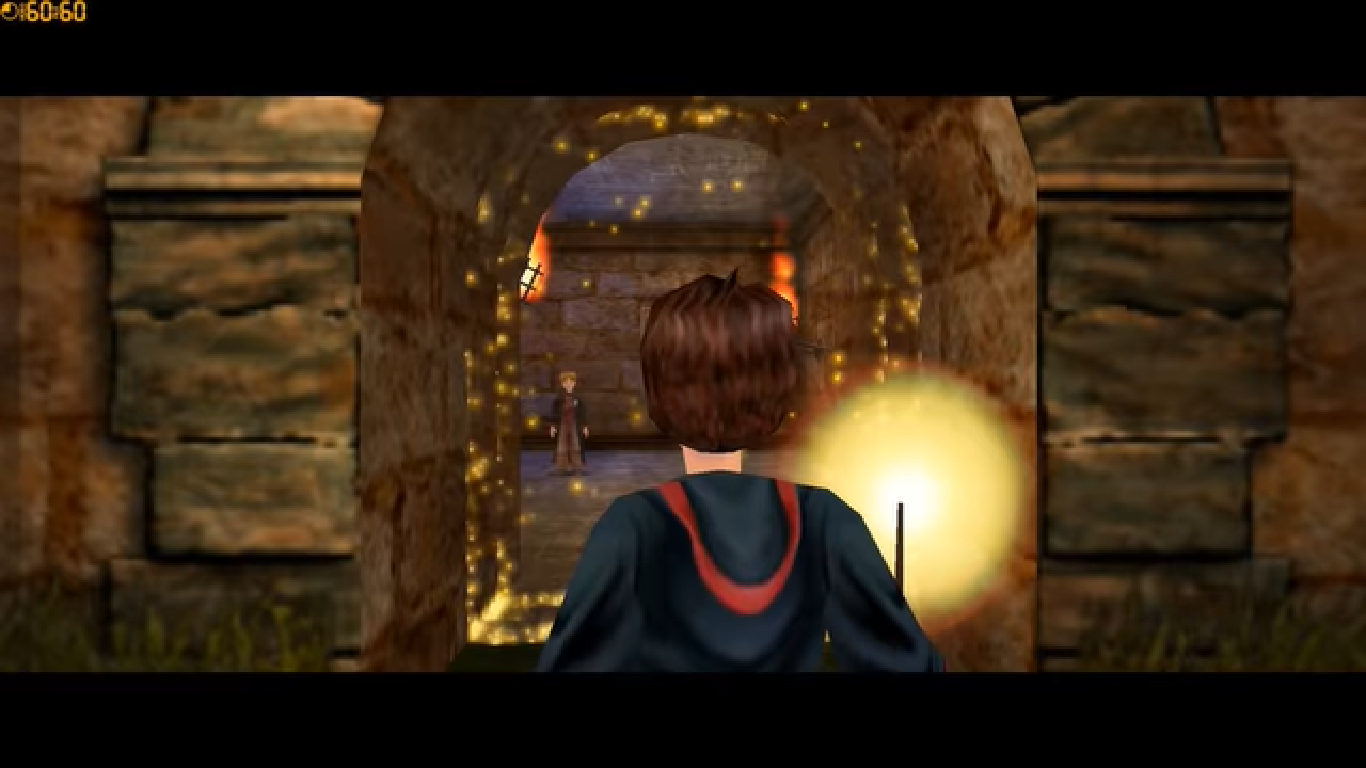
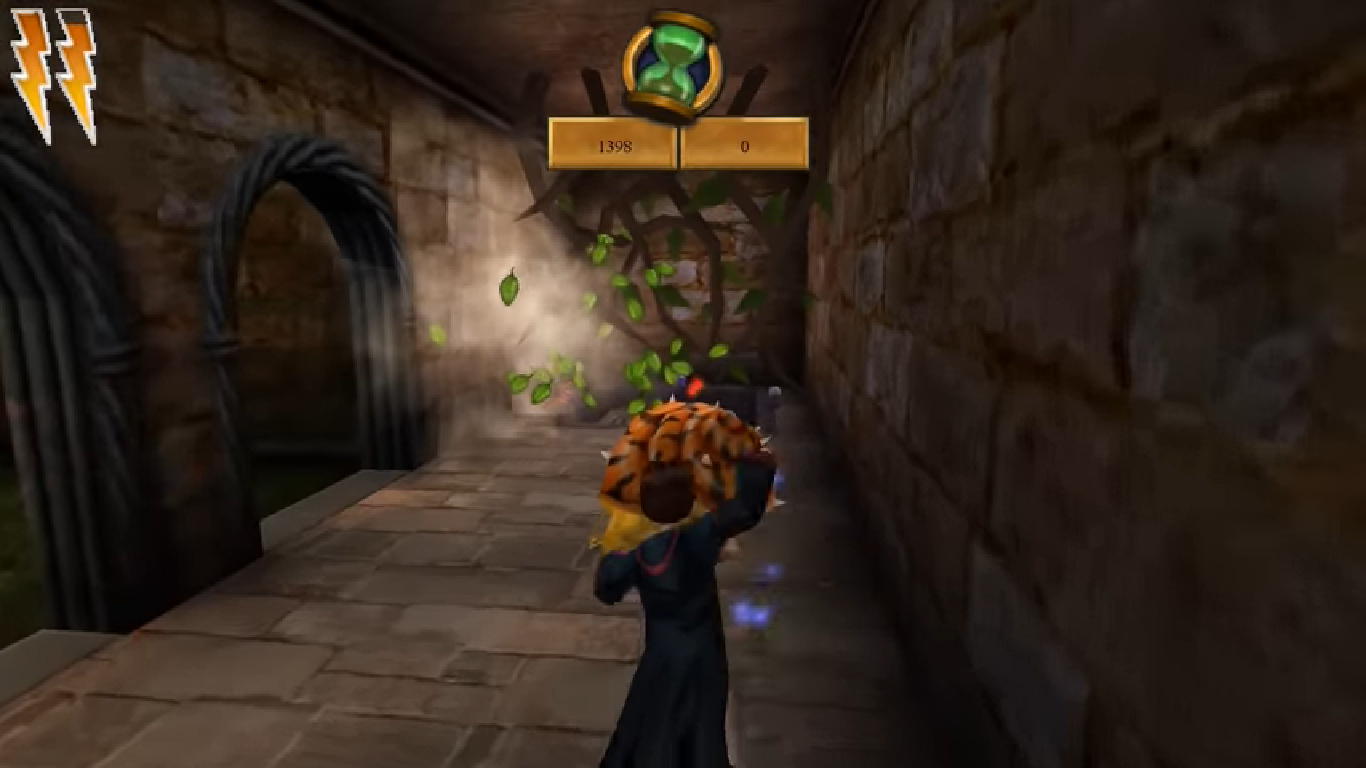
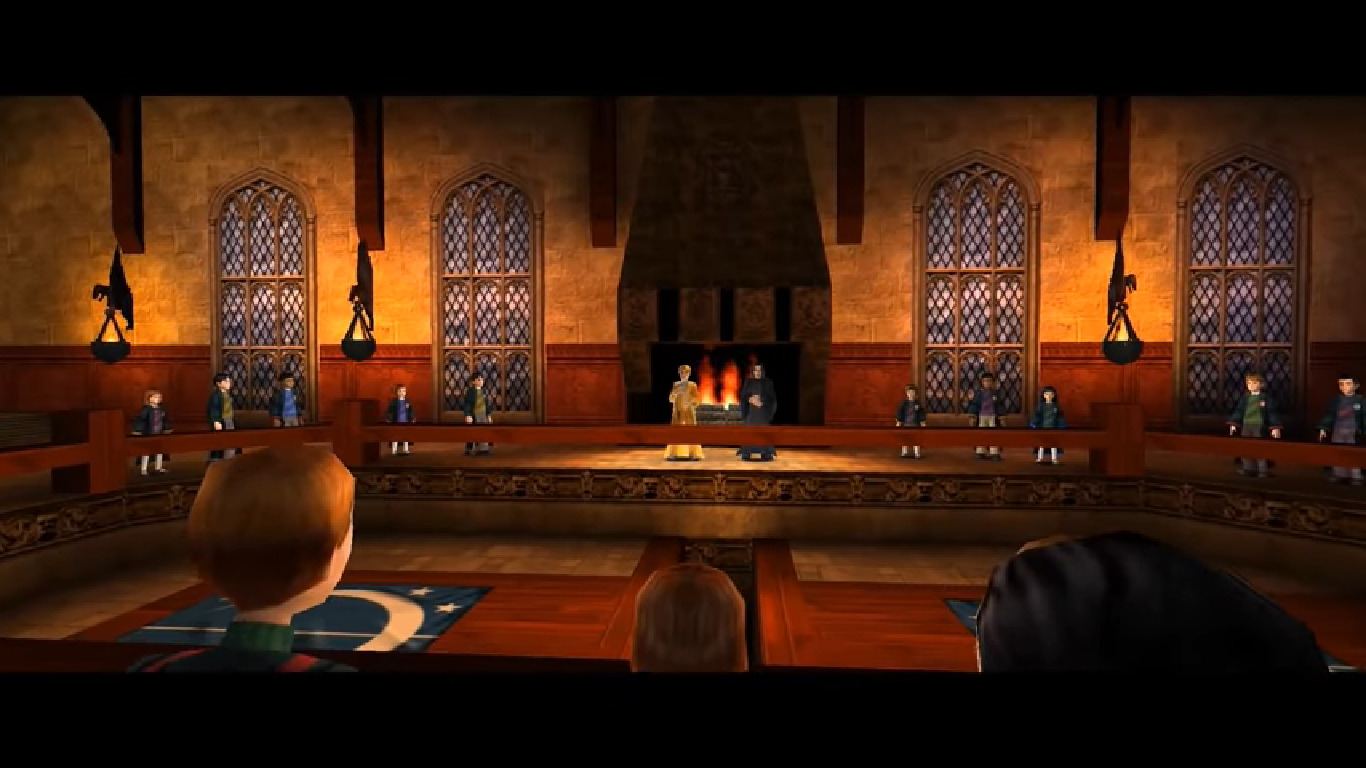
Harry Potter and the Chamber of Secrets is an action-adventure video game published by Electronic Arts based on J.K. Rowling’s novel Harry Potter and the Chamber of Secrets and the film of the same name. It was the last Harry Potter to be game released for the Game Boy Color and also the last Harry Potter game to be released on the PlayStation.
Download Harry Potter and the Chamber of Secrets
We might have the game available for more than one platform. Harry Potter and the Chamber of Secrets is currently available on these platforms:
PlayStation (2002)
Harry_Potter_and_the_Chamber_of_Secrets_PS_ROM_USA.EN.FR.ES.zip (488.5MB)
PlayStation 2 (2002)
Harry_Potter_and_the_Chamber_of_Secrets_PS2_ROM_Europe.zip (547.2MB)
Windows (2002)
Harry_Potter_and_the_Chamber_of_Secrets_Win_Setup_EN.7z (491.0MB)
Harry_Potter_and_the_Chamber_of_Secrets_MagiPack_Repack_Win_Setup_EN.zip (282.1MB)
How to play on Windows – Method 1
- Download the file called Harry_Potter_and_the_Chamber_of_Secrets_Win_Files_EN.7z and extract the folder inside
- Open the extracted folder. Go to “Game Files” and launch “Harry Potter and the Chamber of Secrets.exe”
- Harry Potter and the Chamber of Secrets should now launch
How to play on Windows – Method 2
- Download the file called Harry_Potter_and_the_Chamber_of_Secrets_Win_Setup_EN.7z (870.5MB) and extract the folder inside
- Double click on Autorun.exe to launch the game setup. When asked for a serial key, use
1500 8368512 6523563 7055 - Follow the on-screen instructions and finish installing the game
- Open the folder called “crack” and copy the “game.exe” file. Go into the installation directory and paste “game.exe” – it should ask you to replace the files which already exist. Select yes.
- Double click on “game.exe” and Harry Potter and the Chamber of Secrets should launch.
Additional files, patches and fixes
Harry Potter and the Chamber of Secrets Game Boy Color Manual (English)
Harry Potter and the Chamber of Secrets GameCube Manual (English)
Harry Potter and the Chamber of Secrets Windows ReadMe (English)
Harry Potter and the Chamber of Secrets Windows ReadMe (French)
Harry Potter and the Chamber of Secrets Windows ReadMe (Spanish)
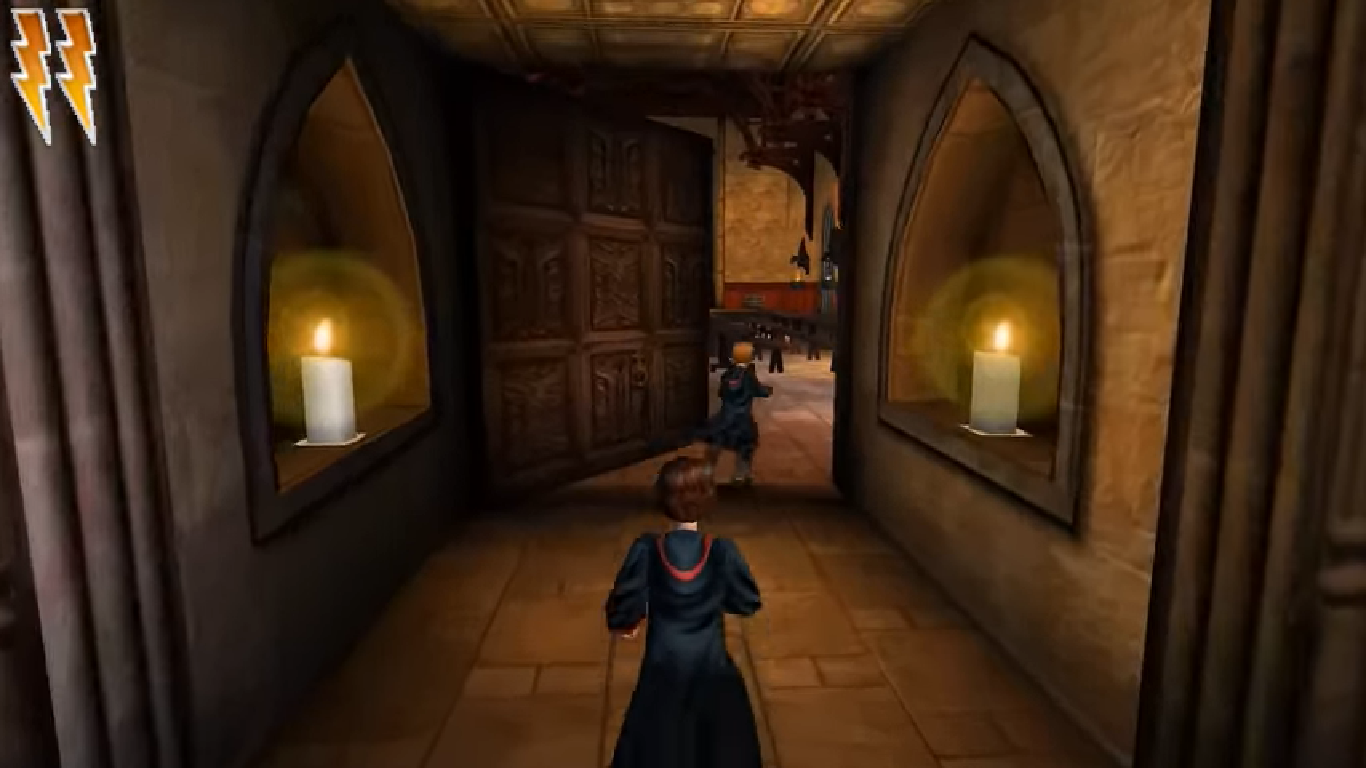
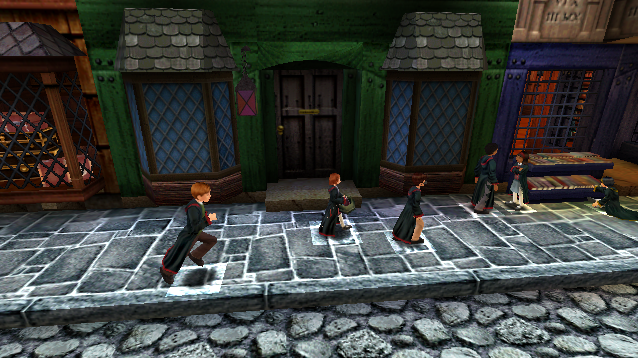
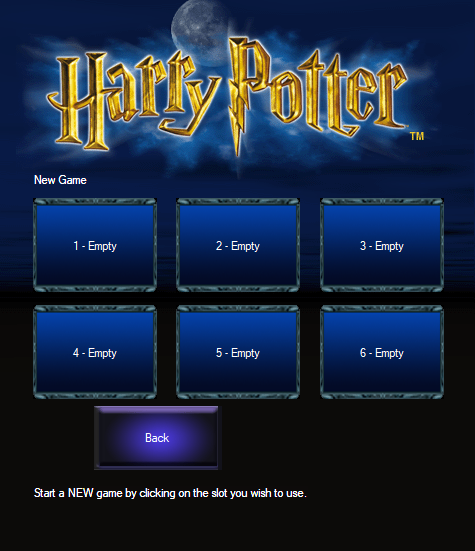
Harry Potter and the Chamber of Secrets Screenshots
Windows





Hi! 🙂 I spent the whole day today trying to figure this out
Just FYI, I downloaded the game from MEGA and followed the steps from “How to play on Windows – Method 2”. It worked, but the game was soooo laggy.
I’m not 100% sure this will work for everyone, but you can try going to the game’s folder, for example:
C:\Program Files (x86)\EA Games\Harry Potter and the Chamber of Secrets\system
Then replace the content of your default.ini file with the following:
[URL]
Protocol=unreal
ProtocolDescription=Unreal Protocol
Name=Player
Map=autoplay.unr
LocalMap=Startup.unr
Host=
Portal=
MapExt=unr
SaveExt=usa
Port=7777
Class=Engine.Playerpawn
[FirstRun]
FirstRun=0
Reconfig=1
ForceSoftware=0
[FrontEnd]
EASplashWaitTime=3
WBSplashWaitTime=3
LaunchCode=0
UseSaveSlot=0
[Engine.Engine]
GameRenderDevice=D3DDrv.D3DRenderDevice
AudioDevice=ALAudio.ALAudioSubsystem
NetworkDevice=IpDrv.TcpNetDriver
DemoRecordingDevice=Engine.DemoRecDriver
;Console=UWindow.WindowConsole
Console=HGame.HPConsole
Language=usa
GameEngine=Engine.GameEngine
EditorEngine=Editor.EditorEngine
WindowedRenderDevice=SoftDrv.SoftwareRenderDevice
RenderDevice=GlideDrv.GlideRenderDevice
DefaultGame=Engine.GameInfo
DefaultServerGame=Engine.GameInfo
ViewportManager=WinDrv.WindowsClient
Render=Render.Render
Input=Engine.Input
Canvas=Engine.Canvas
[Core.System]
PurgeCacheDays=30
SavePath=../Save
CachePath=../Cache
CacheExt=.uxx
Paths=../System/*.u
Paths=../Maps/*.unr
Paths=../Textures/*.utx
Paths=../Sounds/*.uax
Paths=../Music/*.umx
Paths=../save/*.usa
Suppress=DevLoad
Suppress=DevSave
Suppress=DevNetTraffic
Suppress=DevGarbage
Suppress=DevKill
Suppress=DevReplace
Suppress=DevSound
Suppress=DevCompile
Suppress=DevBind
Suppress=DevBsp
;Suppress=ScriptLog
Suppress=ScriptWarning
;Suppress=Log
Suppress=Localization
[Engine.GameEngine]
CacheSizeMegs=128
UseSound=True
ServerActors=IpDrv.UdpBeacon
ServerActors=IpServer.UdpServerQuery
ServerActors=IpServer.UdpServerUplink MasterServerAddress=unreal.epicgames.com MasterServerPort=27900
ServerActors=IpServer.UdpServerUplink MasterServerAddress=master0.gamespy.com MasterServerPort=27900
ServerActors=IpServer.UdpServerUplink MasterServerAddress=master.mplayer.com MasterServerPort=27900
ServerActors=UWeb.WebServer
[WinDrv.WindowsClient]
WindowedViewportX=640
WindowedViewportY=480
WindowedColorBits=32
FullscreenViewportX=640
FullscreenViewportY=480
FullscreenColorBits=32
Brightness=0.400000
MipFactor=2.000000
UseDirectDraw=True
UseJoystick=True
CaptureMouse=True
StartupFullscreen=True
CurvedSurfaces=False
LowDetailTextures=False
ScreenFlashes=True
NoLighting=False
SlowVideoBuffering=False
DeadZoneXYZ=True
DeadZoneRUV=False
InvertVertical=False
ScaleXYZ=1000.0
ScaleRUV=2000.0
MinDesiredFrameRate=30.0
Decals=True
NoDynamicLights=False
ParticleDensity=1
[XDrv.XClient]
WindowedViewportX=640
WindowedViewportY=480
WindowedColorBits=16
FullscreenViewportX=640
FullscreenViewportY=480
FullscreenColorBits=32
Brightness=0.500000
MipFactor=1.000000
SlowVideoBuffering=False
StartupFullscreen=True
CurvedSurfaces=False
CaptureMouse=True
LowDetailTextures=False
ScreenFlashes=True
NoLighting=False
DeadZoneXYZ=True
DeadZoneRUV=False
InvertVertical=False
ScaleXYZ=1000.0
ScaleRUV=2000.0
MinDesiredFrameRate=30.0
[Engine.Player]
ConfiguredInternetSpeed=2600
ConfiguredLanSpeed=20000
[Audio.GenericAudioSubsystem]
UseFilter=True
UseSurround=False
UseStereo=True
UseCDMusic=False
UseDigitalMusic=False
UseSpatial=False
UseReverb=False
Use3dHardware=False
LowSoundQuality=False
ReverseStereo=False
Latency=40
OutputRate=22050Hz
Channels=16
MusicVolume=128
SoundVolume=200
AmbientFactor=0.7
[ALAudio.ALAudioSubsystem]
UseEAX=False
CompatibilityMode=False
UsePrecache=False
ReverseStereo=False
Channels=32
MusicVolume=0.53
SoundVolume=0.9
DopplerFactor=1.0
RollOff=1.0
[IpDrv.TcpNetDriver]
AllowDownloads=True
ConnectionTimeout=15.0
InitialConnectTimeout=300.0
AckTimeout=1.0
KeepAliveTime=0.2
MaxClientRate=20000
SimLatency=0
RelevantTimeout=5.0
SpawnPrioritySeconds=1.0
ServerTravelPause=4.0
NetServerMaxTickRate=20
LanServerMaxTickRate=35
DownloadManagers=IpDrv.HTTPDownload
DownloadManagers=Engine.ChannelDownload
[IpDrv.HTTPDownload]
RedirectToURL=
ProxyServerHost=
ProxyServerPort=3128
UseCompression=True
[Engine.DemoRecDriver]
DemoSpectatorClass=HGame.harry
MaxClientRate=25000
ConnectionTimeout=15.0
InitialConnectTimeout=500.0
AckTimeout=1.0
KeepAliveTime=1.0
SimLatency=0
RelevantTimeout=5.0
SpawnPrioritySeconds=1.0
ServerTravelPause=4.0
NetServerMaxTickRate=60
LanServerMaxTickRate=60
[Engine.GameReplicationInfo]
ServerName=Another UT Server
ShortName=UT Server
[IpDrv.TcpipConnection]
SimPacketLoss=0
SimLatency=0
[IpServer.UdpServerQuery]
GameName=ut
[IpDrv.UdpBeacon]
DoBeacon=True
BeaconTime=0.50
BeaconTimeout=5.0
BeaconProduct=ut
[SoftDrv.SoftwareRenderDevice]
Translucency=True
VolumetricLighting=True
ShinySurfaces=True
Coronas=False
HighDetailActors=False
HighResTextureSmooth=True
LowResTextureSmooth=False
FastTranslucency=True
[GlideDrv.GlideRenderDevice]
Translucency=True
VolumetricLighting=True
ShinySurfaces=True
Coronas=True
HighDetailActors=True
DetailBias=-1.500000
RefreshRate=60Hz
DetailTextures=True
FastUglyRefresh=False
ScreenSmoothing=True
Resolution=Default
[MetalDrv.MetalRenderDevice]
Translucency=True
VolumetricLighting=True
ShinySurfaces=True
Coronas=True
HighDetailActors=True
DetailTextures=False
[OpenGLDrv.OpenGLRenderDevice]
Translucency=True
VolumetricLighting=False
ShinySurfaces=True
Coronas=True
HighDetailActors=True
DetailTextures=True
UseTrilinear=False
UseS3TC=False
UsePrecache=True
UseMultitexture=True
UsePalette=True
UseGammaCorrection=True
UseVSync=False
Use32BitZBuffer=True
[D3DDrv.D3DRenderDevice]
Translucency=True
VolumetricLighting=True
ShinySurfaces=True
Coronas=True
HighDetailActors=True
UseMipmapping=False
UseTrilinear=True
UseMultitexture=True
UsePageFlipping=True
UsePalettes=True
UseFullscreen=true
UseGammaCorrection=True
DetailTextures=False
Use3dfx=False
UseTripleBuffering=False
UsePrecache=False
Use32BitTextures=False
[SglDrv.SglRenderDevice]
Translucency=True
VolumetricLighting=False
ShinySurfaces=False
Coronas=True
HighDetailActors=False
ColorDepth=32
DetailTextures=False
FastUglyRefresh=False
TextureDetailBias=Near
VertexLighting=False
[Editor.EditorEngine]
UseSound=True
CacheSizeMegs=6
GridEnabled=True
SnapVertices=True
SnapDistance=10.000000
GridSize=(X=16.000000
Y=16.000000
Z=16.000000)
RotGridEnabled=True
RotGridSize=(Pitch=1024
Yaw=1024
Roll=1024)
GameCommandLine=-log
FovAngleDegrees=90.000000
GodMode=True
AutoSave=False
AutoSaveTimeMinutes=5
AutoSaveIndex=6
C_WorldBox=(R=0
G=0
B=107
A=0)
C_GroundPlane=(R=0
G=0
B=63
A=0)
C_GroundHighlight=(R=0
G=0
B=127
A=0)
C_BrushWire=(R=255
G=63
B=63
A=0)
C_Pivot=(R=0
G=255
B=0
A=0)
C_Select=(R=0
G=0
B=127
A=0)
C_AddWire=(R=127
G=127
B=255
A=0)
C_SubtractWire=(R=255
G=192
B=63
A=0)
C_GreyWire=(R=163
G=163
B=163
A=0)
C_Invalid=(R=163
G=163
B=163
A=0)
C_ActorWire=(R=127
G=63
B=0
A=0)
C_ActorHiWire=(R=255
G=127
B=0
A=0)
C_White=(R=255
G=255
B=255
A=0)
C_SemiSolidWire=(R=127
G=255
B=0
A=0)
C_NonSolidWire=(R=63
G=192
B=32
A=0)
C_WireGridAxis=(R=119
G=119
B=119
A=0)
C_ActorArrow=(R=163
G=0
B=0
A=0)
C_ScaleBox=(R=151
G=67
B=11
A=0)
C_ScaleBoxHi=(R=223
G=149
B=157
A=0)
C_Mover=(R=255
G=0
B=255
A=0)
C_OrthoBackground=(R=163
G=163
B=163
A=0)
C_Current=(R=0
G=0
B=0
A=0)
C_BrushVertex=(R=0
G=0
B=0
A=0)
C_BrushSnap=(R=0
G=0
B=0
A=0)
C_Black=(R=0
G=0
B=0
A=0)
C_Mask=(R=0
G=0
B=0
A=0)
C_WireBackground=(R=0
G=0
B=0
A=0)
C_ZoneWire=(R=0
G=0
B=0
A=0)
EditPackages=Core
EditPackages=Engine
EditPackages=Editor
EditPackages=UWindow
EditPackages=Fire
EditPackages=UnrealShare
EditPackages=HPSounds
EditPackages=HPModels
EditPackages=HPParticle
EditPackages=HProps
EditPackages=HGame
[Engine.GameInfo]
bLowGore=False
bVeryLowGore=False
[HGame.HPConsole]
bDebugMode=False
[UBrowser.UBrowserMainClientWindow]
LANTabName=UBrowserLAN
ServerListNames[0]=UBrowserUT
ServerListNames[1]=UBrowserLAN
ServerListNames[2]=UBrowserPopulated
ServerListNames[3]=UBrowserDeathmatch
ServerListNames[4]=UBrowserTeamGames
ServerListNames[5]=UBrowserCTF
ServerListNames[6]=UBrowserDOM
ServerListNames[7]=UBrowserAS
ServerListNames[8]=UBrowserLMS
ServerListNames[9]=UBrowserAll
ServerListNames[10]=None
ServerListNames[11]=None
ServerListNames[12]=None
ServerListNames[13]=None
ServerListNames[14]=None
ServerListNames[15]=None
ServerListNames[16]=None
ServerListNames[17]=None
ServerListNames[18]=None
ServerListNames[19]=None
[UBrowserUT]
ListFactories[0]=UBrowser.UBrowserSubsetFact
SupersetTag=UBrowserAll
bCompatibleServersOnly=True
[UBrowserLAN]
ListFactories[0]=UBrowser.UBrowserLocalFact
BeaconProduct=ut
URLAppend=?LAN
AutoRefreshTime=10
bNoAutoSort=True
[UWeb.WebServer]
Applications[0]=UTServerAdmin.UTServerAdmin
ApplicationPaths[0]=/ServerAdmin
Applications[1]=UTServerAdmin.UTImageServer
ApplicationPaths[1]=/images
DefaultApplication=0
bEnabled=False
[UBrowser.UBrowserHTTPClient]
ProxyServerAddress=
ProxyServerPort=
[UTServerAdmin.UTServerAdmin]
AdminUsername=admin
AdminPassword=admin
[optionsettings]
MaxRes=1024
shadowsOn=true
[ ** Video card overrides ** ]
[SiS 6326]
[4153.25142]
Softwareonly=true
topRes=1024
shadows=true
[Verite Rendition 2100/2200]
[4451.8192]
Softwareonly=true
topRes=1024
shadows=true
[Riva 128 nVidia]
[4318.24]
Softwareonly=true
topRes=1024
shadows=true
[also Riva 128 nVidia]
[4318.25]
Softwareonly=true
topRes=1024
shadows=true
[Riva 128 STB]
[4818.24]
Softwareonly=true
topRes=1024
shadows=true
[also Riva 128 STB]
[4818.25]
Softwareonly=true
topRes=1024
shadows=true
[Matrox Mystique]
[4139.1306]
Softwareonly=true
topRes=1024
shadows=true
[Matrox Millenium I]
[4139.1305]
Softwareonly=true
topRes=1024
shadows=true
[Matrox Millenium II]
[4139.1307]
Softwareonly=true
topRes=1024
shadows=true
[also Matrox Millenium II]
[4139.1311]
Softwareonly=true
topRes=1024
shadows=true
[Matrox G200]
[4139.1313]
Softwareonly=true
topRes=1024
shadows=true
[Voodoo 3]
[4634.5]
Softwareonly=true
topRes=1024
shadows=true
[Diamond Stealth III/Speedstar A200]
[ 21299.35362 ]
Softwareonly=true
topRes=1024
shadows=true
[RAGE IIC AGP]
[4098.18263]
Softwareonly=true
topRes=1024
shadows=true
[ATI 3D Rage Pro]
[4098.18242]
Softwareonly=true
topRes=1024
shadows=true
I hope it works for you too! 🙂
Like Harry Potter 1, I looked up JokerAlex21’s video on how to make this game work. You have to look up “Harry Potter Chamber of Secrets PC no-CD crack”, and find a legitimate one. Here’s the link for an internet archive collection, containing ones for several Harry Potter games, as of 10/3/2025:
https://archive.org/details/harry-potter-pc-games-no-cd-cracks
You have to go to “Download Options” on right side of page, click on the “Windows Executable” option, and choose “Game.exe” – this is the one for Chamber of Secrets, for some reason.
Once it’s downloaded, you copy and paste it into the “system” folder of the Chamber of Secrets you downloaded here, and choose yes when it asks about replacing the Game.exe already there.
However the version from MEGA worked instantly when i followed the steps (method 2). So if the first one doesnt work, try and download the other! Apparently there is a a difference 🙂
Happy Gaming!