| Publishers | Universal Interactive, Konami |
| Developers | Blue Tongue Entertainment |
| Release date | 2003 |
| Genre | Adventure |
| Game rating |
Game Description
Jurassic Park: Operation Genesis is a construction and management simulation video game based on the Jurassic Park series developed by Blue Tongue Entertainment and co-published by Vivendi Universal Games under their Universal Interactive subsidiary and Konami. It was released for Windows, Xbox, and PlayStation 2. The game’s primary goal is to construct a five-star rated dinosaur theme park named Jurassic Park on custom-generated islands by hatching dinosaurs, building attractions, keeping visitors entertained, and ensuring the park’s safety.
Download Jurassic Park: Operation Genesis
We might have the game available for more than one platform. Jurassic Park: Operation Genesis is currently available on these platforms:
Windows (2003)
Jurassic_Park_Operation_Genesis_Win_ROM_EN.7z (353.9MB)
How to play on Windows
- Download and Extract Jurassic_Park_Operation_Genesis_Win_ROM_EN.7z
- Open the “Game Files” folder and mount “ogd.jpog.iso”
- Run setup.exe and follow on-screen instructions to install the game
- Open the “Launcher” folder and copy-paste simjp.exe into the game installation directory
- Launch simjp.exe to play the game
Additional files, patches and fixes
Jurassic Park: Operation Genesis PlayStation 2 Manual (English)
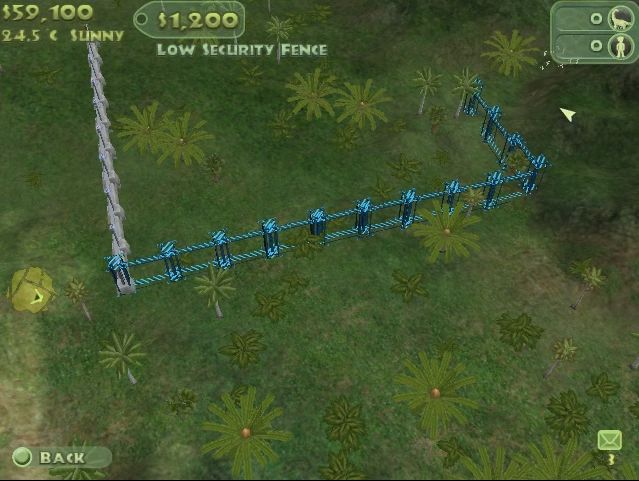
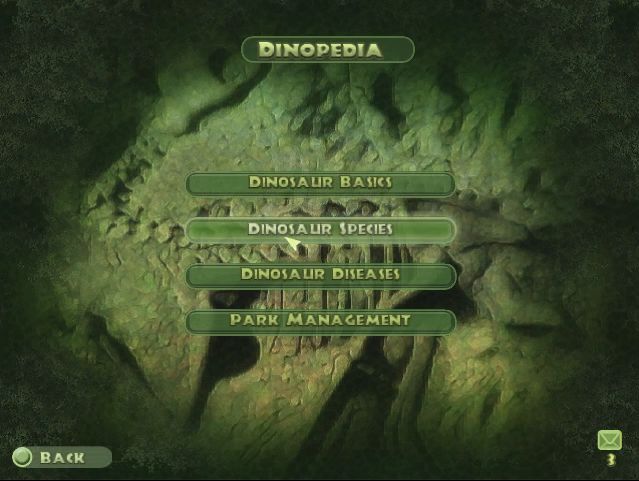
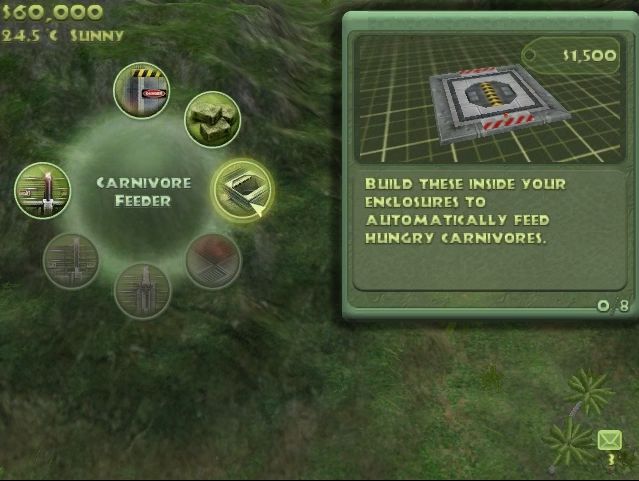
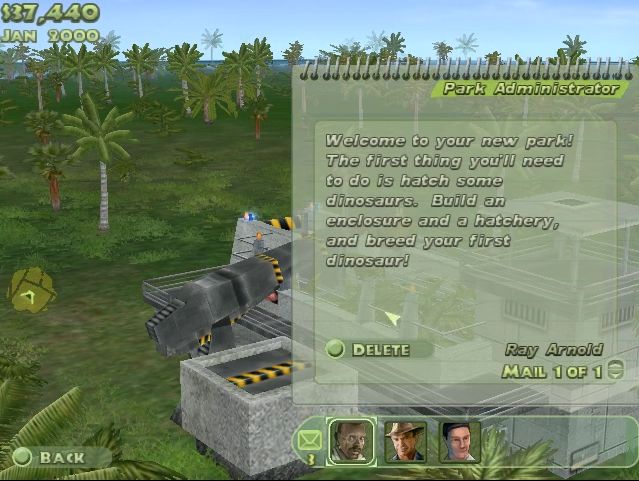
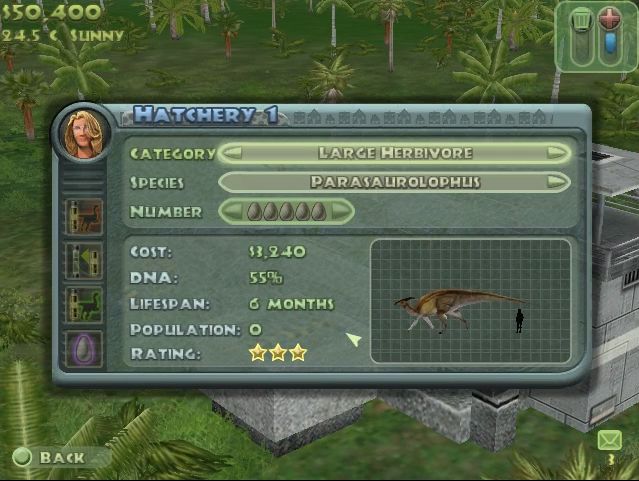
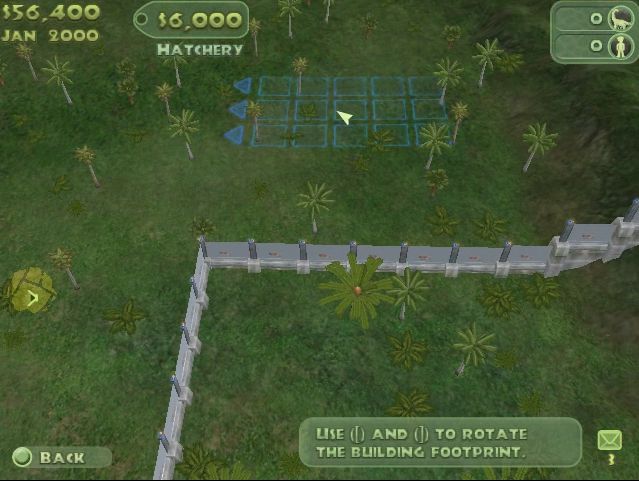
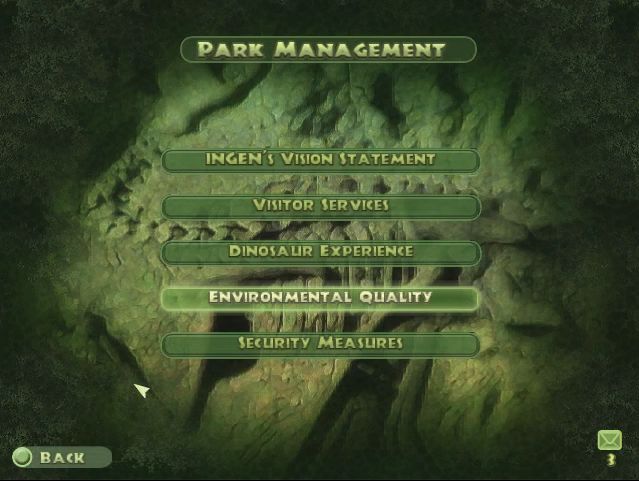
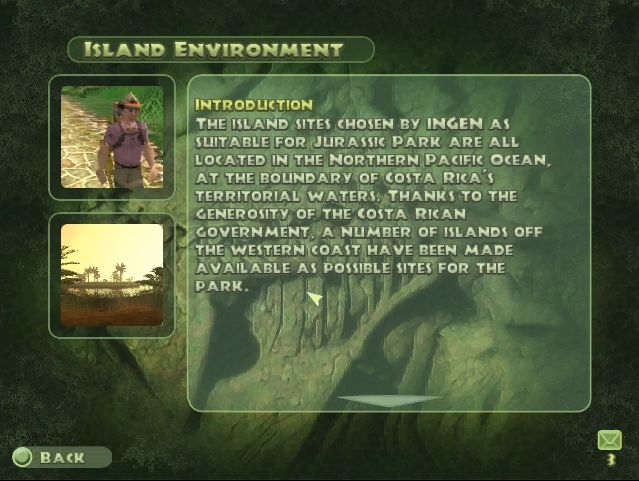
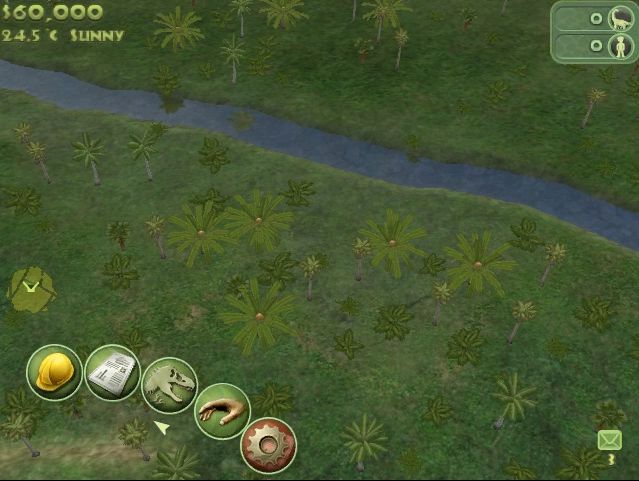
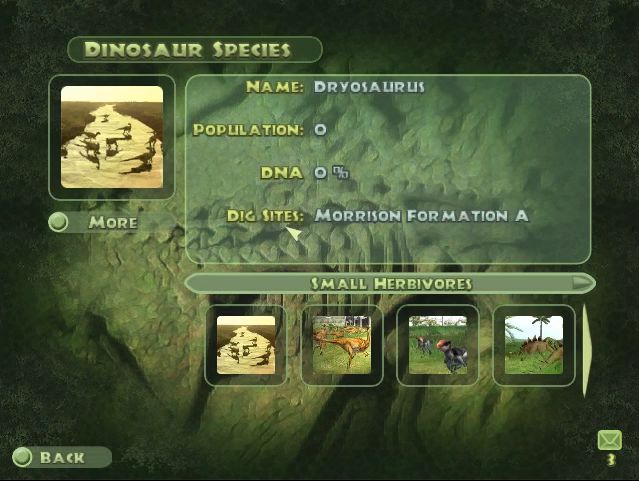
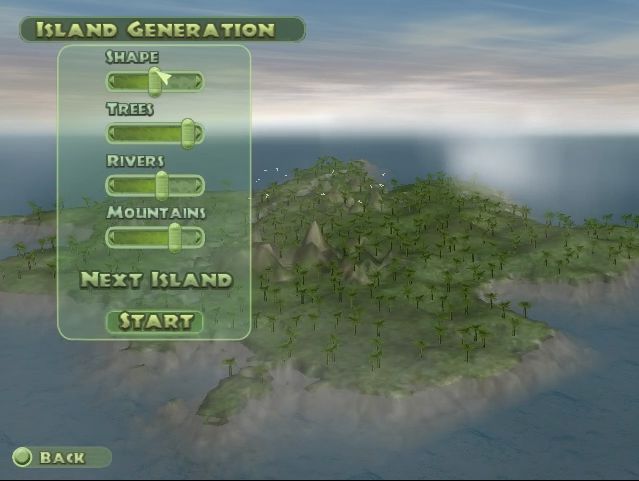
Jurassic Park: Operation Genesis Screenshots
Windows

0
0
0
0
0
0
0
0
0
0
0
0
0
0
0
0
0
0
0
0
Open the file, I used 7zip.
Now replace the rld-jpog.mdf to ogd.jpog.iso. Unlike mac this does not change the file format. If you try to mount this using daemon lite it will give a unable to find image error or something along those lines.
To change the mdf format to iso I used another free program called iZArc.
Once you convert the file you can mount with daemon. This should emulate a CD and should be available where pen drives appear when plugged in. Click on this CD icon.
Now run the set up wizard. Make sure you copy the file directory location from the corresponding step on the setup wizard. This will create a desktop icon etc, but when opened will give all the .dll errors.
Paste the path location into file explorer’s bar and then in other file explorer copy the simjp.exe file from the original download.
Paste this file into the other page. It will ask if you want to replace this file. Click yes. Now the game should run. You can delete the other applications, e.g. daemon if you want.
Hope this helps 🙂
0
0
0
0