| Publishers | Mindscape |
| Developers | Mindscape |
| Release date | 1997 |
| Genre | Action, Adventure |
| Game rating |
Game Description
Lego Island is a Lego-themed action-adventure video game developed and published by Mindscape, and released for Microsoft Windows, worldwide, on September 26, 1997. The game is the first entry in the Lego Island series, and the first Lego video game to be released outside Japan, following 1995’s Lego Fun to Build. It was followed in 2001 by Lego Island 2: The Brickster’s Revenge and in 2002 by Island Xtreme Stunts.
Download LEGO Island
We might have the game available for more than one platform. LEGO Island is currently available on these platforms:
Windows (1997)
LEGO_Island_Win_ISO_EN.zip (435MB)
How to play on Windows 10
- Download and Extract LEGO_Island_Win_ISO_EN.zip
- Open the “Game Files” folder
- Mount OGD_Lego_Island.iso
- Download “LEGO_Island_Fixed_Installer_Win_EN.exe” (see additional files) and run the .exe
- Follow on-screen instructions and finish installing the game
- Play the game
Additional files, patches and fixes
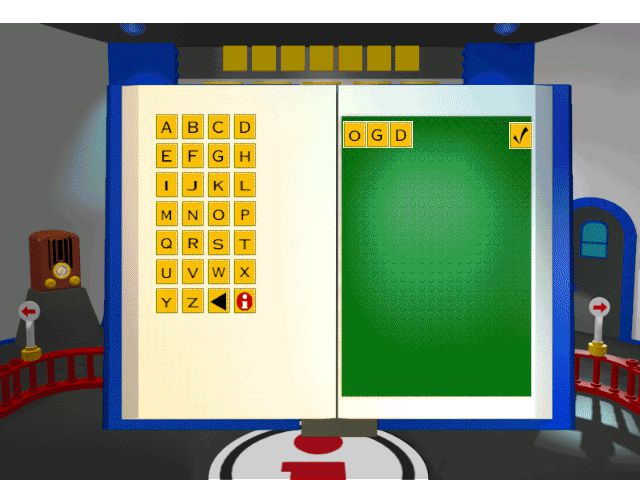
LEGO Island Screenshots
Windows

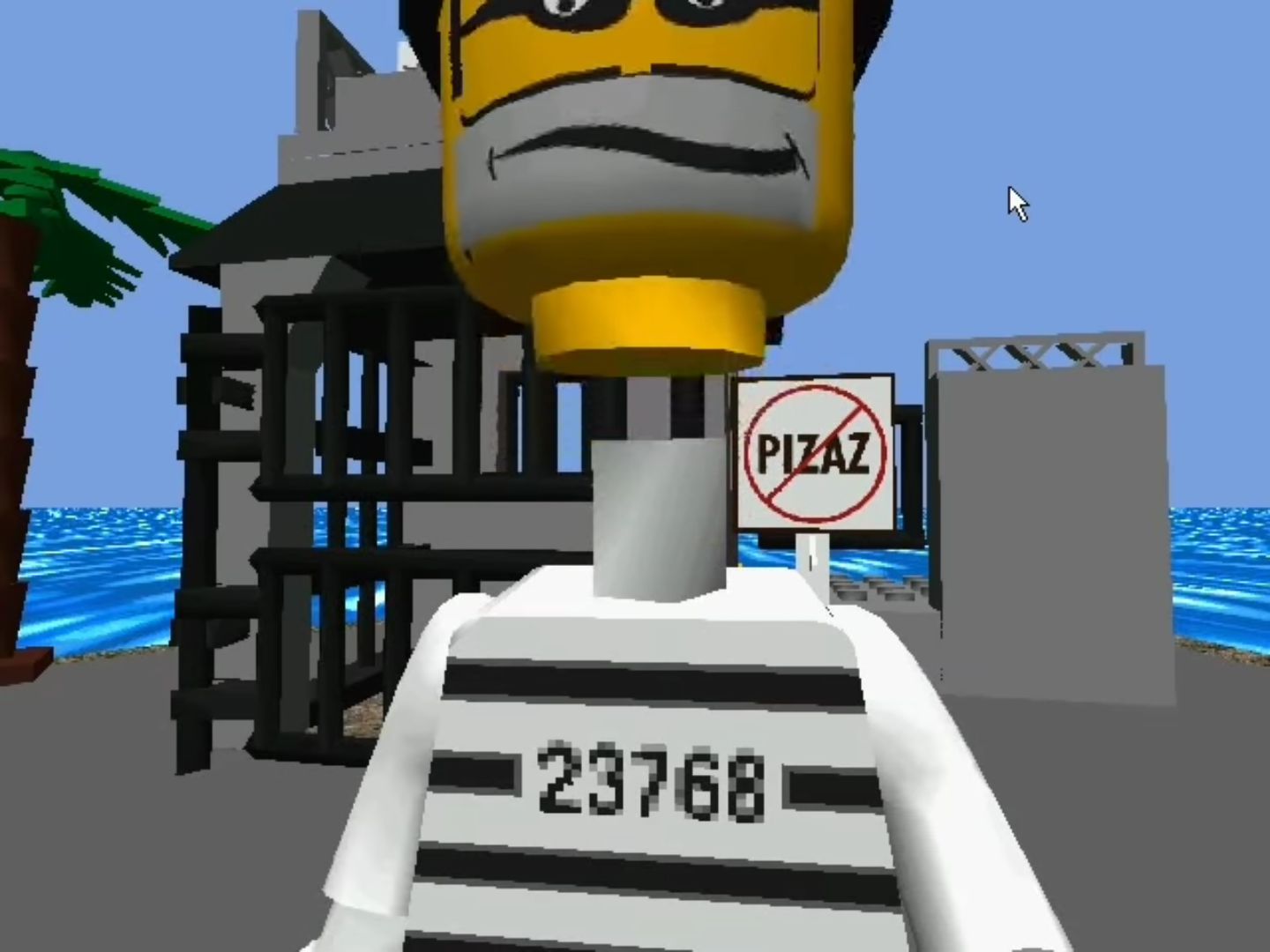
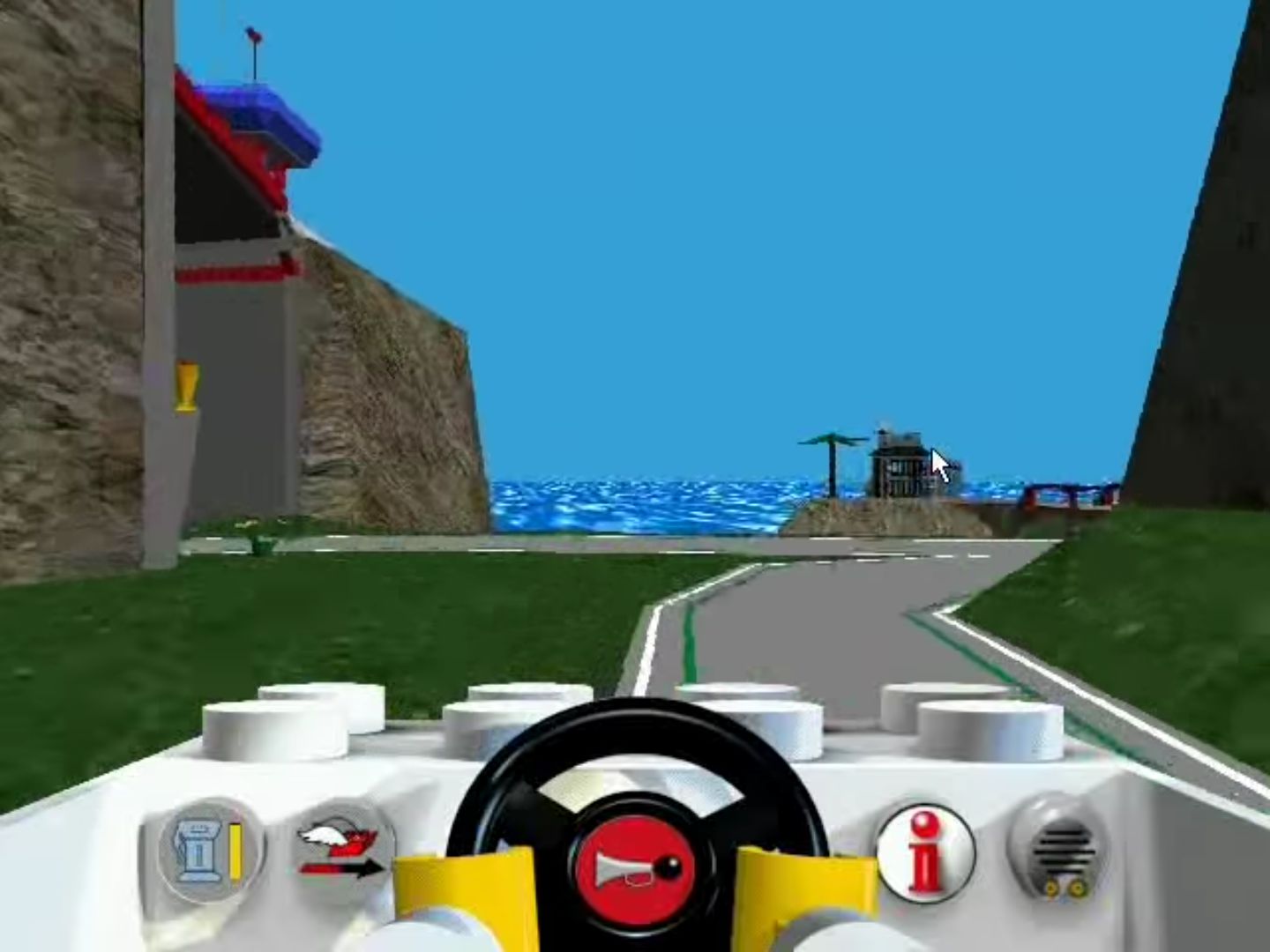
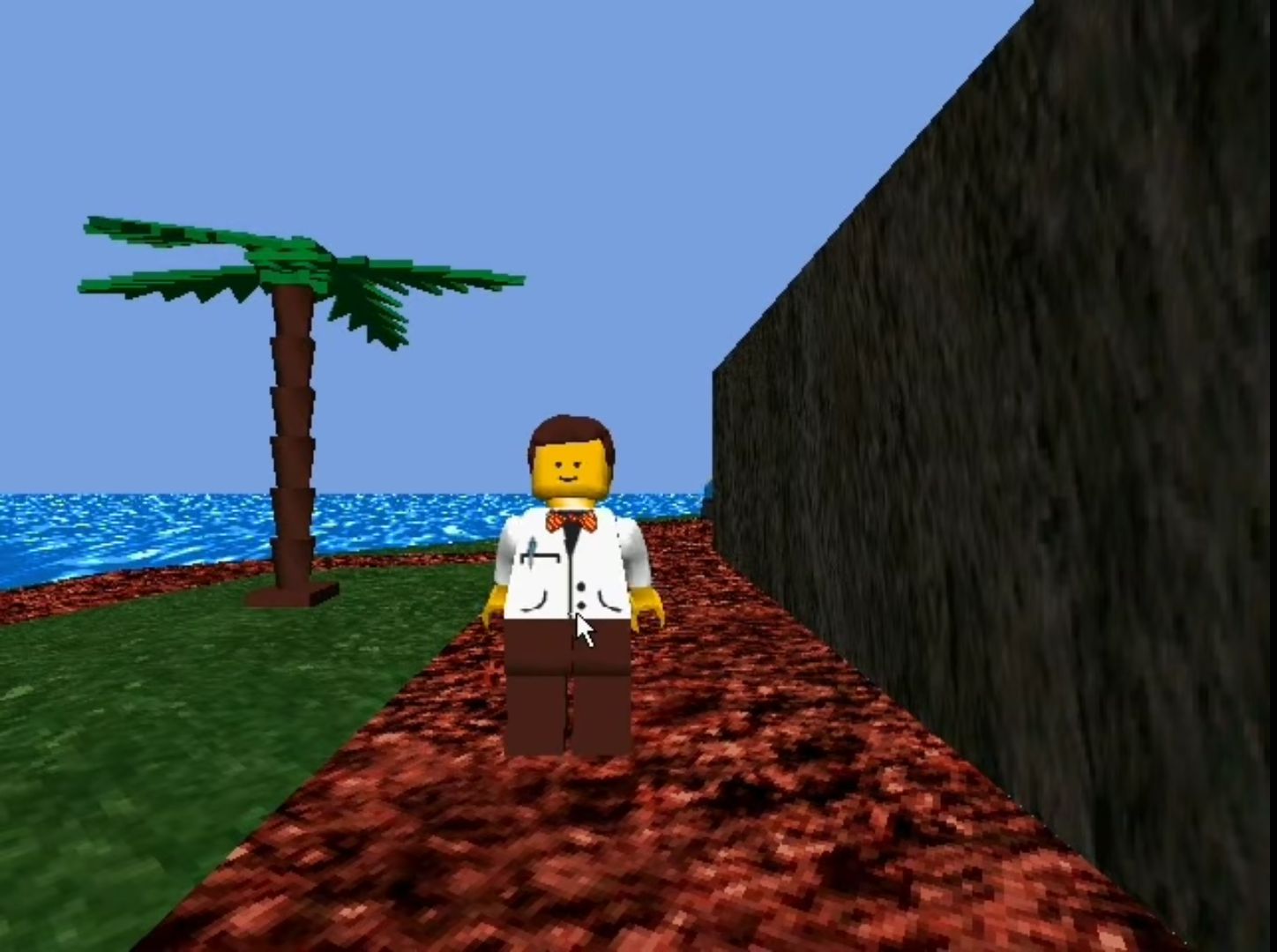
0
0
0
0
0
I assume:
– You are on Windows 10
– You have mounted the ISO using the Windows 10 built-in function (as in, you haven’t used 3rd party software like PowerISO, though this may work, I cannot confirm)
– You have installed the LEGO_Island_Fixed_Installer_Win_EN.exe under Additional files
OK here we go:
1 Open Registry Editor (search for it in your start menu, click to open)
2 Navigate to ComputerHKEY_LOCAL_MACHINESOFTWAREWOW6432NodeMindscapeLEGO Island
3 Right-click in the white space on the right-hand pane and press New – String Value
4 Name the value cdpath
5 Double-click cdpath and enter the drive that your game has mounted to (in my case, D:)
Please leave a comment to let others know if this has worked or not
0
0
0
0
0
0
0
0
0
0
0
0
0
0
0
0