| Publishers | Lego Software |
| Developers | Attention to Detail, Pocket Studios (GBA) |
| Release date | 2001 |
| Genre | Racing |
| Game rating |
Game Description
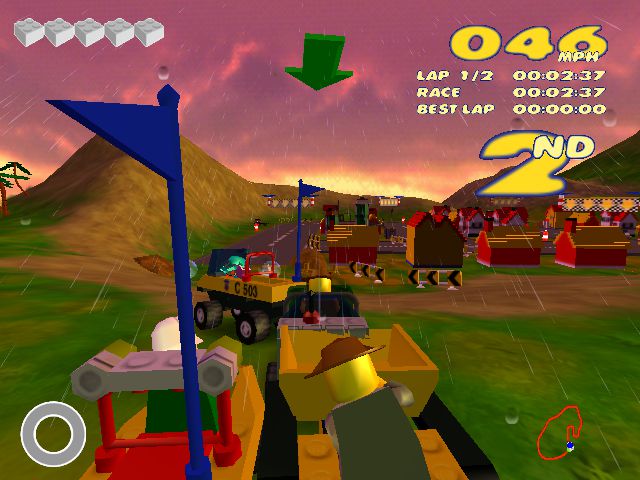
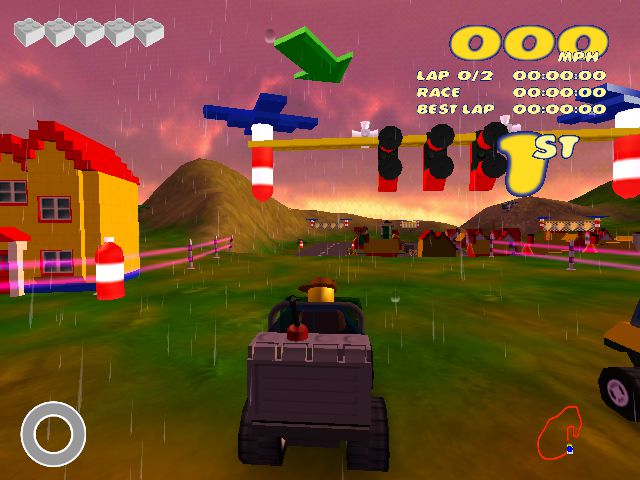
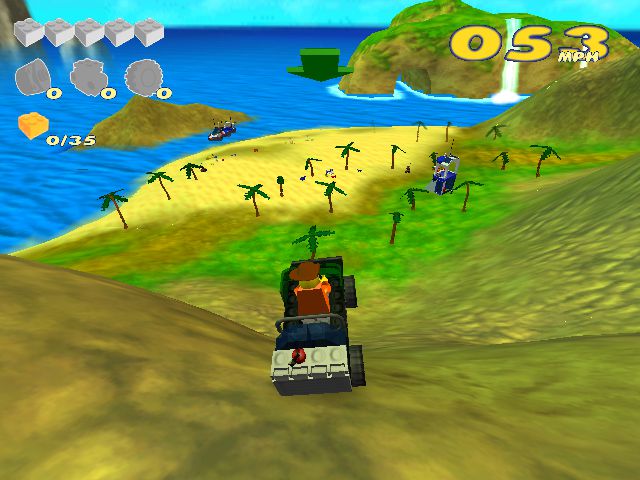
Lego Racers 2 is a Lego-themed racing video game developed by Attention to Detail, published by Lego Software and distributed in North America by Electronic Arts. It was first released in September 2001 for Microsoft Windows, PlayStation 2 and Game Boy Advance. It is the sequel to the 1999 game Lego Racers.
Download Lego Racers 2
We might have the game available for more than one platform. Lego Racers 2 is currently available on these platforms:
Windows (2001)
LEGO_Racers_2_Win_ROM_EN.7z (428.3MB)
LEGO_Racers_2_Win_Files_EN.7z (324.0MB)
How to play on Windows
- Download and Extract LEGO_Racers_2_Win_ROM_EN.7z
- Open the “Game Files” folder and mount lr2-DVN.bin to a virtual drive
- Right “browse.exe”, go to properties and change compatibility to Windows XP. Run the the file as an administrator and select “Install”. Finish installing the game.
- Launch the game from the desktop shortcut by also running in Windows XP comatability and as an administrator.
PlayStation 2 (2001)
LEGO_Racers_2_PS2_ROM_EN.7z (466.7MB)
Additional files, patches and fixes
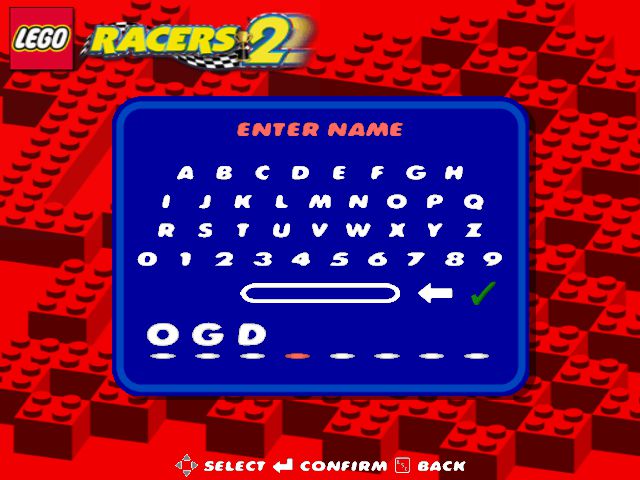
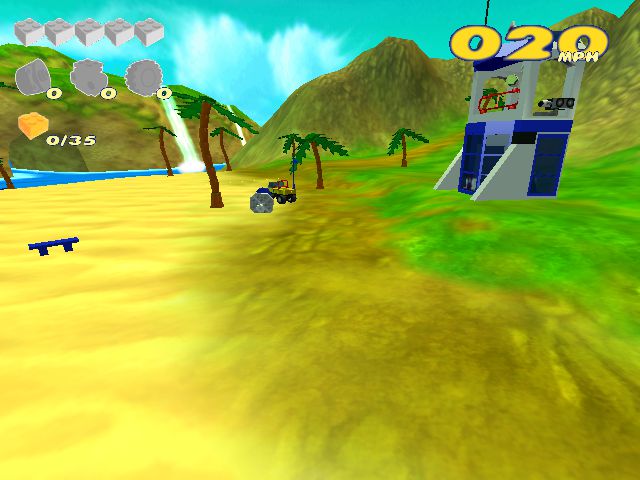
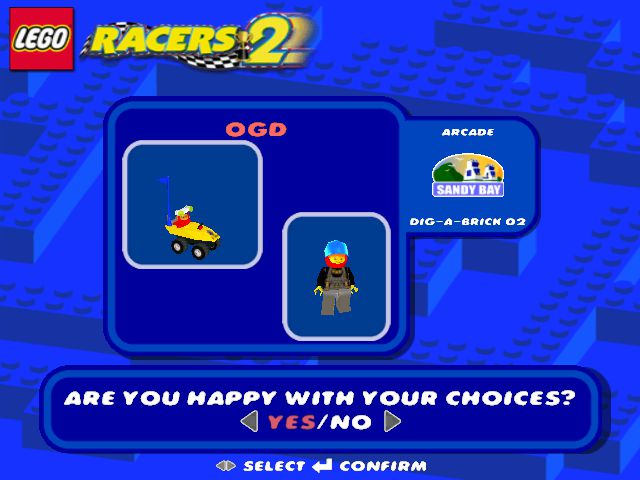
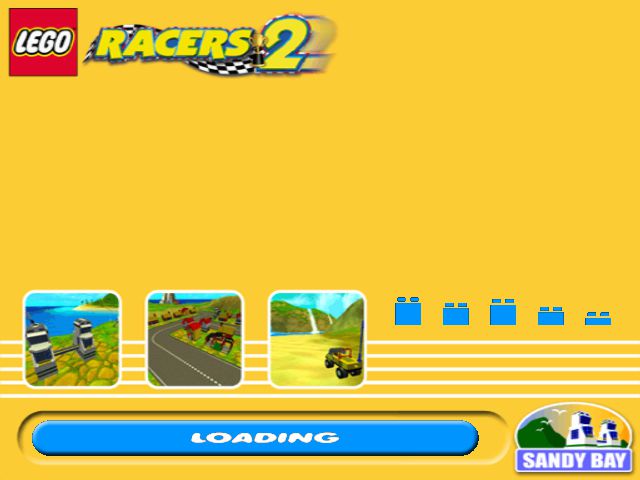
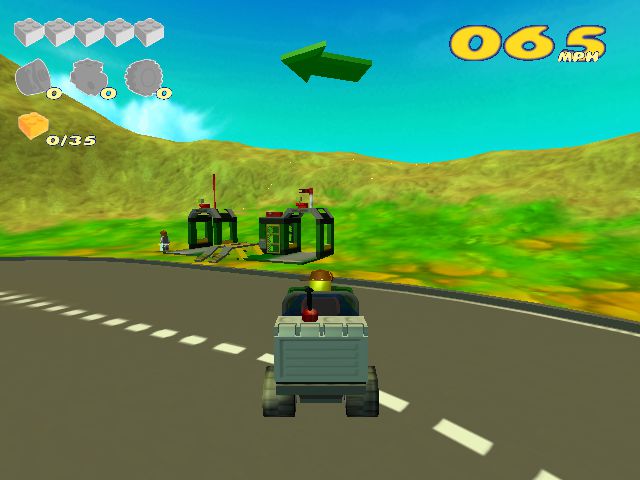
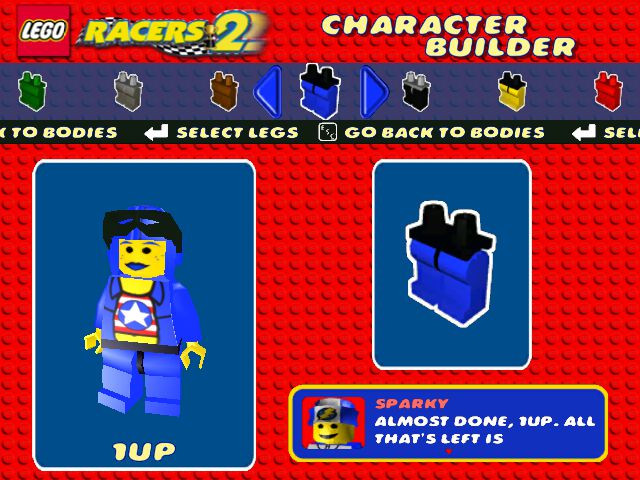
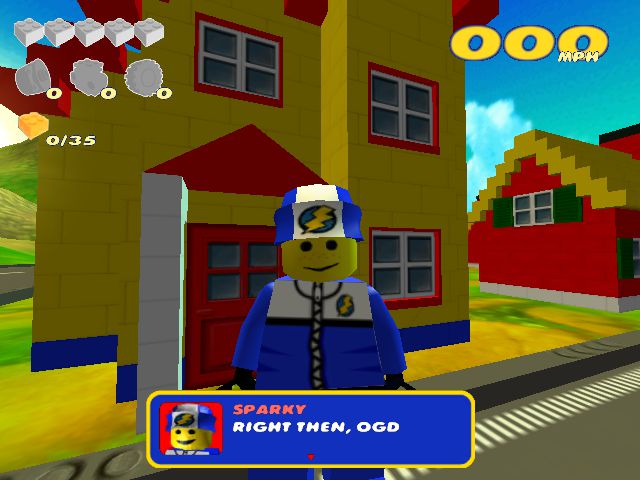
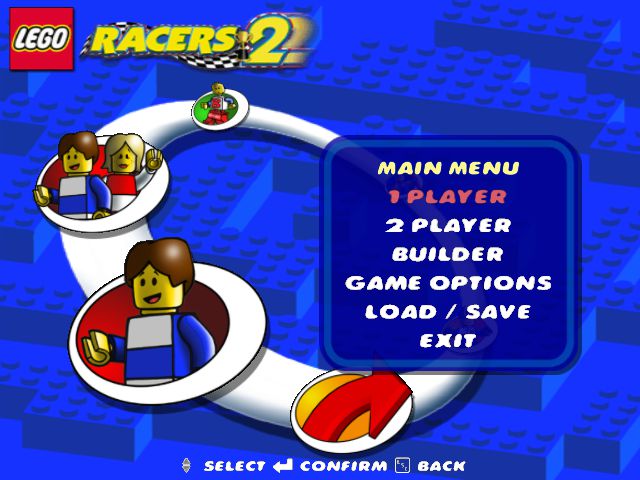
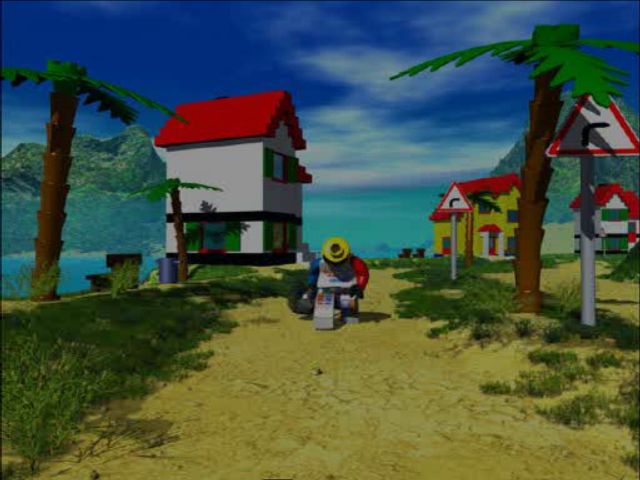
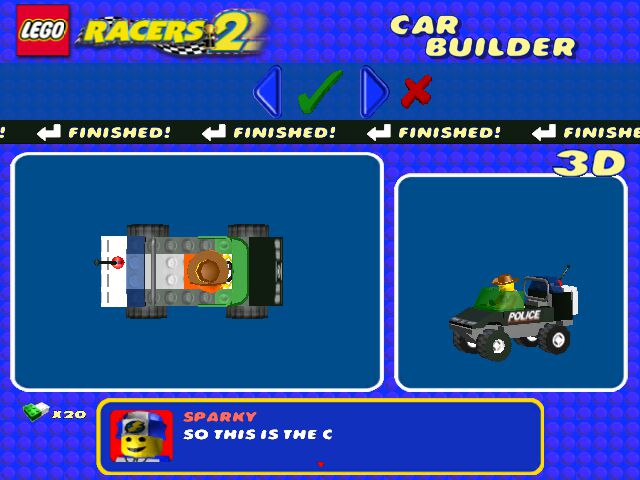
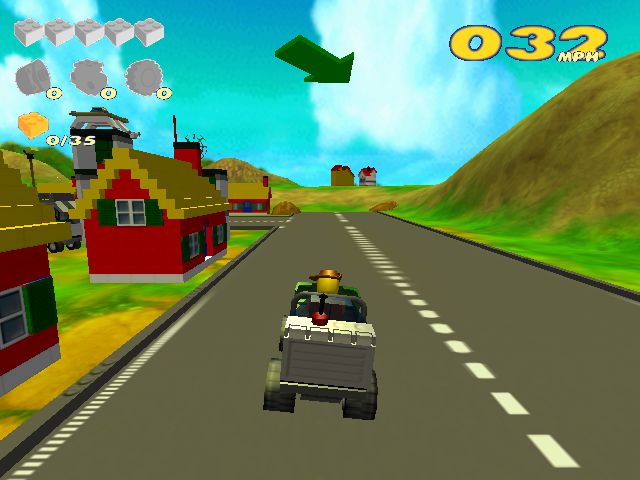
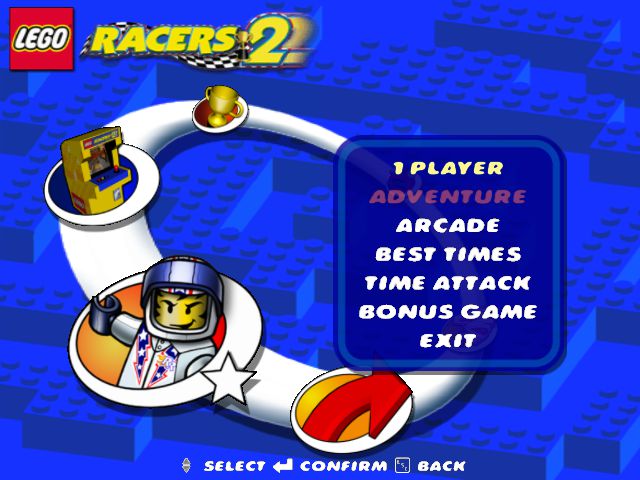
Lego Racers 2 Screenshots
Windows

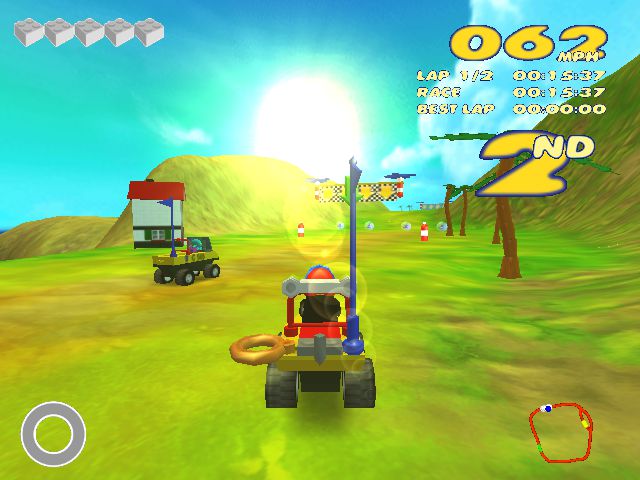
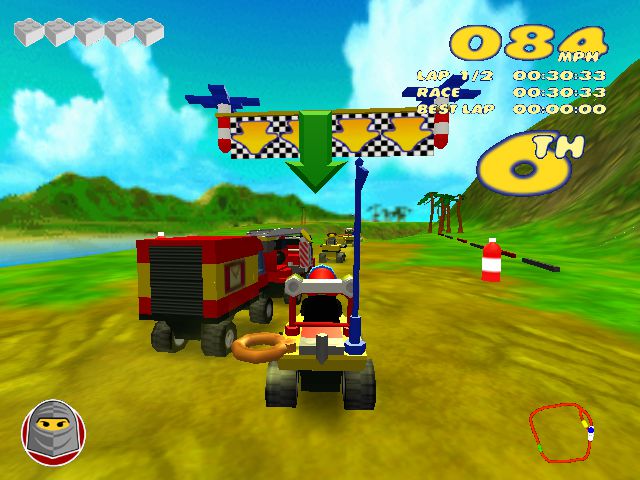
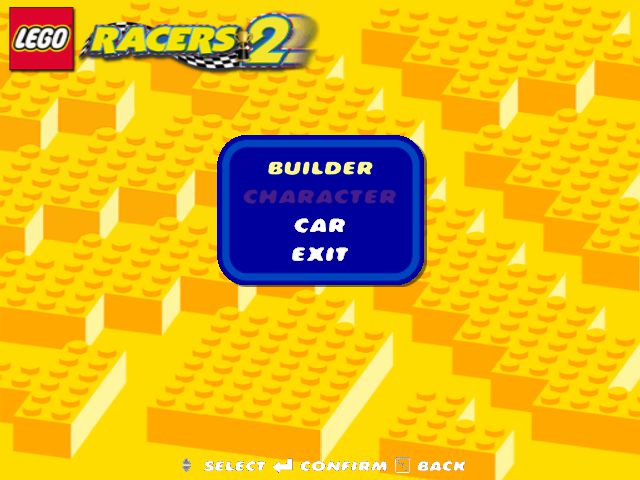
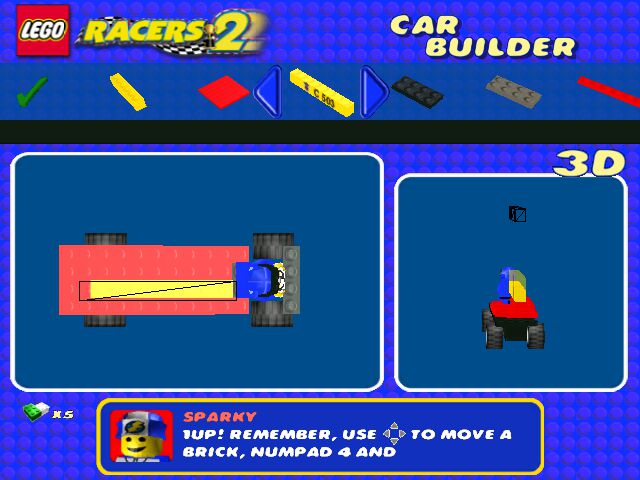

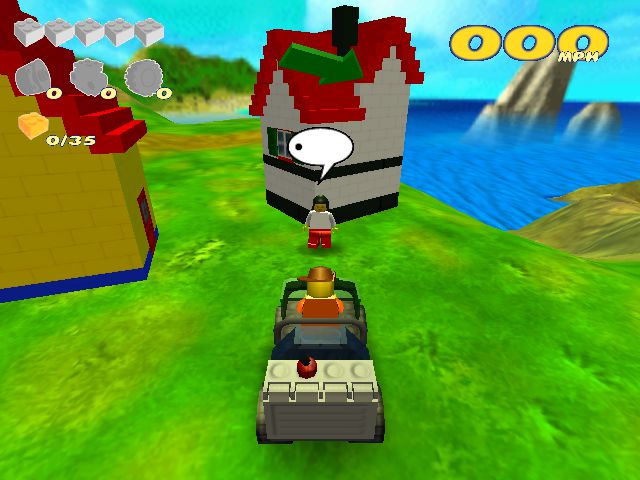
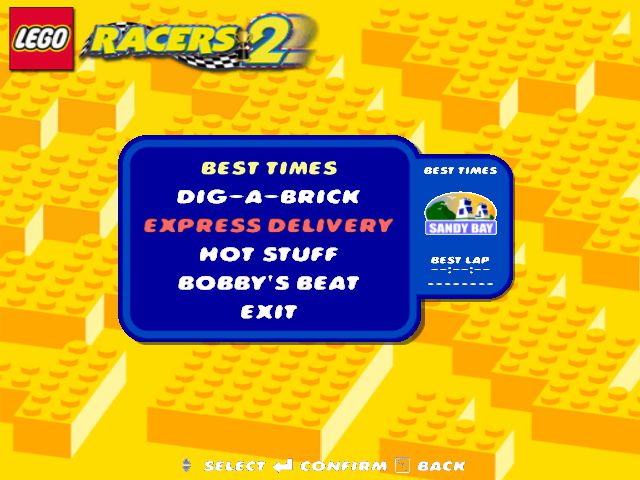
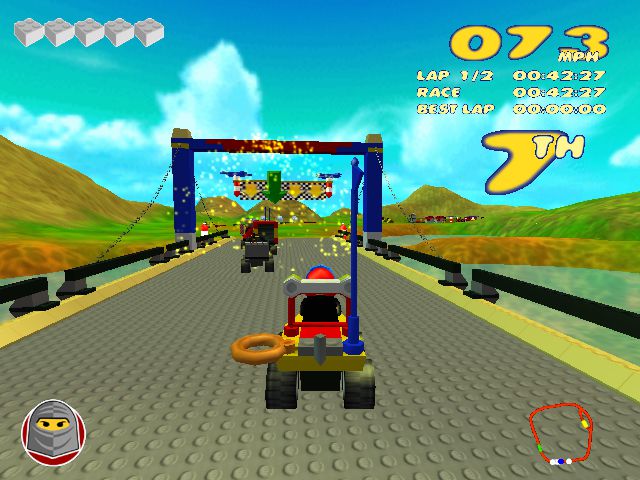
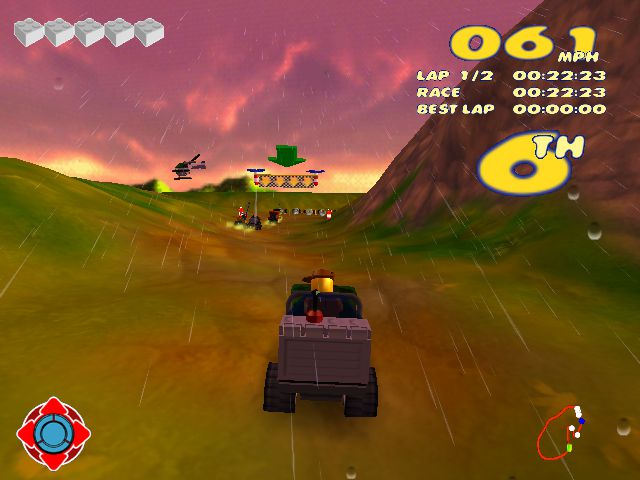
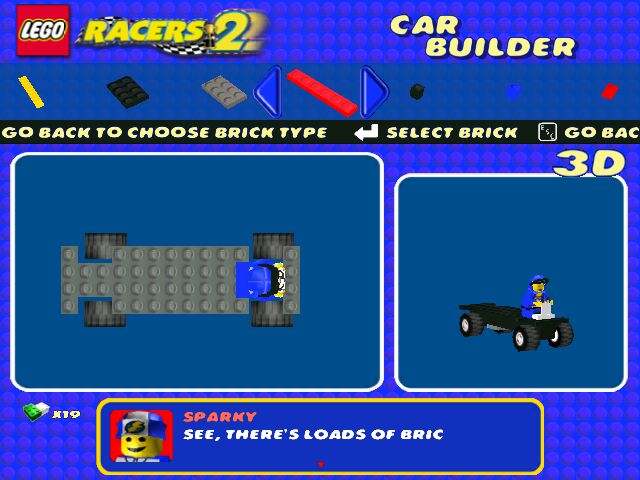
0
0
I found a workaround for this that was easier for me. I’m on Windows 11.
1. Download and Unzip
2. Mount the .BIN file. (I use Daemon Tools)
3. Open and View Files
4. Make a new Lego Racers 2 Folder on your desktop.
5. Move EVERYTHING in the opened .bin file to the new folder you just made.
6. Install this > https://www.dll-files.com/eax.dll.html
^THIS IS THE EAX.dll FILE YOU NEED!
7. Move the EAX.dll file into the INSTALL folder. This is where the Lego Racers 2 Application is.
8. Make sure to put the Lego Racers 2 EXE in compatability mode for Windows XP (Service Pack 3)
9. Create a shortcut of the EXE to desktop for ease of access.
10. Run the Lego Racers 2 EXE
Enjoy.
0
What shall i do?
0
0
0
-NasaGamingTV
https://youtu.be/2weA7N3XFTE
0
0
0
0
-1
0
0
0
0
When i installed this and downloaded PowerISO, i can see the Browse.exe file but can’t see the properties option.. Also when i double click to run the game it says “Please insert CD then press Enter.”
Is there anything more you can do to help make this work please?
0
0
0
0
i did mount the bin file using power iso ( first in google )
and yet i cant find the browse.exe file in the mounted drive
please help 🙁
0