| Publishers | EA Games |
| Developers | EA Black Box, Pocketeers (GBA) |
| Release date | 2004 |
| Genre | Racing |
| Game rating |
Game Description
Need for Speed: Underground 2 is a cross-platform racing video game and the eighth installment in the popular Need for Speed driving game series published and developed by Electronic Arts. Released in 2004, it is the direct sequel to Need for Speed: Underground, and is part of the Need for Speed series, available on Microsoft Windows, Game Boy Advance, GameCube, PlayStation 2, Xbox, PlayStation Portable, Nintendo DS and mobile phones.
Download Need for Speed: Underground 2
We might have the game available for more than one platform. Need for Speed: Underground 2 is currently available on these platforms:
Windows (2004)
Need_for_Speed_Underground_2_Win_Setup_EN.zip (1.06GB)
How to play on Windows (NFS_Underground_2_v102_Win_Setup_EN.rar
- Download and extract Need_for_Speed_Underground_2_Win_Setup_EN.zip
- Inside the extracted folder, open the folder called “Game Files” and in there, you want to double click on the file called “NFSUnderground2_1.2_setup.exe”. The game setup should launch. You can leave all options at default
- To launch the game, go into the installation directory of the game. By default, this is “C:\Program Files (x86)\NFS Underground 2″ and then double click on the file called “SPEED2.exe”. The game should now launch.
- Enjoy the game!
Additional files, patches and fixes
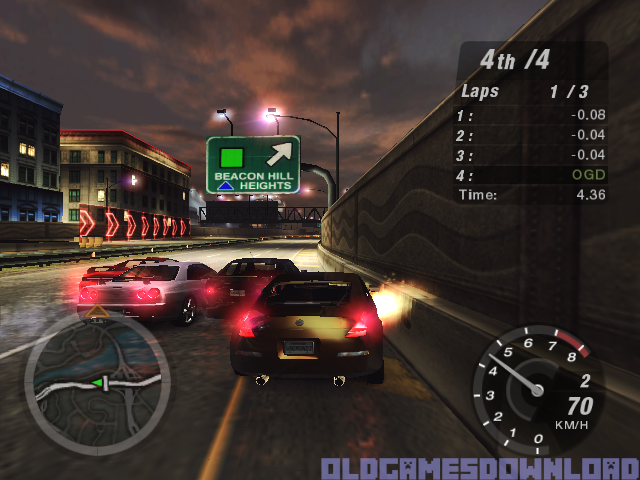
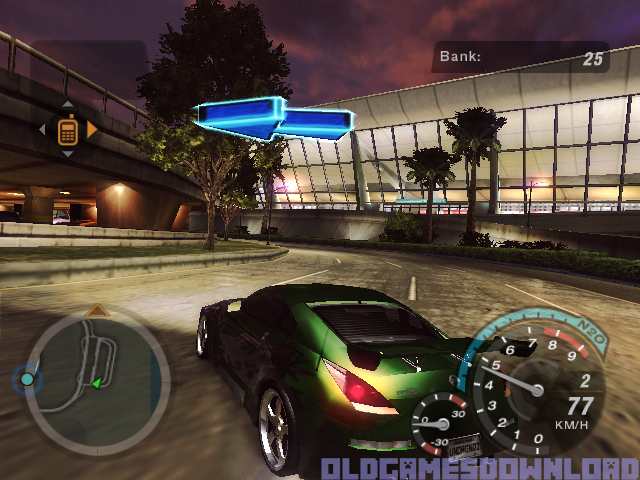
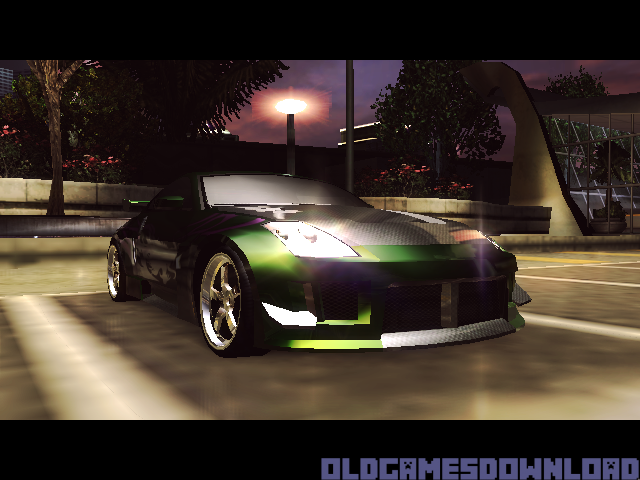
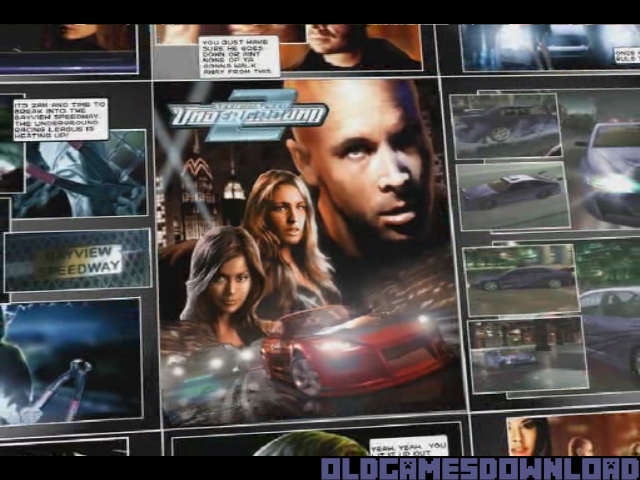
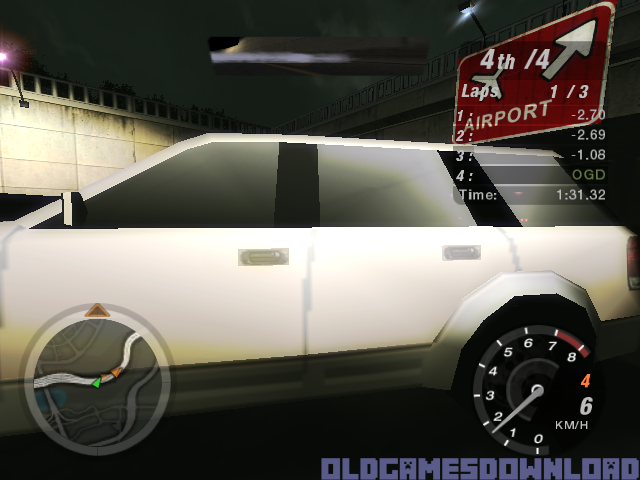
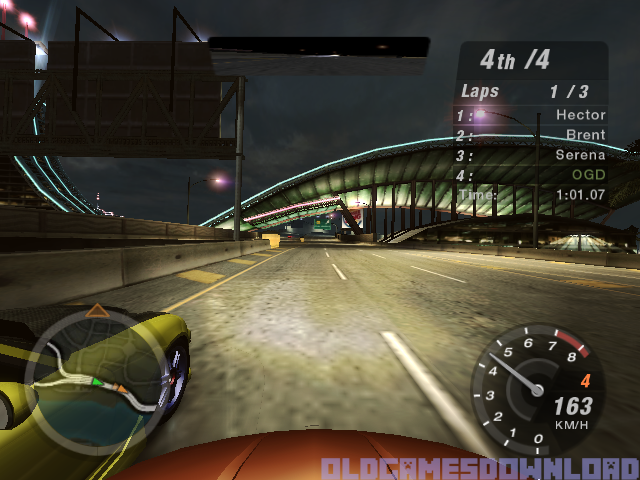
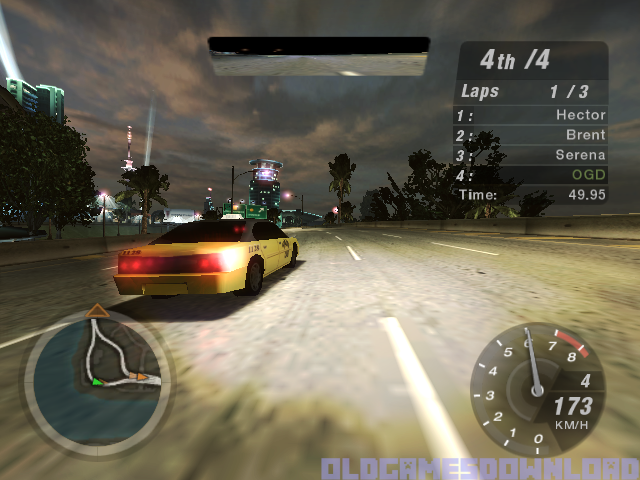
Need for Speed: Underground 2 Screenshots
Windows
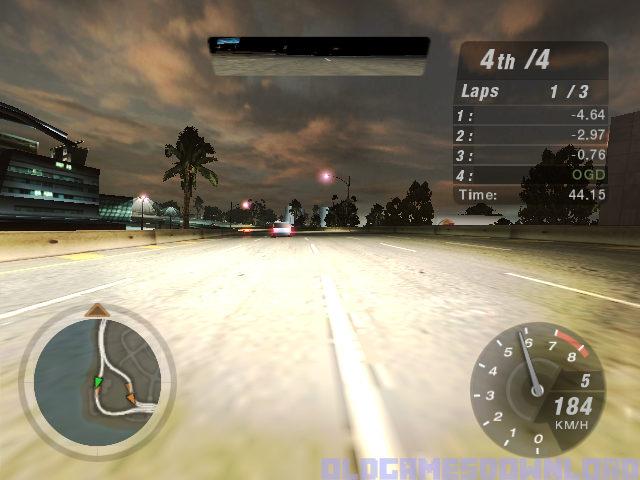
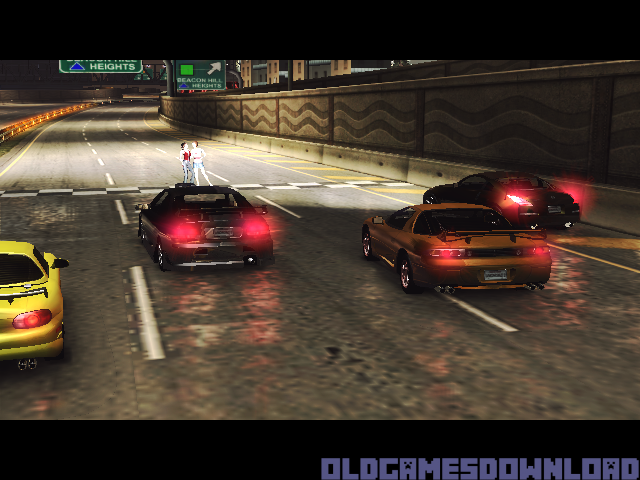


0
go to your desktop and create a text document called foobar once done cut and paste it to the root of the nfs folder(where the exe is) and right click on the foobar text doc and press rename and remove the .txt from the end and the file should go from a paper icon with lines to a blank paper icon
now run the game as normal
0
0
0
0
0
0
0
0
0
0
0
0
0
0
0
0
0
0
0
0
0
For anyone who has trouble launching the game. Open file explorer, up top select view > show> file extensions. Find the, NFSU2 folder, Add a TXT document and name it foobar. one done, delete the “.TXT” extension on it and it should launch.
for people who are trying to use a Bluetooth controller. go to main menu, options and find the key mapping, up top you can switch to controller and remap what buttons do what and exit out of the menu and enjoy
0
0
0
0
0
0
0
0