| Publishers | SoftKey Multimedia |
| Developers | MECC |
| Release date | 1995 |
| Genre | Educational |
| Game rating |
Game Description
Oregon Trail II is an educational video game released by MECC in 1995. It was published by SoftKey Multimedia. It is a revised version of the original The Oregon Trail video game. It was redesigned with the help of American Studies PhD Wayne Studer. In contrast to the original version of the game, Oregon Trail II made an effort to include greater roles for women and racial minorities.
Download The Oregon Trail II
We might have the game available for more than one platform. The Oregon Trail II is currently available on these platforms:
Windows (1995)
How to play on Windows
- Click on the download button. It should redirect you to your download (a .rar file). Make sure you download the file properly and that your internet does not disconnect while downloading.
- Download the software called PowerISO. You can download it from here.
- Extract the “Oregon Trail 2” folder to your desktop. You will need WinRAR to do this.
- Open the “Oregon Trail 2” folder.
- Inside the folder, you will find a file called “Oregon Trail II.iso”. Right click on the file and then select “PowerISO” in the menu, then select “Mount” and Mount it to one of your empty disc drives.
- Go into the disc drive where you mounted the PowerISO file and open the folder called “WIN32”.
- Inside the folder, you will find a setup file called “Setup32.exe”. Right click on it and then select “Run as administrator”. The setup for Oregon Trail 2 should now launch.
- Go through the setup steps and install the game.
- Once the setup is completed, you will want to launch the game. To do this, go into C:\Program Files\The Learning Company\Oregon Trail II and there you will find a launcher called “otii32.exe”. Double click on it to launch the game!
- Enjoy the game!
Additional files, patches and fixes
The Oregon Trail II Screenshots
Windows
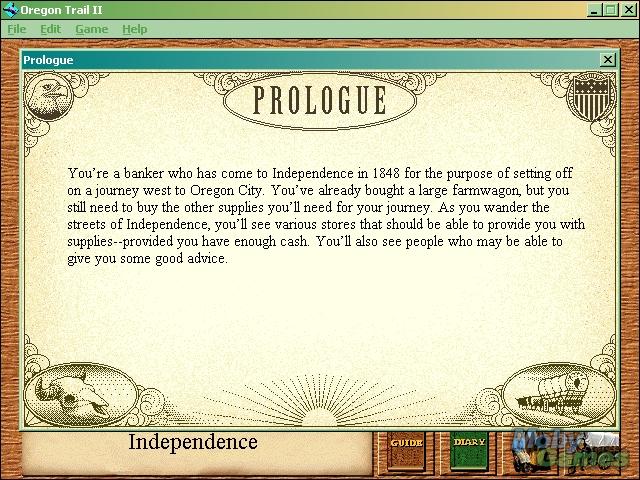
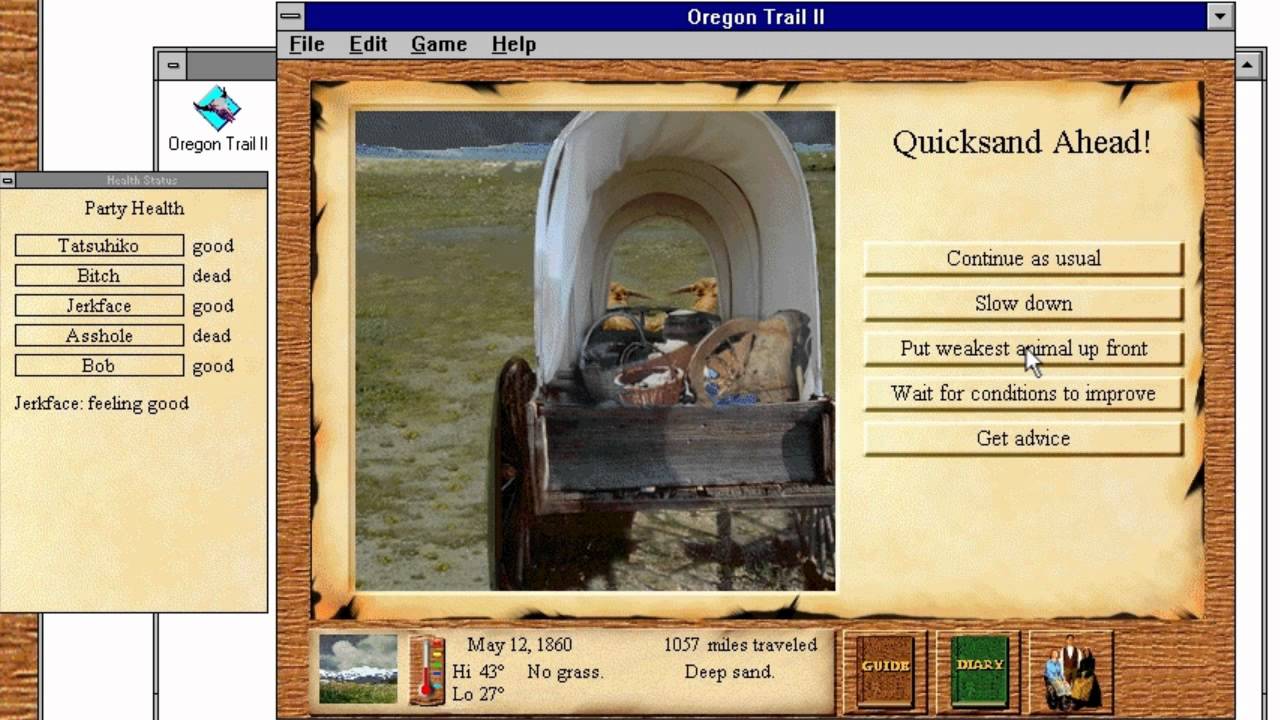
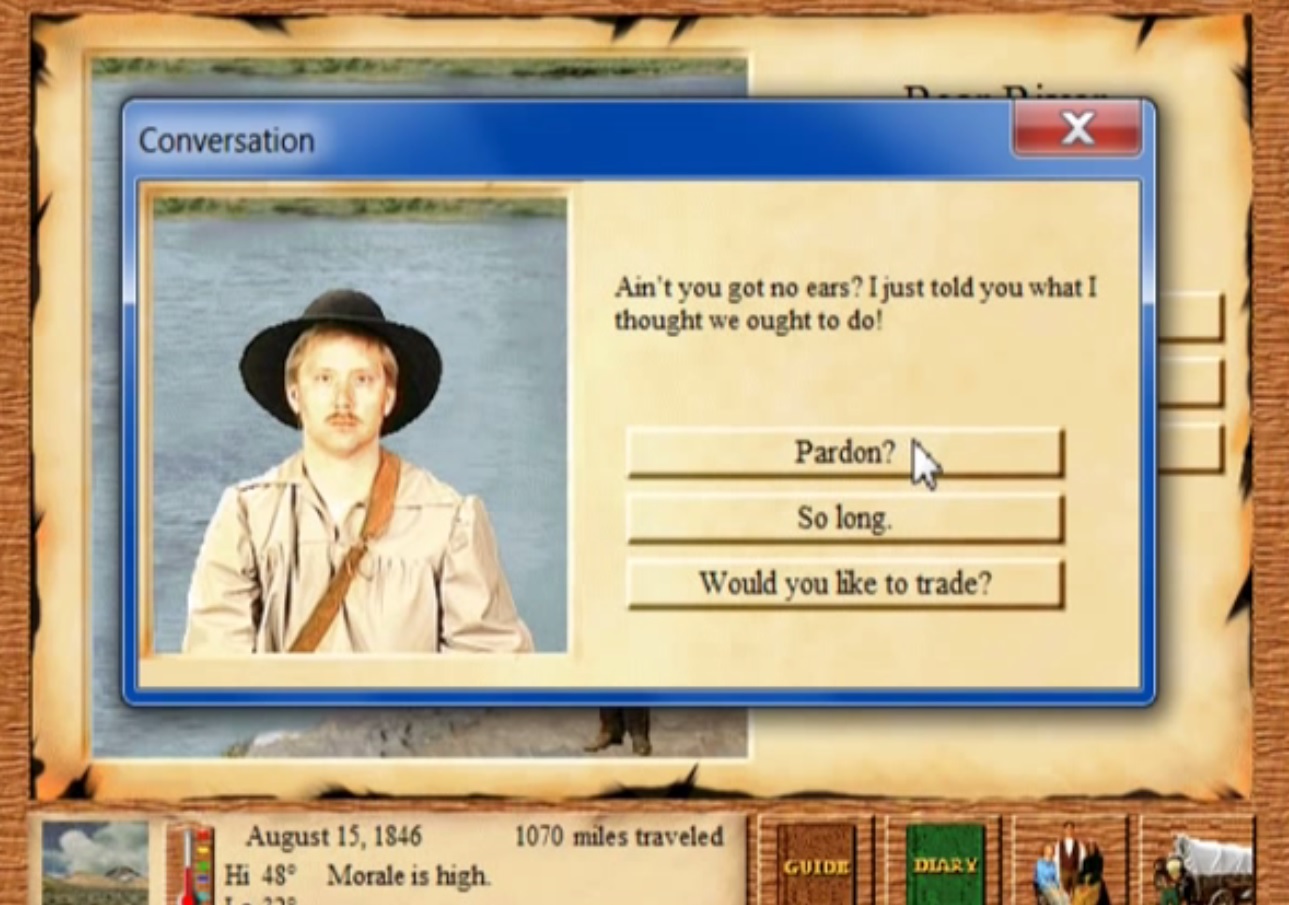
0
0
But now, I restarted the computer and the virtual drive unmounted. So I’ve been fiddling for an hour again, but don’t know what to do lmao
0
error 432.- i restarted and got the same result help
0
So I’m installing the file and I’m at the part where I need to install the game via running Setup32 as Admin. Issue is when I try, nothing happens despite me having admin powers. If I double click the program it claims that I need elevation despite my account being the only one on the computer.
So could you please tell me how to fix this bug? Every other download step worked until now
0