| Publishers | Monte Cristo |
| Developers | Monte Cristo |
| Release date | 2005 |
| Genre | Simulation |
| Game rating |
Game Description
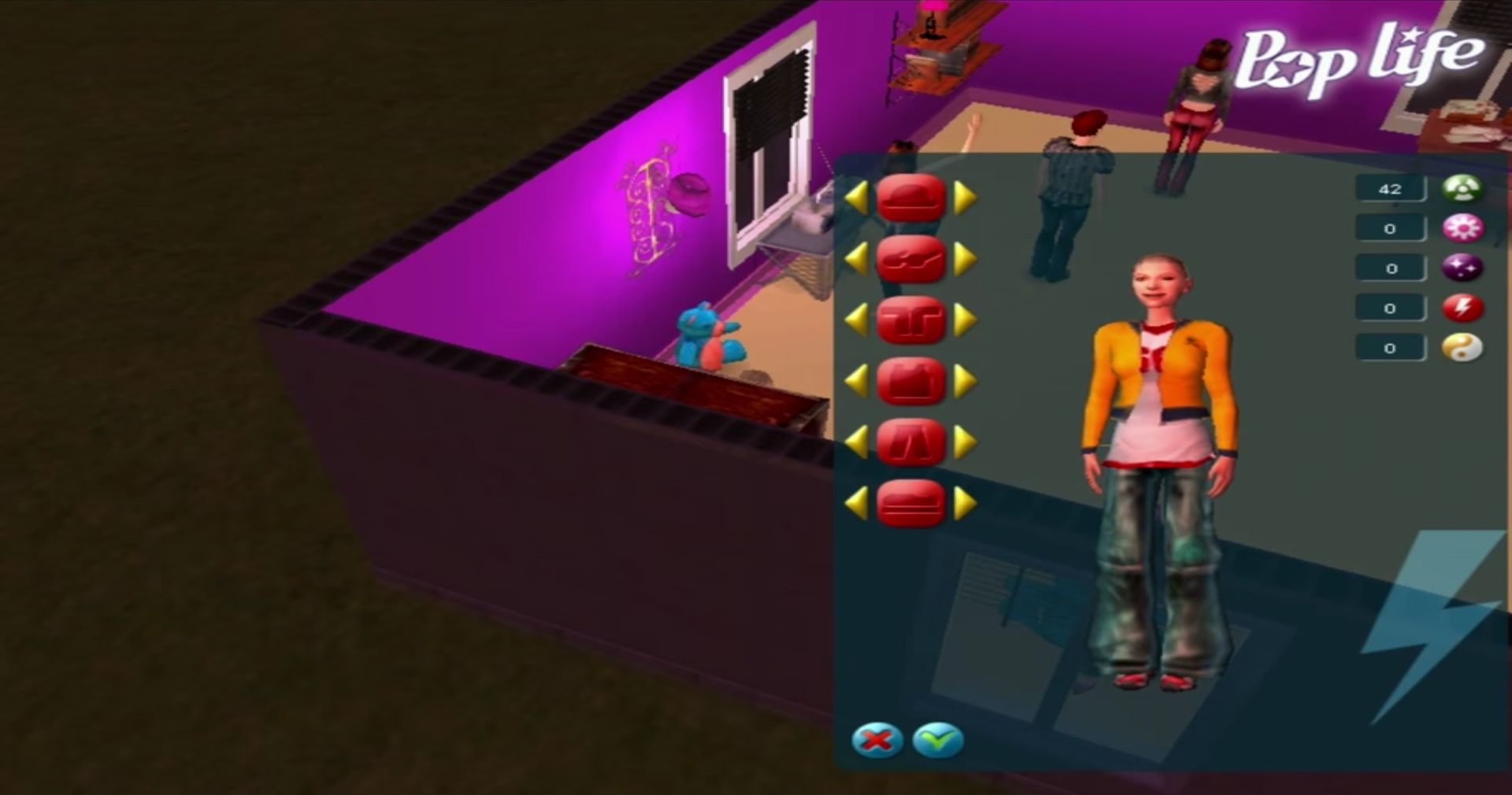
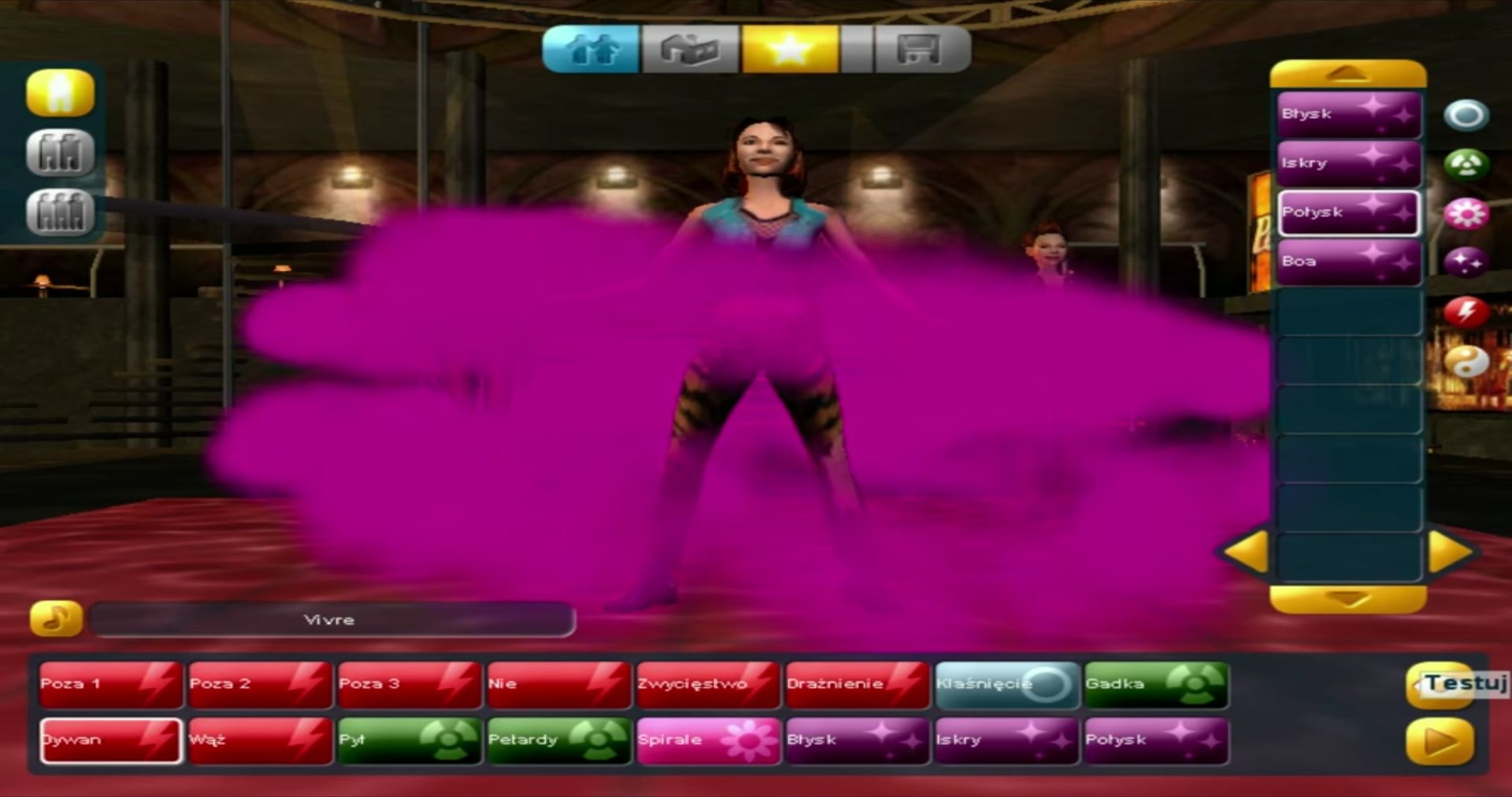
You’ve made it all the way through the challenges of the great TV show! But this is just the beginning of the path. For you, a whole new adventure is starting. Teachers, new concerts, you’ve everything to discover. And more than ever you need to make friends amoung the teachers and show biz professionals. Will you be up to the task? Welcome to Pop Life! This game allows you to follow the career of the winner of the ‘Pop Life’ contest through a series of concerts throughout the world. You will need to call on teachers to teach you songs, dance steps and stage effects to create your own spectacular concets. You’ll prepare your concerts in a house you build yourself, while making sure to do the max to please your fans. On to fame and glory!
Download Pop Life
We might have the game available for more than one platform. Pop Life is currently available on these platforms:
Windows (2005)
Pop_Life_Win_ISO_EN.zip (660.3MB)
Additional files, patches and fixes
Pop Life Screenshots
Windows
0
0
0
0
The item is not available due to issues with the item’s content.
0
0
• Right click on the game icon and click on properties. Go to the “Compatibility” tab and then:
• Check the box next to “Run this program in compatibility mode for” and then select “Windows XP (Service Pack 2)” in the drop down menu.
• Check the “Run as an administrator”
• And then click on “Apply” and then click on “Okay”. Now, launch the game by double clicking on the game icon.
0
If you are having lag problems with this game I recommend you doing the following steps: https://www.youtube.com/watch?v=fZDHgmK5VmE&ab_channel=Dingi
This helped me solve every single issue I had with the game. Also this works for other older games too.
Have fun!
0
0
Check out my comment at the top!
0
0
• Right click on the game icon and click on properties. Go to the “Compatibility” tab and then:
• Check the box next to “Run this program in compatibility mode for” and then select “Windows XP (Service Pack 2)” in the drop down menu.
• Check the “Run as an administrator”
• And then click on “Apply” and then click on “Okay”. Now, launch the game by double clicking on the game icon.
0
0
0
0
I’d like to ask you if someone could just tell me how can I even play the game on Windows 10? Is that even possible? Thanks a lot for any help.
0
0
0
0
0
https://taigame.org/game/fame-academy
I tested it on and it works fine
0
0
0
0
0
0