| Publishers | THQ |
| Developers | Asobo Studio, Heavy Iron Studios, Helixe, Locomotive Games, Universomo |
| Release date | 2007 |
| Genre | Action |
| Game rating |
Game Description
Ratatouille is a platform game based on the Pixar film of the same name. It was developed at Heavy Iron Studios and released by THQ, on June 26, 2007. Ratatouille was released on thirteen platforms: the Wii, the Nintendo DS, the PlayStation 3, the PlayStation 2, the PlayStation Portable, the Xbox 360, the Xbox, the GameCube, the Game Boy Advance, Microsoft Windows, OS X, Java Platform, Micro Edition, and mobile phones.
Download Ratatouille
We might have the game available for more than one platform. Ratatouille is currently available on these platforms:
Windows (2007)
Ratatouille_Win_ROM_EN.zip (1.47GB)
How to play on Windows
- Download and Extract Ratatouille_Win_ROM_EN.zip
- Mount rat1-jfkpc.cue and rat2-jfkpc.cue (CD 1 and CD 2) to different virtual drives. If you’re not sure how to do this, you can read this guide.
- On the mounted CD1, run “autorun.exe” and select install. Follow on-screen instructions to install the game. When prompted to install CD 2, choose the drive which you mounted CD 2 to.
- To play the game, launch “autorun.exe” and select “Play”. Note that you need to keep the discs mounted as you play.
Additional files, patches and fixes
Ratatouille Screenshots
Windows
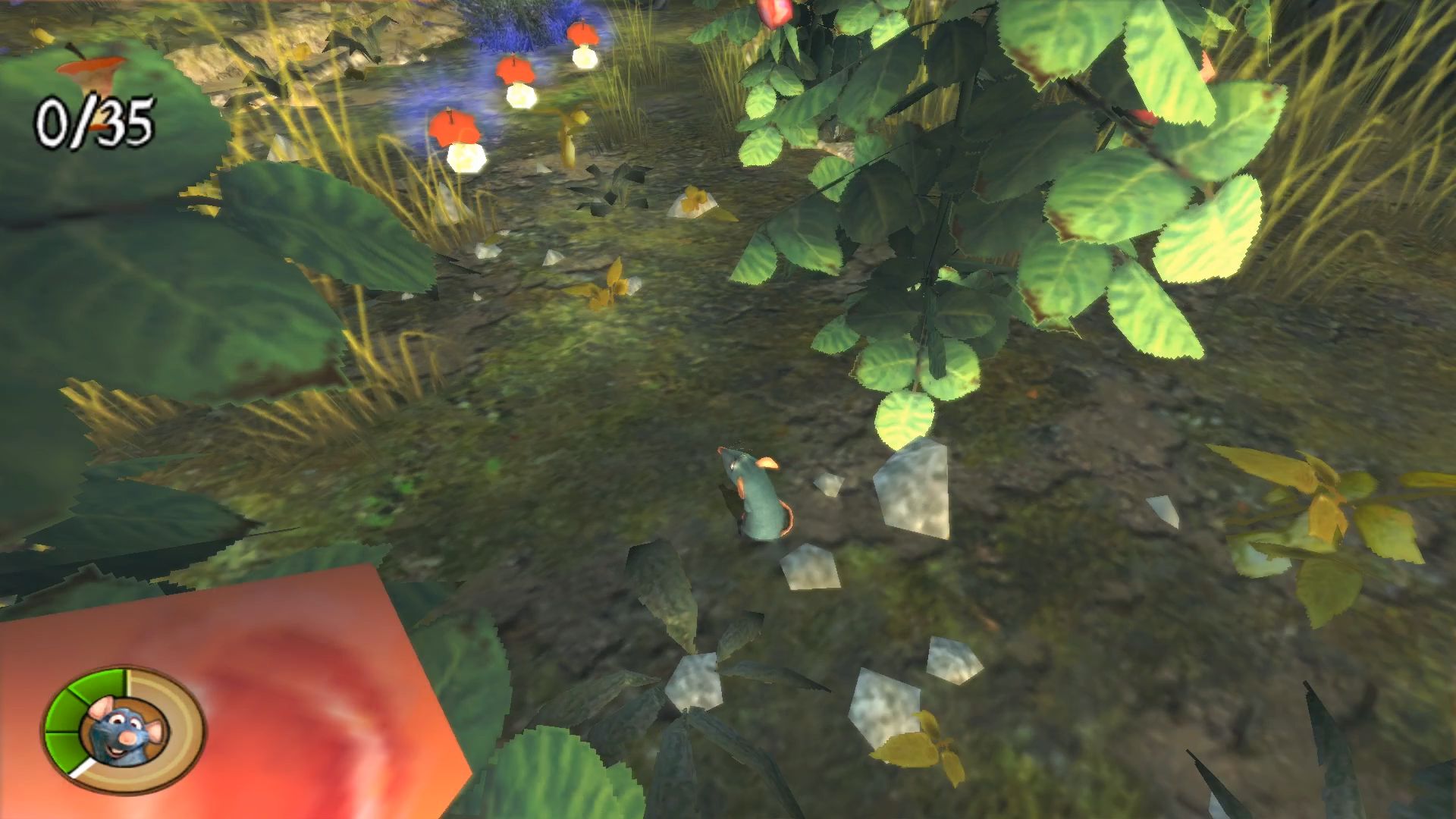


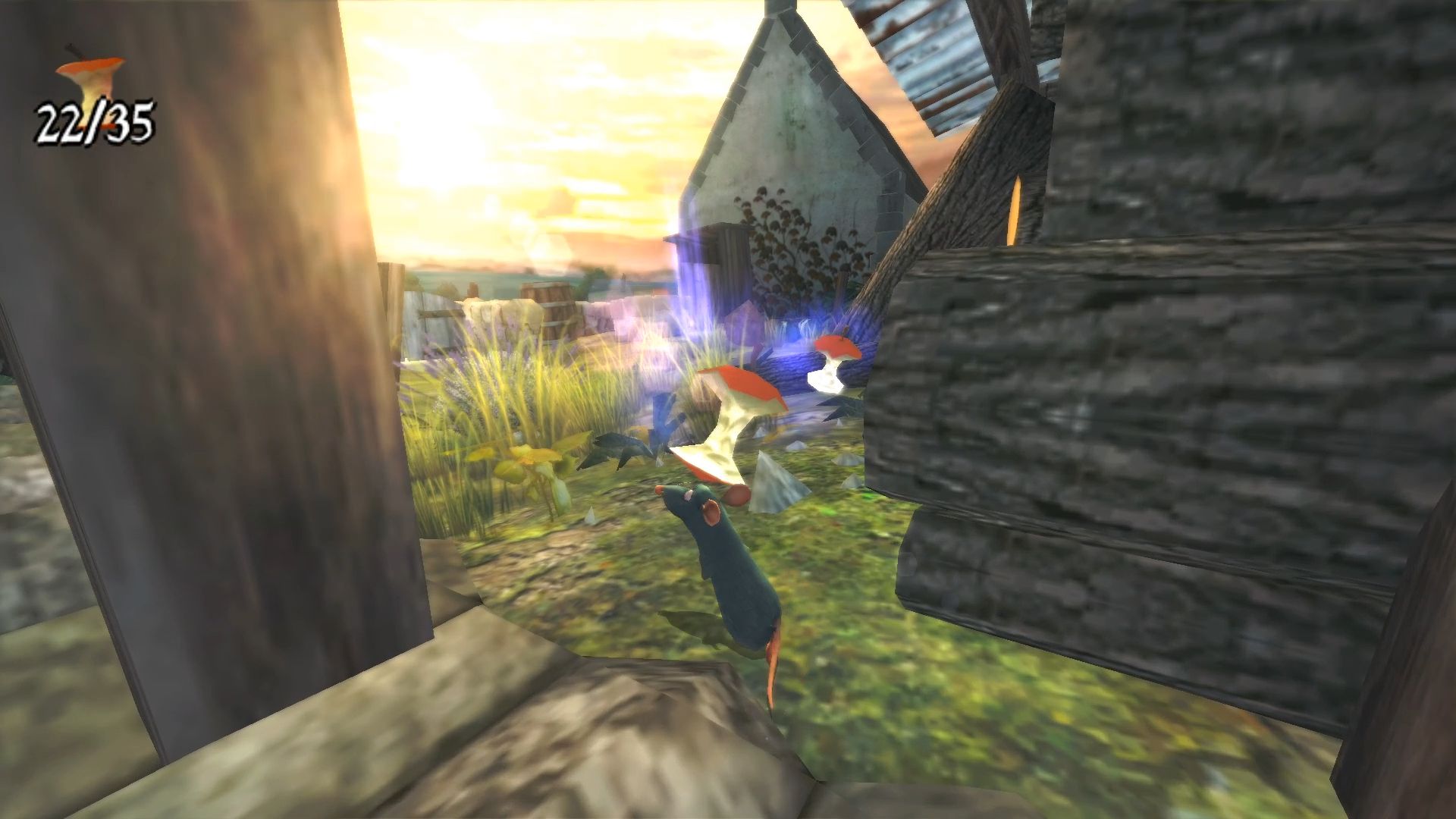

0
(I am on Windows 11)
0
0
0
0
1
0
2
Step 1. Download the game file and extra it either with 7zip or Winrar.
Step 2. Download a disk emulator like WinCDEmu
Step 3. Open the extracted Ratatouille folder and go to game files, then CD1.
Step 4. Right click the file that ends with .cue and click “Select drive letter and mount.
Step 5. Mount it and repeat the step for the folder CD2.
Step 6. You can either double click the now mounted CD1 under “This PC” or right click and click open, then run autorun.exe.
Step 7. Click the install and go through the installation.
*When/If asked about a missing 2nd disk, click the little box on the right to open the file explorer, go to This PC, and click the 2nd mounted CD drive which will be labeled RAT2, and click ok.
Step 8. After installation, close the installer and locate your game files directory (Default will be on your C: drive under Program Files (x86)>THQ>Disney-Pixar>Ratatouille>Rat.
Step 9. The final step is to run the overlay.exe, and the game should run. Create a shortcut for the overlay.exe as that is how you play the game.
Remember to remount the two CD files each time you want to play the game. If you need further assistance, respond with your email and I will help the best I can.
0
0
(should be named autorun.exe)
0
Both CD’s are mounted on separate drives, the message still appears.
0
After this, the game did not start.
0
0
0
0
0
0
0
0
0
0
0
0
0
0