| Publishers | PAN Interactive |
| Developers | Digital Illusions CE AB |
| Release date | 2000 |
| Genre | Action, Sports |
| Game rating |
Game Description
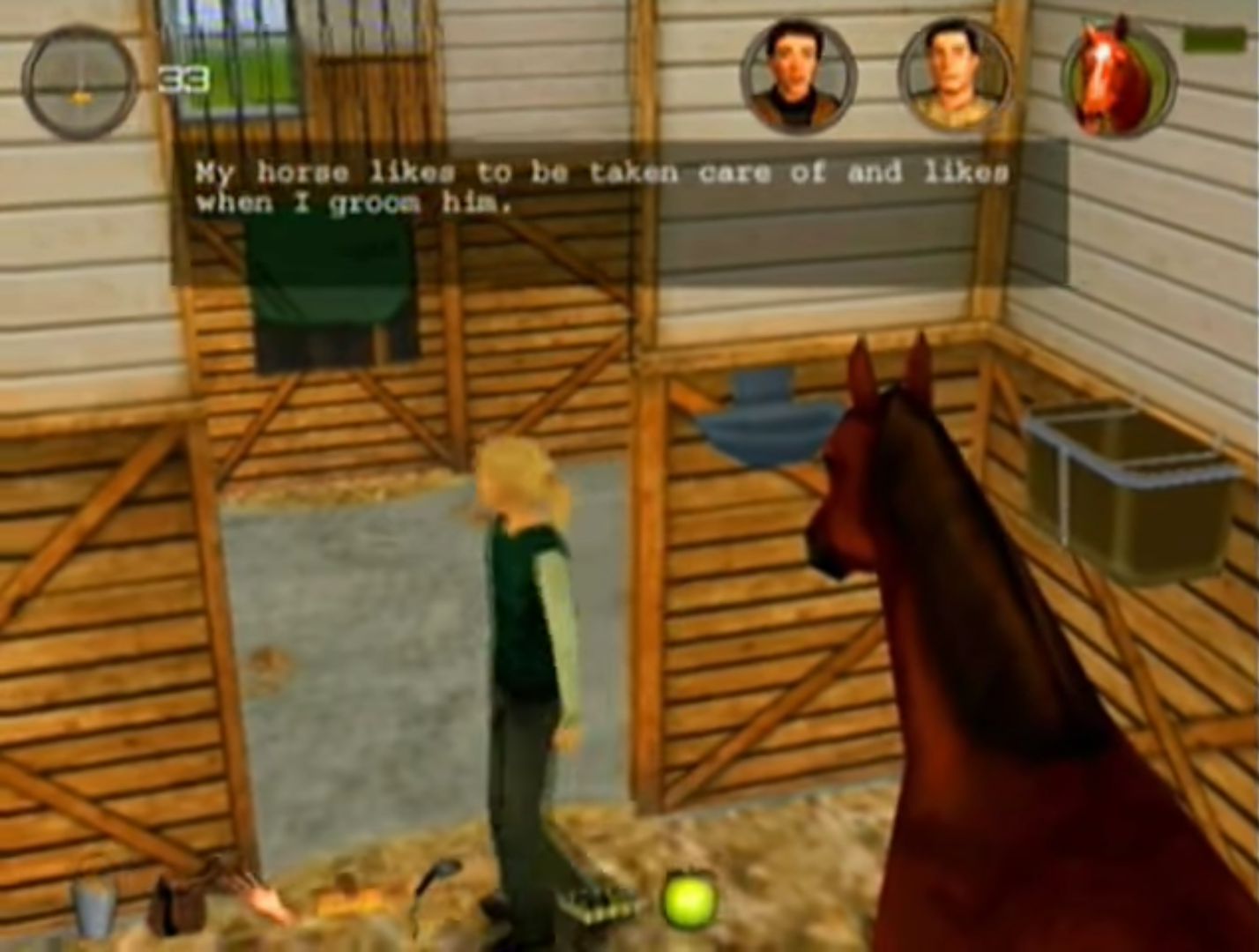
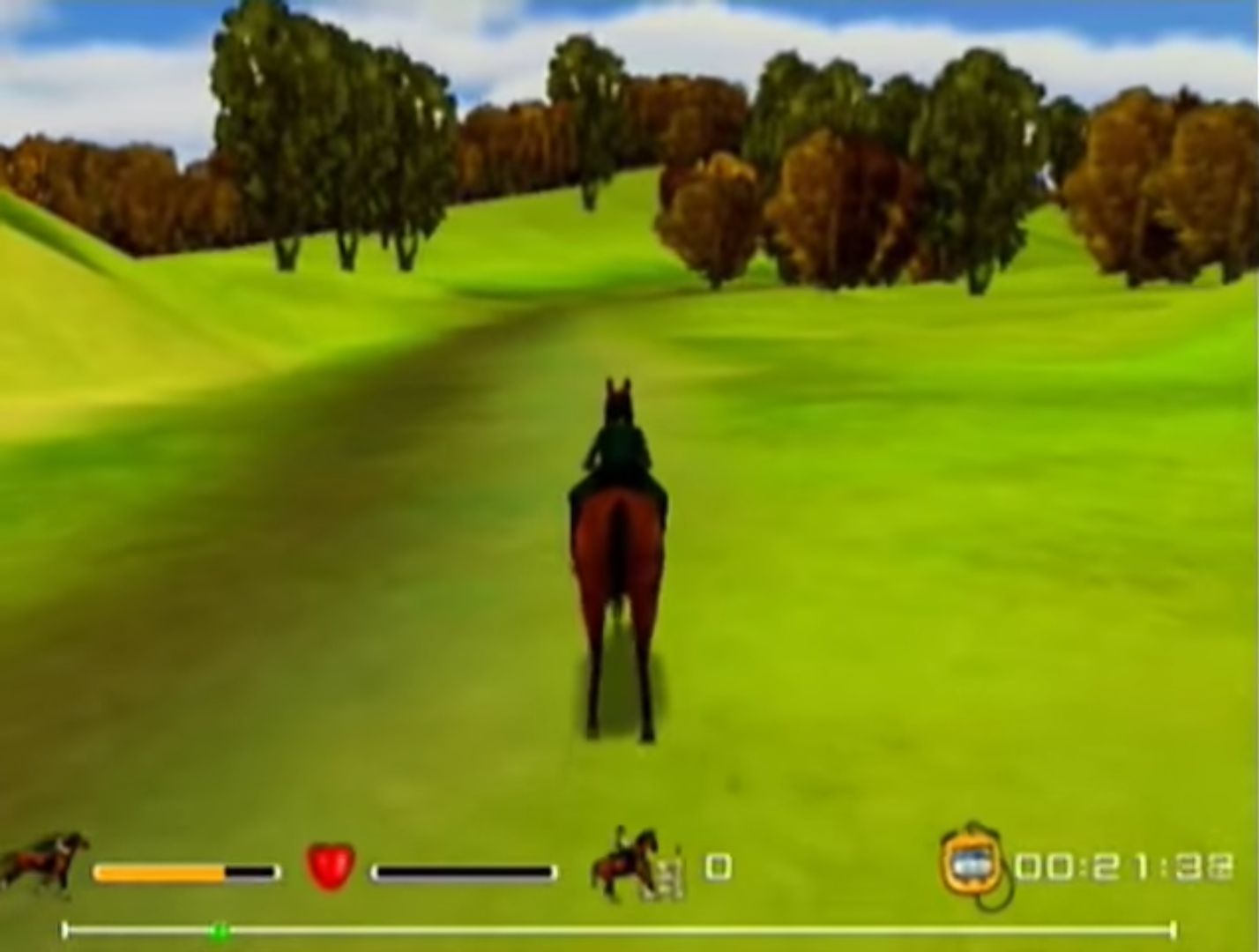
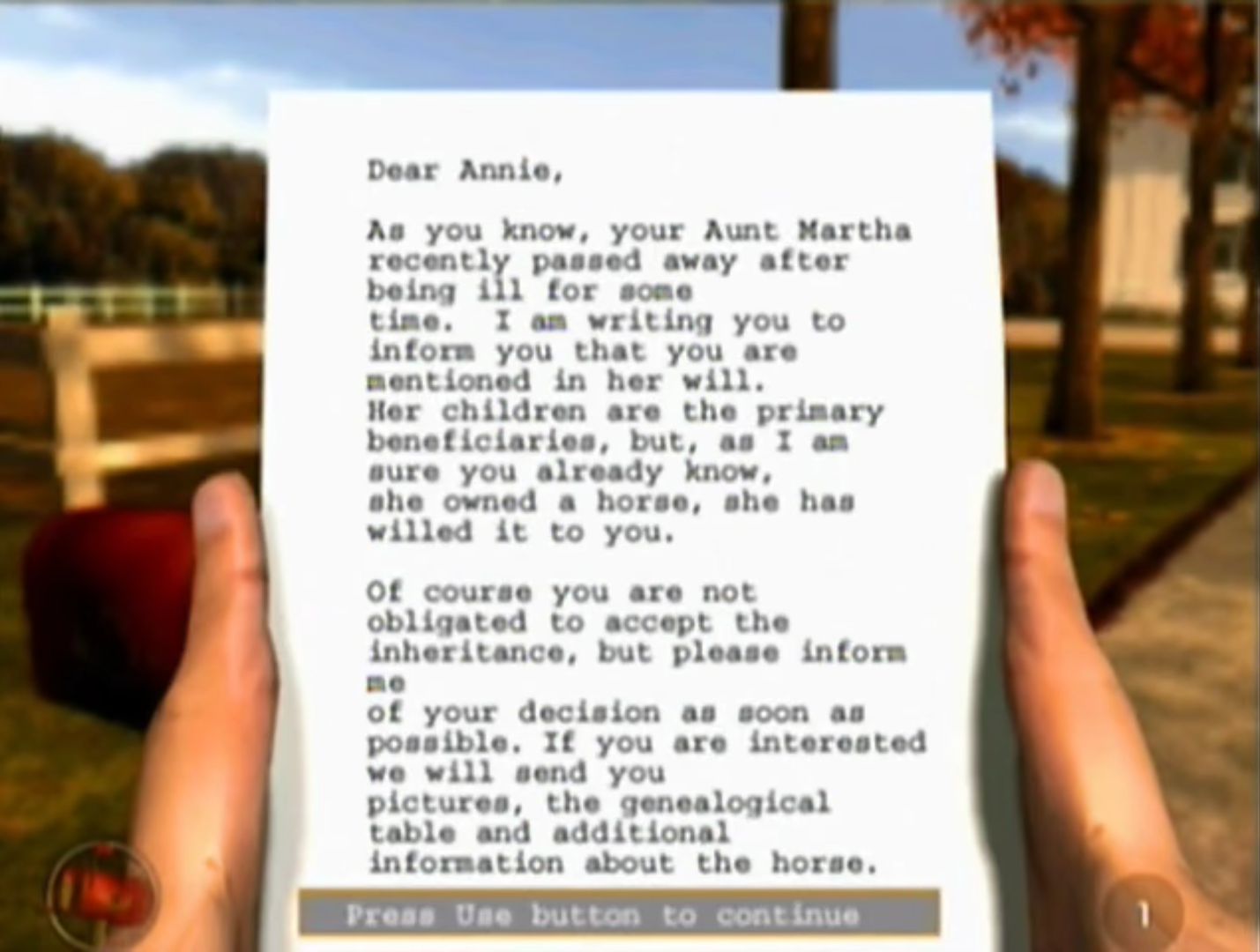
If you’ve ever dreamed of owning your own horse, or are lucky enough to have one, you’ll love this exciting riding simulation game that takes place at the glorious Rosemond Hill Estate. Annie has always dreamt of owning her own horse, and when she receives an unexpected inheritance, her dream is fulfilled. It’s up to you to make sure Annie and her horse become a winning team. Make new friends, groom your horse, and practice hard to bring home the blue ribbon!
Download Riding Champion: Legacy of Rosemond Hill
We might have the game available for more than one platform. Riding Champion: Legacy of Rosemond Hill is currently available on these platforms:
Windows (2002)
Riding_Champion_Legacy_of_Rosemond_Hill_Win_ISO_EN.zip (447.5MB)
Comment from game donator (SugarLies):
This disc is “Let’s Ride! The Rosemond Hill Collection” which contains both Legacy of Rosemond Hill and Competitions at Rosemond Hill.
“Install.exe” will start the setup for Competitions, while “Setup.exe” will start the setup for Legacy. The disc didn’t have an autorun option for me.
I have Windows 10 and WinCDEmu to start the disc and always choose ‘CD-ROM’ for the disc type. I’m not sure if doing otherwise may cause issues, so I thought I’d mention.
I haven’t tested much gameplay on Competitions, however I have some helpful info for small issues I came across in Legacy:
• I did have trouble with the game wanting to start if I skipped the tutorial, but was able to start new games just fine after running through the tutorial once.
• Saving the game gives me a popup about D3D every time, and the box I put the save in still says ‘free’ as if it’s unused, but it still loads my game when I start it again.
• Alt+Tabbing or hitting the Windows key at the wrong time can cause the game to not function. If you close all the windows, you may still find the game under ‘processes’ in your task manager. One of them will play the menu audio repeatedly. These are called black.exe, game.exe, and menu.exe. Just close all instances of these before starting the game again.
Additional files, patches and fixes
Riding Champion: Legacy of Rosemond Hill Windows ReadMe (English)
Riding Champion: Legacy of Rosemond Hill Screenshots
Windows
0
0
0
0
0
0
0
0
My pinned comment on top of the comments section has it! Click
on the part that says “This Mega folder.” There are general directions
and tips in the comment!
0
1. I downloaded both the .rar and .iso files, and extracted the .rar file to my desktop. Use OTDVM to open setup.exe from the unzipped .rar file and it should install (when I tried to open it alone it wouldn’t do anything).
2. Mount the .iso file you downloaded using WinCDEmu. I’m not able to open the game from there, but you’ll still need to mount it.
3. Go to Program Files x86 > Twister > The Legacy of Rosemond Hill. Find game.exe, open properties and set compatibility mode to Windows XP Service Pack 2. Click on it again and run as administrator, and the game should begin. If you don’t run as admin, it will ask you to insert a disc and you won’t be able to play.
I still get the D3D pop up whenever I save and the game will crash right after, but you just have to open it again and choose whichever save you used despite it saying it’s a free slot. Depending on what settings you’re using, you might have to mount the .iso each time you restart your computer.
Thank you for uploading this game! I hope this helps anyone else having trouble getting it to work. 🙂
0
0
0
0
0
0
0
0
0
0
0
0
0
0
0
0
0
1. Reinstalling the game: I uninstalled everything and reinstalled it by running the game in the compatability mode. To do so, right kick on the setup, choose properies and choose under the compatability tab to run it as windows XP service pack 2
2. Running the game in compatability mode: Basically do the same thing with your game, which I described to do with the setup
I hope this will help you
Greetings Stella
0
0
0
0
0
0
0
0
I had trouble starting a new game if I didn’t do the tutorial, but the menu worked fine. Once I did the tutorial once, it booted up the game just fine and I was able to start new games without doing the tutorial anymore.
There’s a program called D3DWindower that’s a bit weird but fairly simple to use. Sometimes it gets my games running; but if my advice here doesn’t work then you may need to do some digging around on Google.
0
0
So here it is!
This Mega folder has an .iso and .rar of the disc files. This disc is “Let’s Ride! The Rosemond Hill Collection” which contains both Legacy of Rosemond Hill and Competitions at Rosemond Hill.
“Install.exe” will start the setup for Competitions, while “Setup.exe” will start the setup for Legacy. The disc didn’t have an autorun option for me.
I have Windows 10 and WinCDEmu to start the disc and always choose ‘CD-ROM’ for the disc type. I’m not sure if doing otherwise may cause issues, so I thought I’d mention.
I haven’t tested much gameplay on Competitions, however I have some helpful info for small issues I came across in Legacy:
• I did have trouble with the game wanting to start if I skipped the tutorial, but was able to start new games just fine after running through the tutorial once.
• Saving the game gives me a popup about D3D every time, and the box I put the save in still says ‘free’ as if it’s unused, but it still loads my game when I start it again.
• Alt+Tabbing or hitting the Windows key at the wrong time can cause the game to not function. If you close all the windows, you may still find the game under ‘processes’ in your task manager. One of them will play the menu audio repeatedly. These are called black.exe, game.exe, and menu.exe. Just close all instances of these before starting the game again.
If I think of anything else worth mentioning, I will respond to this comment to add on. Otherwise, leave a comment if you’re having an issue and hopefully I can try to help.
Thanks to OldGamesDownload for even hosting this wonderful site. Glad to bring a new, malware free version of this in English to the web finally.
0
0
I assume this means it’s not even starting the refractor so maybe try some compatibility settings? It’s hard for me to answer some of these questions because mine runs right away 😭
0
0
0
0
0
0
0
0
0
0
0
0