| Publishers | Electronic Arts, US Gold, Electronic Arts Studios, Ocean Software |
| Developers | Electronic Arts, New Level Software, Donkey Do, Probe Entertainment, EA Advanced Technology Group, The Code Monkeys, 3d6 Games |
| Release date | 1991 |
| Genre | Vehicular combat, Racing |
| Game rating |
Game Description
Road Rash is a vehicular combat racing video game developed and published by Electronic Arts for the Sega Genesis in 1991. It was ported to a variety of contemporary systems and was followed by five sequels.
Download Road Rash
We might have the game available for more than one platform. Road Rash is currently available on these platforms:
Windows (1996)
Road_Rash_Win_ISO_EN.7z (380MB)
Road_Rash_Win_Setup_EN.7z (27.8MB)
How to play on Windows
- Download and Extract Road_Rash_Win_Setup_EN.7z
- Open the “Game Files” folder
- Double click on RoadRash.exe and install the game
- Copy paste RoadRash.bat from the Game Files folder to the game installation directory
- Launch game using ROADRASH.exe or desktop shortcut if you created one
- Play the game!
Additional files, patches and fixes
Road Rash Windows Manual (English)
Road Rash Screenshots
Windows
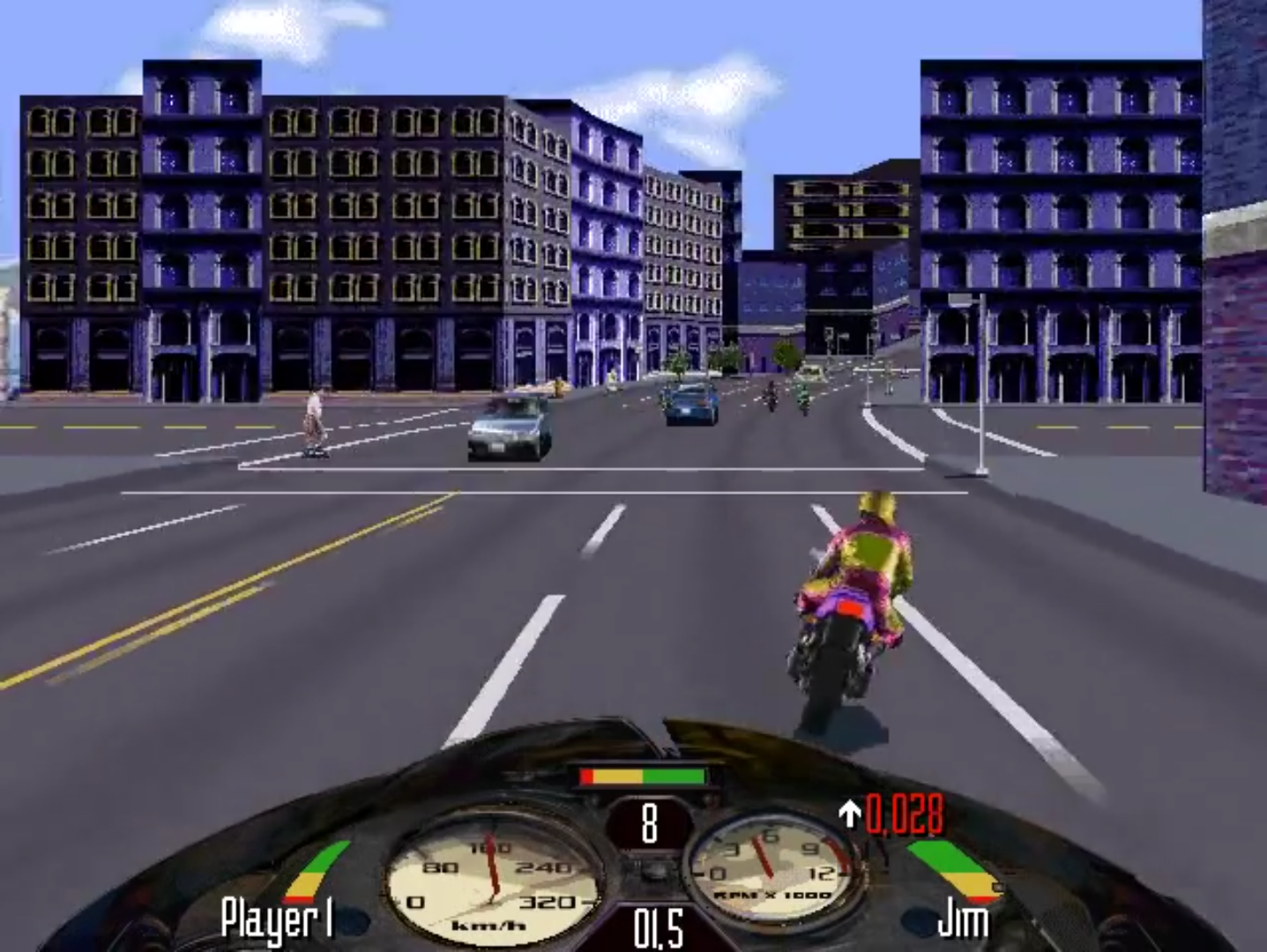
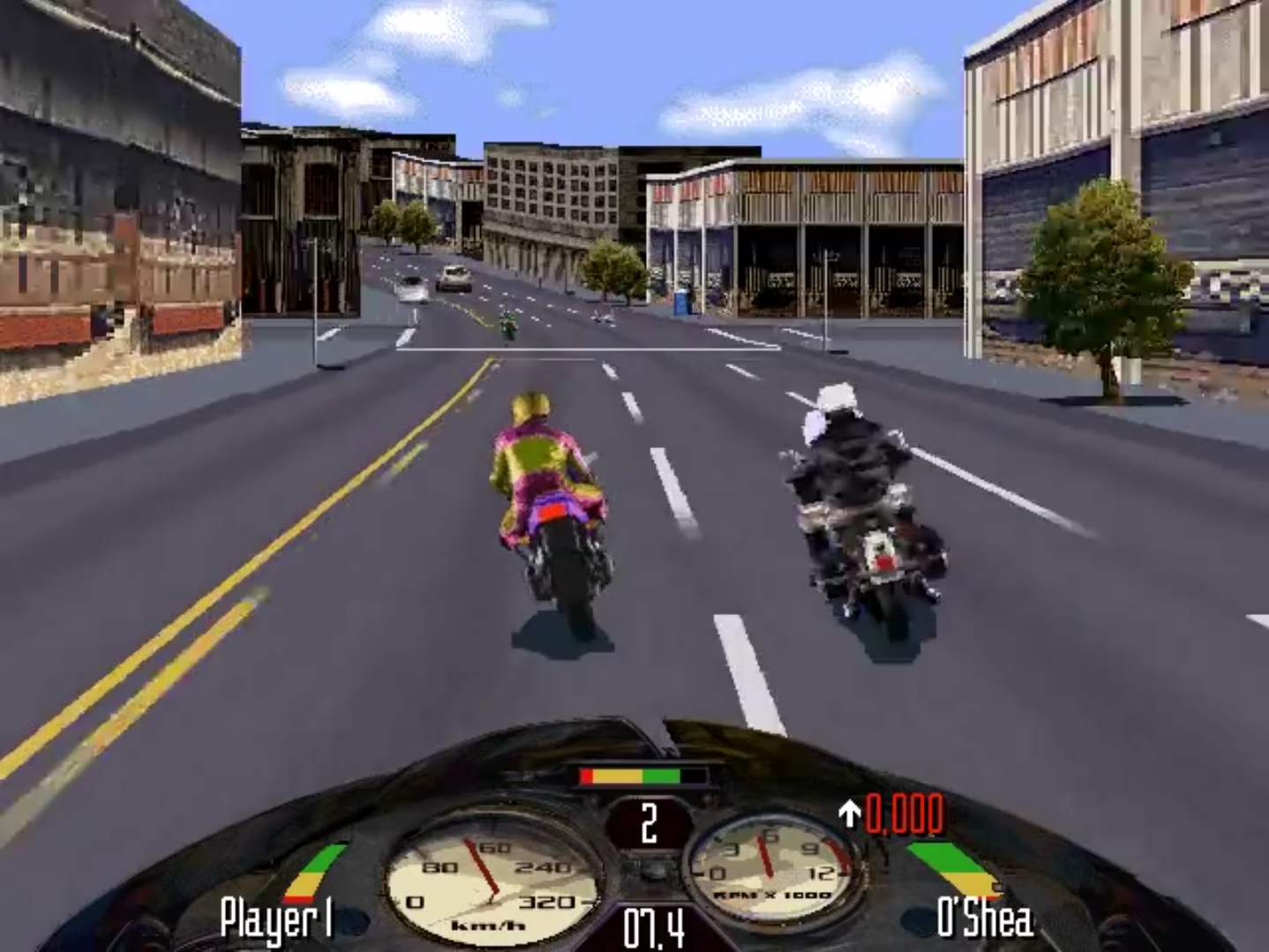
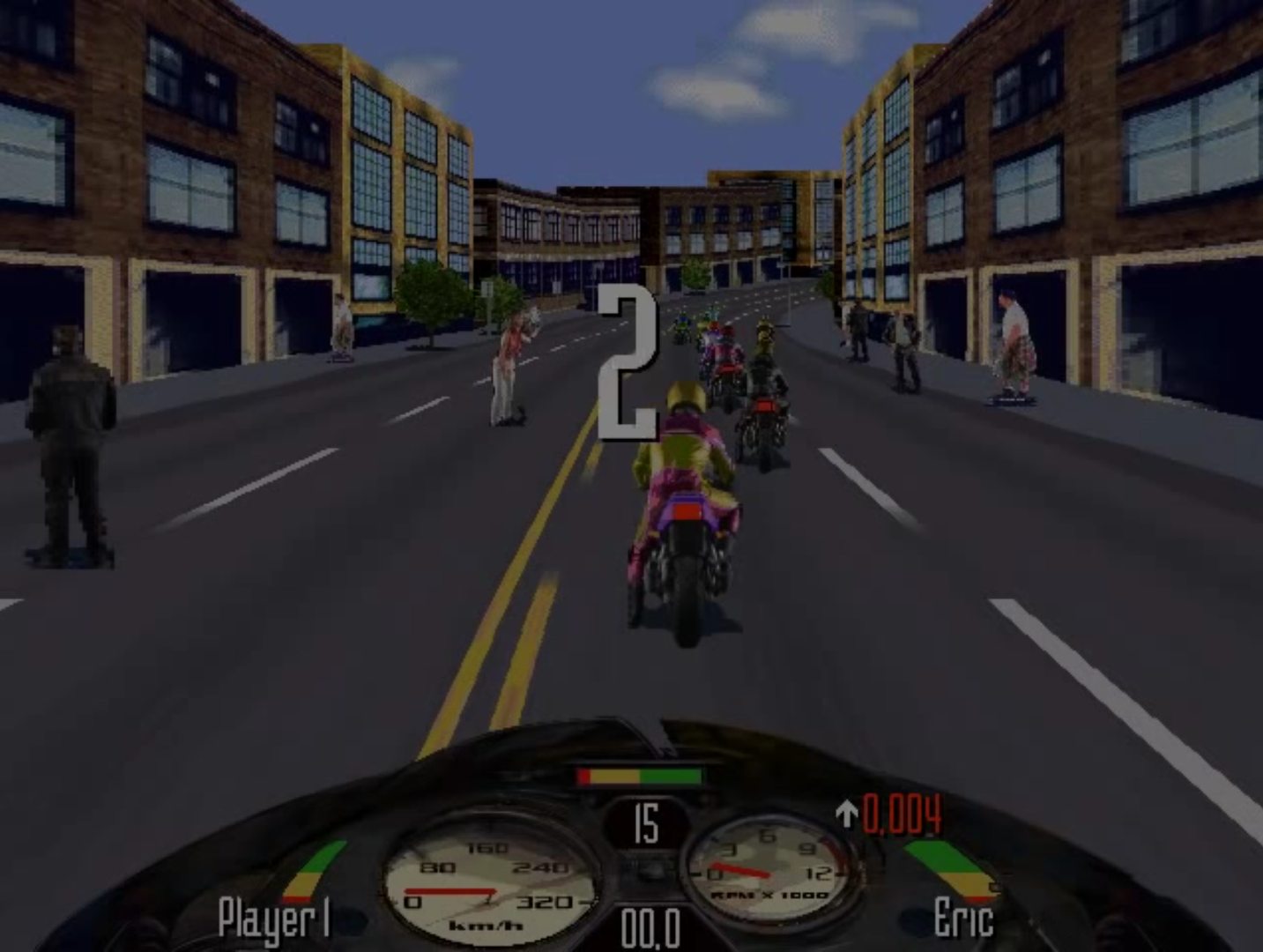
0
0
0
0
0
2. Extract the ‘Win Setup’ file and then install it
3. Copy the RoadRash.bat file into install directory
4. Extract the ‘Win ISO’ file and copy the ROADRASH.iso file to where you installed the setup. This step is only to make sure you have everything in one place.
5. Then after installing poweriso, right click on the ROADRASH.iso file , go to ‘set number of drives’ and set it to 1. Then hit ‘mount image to drive E:’ (E could be F,G or anything else in your case)
Hit Windows + E and check if a new CD Drive is showing up under devices and drives. If it shows you’re good to go. Start the game and enjoy.
Note: You don’t need to have a cd drive for this to work.
If it shows CD Rom not found, repeat step 5.
0
but nothing else is viewed, so ultimately it has problem running the actual game, how can i fix this?
0
0
0
0
0
0
0
Whoever is facing the cd rom problem, just download daemon tools lite.
After extracting Road_Rash_Win_ISO_EN.7z, just simply use daemon to create a virtual drive for the file ROADRASH.iso.
And ENJOY!!!
0
0
0
0
0
0
0
0
0
follow this video :
https://www.youtube.com/watch?v=hmy7ac7pcFg
they used power iso to mount image , it worked for me , happy gaming all and thanks for providing old games , pure nostalgia
0