| Publishers | Activision |
| Developers | Treyarch (PS2/Xbox/GameCube), Digital Eclipse (GBA/NGE), The Fizz Factor (PC), Aspyr (MAC), Vicarious Visions (DS/PSP) |
| Release date | 2004 |
| Genre | Action, Adventure |
| Game rating |
Game Description
Spider-Man 2 is a 2004 action-adventure video game in various iterations based on the film Spider-Man 2, also incorporating additional material from the comic books. They are follow-ups to the game Spider-Man: The Movie.
Download Spider-Man 2
We might have the game available for more than one platform. Spider-Man 2 is currently available on these platforms:
Windows (2004)
Spider_Man_2_Win_Files_EN.7z (418.9MB)
How to play on Windows
- Download and Extract Spider_Man_2_Win_Files_EN.7z
- Open the “Game Files” folder and run “GameLaunch.exe”
- Enjoy!
PlayStation 2 (2004)
Spider_Man_2_PS2_ISO_EN_USA.7z (1.07GB)
Additional files, patches and fixes
Spider-Man 2 Screenshots
Windows


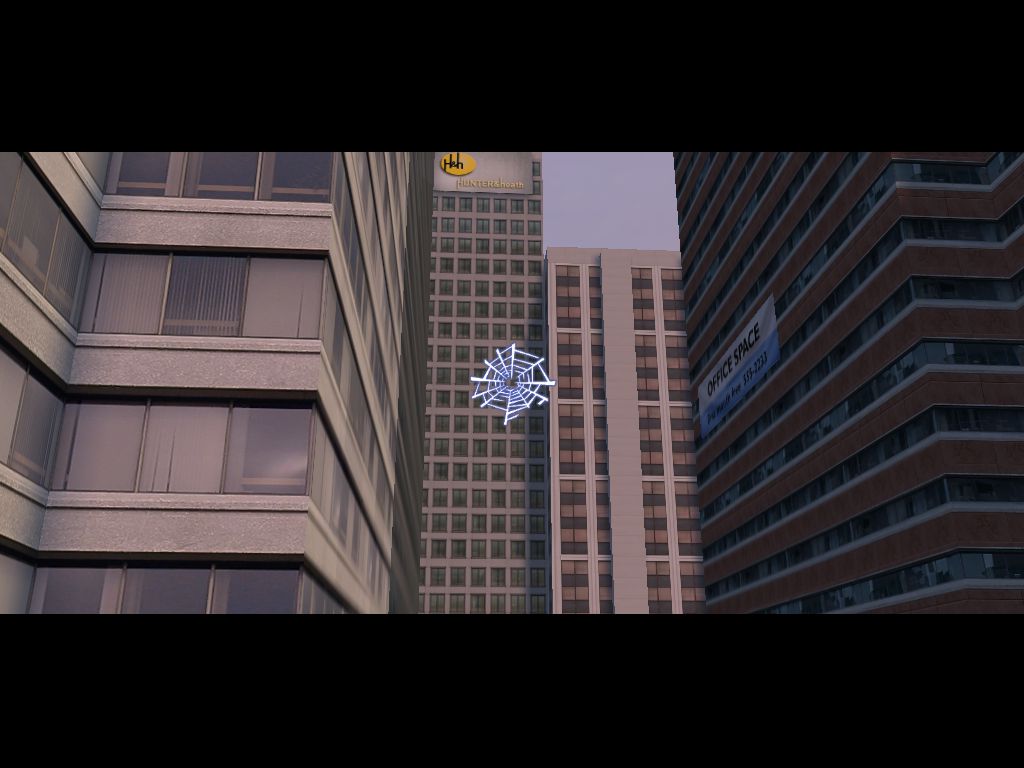
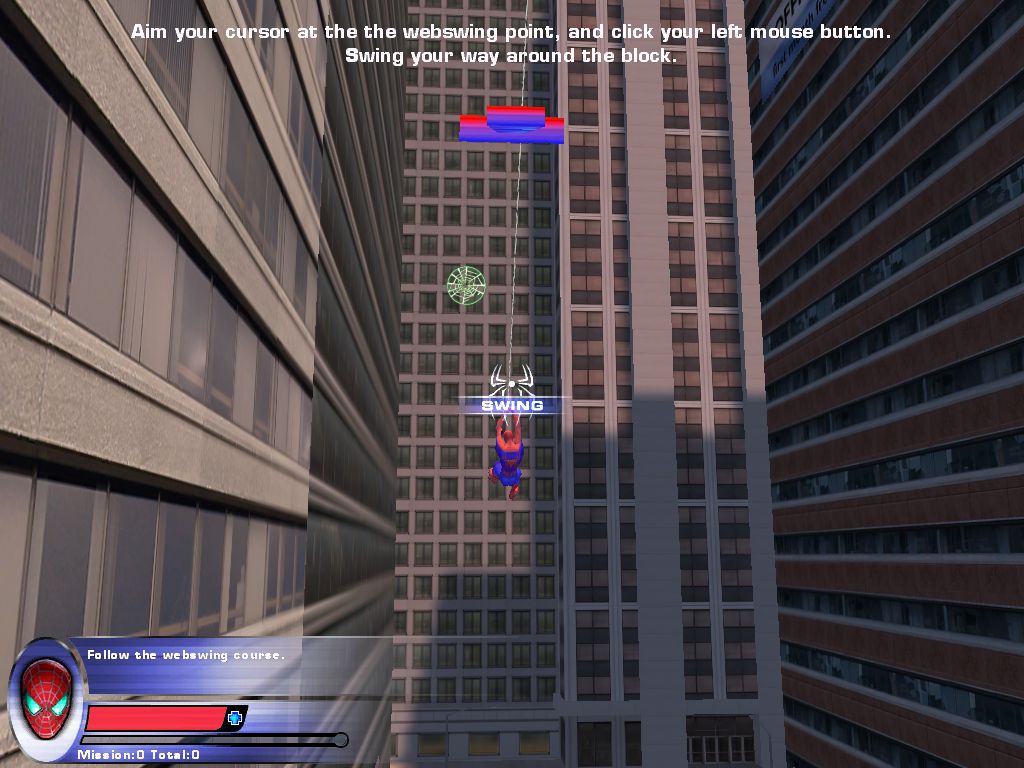
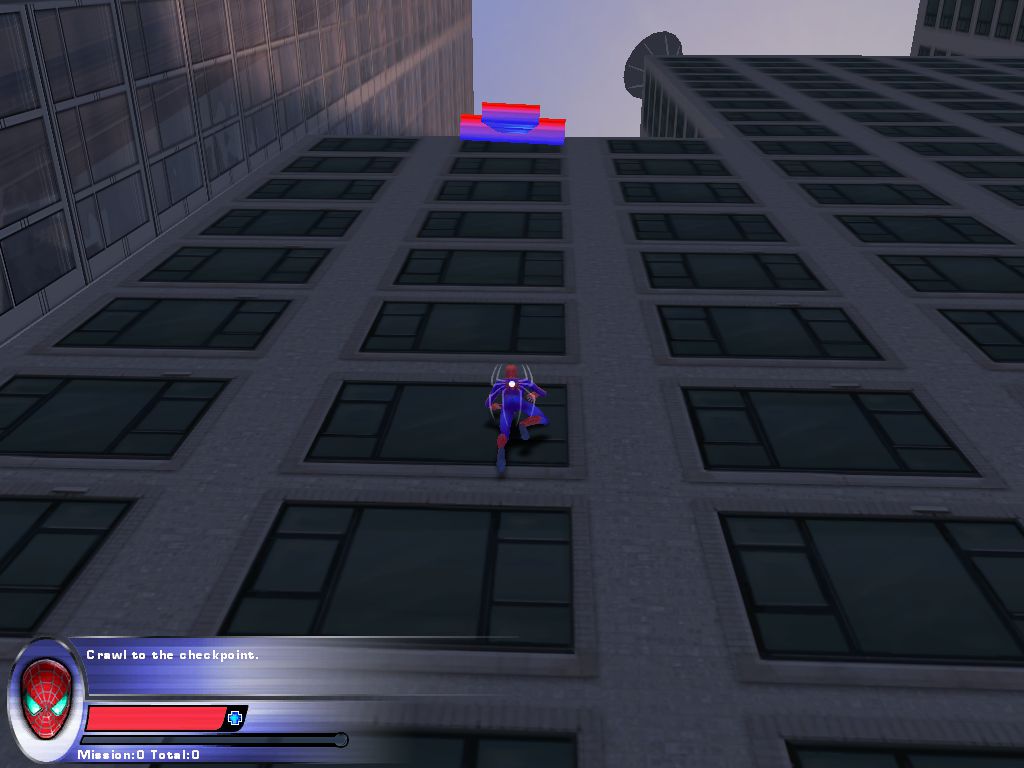
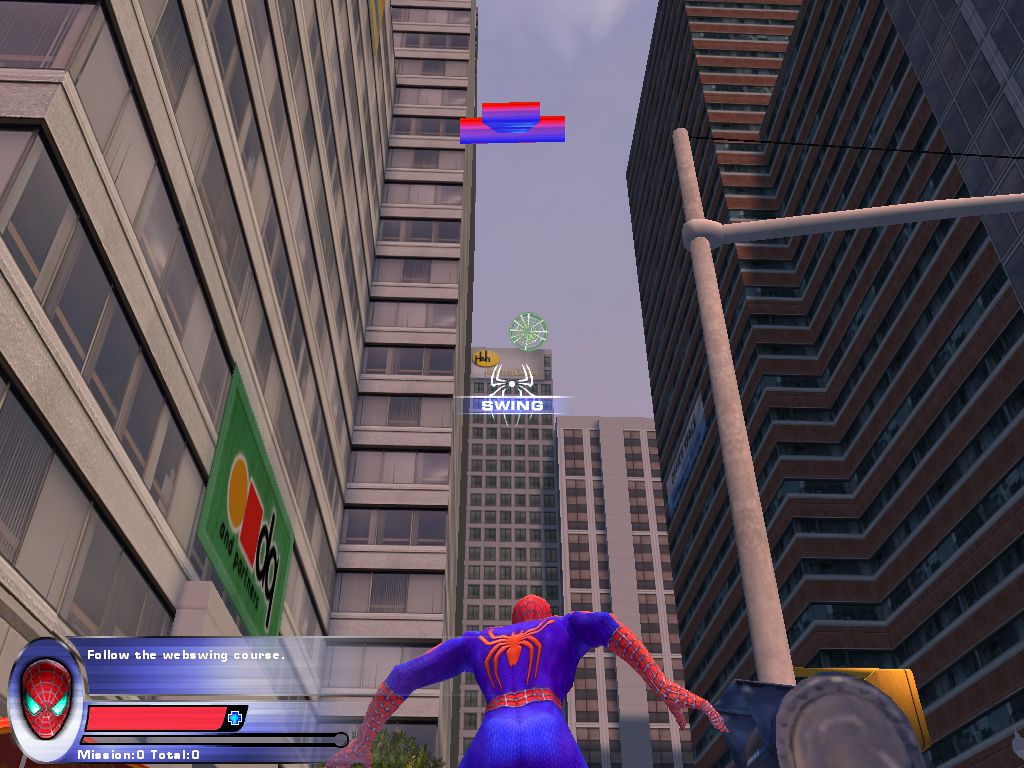
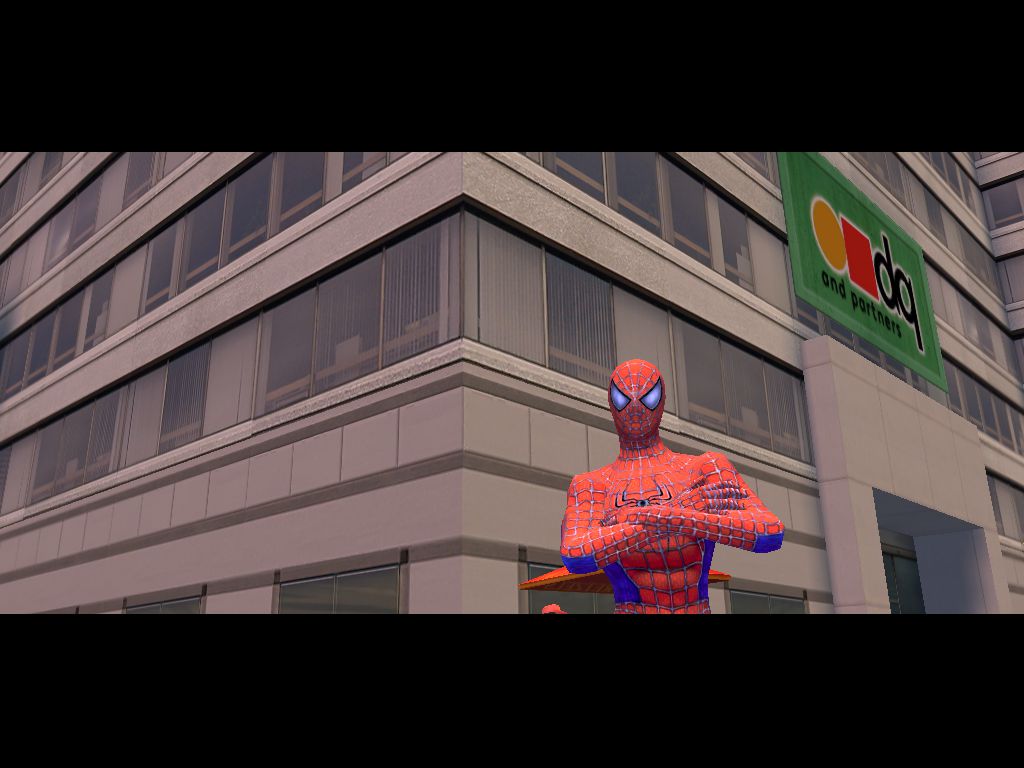

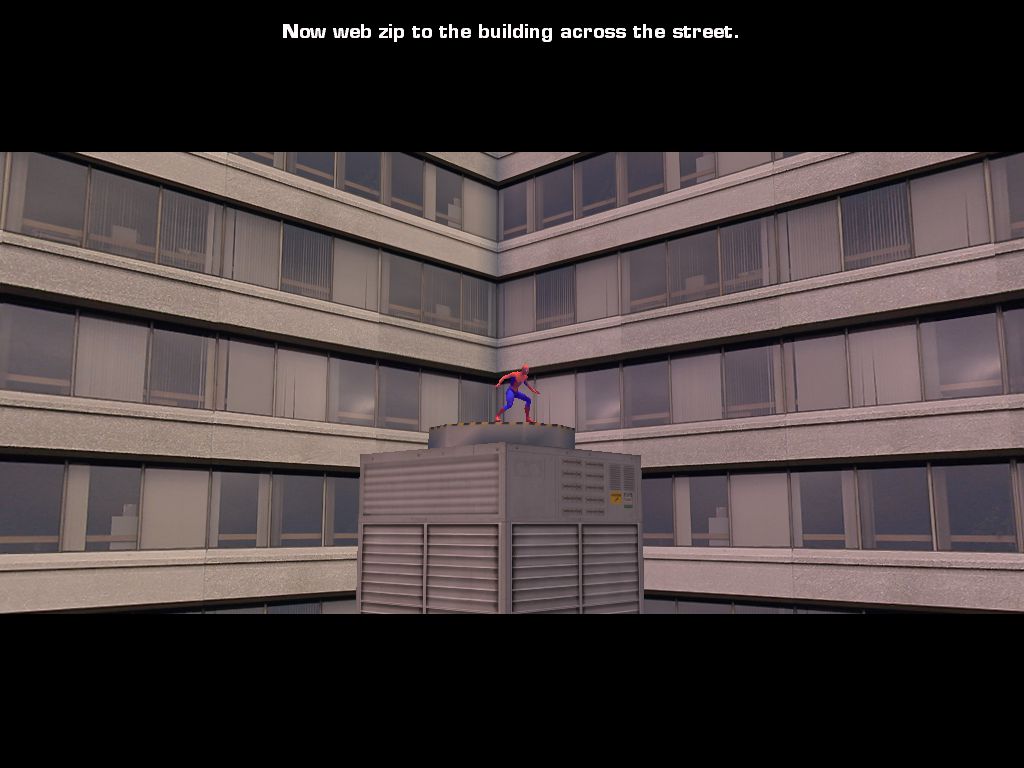
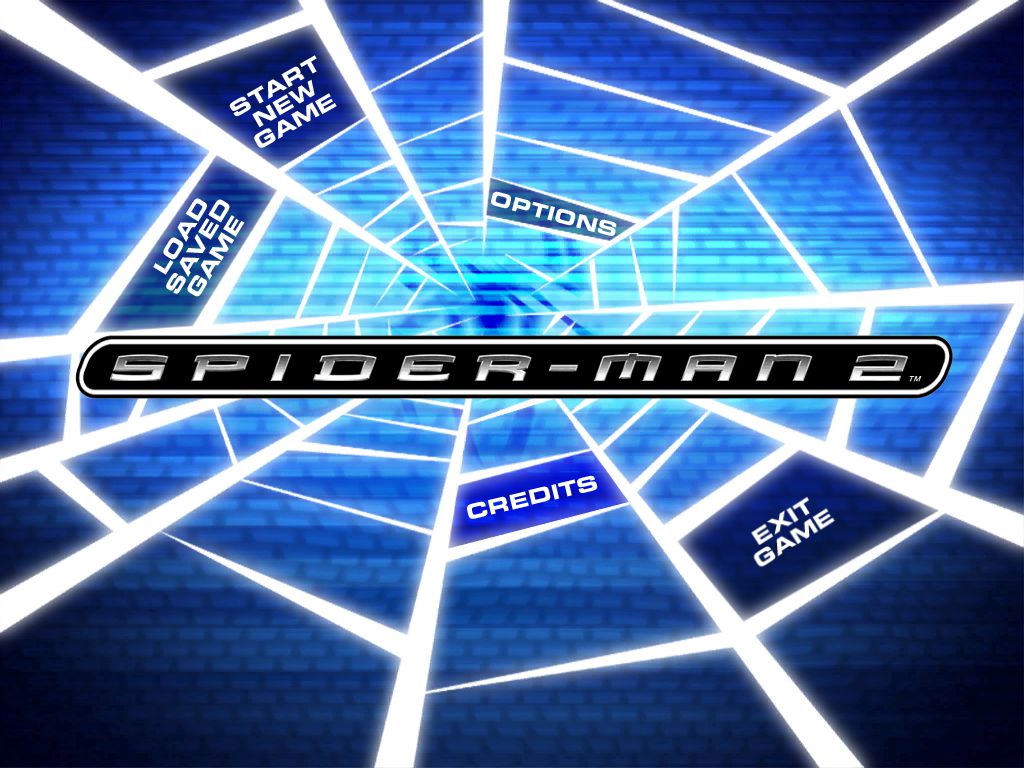
-2
0
0
0
0
0
0
1
0
0
0
0
0
I’m not bummed and if anyone else runs into the same issue I would recommend just getting the ps2 emulator and downloading the spider-man roms in that way. Windows version seems to be hard to find working files for.
tldr: no exe file that says “GameLaunch.exe”, constantly downloads “GameLaunch” shortcut instead.
0
0
0
-1