| Publishers | Activision |
| Developers | Mad Doc Software |
| Release date | 2001 |
| Genre | Strategy |
| Game rating |
Game Description
Star Trek: Armada II is a real-time strategy video game published by Activision in 2001, based upon the Star Trek universe. The game was developed by Mad Doc Software. It is the sequel to Star Trek: Armada. This time, though, you are up against the mighty Borg as they try to assimilate the Federation and all that stand in their way.
Fighting your way through 30 huge levels, you won’t have too much time to learn how to use the new 100-odd craft and base objects that Star Trek Armada 2 has to offer, and to help you, Activision have introduced a new formation tool so you can now control your fleet more effectively in battle.
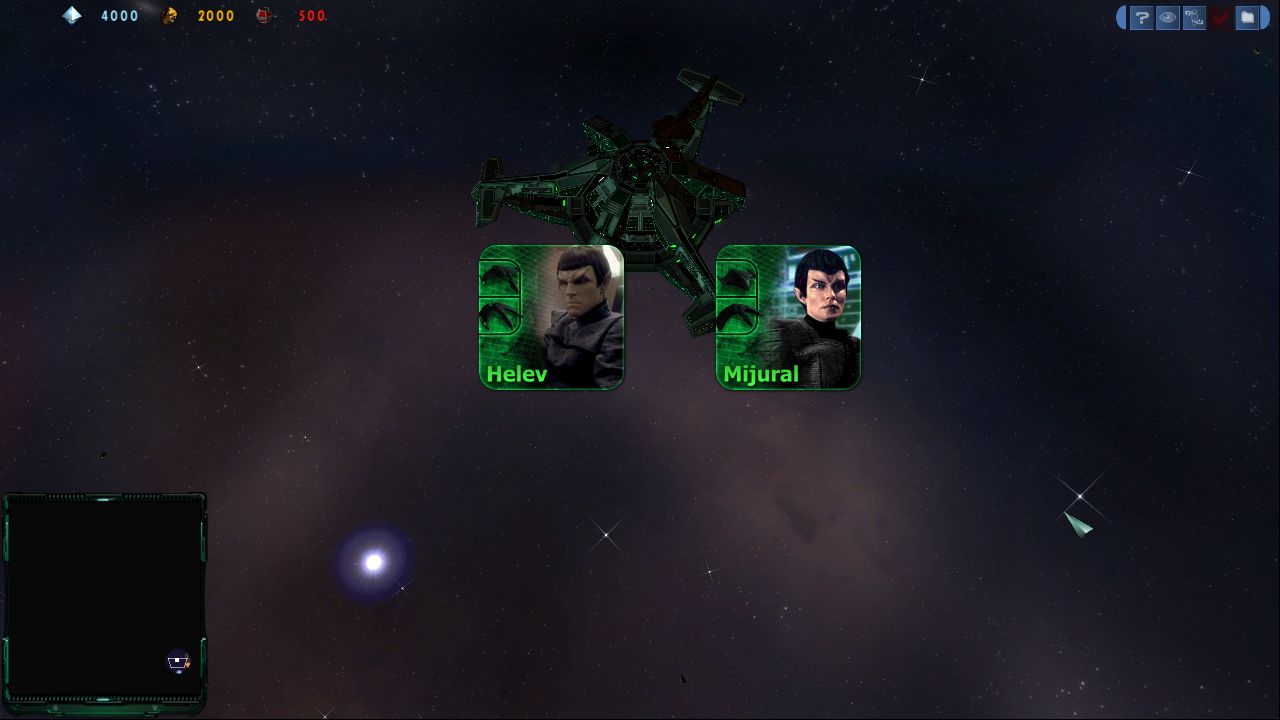
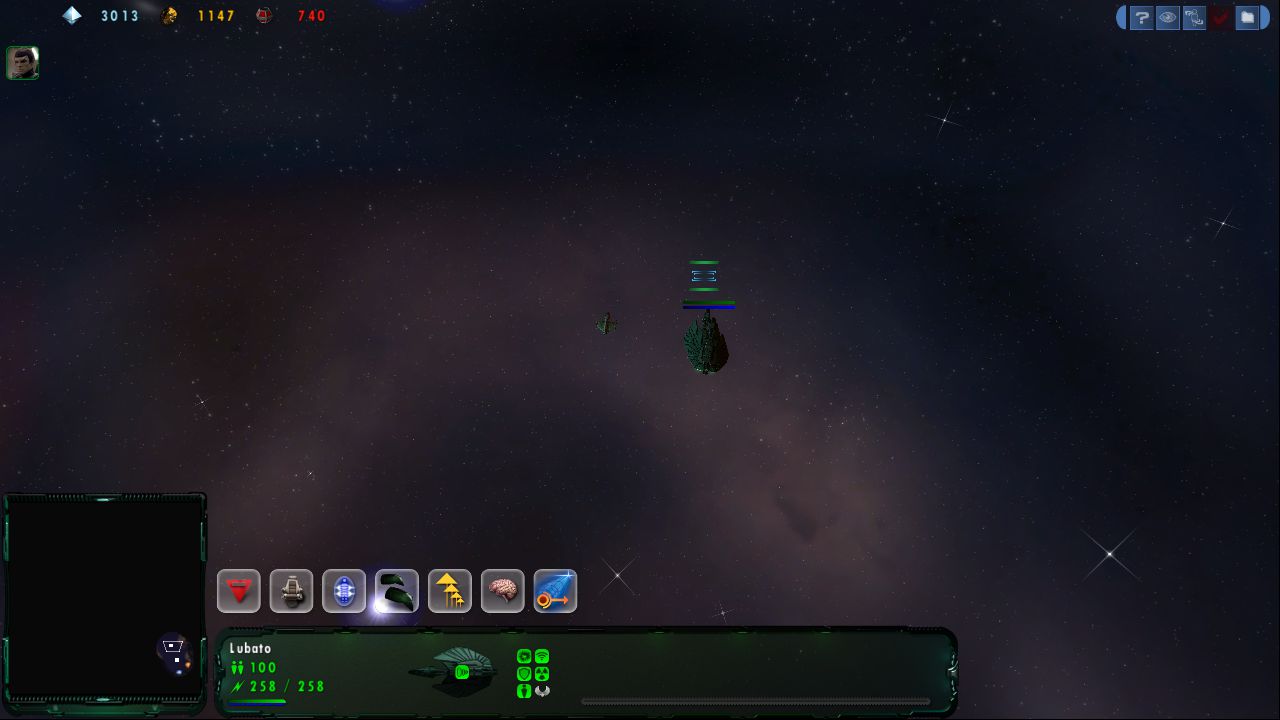
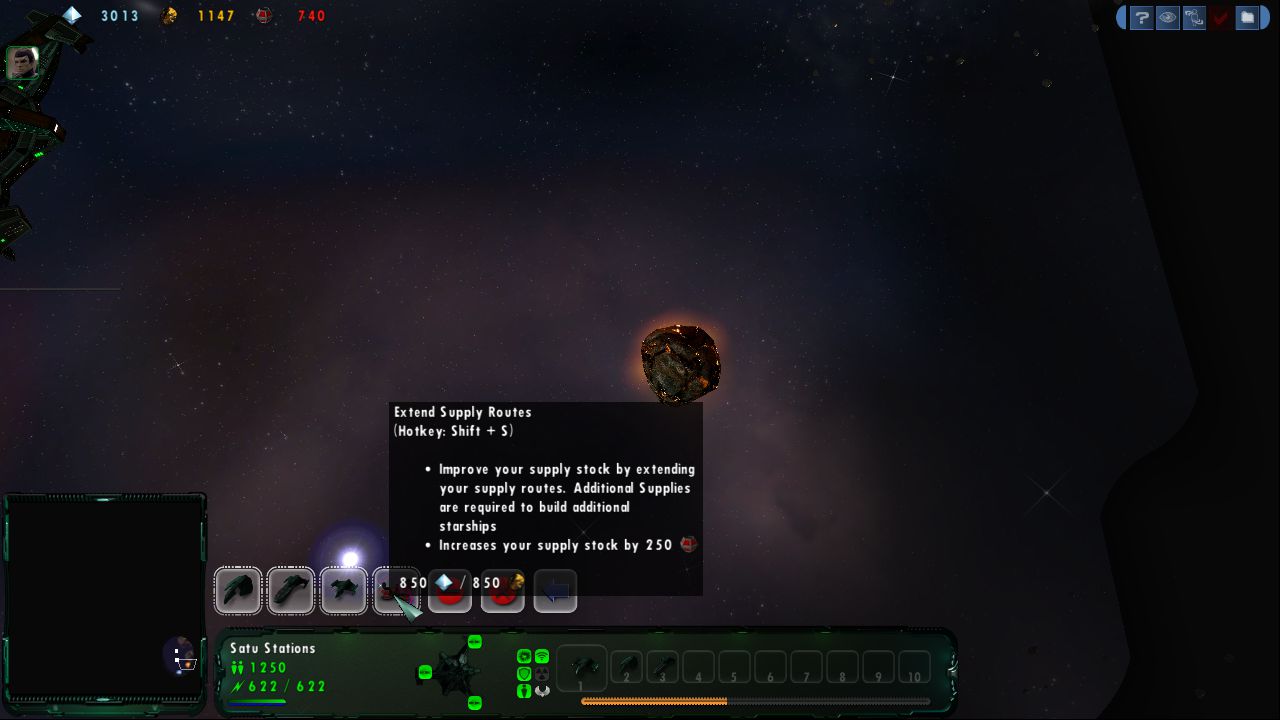
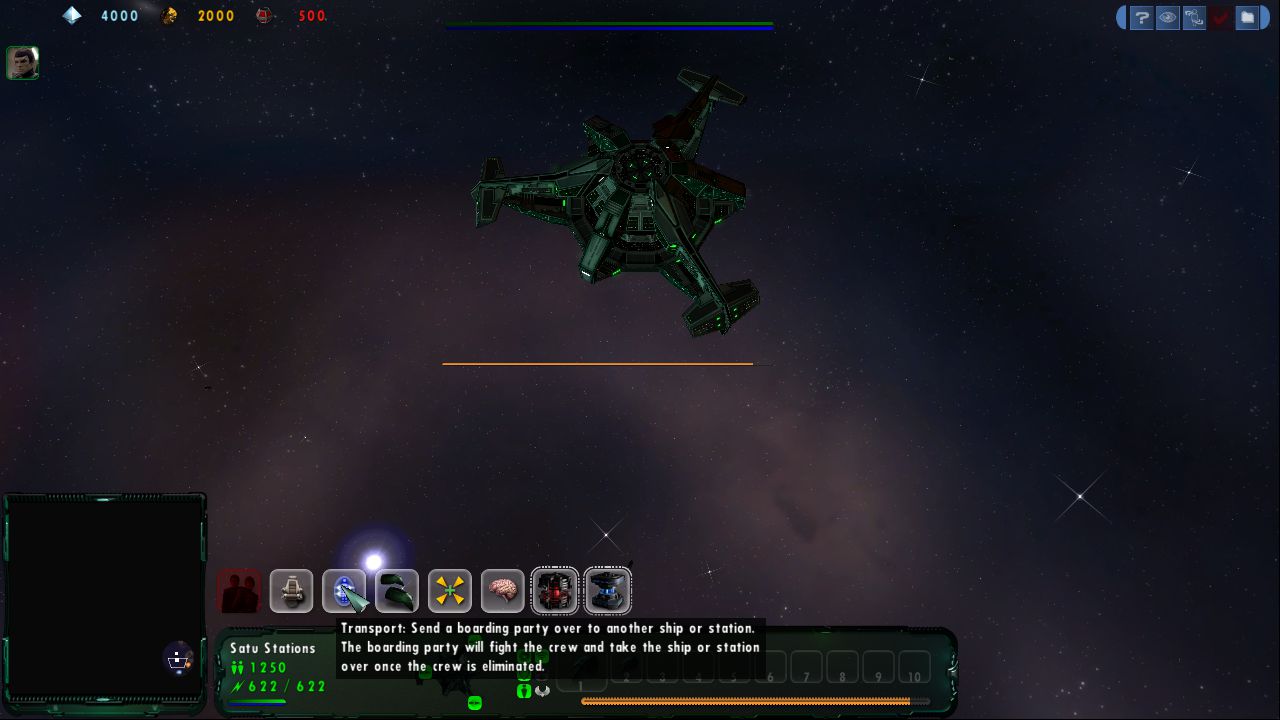
The graphics are similar to the first and show the vastness of space, dangerous nebula and incoming spacecraft to a high standard. The menu system is easy to get the hang of for those venturing into this style of game for the first time.
Download Star Trek: Armada II
Star Trek: Armada II is no longer abandonware. You can now buy the game from:
Windows (2001)
Additional files, patches and fixes
Star Trek: Armada II Screenshots
Windows
0
I downloaded the game and fleet ops, made the mod and I can get it to work up to the point I start the first mission and it says to insert CD 🙁
0
then you need crack.
you can contact me on [email protected]
please send me mail with your explanation what you need .
i don”t like spam .. best regarts
0
“The program can’t start because binkw32.dll is missing from your computer. Try reinstalling the program to fix this problem”
On Win8 trying the Win7 patches
0
1. You have installed “Star Trek Armada II Fleet Operations” as already explained in other posts.
2. Download the Mod “STA2_Classic.zip” from this site: https://www.moddb.com/games/star-trek-armada-ii/downloads/a2-classic
3. Go into the folder c:Program Files (x86)ActivisionStar Trek Armada II Fleet OperationsData
and create an new folder with the name “Mods”.
4. Unpack “STA2_Classic.zip” in this Mods folder.
5. Start “Fleetops.exe” Go to “Options”/”Mod Settings”.
6. Select “Star Trek Armada II: Classic” and click “Launch Mod”
7. Enjoy.
Credits go to this YouTuber for the info: https://www.youtube.com/watch?v=KiXDXtKjiTY
0
Step 1: downloads you need
Star Trek Armada II: Fleet Operations 3.2.7
Star_Trek_Armada_II_Win_Rom_EN_EN.7z (the one up there in the blue button for win 2001)
Once Downloaded Extract these folders
Step 2: As noted below go into the Star_Trek_Armada_II_Win_Rom_EN_EN.7z Folder and change the first line in ARMADA.cue to FILE “ARMADA 2.BIN” BINARY by deleting [THERENEGADE] as said in the post of @YouDontKnowMax. To do this open with note pad and make the changes.
Now Using Daemon tools Lite I mounted the Armada 2.cue file found inside of the Star_Trek_Armada_II_Win_Rom_EN_EN.7z Folder.
Step 3: Now go into the Star Trek Armada II Fleet Operations 3.2.7 Folder. Run the FO Setup 327 application. Proceed through the steps. It will ask you to locate the exe on your CD or other method. Click the CD and it checkmarks it. The install proceeds.
Step 4: Now go to the Directory where you installed fleet operations and attempt to start FleetOps. Mine loaded fine into the main menu. If you experience crashes when trying to do anything in the menu (Launch games/change settings) exit the program. Go back to the directory and right click on Fleet Ops and select troubleshoot compatibility. My PC launched the game, it worked perfectly then. (Used windows 8 for compatibility)
0
0
1. Download and install “Star Trek Armada II: Fleet Operations 3.2.7” as described above. For this you have to download the mod file and the .iso files ARMADA.bin and ARMADA.cue. This only allows you to play the multiplayer. If you don’t want to play the campaign
Remark: If you can not mount “ARMADA.bin” you probably have to change the first line in ARMADA.cue to FILE “ARMADA 2.BIN” BINARY by deleting [THERENEGADE] as said in the post of @YouDontKnowMax.
2. Download the A2 Classic Mod from “https://www.moddb.com/games/star-trek-armada-ii/downloads/a2-classic”, which allows you to play the campaign.
3. In the folder where you installed the fleet operation you need to “create a new folder” and rename it to “Mods”. Extract the files from the downloaded “A2 classic” Mod into this folder.
4. Start the fleet operation game. Enter the options. There should now appear a button with Mods. Inside this menu you should find the A2 classic mod. Launch the mod.
Remarks: The campaign menu should open in a small window. However the game will start in full screen mode. If you enter the game menu you will see a small window again. I could not save the game while in a mission. So if you don’t finish a campaign mission, the game status may is lost.
I hope I didn’t forget anything. This procedure is not mine. I found it on the youtube channel:
https://youtu.be/KiXDXtKjiTY
However, this video is in german, so I tried to enter the important steps, since it works for me. If it does for you as well, please support this guy on youtube by a like or something :-).
Hope, this is helpful
0
Thanks!!!
0
0
0
Found it. Just Mount the BIN and Start EXE from FLEET OPERATION
0
0
32GB RAM
1TB SSD
1070 Ti
Intel i5 6400k
But i try the other way, postet above and let you know.
0
0
0
0
0
FILE “ARMADA 2.BIN” BINARY
Then you can mount it.
0
0
What went wrong?
0