| Publishers | Atari, Inc. |
| Developers | Clever’s Games |
| Release date | 2003 |
| Genre | Shooter |
| Game rating |
Game Description
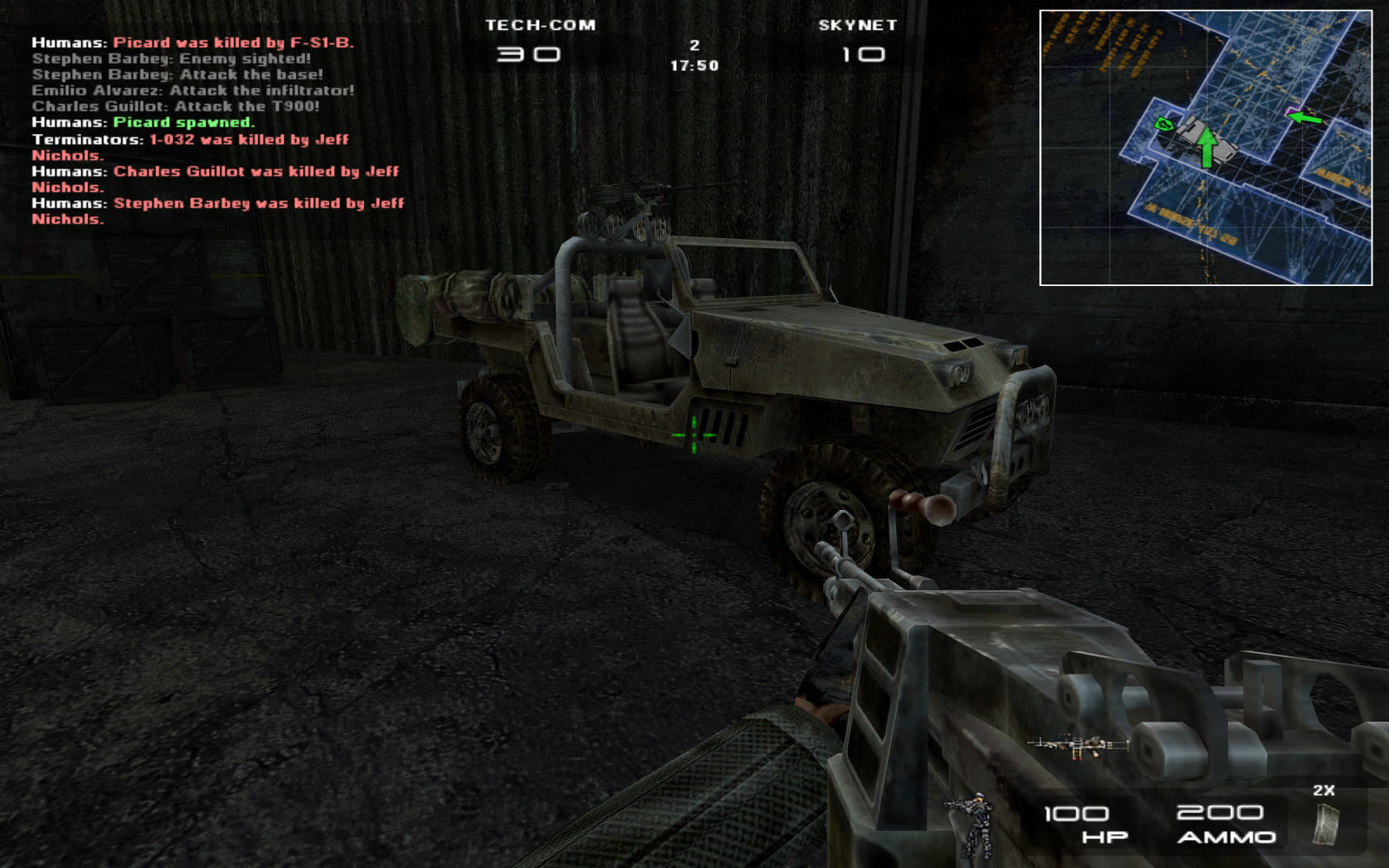
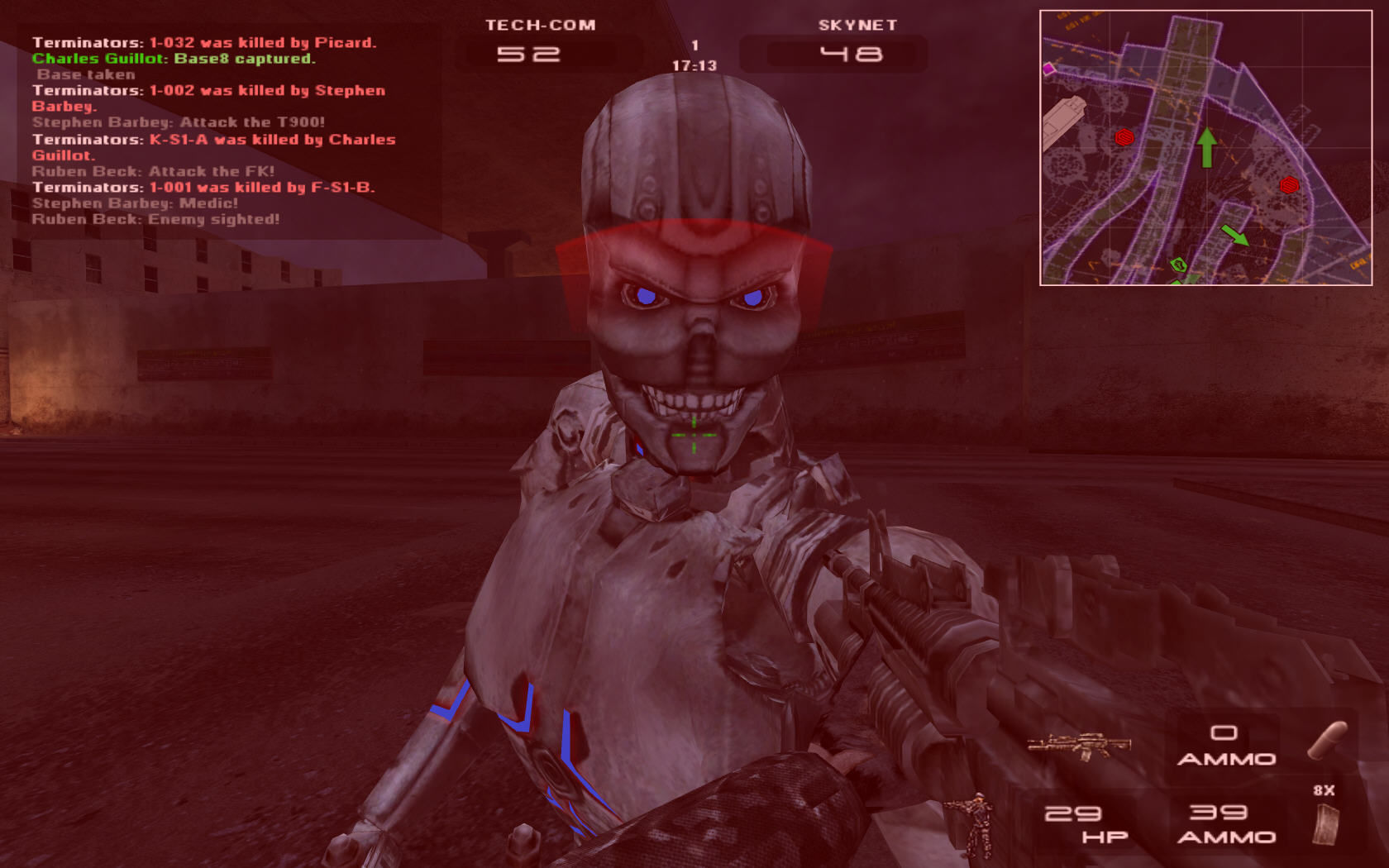
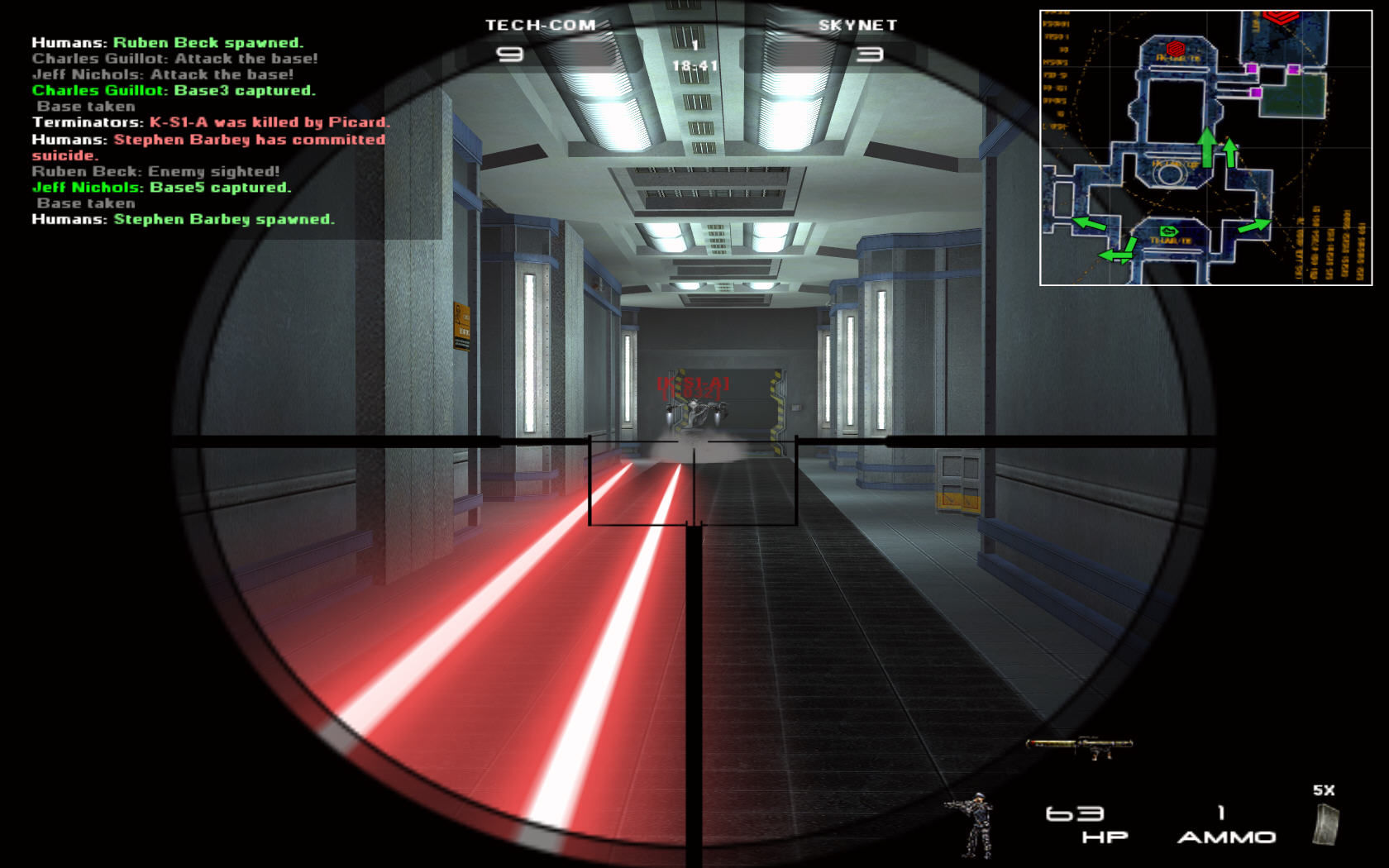
Terminator 3: War of the Machines is a first-person shooter for Windows based on the Terminator series. It was released on November 28, 2003 following the release of the film Terminator 3: Rise of the Machines. It was made by Hungarian developer Clever’s Games and distributed by Atari. The game is set in 2029, when Skynet (robots) and Tech-Com (human) forces are battling for the world. The player may join the Skynet terminators or the human resistance. The multiplayer portion of the game is provided through GameSpy.
Download Terminator 3: War of the Machines
We might have the game available for more than one platform. Terminator 3: War of the Machines is currently available on these platforms:
Windows (2003)
Terminator_3_War_of_the_Machines_v1.16_Win_Preinstalled_EN.zip (461.1MB)
Terminator_3_War_of_the_Machines_Win_ROM_EN.zip (641.3MB)
How to play on Windows
- Download and Extract Terminator_3_War_of_the_Machines_V1.16_Win_Preinstalled_EN.zip
- Launch launcher.exe and choose your resolution
- Play the game
Additional files, patches and fixes
Terminator 3: War of the Machines Screenshots
Windows
0
I spent an entire evening debugging this game on Windows 11 with the Preinstalled ZIP version and want to save everyone else the same pain. Here is what we went through and what actually fixed it.
The problem with the Preinstalled ZIP
The ZIP package skips the original Atari installer entirely. This looks harmless but breaks the game at a fundamental level. The game’s engine (Clever’s Technology) requires registry keys written by the installer under HKEY_LOCAL_MACHINE\SOFTWARE\Atari\Terminator 3 – War of the Machines to locate and mount Game.cod — the 427 MB archive that contains all character animation data, including bone skeletons for every unit. Without these registry keys, cFileManager starts with BigFileNum = 0 and never mounts Game.cod. This means cAnimManager::dwBoneNum stays at zero permanently, and the moment any character (bot or player) tries to spawn, Ai.DLL crashes with ACCESS_VIOLATION C0000005 at offset 0x0000ADE2 / cAi::Initialize+F2 on map load, or at 0x00051A04 / cHumanControl.cpp line 627 on player spawn.
No amount of compatibility settings, Anti Virus Software exceptions, dgVoodoo2, DNS blocking, firewall rules, single-core affinity, path changes, or config file editing will fix this — the registry keys are simply not there.
What we tried that did NOT fix it (but gave clues):
Anti Virus Software Advanced Threat Control was injecting into the process — adding AV exceptions removed that interference but the core crash remained
Dead GameSpy servers caused a secondary buffer overflow — blocking GameSpy domains in the hosts file and disabling network adapters removed that layer
Moving the game to shorter paths without spaces helped eliminate some issues but not the root cause
dgVoodoo2, dbghelp.dll removal, Windows XP VM — none of these helped because BigFileNum = 0 persisted in every environment
Even a fresh Windows XP SP3 VM showed the identical crash because the preinstalled ZIP was used instead of a proper installation
The key diagnostic is this: if your .RPT file shows cFileManager::BigFileNum = 0 and cAnimManager::dwBoneNum = 0 in the global variables section, your Game.cod was never mounted. No other fix will work until this is resolved.
The actual fix — 4 steps:
Download the ROM ZIP from this page (641 MB) instead of the Preinstalled ZIP. Extract it to get the ISO file.
Mount the ISO using WinCDEmu (free, works on Windows 10/11): https://wincdemu.sysprogs.org/
Run the installer from the mounted drive. When asked for a serial key use: 2PK8-R32A-YZKE-J29A. Install to the default path (C:\Program Files\Atari\Terminator 3 – War of the Machines\). This writes the essential registry keys.
Apply Patch 1.16 then the crack. Download Patch116.Cod (or the v1.16 exe patcher) — copy it into the install folder and run it from there. Then replace T3.exe with the 940 KB no-CD crack (search GameCopyWorld for “Terminator 3 v1.16 ENGLISH Fixed EXE”).
After these four steps the game launches on Windows 11 with no compatibility settings, no Anti Virus Software exceptions, no special launch flags. Bots load, single player maps load, characters spawn without any crash.
0
-1
ACCESS_VIOLATION
ACCESS_VIOLATION
HOW TO RUN IT ON WINDOWS 10 X64:
– COMPATIBILITY: WIN XP SP2/SP3, VISTA, 7…;
– RUN … AN ADMINISTRATOR;
– RUN COMPATIBILITY TROUBLESHOOTER;
– EVEN Apply & Ok….
ALL IS MEAN NOTHING!!!!
S.O.S! MAYDAY! HELP!
0
0
0
0
0
0