| Publishers | Sierra Entertainment, Inc. |
| Developers | Liquid Entertainment, LLC |
| Release date | 2003 |
| Genre | Role-playing, Action |
| Game rating |
Game Description
The Lord of the Rings: War of the Ring is a 2003 real-time strategy game (RTS) developed by Liquid Entertainment and published by Sierra Entertainment, a subsidiary of Vivendi Universal Games. Set in J. R. R. Tolkien’s fictional Middle-earth, it expands upon the events of the War of the Ring as told in his fantasy novel, The Lord of the Rings.
Download The Lord of the Rings: War of the Ring
We might have the game available for more than one platform. The Lord of the Rings: War of the Ring is currently available on these platforms:
Windows (2003)
The_Lord_of_the_Rings_War_of_the_Ring_Win_ISO_EN.zip (788.0MB)
Additional files, patches and fixes
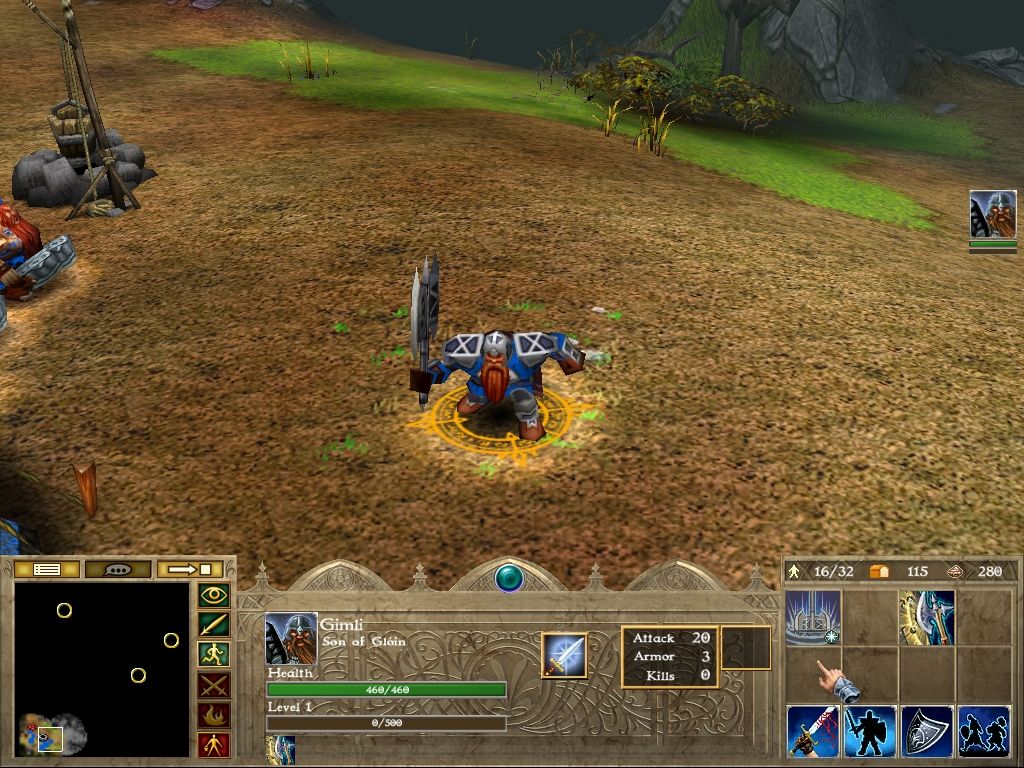
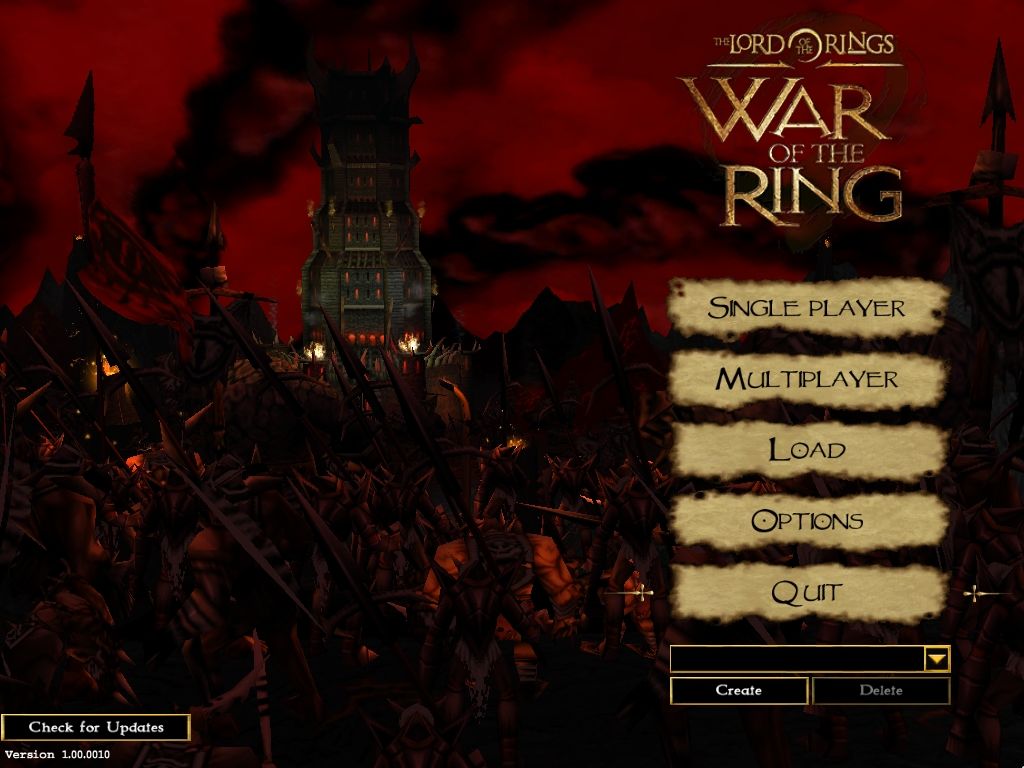
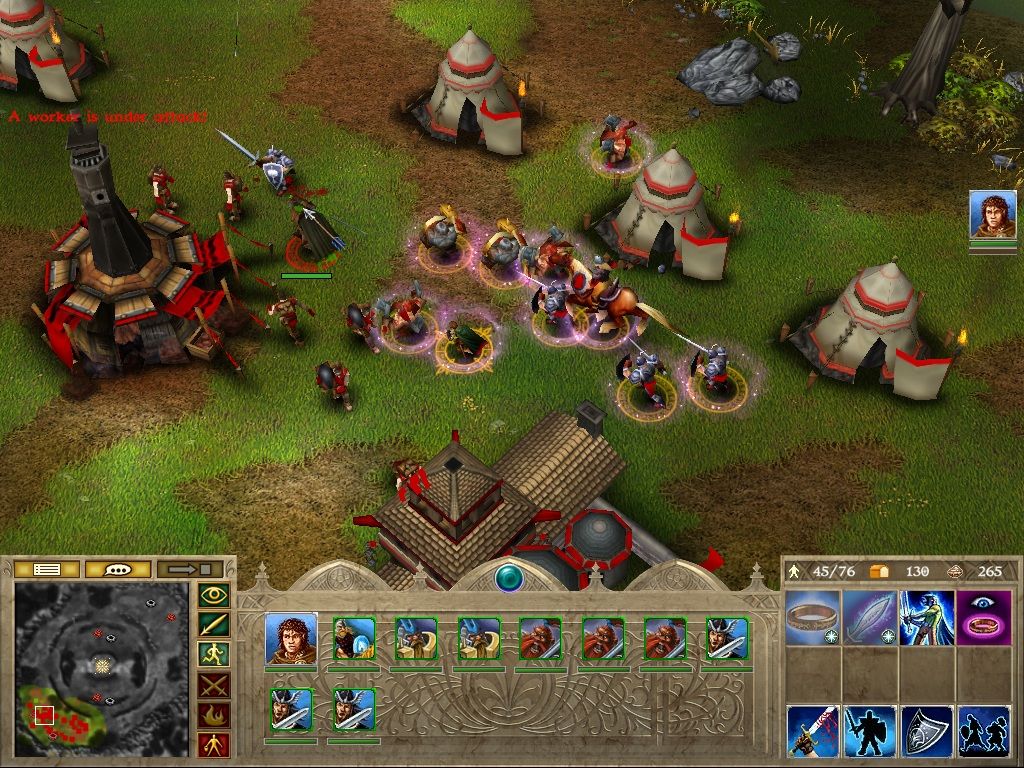
The Lord of the Rings: War of the Ring Screenshots
Windows
1. Extract the downloaded file
2. Go to install disc and run autoplay
3. Click install lotr blah blah
4. Choose a directory where your game will go (or not, you choose)
5. After the setup is done, download this: https://www.moddb.com/games/lord-of-the-rings-war-of-the-ring/downloads/patch-1-01-0011
6. Run the exe file
7. Now that the update is finished, extract the crack file from the “No CD” folder into your root folder. this will replace the original rings application, which is what we want
8. Congrats, you’re finished. now you can play
NOTE: don’t do the crack file before updating, it will might not work
What do you mean “root folder”?
Are you talking about the “WOTR_Install” folder where it all started or the “Orig-Exe” (right next to the “Crack” folder), which is inside “NoCD”.
Because I tried to replace the “Ring” from the “Crack” folder into the “WOTR_Install” (extracted ofc) but it gave an error message saying “ There is not enough space on WOTR_Install. You need an additional 3.34 MB to copy these files.”
Please tell me if I’m doing something wrong
Cheers! ❤️
I couldn’t really install gamespy though.
I tried running the Autoplay and Rings in WOTR_Install, didn’t work
Tried Autoplay in WOTR_Play, didn’t work
Tried running the shortcut icon on the desktop made during installation, didn’t work.
And the replaced Rings in Orig_Exe, didn’t work.
Restarted computer too.
Please help me and I’m very new at this ❤️
https://www.moddb.com/games/lord-of-the-rings-war-of-the-ring/downloads/patch-1-01-0011
Make sure you install the patch before replacing the original exe with the crack file. If you already have the crack file in place, you will have to just re install the game and do it then
Tried so long to work it out, but doing the patch after having the OG exe then adding crack file worked perfectly.