| Publishers | Konami |
| Developers | Red Storm Entertainment, Ubi Soft Milan |
| Release date | 1999 |
| Genre | Shooter |
| Game rating |
Game Description
Tom Clancy’s Rainbow Six: Rogue Spear is a tactical first-person shooter video game developed and published in 1999 by Ubi Soft Milan and Red Storm Entertainment. It is the sequel to 1998’s Rainbow Six game based on the Tom Clancy novel of the same name.
Download Tom Clancy’s Rainbow Six: Rogue Spear
We might have the game available for more than one platform. Tom Clancy’s Rainbow Six: Rogue Spear is currently available on these platforms:
Windows (1999)
Tom_Clancys_Rainbow_Six_Rogue_Spear_Win_ISO_EN.7z (295.9MB)
How to play
- Download Tom_Clancys_Rainbow_Six_Rogue_Spear_Win_ISO_EN.7z and open the “Game Files” folder
- Mount RogueSpear.iso and run the game setup. Choose “Full” installation and finish installing the game.
- Play the game!
PlayStation (2001)
Tom_Clancys_Rainbow_Six_Rogue_Spear_PS_ISO_EN.7z (163.4MB)
Additional files, patches and fixes
Tom Clancy’s Rainbow Six: Rogue Spear Windows Manual (English)
Tom Clancy’s Rainbow Six: Rogue Spear Windows ReadMe (English)
Tom Clancy’s Rainbow Six: Rogue Spear Dreamcast Manual (English)
Tom Clancy’s Rainbow Six: Rogue Spear Windows Manual (Italian)
Tom Clancy’s Rainbow Six: Rogue Spear Windows Manual (Spanish)
Tom Clancy’s Rainbow Six: Rogue Spear Windows Manual (German)
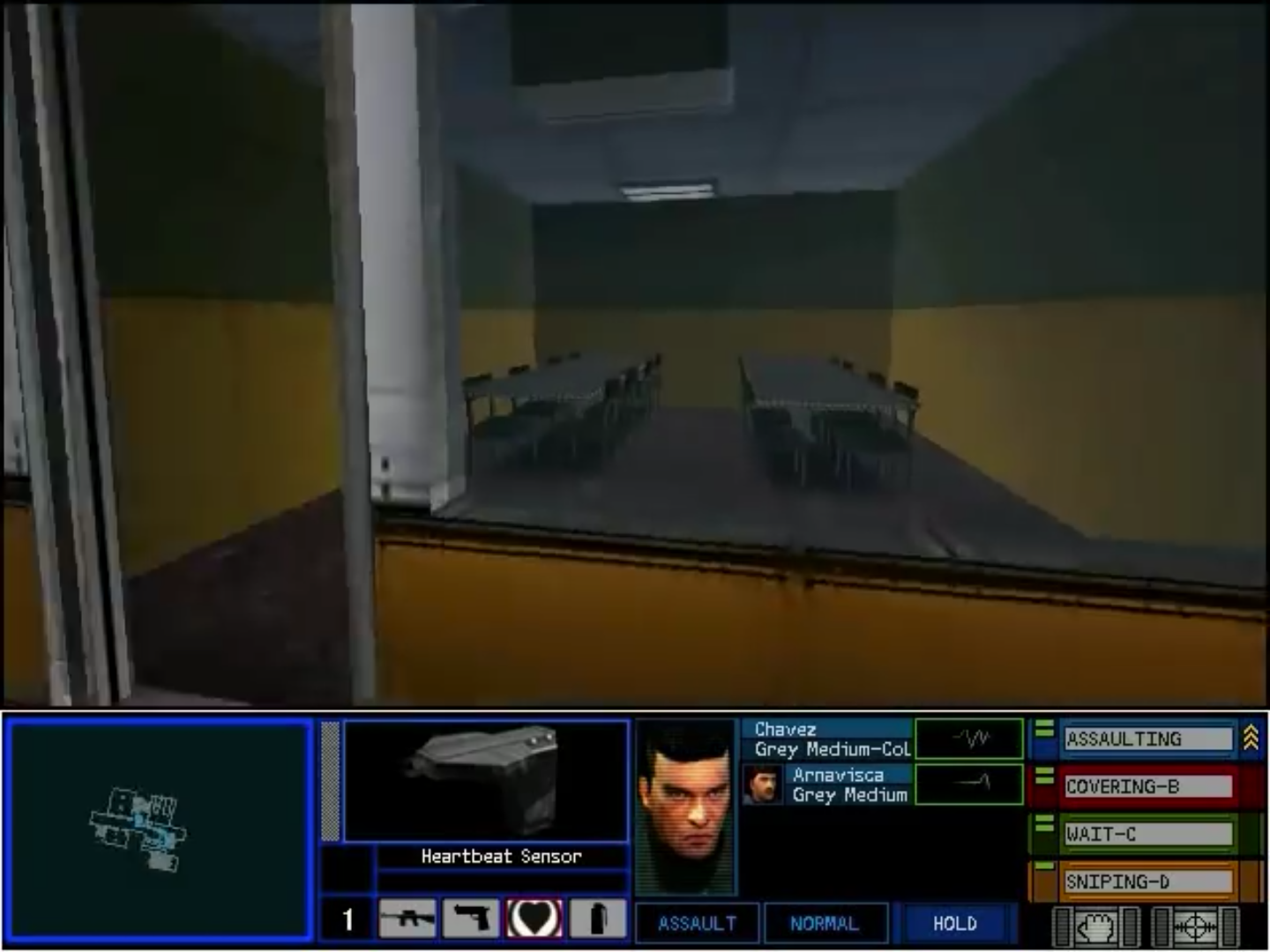
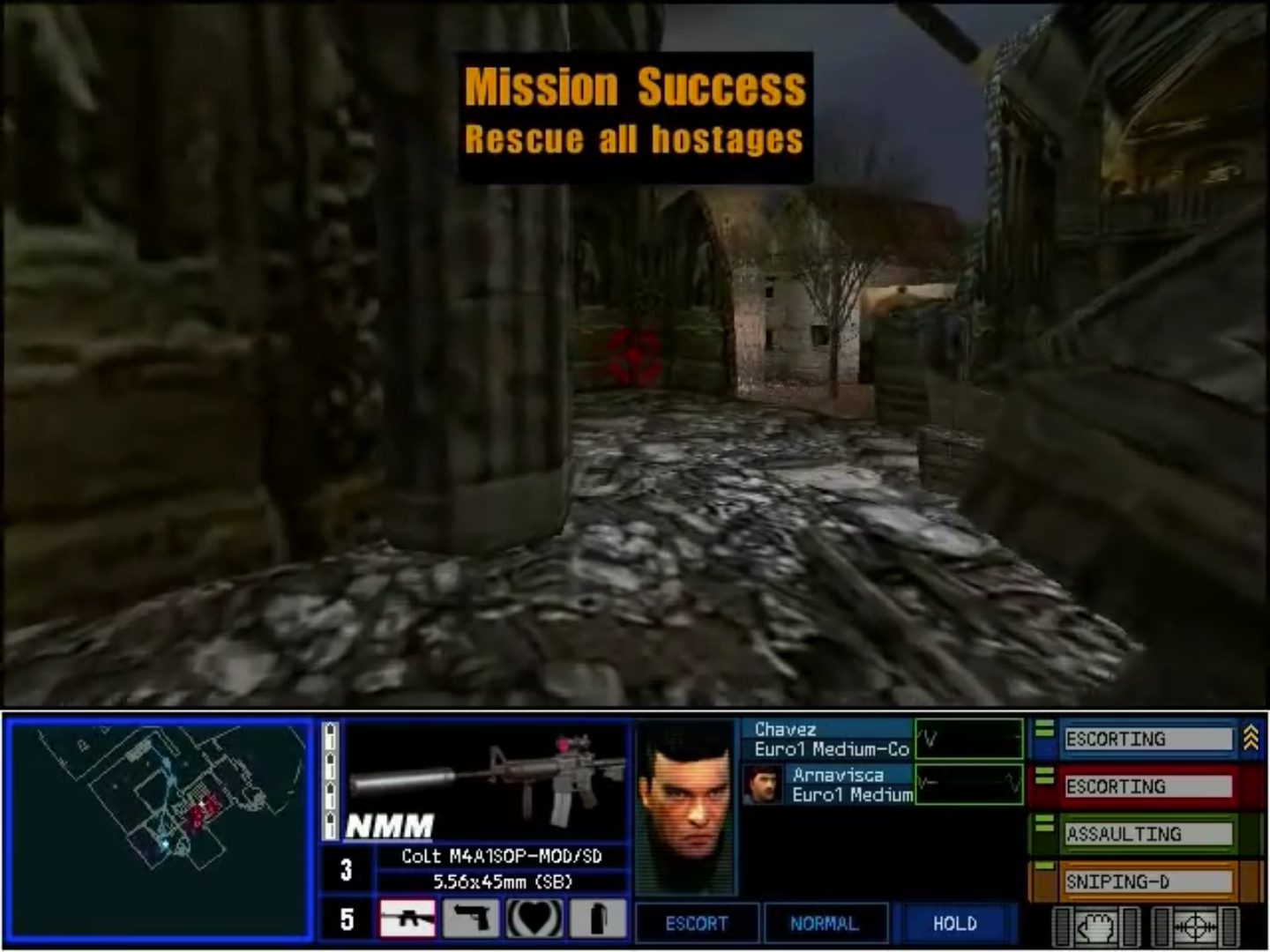
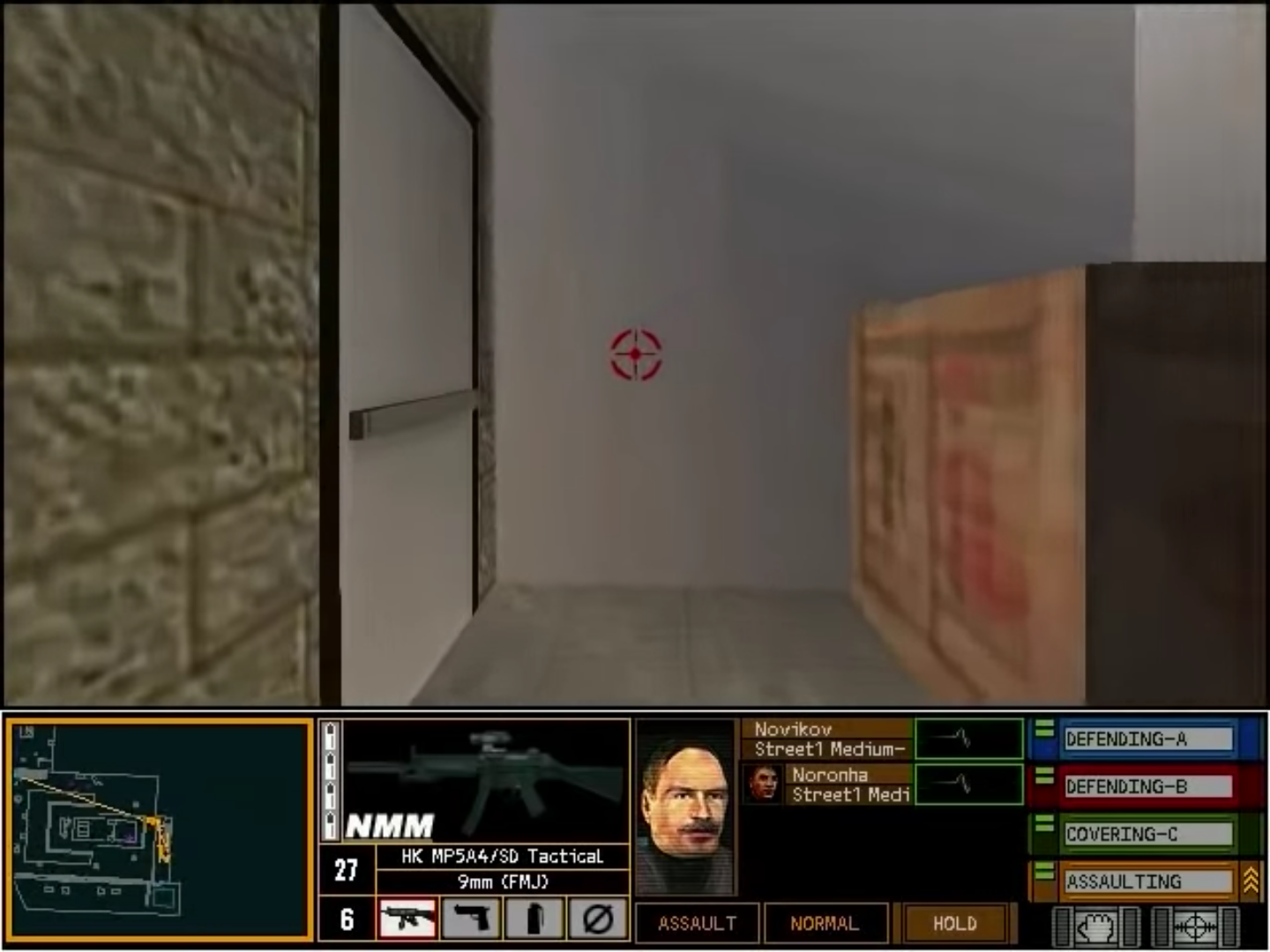
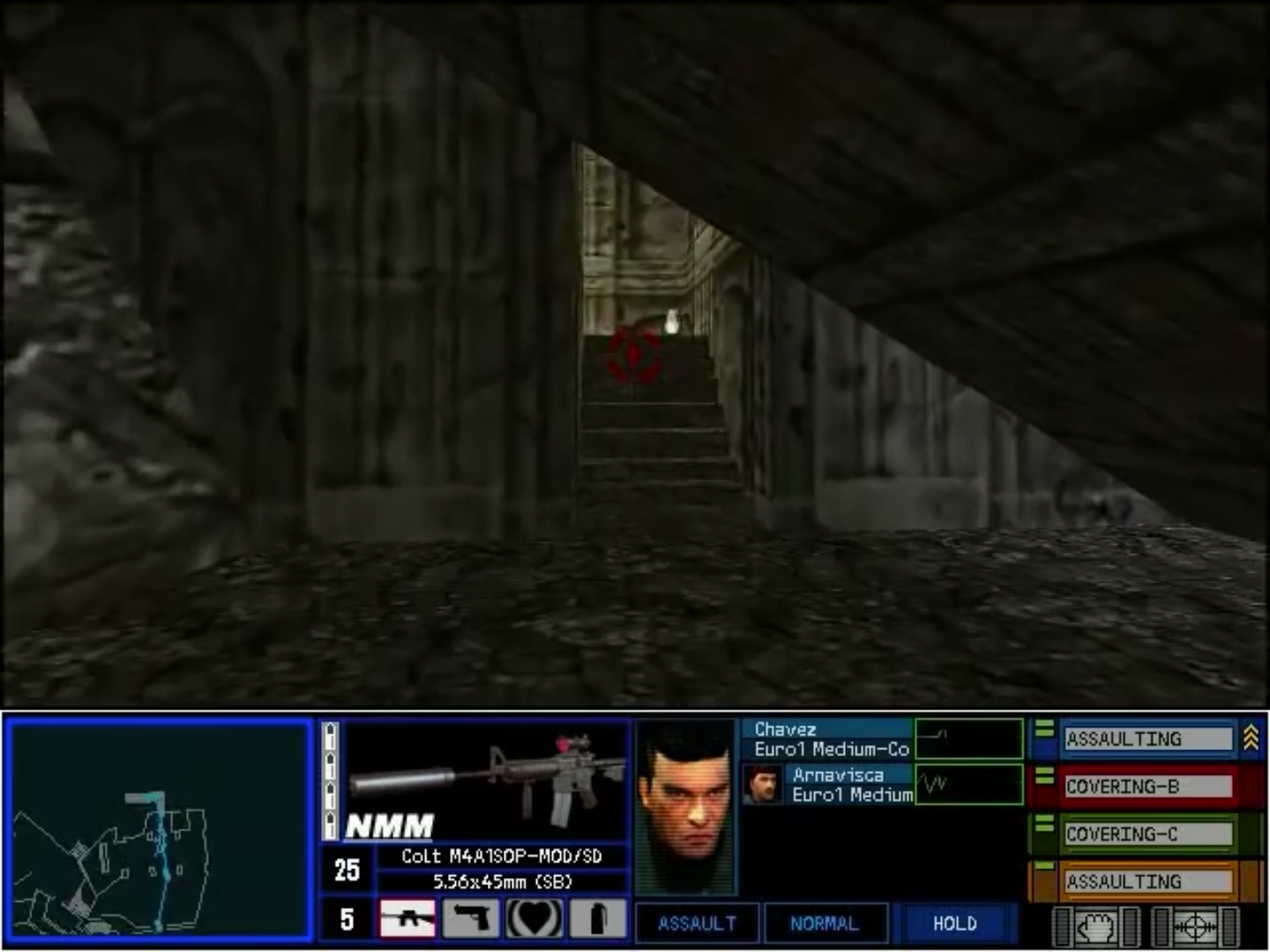
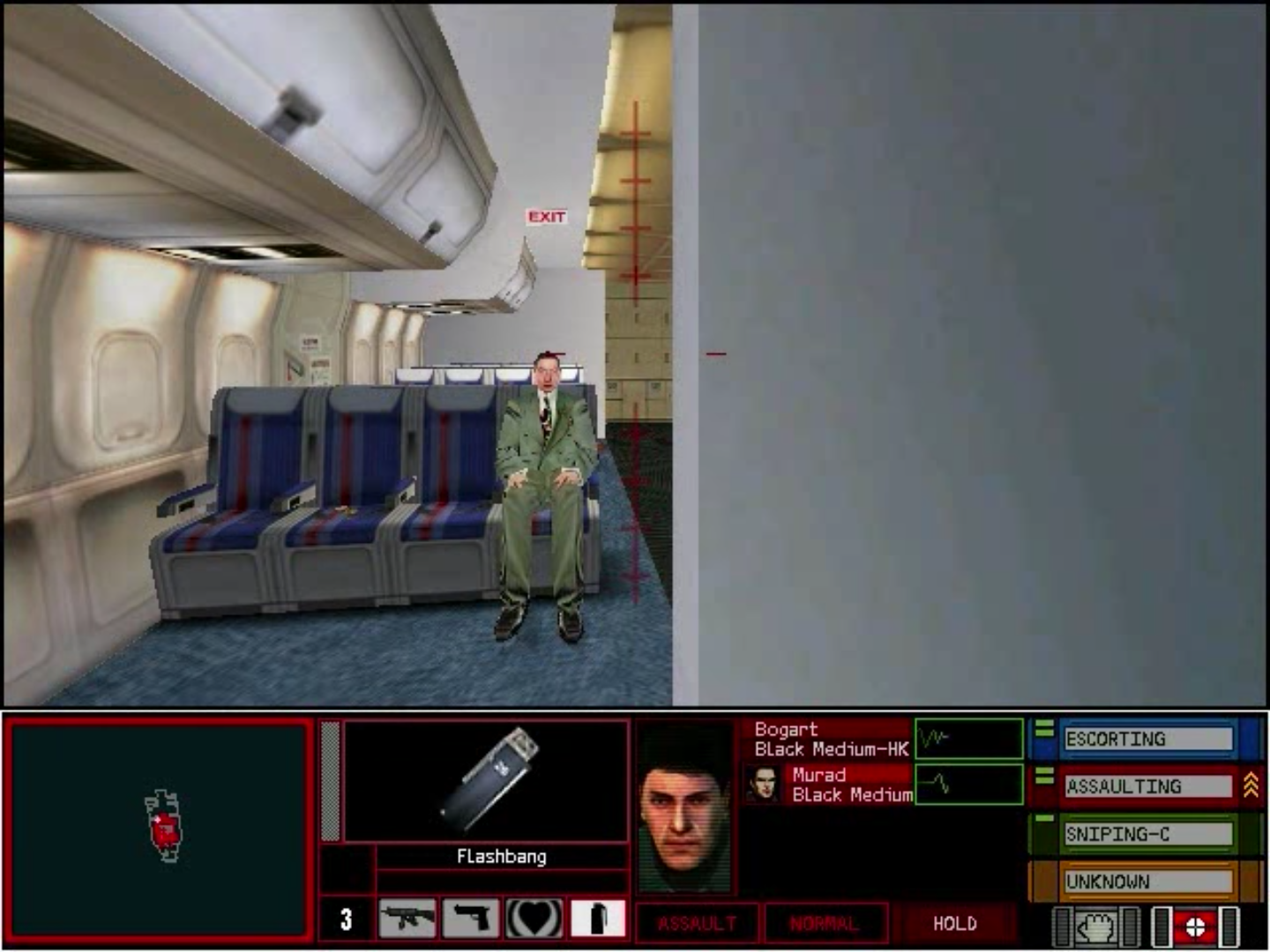
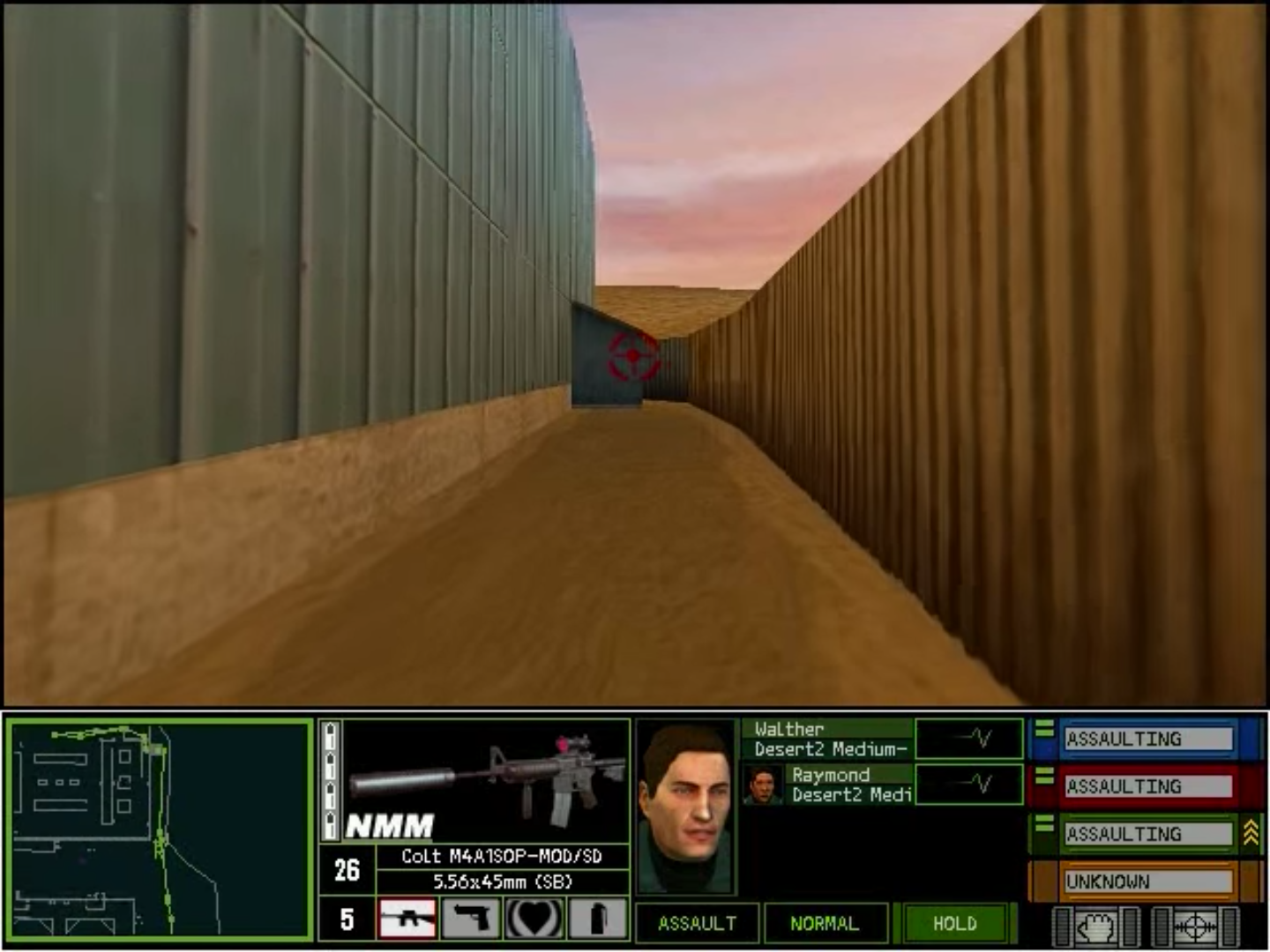
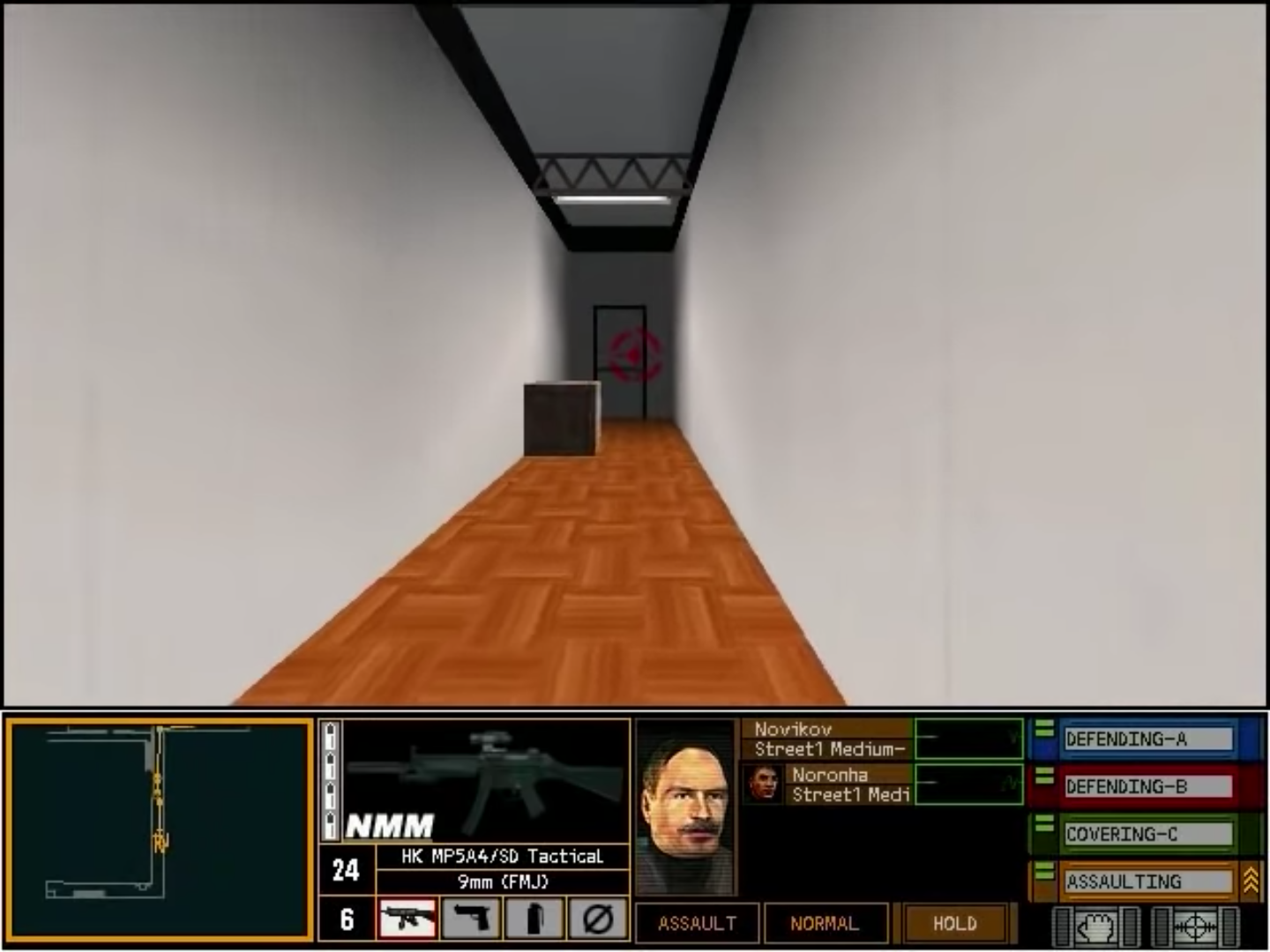
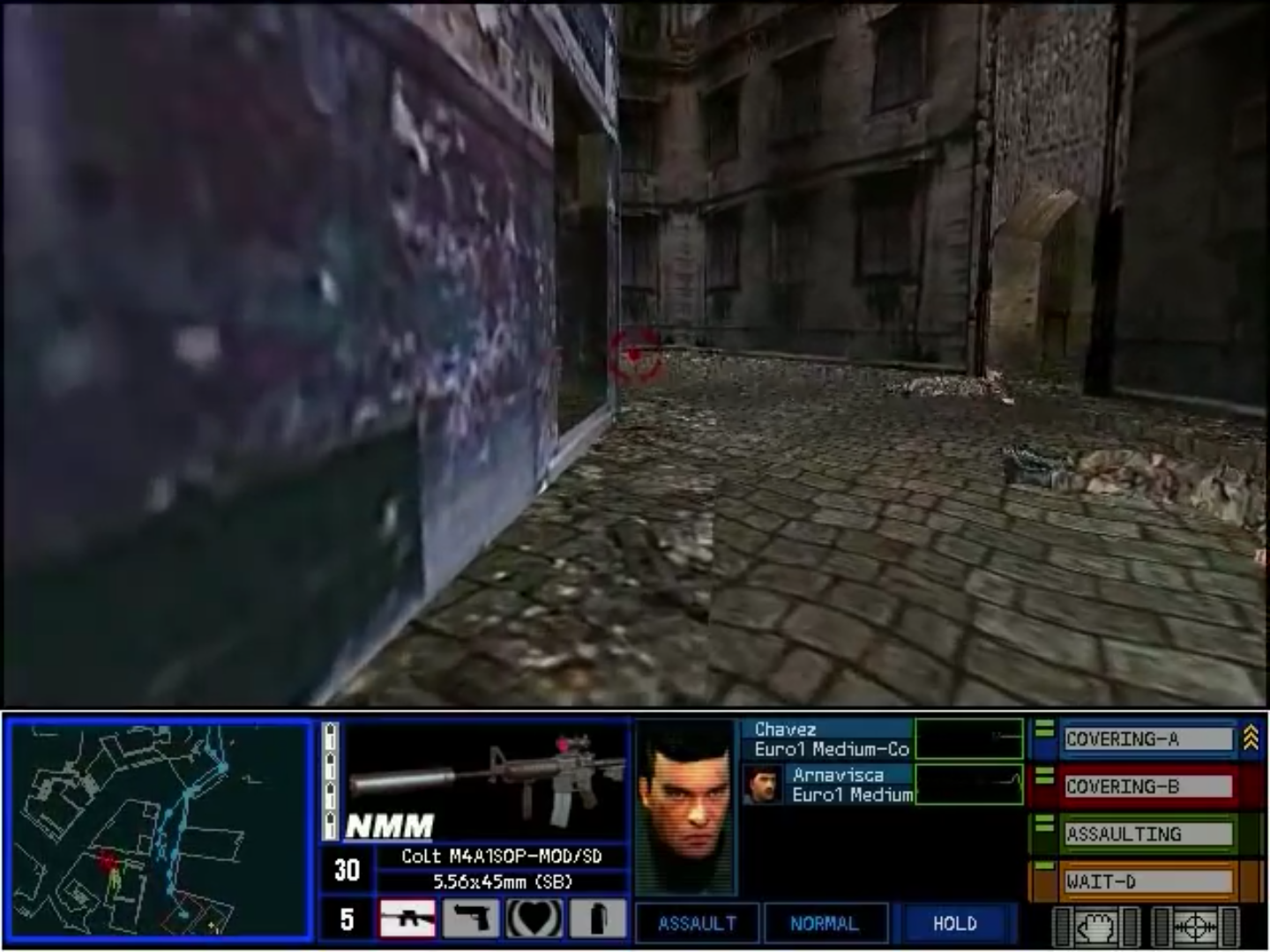
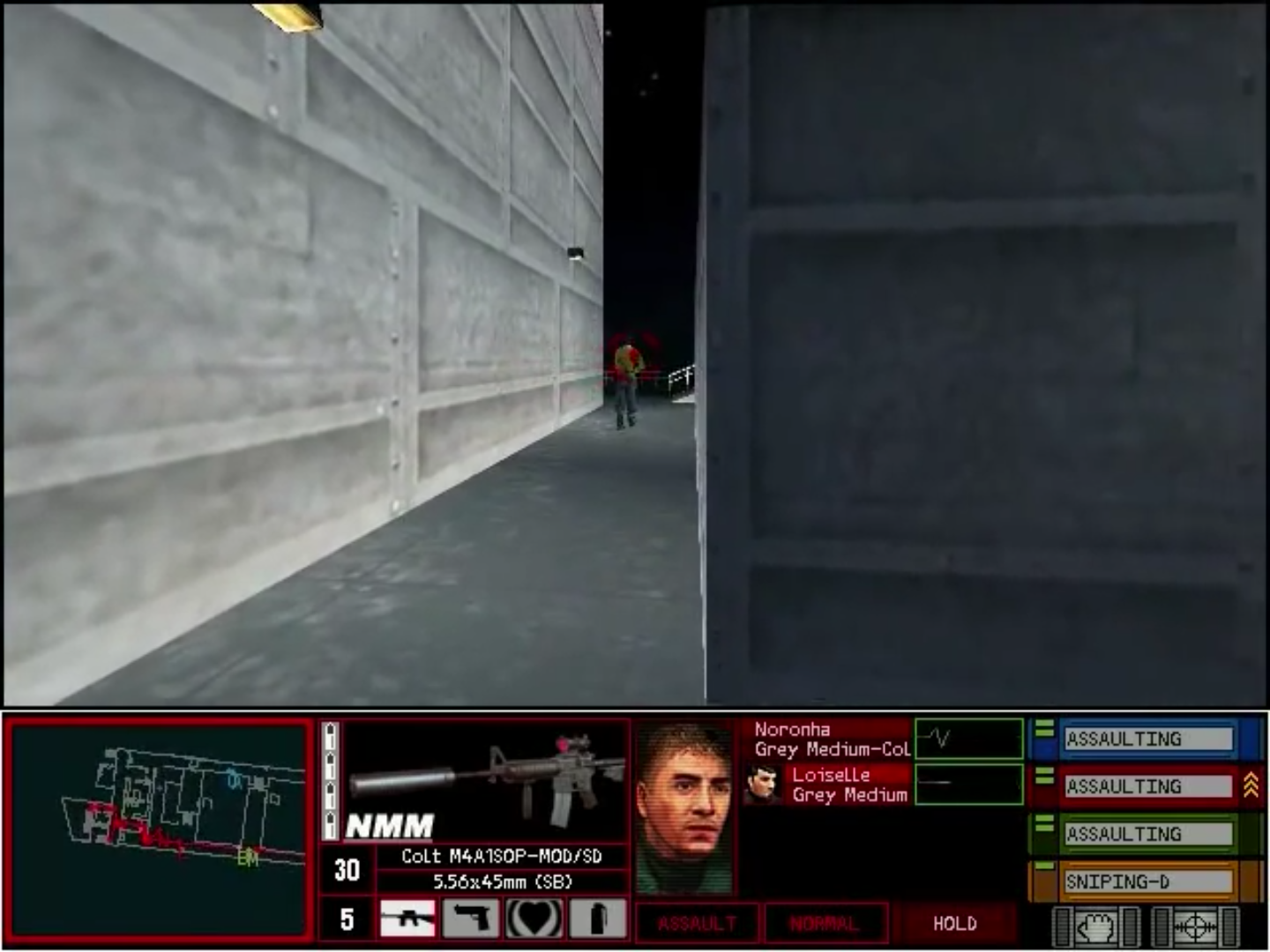
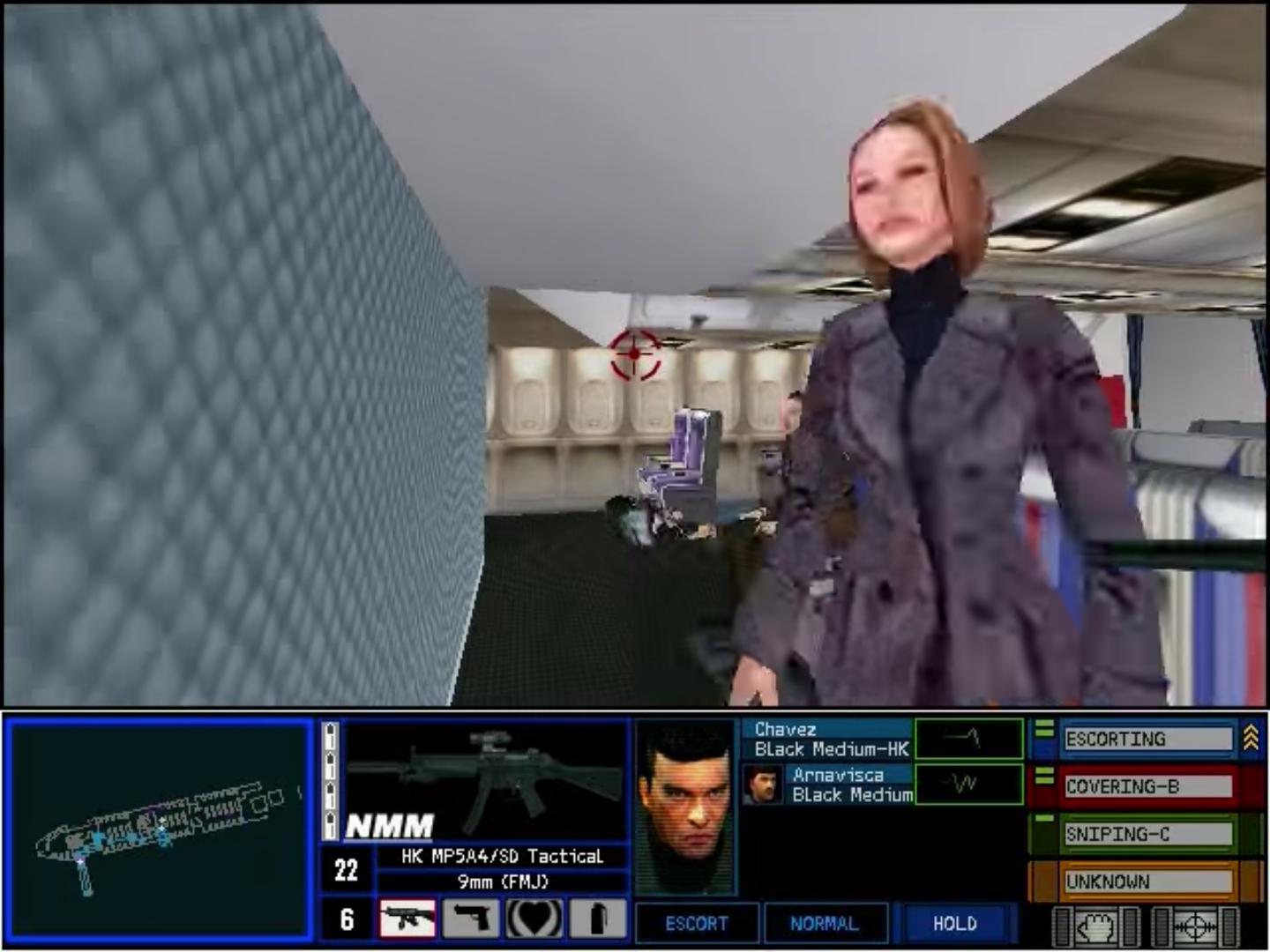
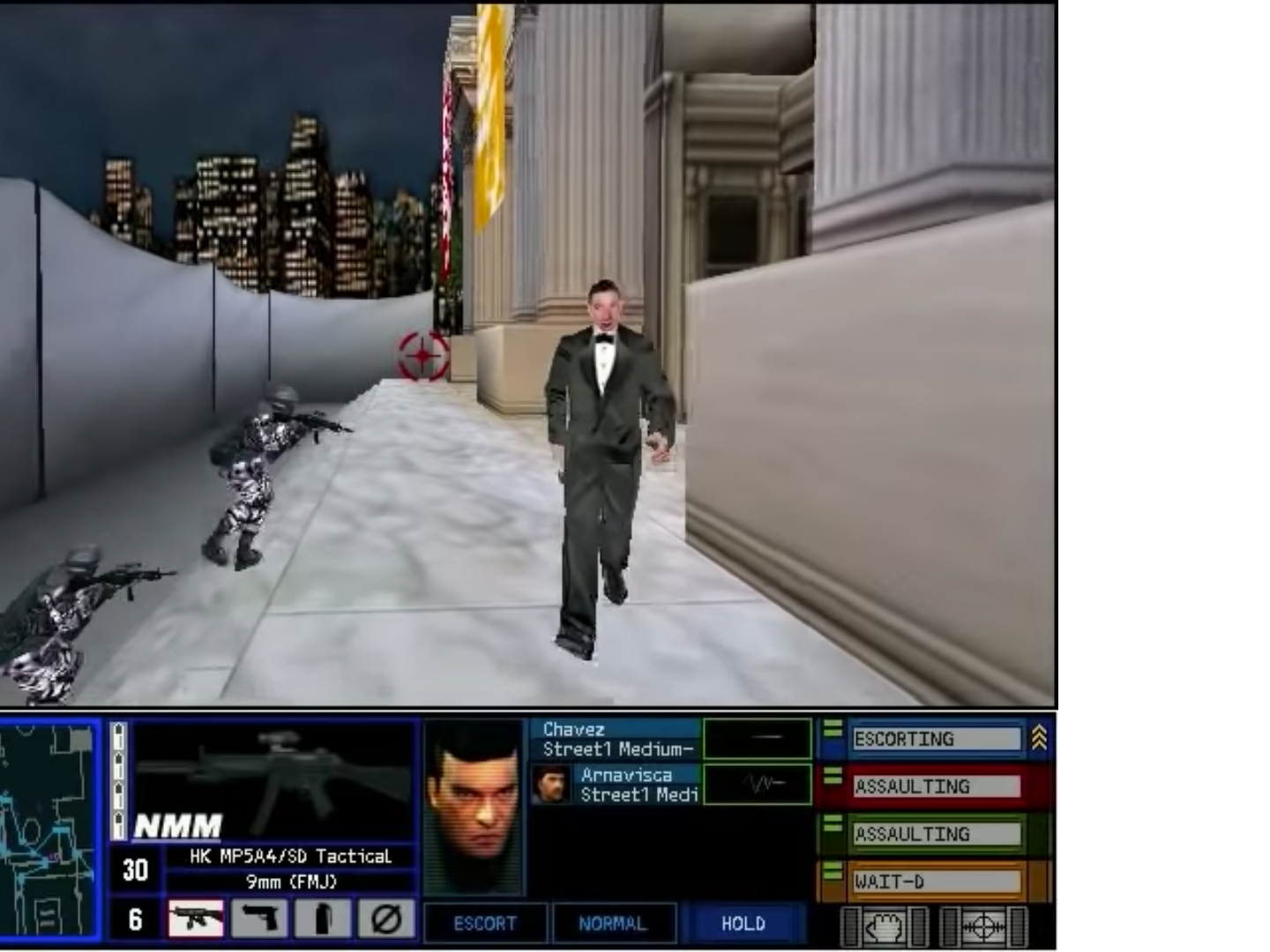
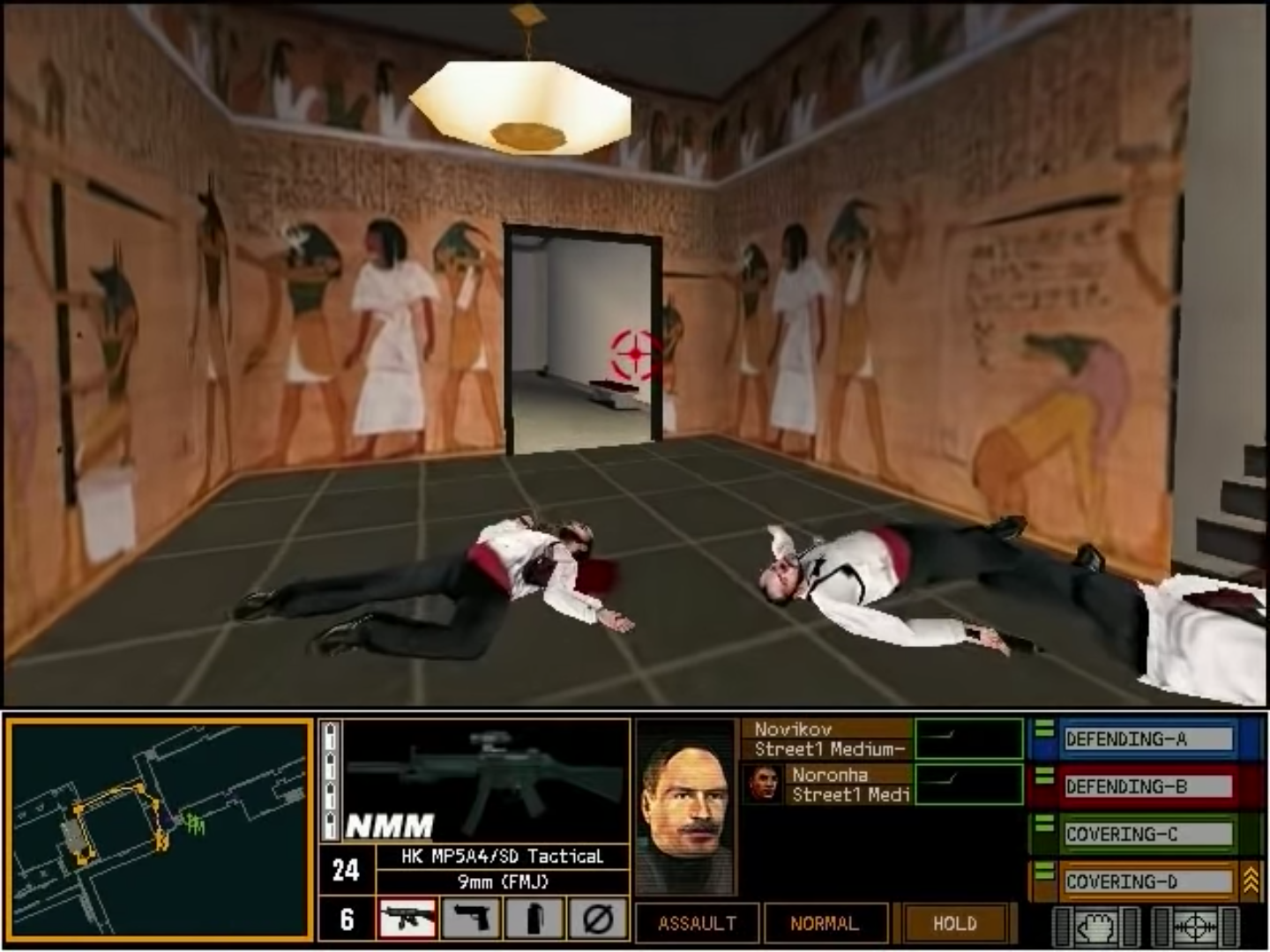
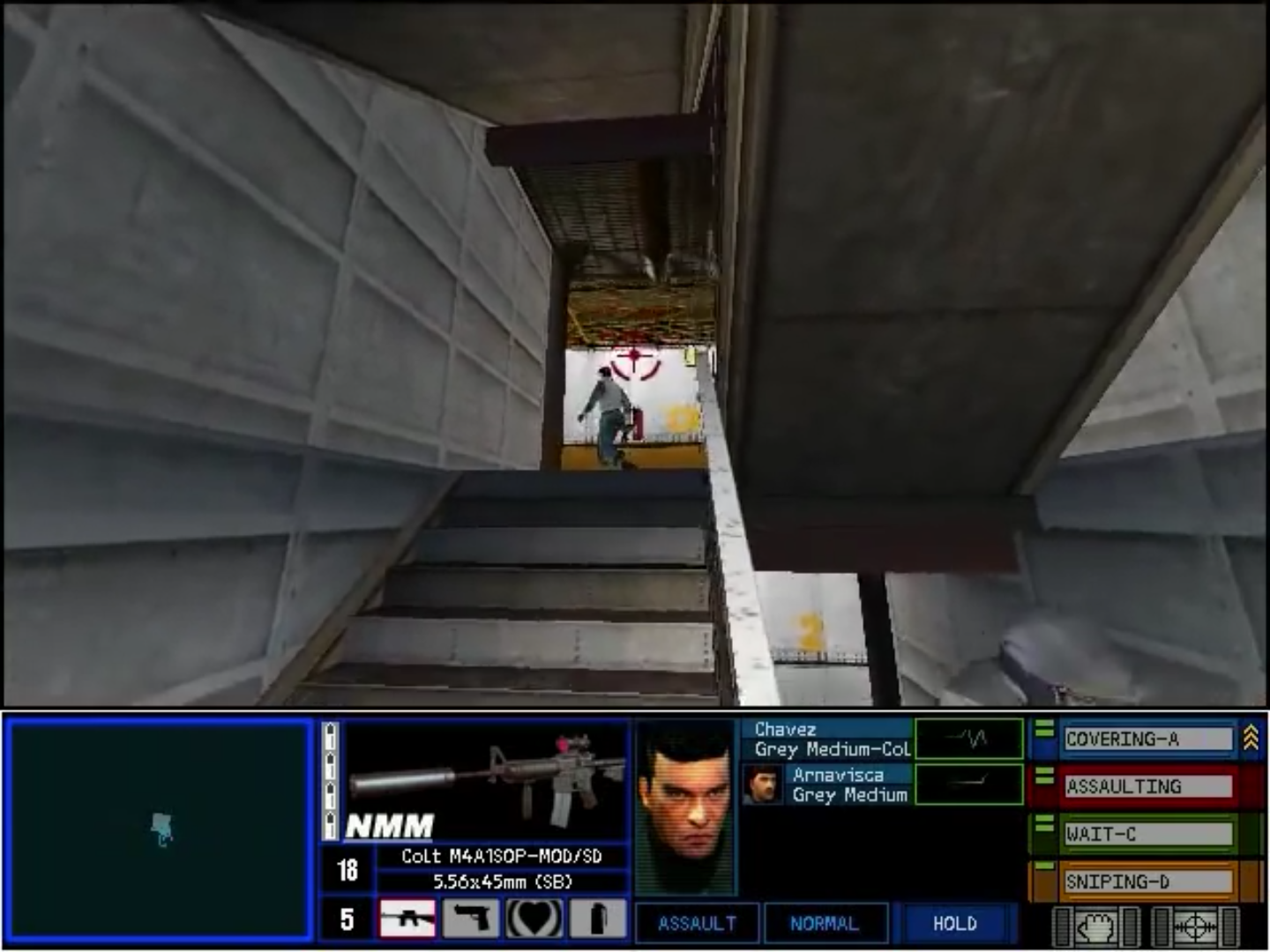
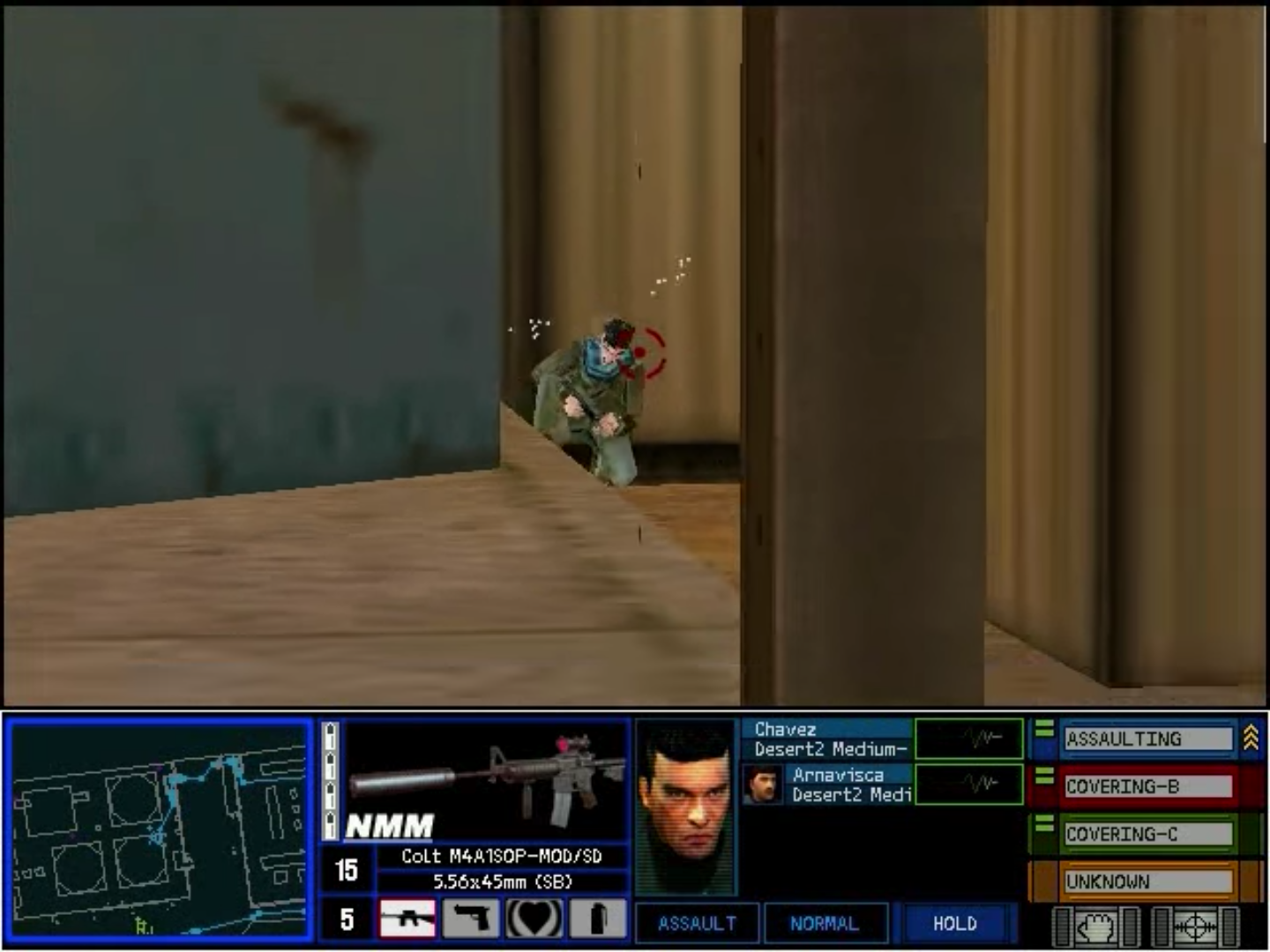
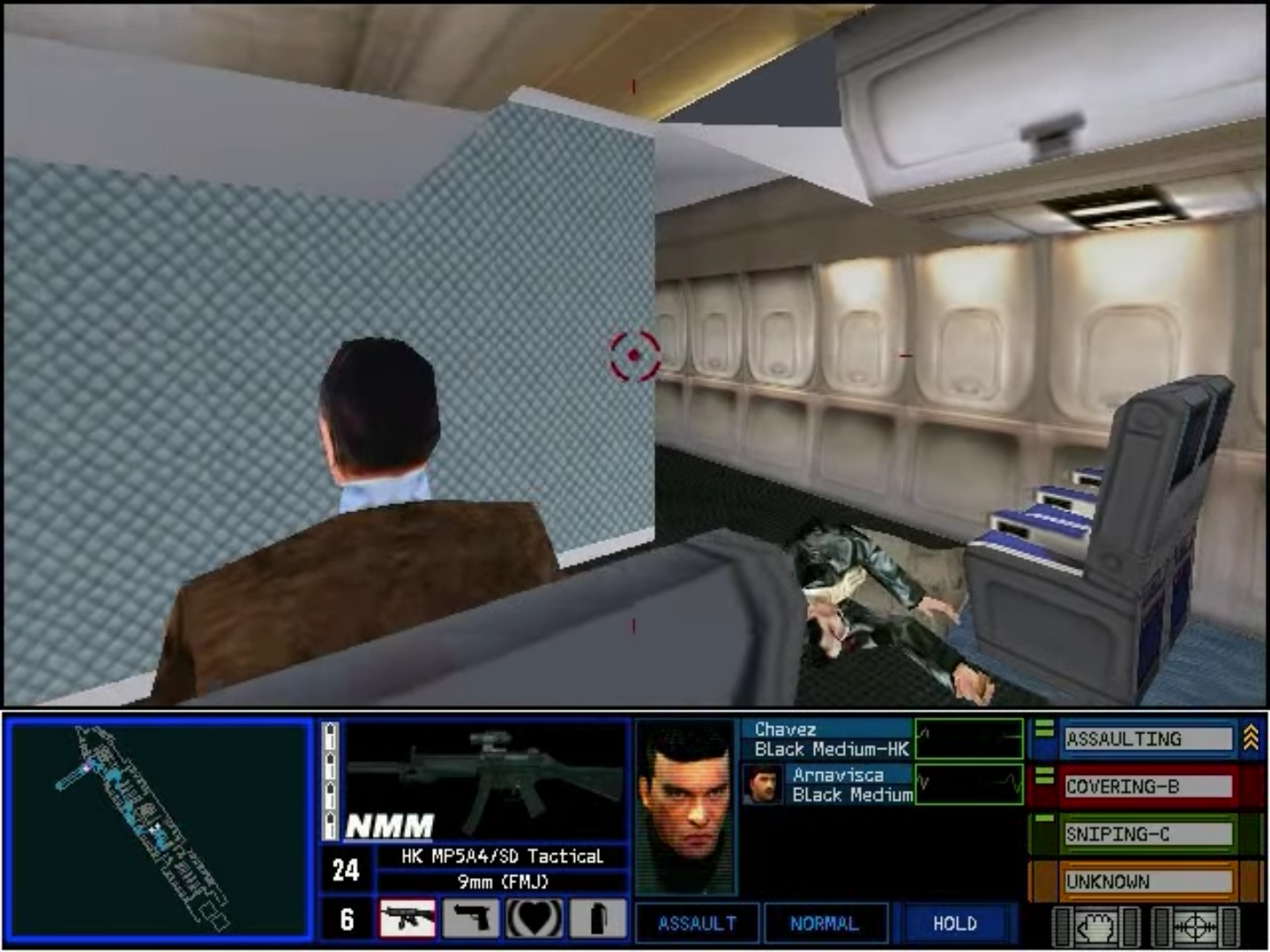
Tom Clancy’s Rainbow Six: Rogue Spear Screenshots
Windows





0
0
Kind regards
Oli
0
0
0
0
My name is Kevin and I’m trying to make a partially in game film documentary on fps games. R6:RS was running on my windows 11 laptop two days ago. I formatted and now I can’t get setup.exe to run, but autorun.exe does start.
Can anyone help… I’m so tired lol
0
0
Anyways, do you find a solution by chance?
Be well 🙂
Thanks so much!
Best regards,
K
0
1
2. Run Autorun.exe.
3. Install the game.
4. Go to: https://github.com/narzoul/DDrawCompat/releases.
5. Download the latest version of DDrawCompat.
6. Unzip it and put the ddraw.dll file in to your Rogue Spear installation folder (the same spot on your local drive that has RogueSpear.exe). It should not replace an existing file.
7. Make sure you still have the .iso file mounted and double-click RogueSpear.exe from your installation folder (not mount) and enjoy.
-1
0
0
0
0
0
0
0
0
Also, make sure you double click the roguespear.iso in the ‘game files’ folder and mount it whenever you want to play.
phew, running this game on windows 10 is a hot MESS let me tell ya.
1
0