| Publishers | Microsoft Corporation, Aspyr Media, Inc., ak tronic Software & Services GmbH |
| Developers | Blue Fang Games |
| Release date | 2003 |
| Genre | Adventure, Educational |
| Game rating |
Game Description
Zoo Tycoon: Complete Collection is an adventure game developed by Blue Fang Games and published by Microsoft Corporation, Aspyr Media, Inc., ak tronic Software & Services GmbH in 2003.
Download Zoo Tycoon: Complete Collection
We might have the game available for more than one platform. Zoo Tycoon: Complete Collection is currently available on these platforms:
Windows (2003)
Zoo_Tycoon_Complete_Collection_Win_ISO_EN.zip (1.0GB)
Mac (2005)
Zoo_Tycoon_Complete_Collection_Mac_ROM_EN.zip (1.1GB)
Additional files, patches and fixes
Zoo Tycoon: Complete Collection Windows NoCD (English)
Zoo Tycoon: Complete Collection Windows ReadMe (English)
Zoo Tycoon: Complete Collection Windows Bonus Animals Sceneries and Scenarios (English)
Zoo Tycoon: Complete Collection Windows Dino Digs Bonus Animal (English)
Zoo Tycoon: Complete Collection Windows Marine Mania Bonus Animal (English)
Zoo Tycoon: Complete Collection Screenshots
Windows
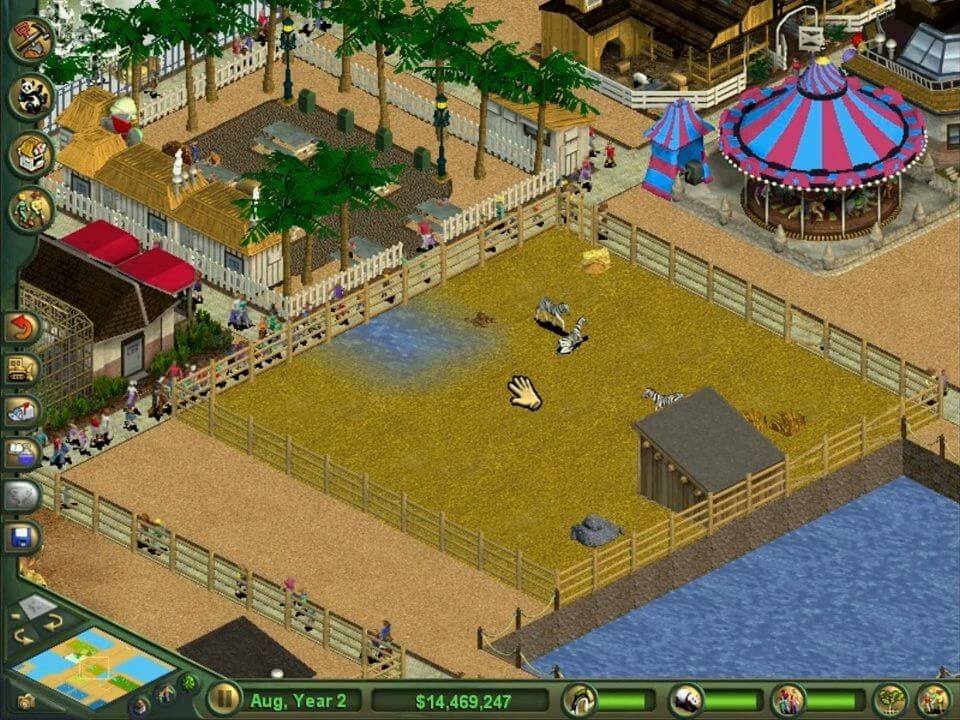
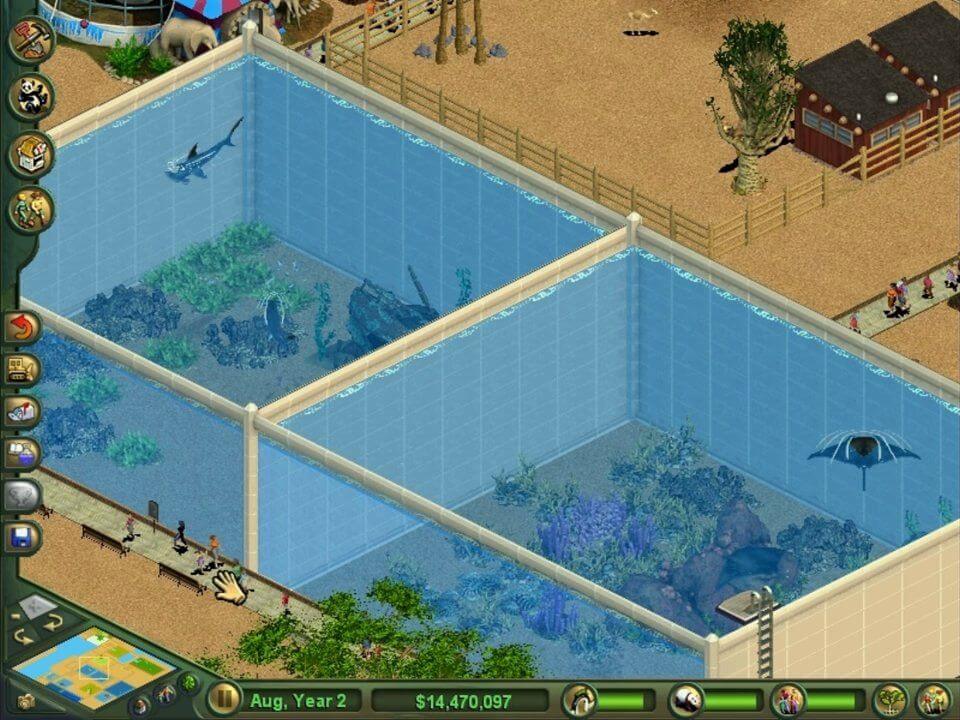
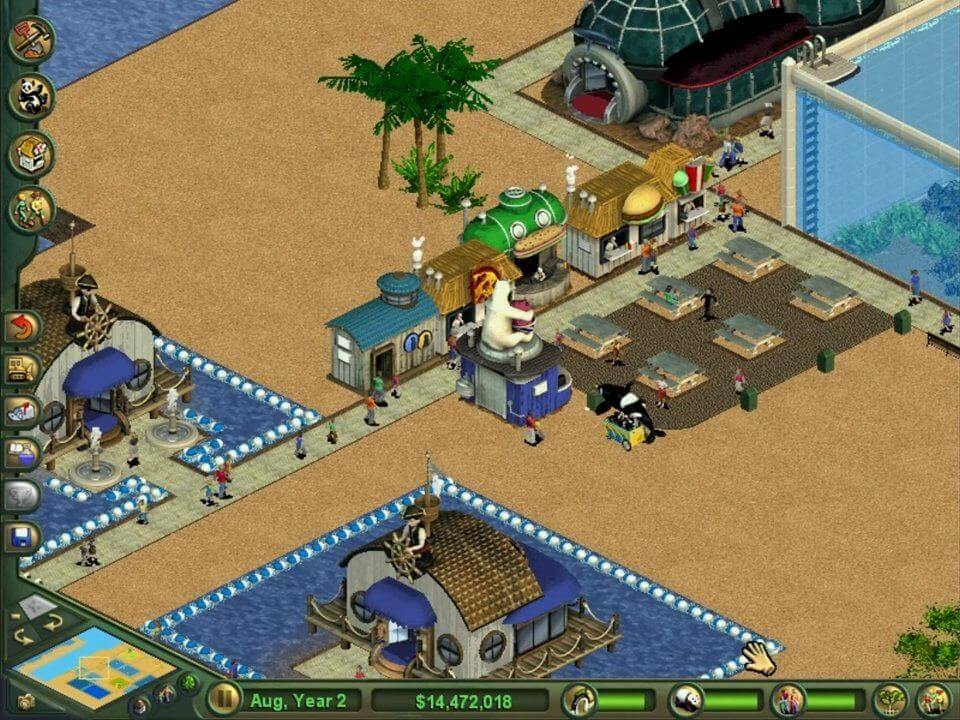
1
0
There’s some sort of script issue for Marine Mania where you simply can’t make money off shows. Per an older forum:
“The tutorial claims that I should click on the feeding platform to open said window, but no matter where I click or what I press, the game simply does not want to open this window.” You can’t put a dollar amount on the stands where people sit to watch the shows.
So where this ISO was pulled from is corrupt.
0
0
A pop up with this message appears and then nothing happens:
The file /private/var/folders/_7/f5fvdns114n__tpvbsjrhx8m0000gn/T/AppTranslocation/7AE78AAC-E991-4650-A99B-C7C2FAD13EE5/d/.Zoo Tycoon.app does not exist.
The Fake Image will be automatically ejected after 20 seconds as it is only needed to start. This window then also closes automatically.
how do I fix this?
0
0
-1
I keep getting the error “setup was unable to find (or could not read) the language specific setup resource dll, unable to continue. Please reboot and try again.”
0
0
0
what can i do to fix this?
0
0
thanks
0
– download the zip file and extract it
– open the “game files” folder
– for both ZOO_TYCN and MARINA, click on them, then open the “set-up” files and follow the instructions
– once the set-up is complete, open the “NoCD” folder in the “game files” folder. Copy the “zoo.exe” file from there
– find the “Zoo Tycoon” game folder. For me (I’m using Windows 10), this folder is in “Local Disk -> Program Files (x86) -> Microsoft Games”.
– paste the “zoo.exe” file here. You will get a pop-up asking if you want to replace the current file in this location, agree to this
– run the “zoo.exe” file (or click on the game icon on your desktop). The game should run fine now, or at least it did for me
0
0
0
0
0