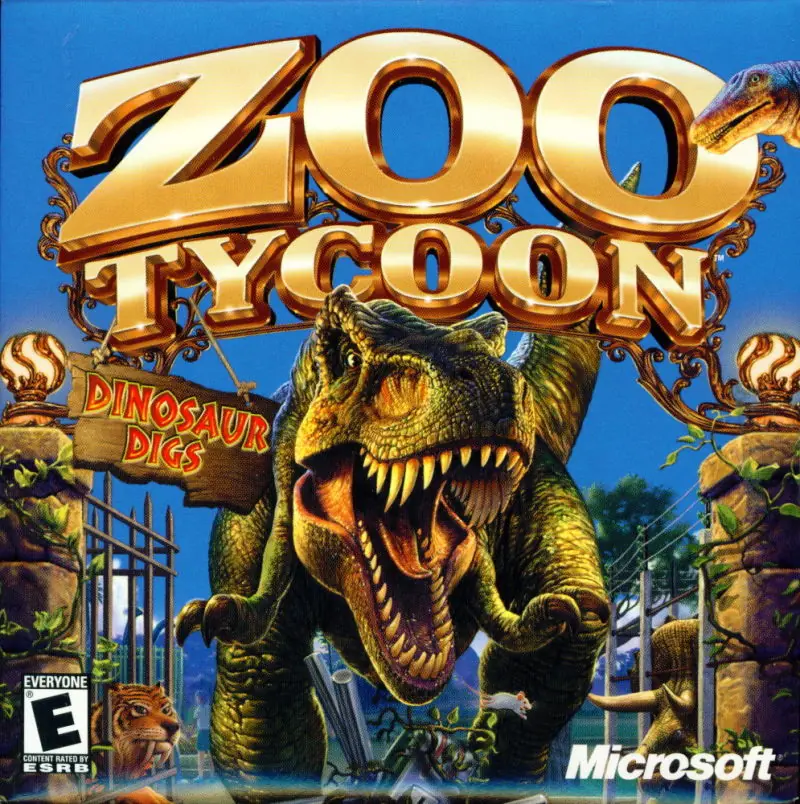
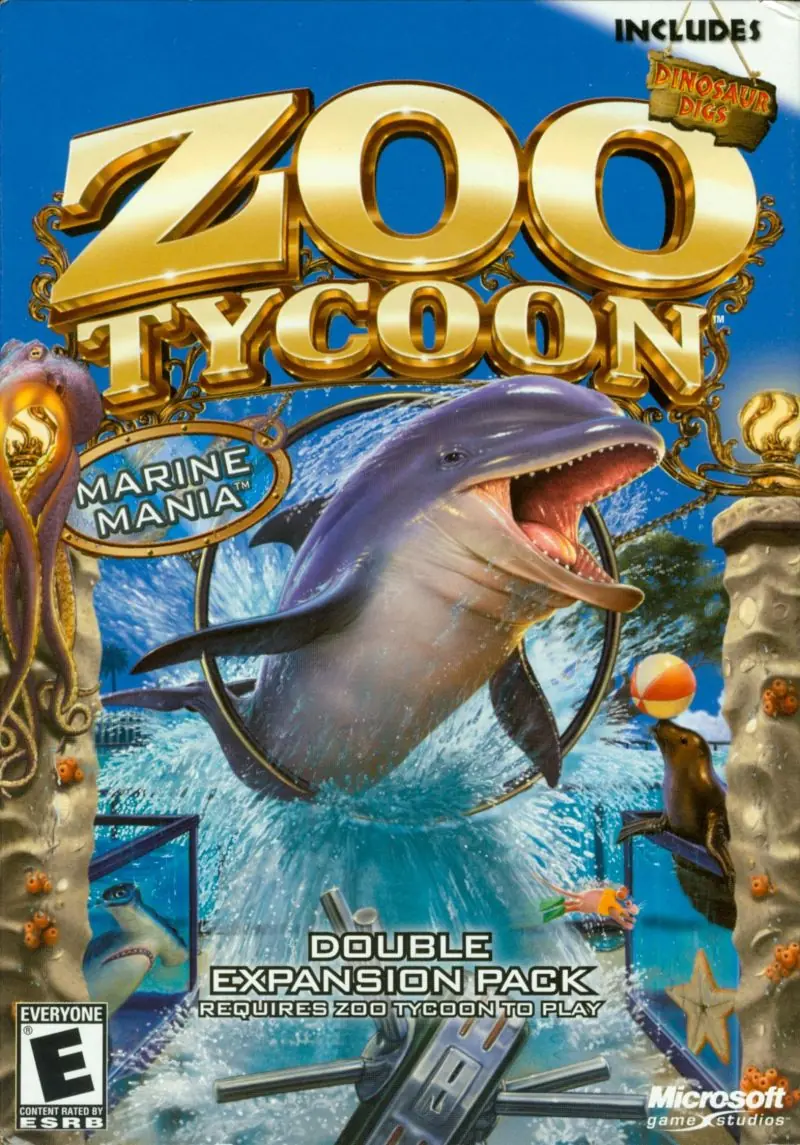
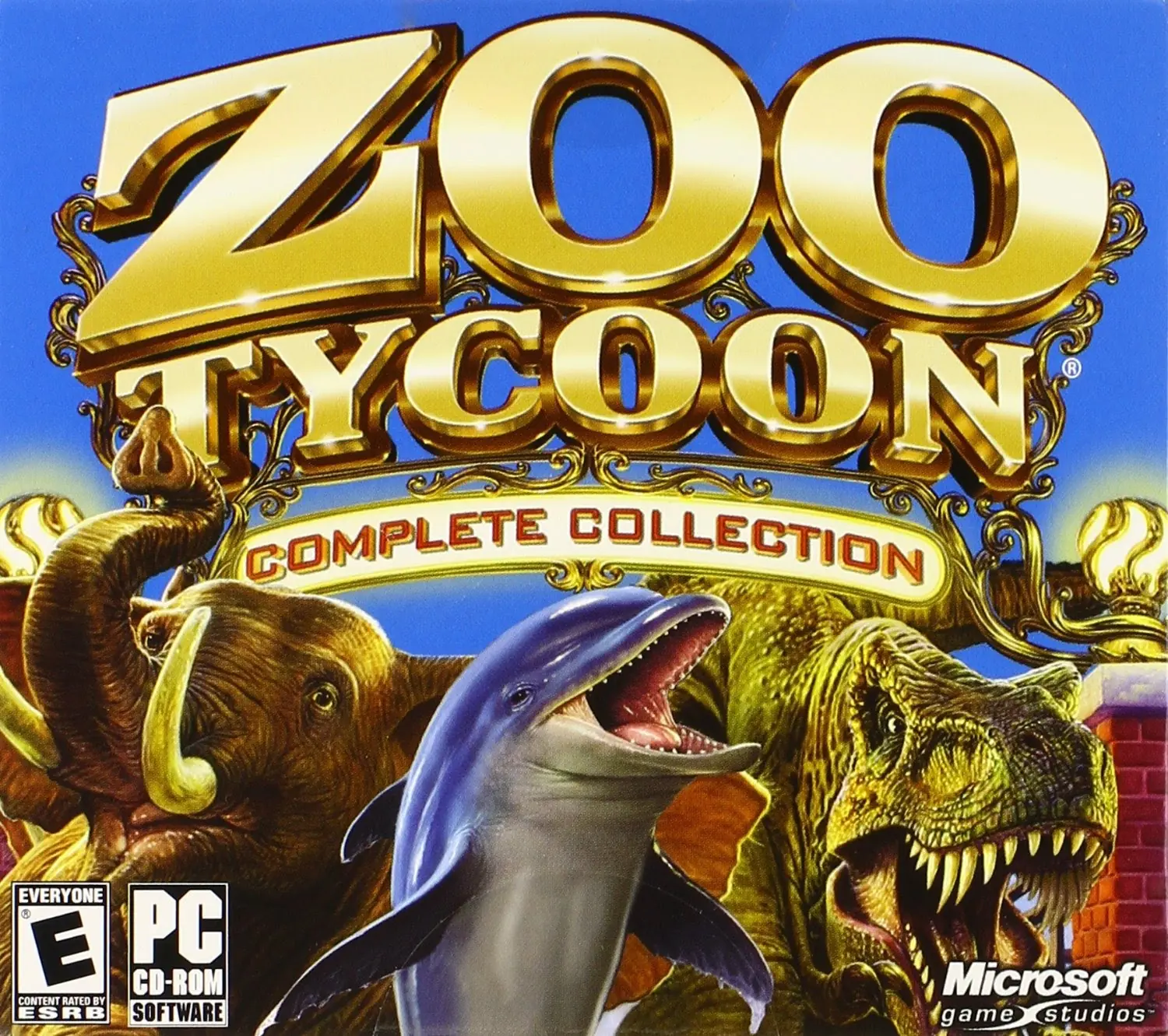
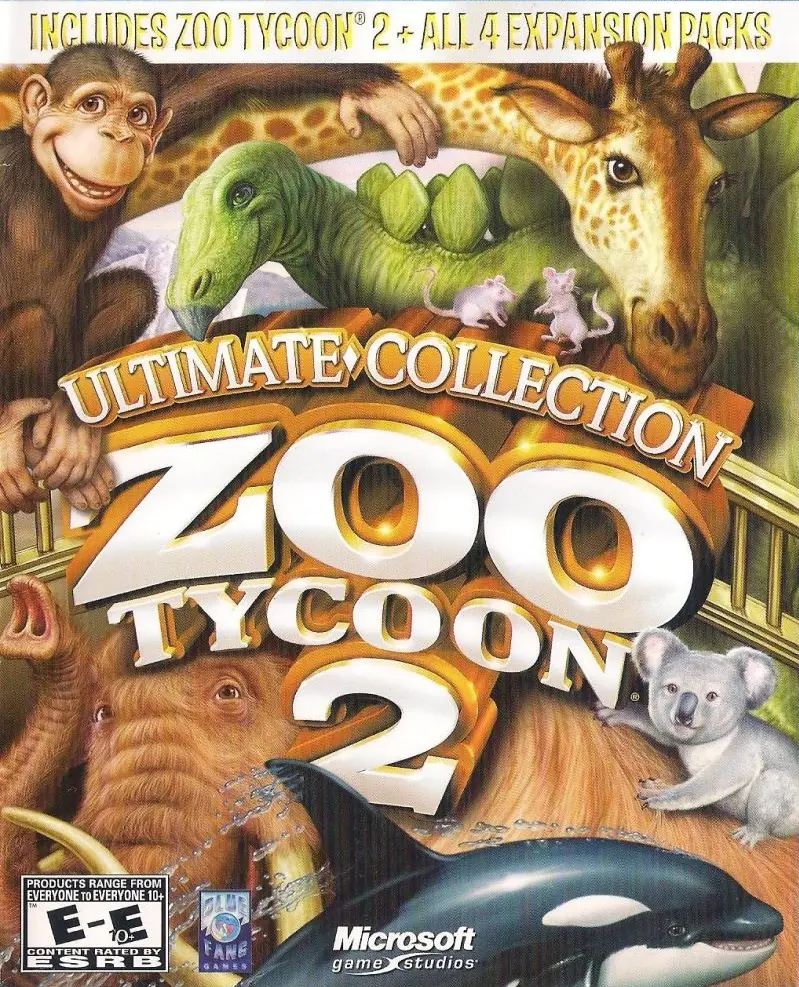
Zoo Tycoon: Complete Collection
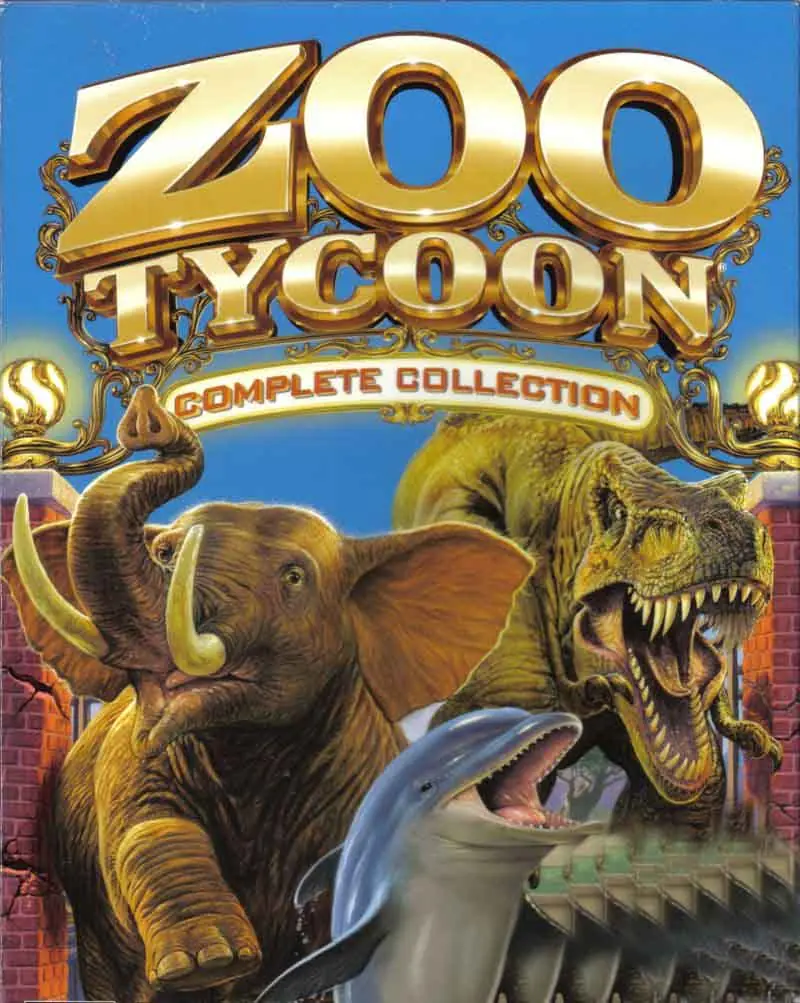
Zoo Tycoon: Complete Collection is a 2003 adventure game developed by Blue Fang Games and published by ak tronic Software & Services.
Genres
Publishers
Developers
Zoo Tycoon: Complete Collection is a 2003 adventure game developed by Blue Fang Games and published by ak tronic Software & Services.
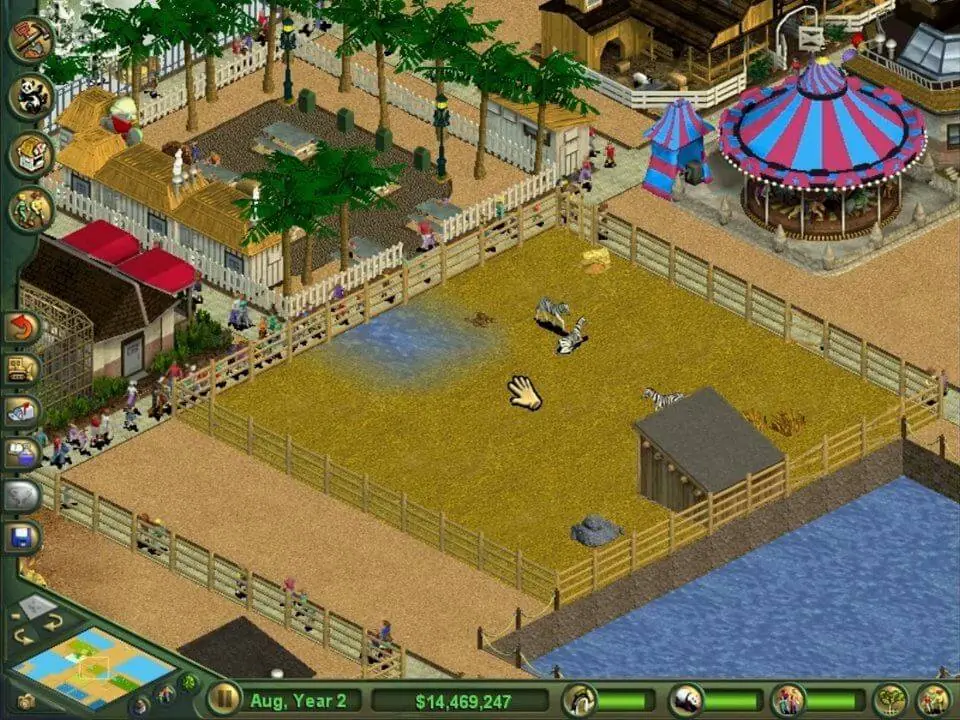
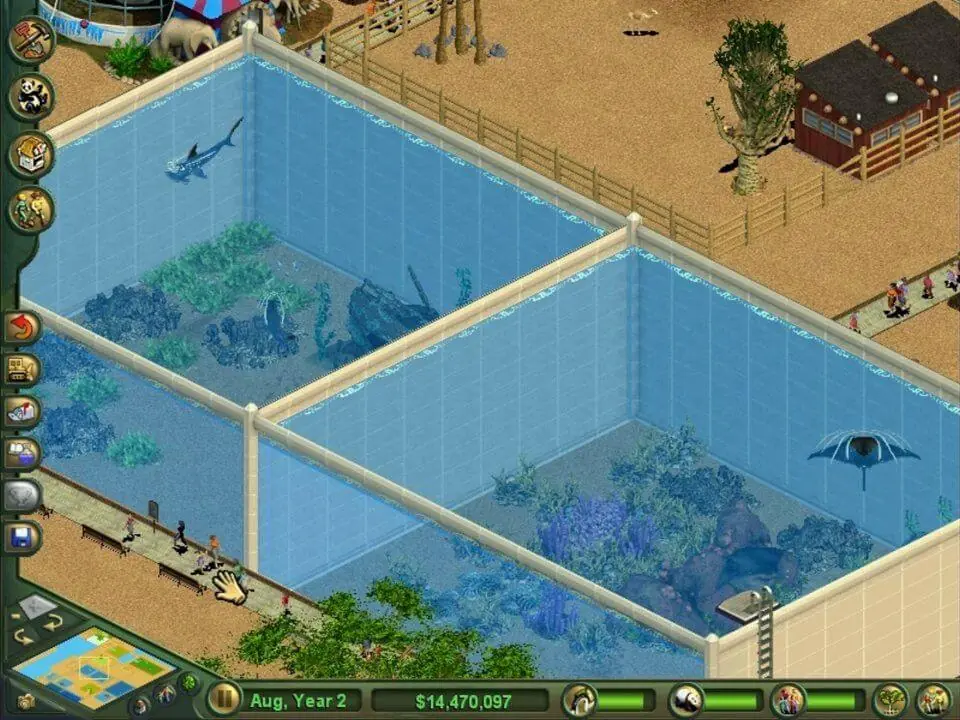
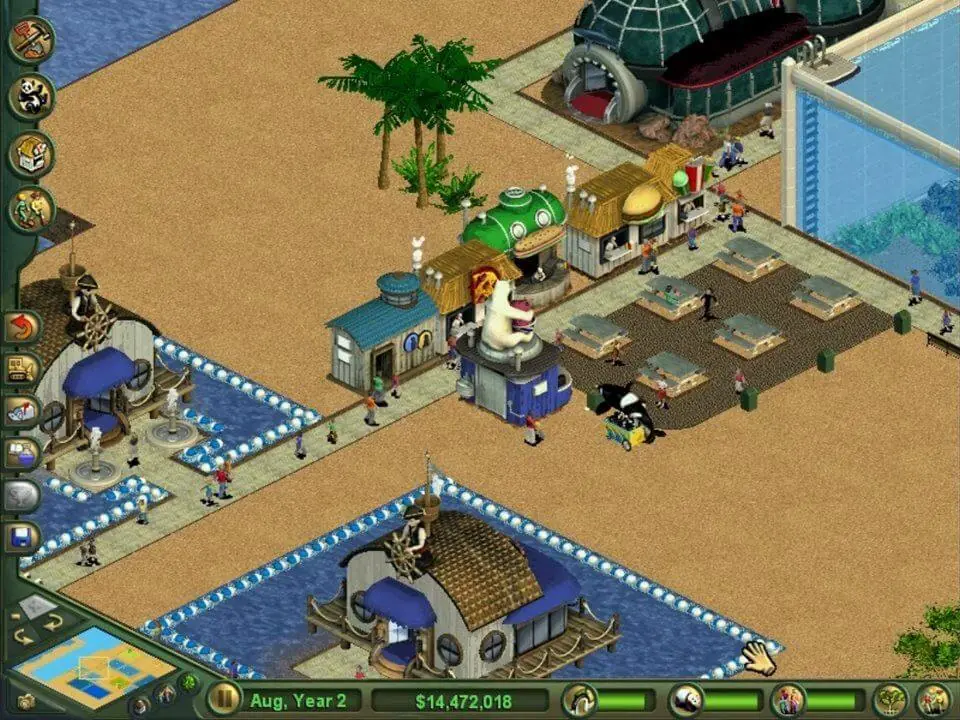
Zoo Tycoon: Complete Collection is abandonware and no longer sold or supported by its publishers. Files are archived here for these platforms:
First. Download and install the game + it’s expansion from the 2 Iso files provided. Once that is done, install the No-CD patch provided.
Go into your Zoo Tycoon install directory and look for zoo.ini and open it up in a text editor like notepad and then look for your screen resoloution options under [user] and set the following;
fullscreen=1
screenwidth=1280
screenheight=720
(if there is no zoo.ini open the game once and then close it and check again)
Once you have done this, go to https://github.com/narzoul/DDrawCompat/ and download the latest version, it’ll be a file called ddraw.dll. You must put that file into the directory with your Zoo Tycoon exe which should be called zoo.exe. This file makes your game upscale into 1080p from 720p which keeps the UI readable as well as fixes any multimonitor issues as well as making the game streamable much easier.
https://www.twitch.tv/lorddweedle Follow me on Twitch!
Important: first follow ALL the regular install steps carefully and in order, exactly as described, before applying this fix.
Then it’s simple: right-click the game’s .app → Show Package Contents, go to:
Contents/Resources/drive_c/Program Files/Microsoft Games/Zoo Tycoon/
and replace the existing zoo.exe with the one from the NoCD patch (back up the original first by renaming it to zoo.exe.bak).
Fully quit the game and relaunch — no more CD prompt. Worked perfectly for me on an Apple Silicon M4.
Then you have to install them both one after the other. Start with installing the ZooTY setup and go through the setup and then just exit.
Then install the Marine setup and go through the process. Once both Zoo and Marine are installed download and extract the Zoo Tycoon: Complete Collection Windows NoCD (English).
The download link is under the Additional files, Patches on the web page just click the lettering and it will take to to the download page.
Then download and extract the No CD crack and Copy>Paste yes to overwrite it into the Zoo Tycoon game folder. Should be listed under Program Files x86 > Microsoft Games > Zoo Tycoon
So after that my computer made me install something called Direct play or something like that I cant remember the name and once I did I had to restart my PC.
Before you restart UnMount/Eject the Zoo and Marine Iso’s you dont need them anymore.
After restart go into the installed game folder Program Files x86 > Microsoft Games > Zoo Tycoon right click zoo.exe and click properties go to Compatibility and click Compatibility Mode.
I got mine selected for Windows XP Pack 2 but I dont know if it makes a difference. Then click apply and ok. Lastly double left click the zoo.exe and the game should start.
Installation working great for me! Now I don’t have to dig my copy out of the shed! Thanks!