Home » Games » Zoo Tycoon: Dinosaur Digs
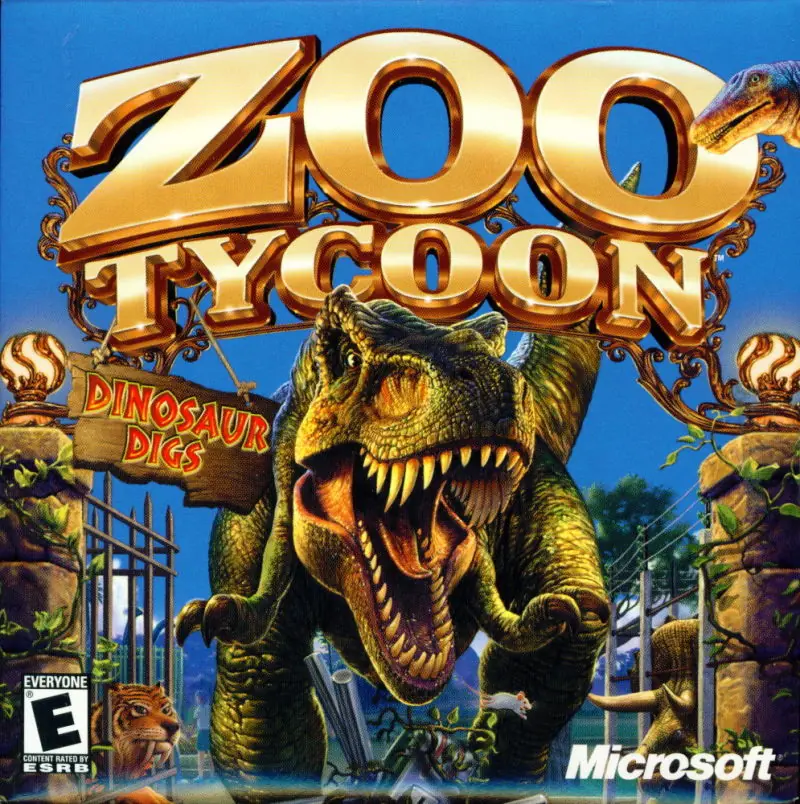
Zoo Tycoon: Dinosaur Digs

Zoo Tycoon: Dinosaur Digs Game Cover
4.8/5 - 52 votes

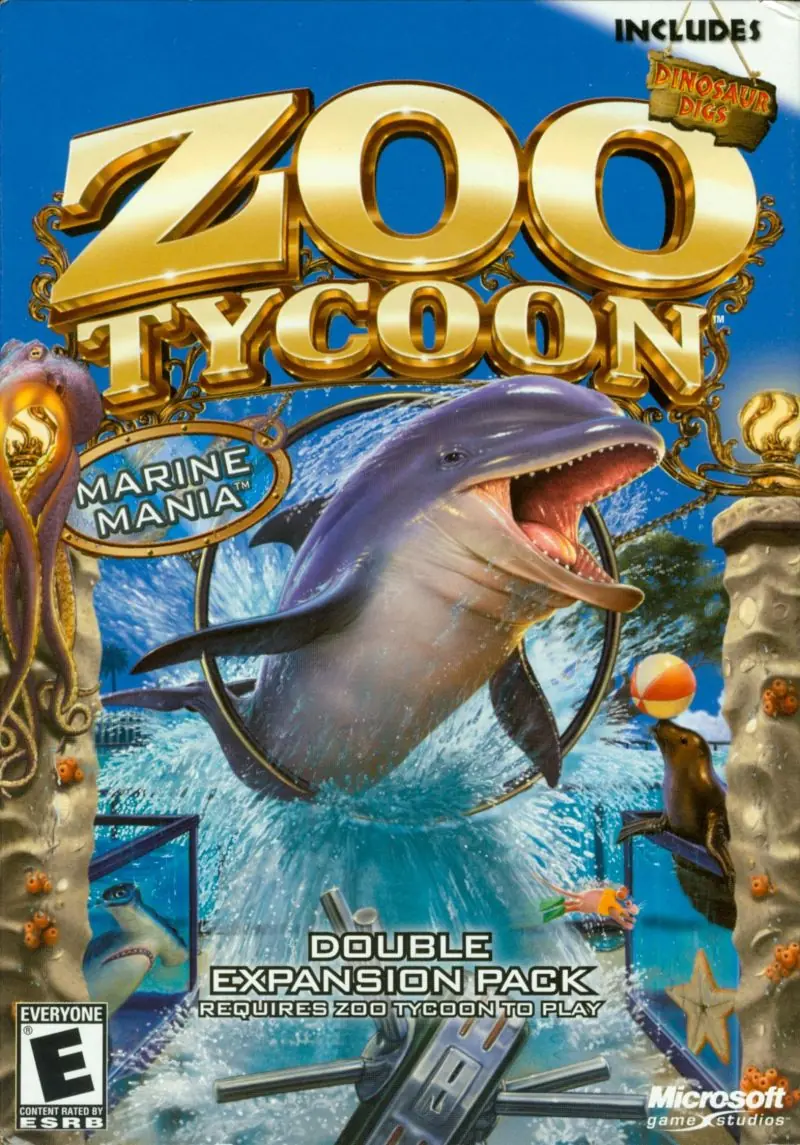
Zoo Tycoon: Dinosaur Digs is a 2002 simulation game developed by Blue Fang Games and published by Microsoft.

Other Titles

ซูไทคูน: ไดโนซอร์ดิกส์

Genres
Publishers
Developers
Released
Platforms
Download

About Zoo Tycoon: Dinosaur Digs

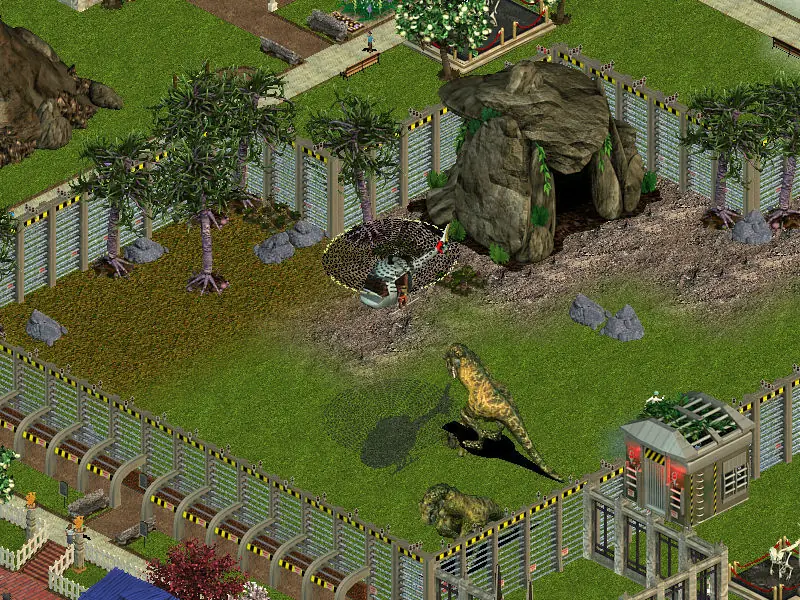
Dinosaur Digs takes Zoo Tycoon to a whole new era -- the Jurassic. This first-party expansion pack for the Blue Fang-developed business sim allows players to add over 20 new creatures to their zoological parks, many thought to be extinct for millions of years. Make room for the T-Rex in your Big Predators section. Clear out a cage for the saber tooth in the Arctic area.

Zoo Tycoon: Dinosaur Digs is designed to bring new excitement and new challenges by allowing players to integrate fantastic prehistoric attractions into their modern-day menageries. Dangerous dinosaurs may be a real crowd-pleaser, but they also require special care and attention. As with most add-on packs, a full installation of the original game is required for play.
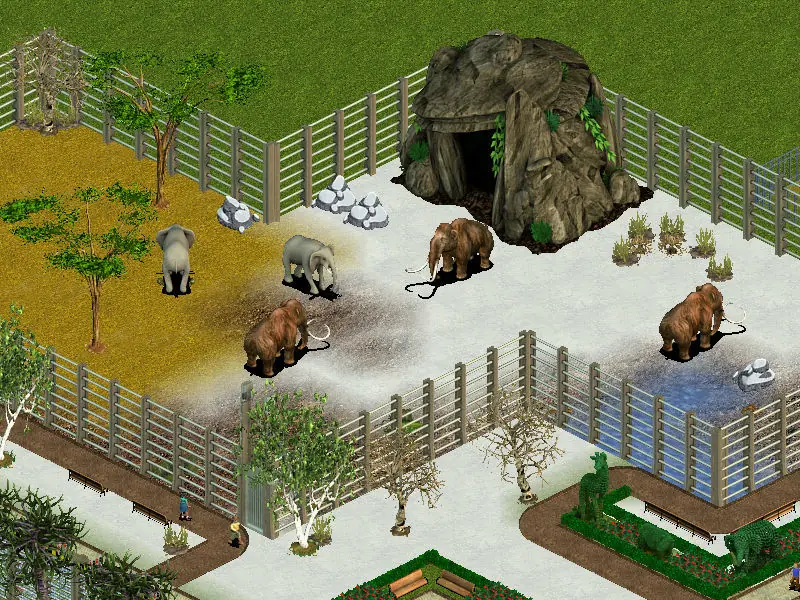
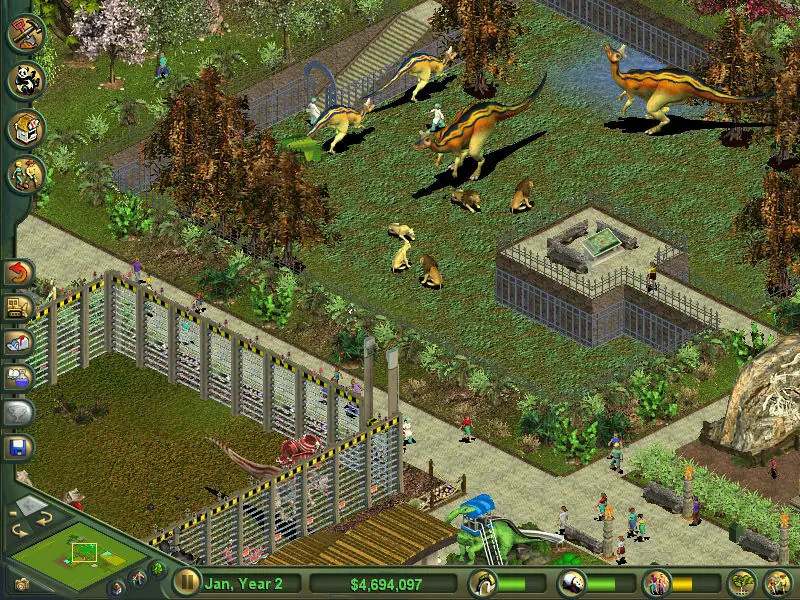
Screenshots

Windows

Zoo Tycoon: Dinosaur Digs — Windows screenshot 1Zoo Tycoon: Dinosaur Digs — Windows screenshot 2Zoo Tycoon: Dinosaur Digs — Windows screenshot 3

Download Zoo Tycoon: Dinosaur Digs

Comments

6 thoughts on “Zoo Tycoon: Dinosaur Digs”

  1. 0
    Hello! I downloaded this game on 6/21 to my Windows 10 laptop. It seemed to work. I followed the instructions on your wiki page to extract the files. When it came to “mounting,” though, I hit a wall. Only three files showed up when I extracted: a DMG file in a folder called “Game Files,” a readme.text that directed me to your wiki, and a link to your website. I didn’t see an ISO file that I could then mount to an empty drive using the native software on Windows 10. Can you help me?
    Reply
  2. 0
    Hello! I downloaded this game on 6/21 to my Windows 10 laptop. It seemed to work. I followed the instructions on your wiki page to extract the files. When it came to “mounting,” though, I hit a wall. Only three files showed up when I extracted: a DMG file in a folder called “Game Files,” a readme.text that directed me to your wiki, and a link to your website. I didn’t see an ISO file that I could then mount to an empty drive using the native software on Windows 10. Can you help?
    Reply
  3. 0
    Do I need the base game to install this? I cannot seem to get it to install and I was thinking that may be the issue. Thank you so much for posting this!
    Reply

Similar games