Home » Games » Zoo Tycoon

Zoo Tycoon

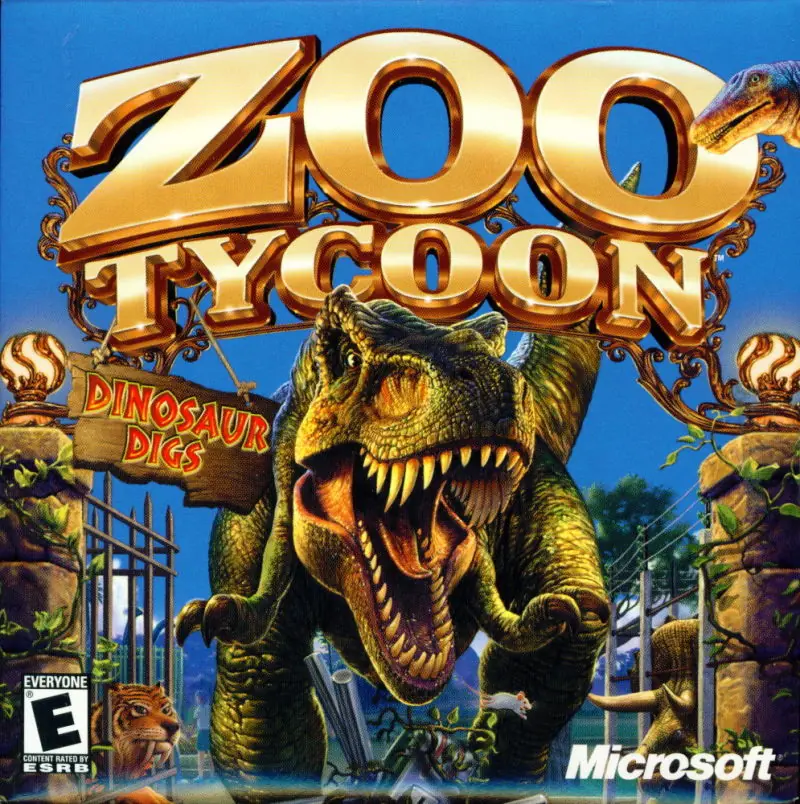
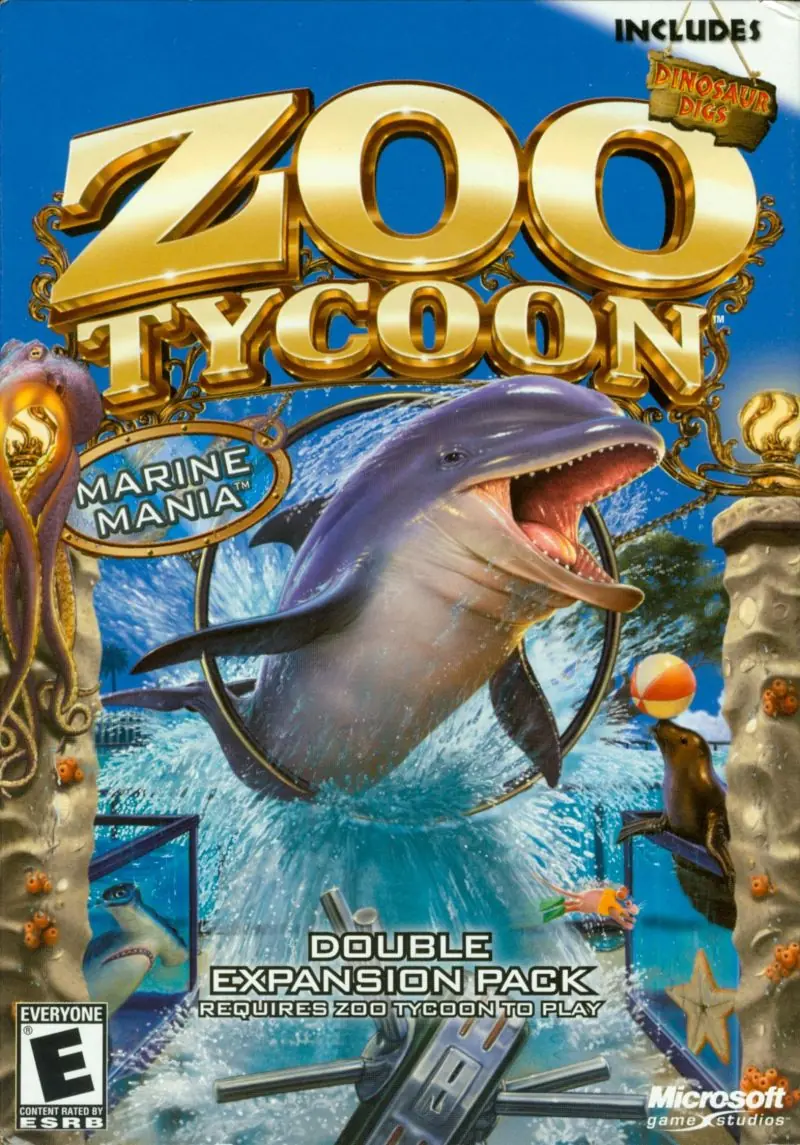
Zoo Tycoon Game Cover
4.5/5 - 203 votes

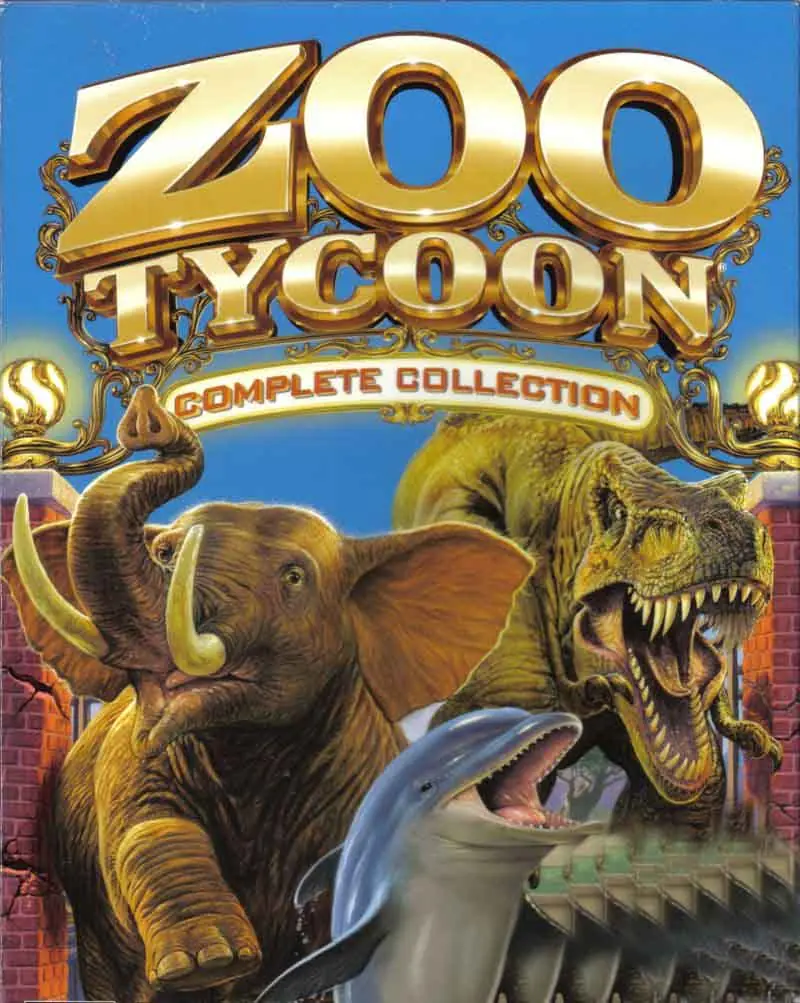
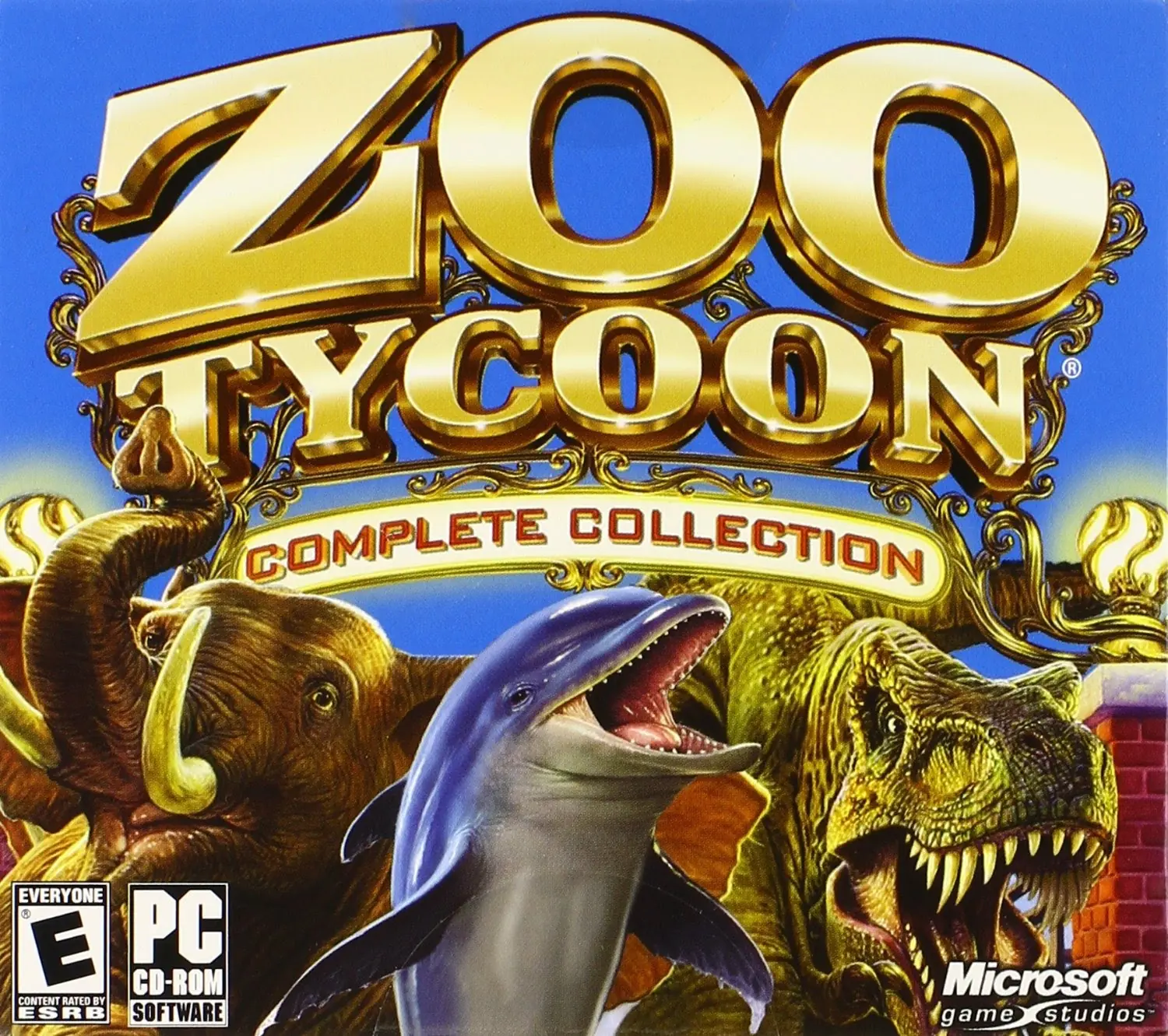
Zoo Tycoon is a 2001 simulation game developed by Blue Fang Games and published by Microsoft.

Other Titles

زو تايكونซูไทคูนズー タイクーン주 타이쿤

Genres
Publishers
Developers
Released
Platforms
,
Download

About Zoo Tycoon

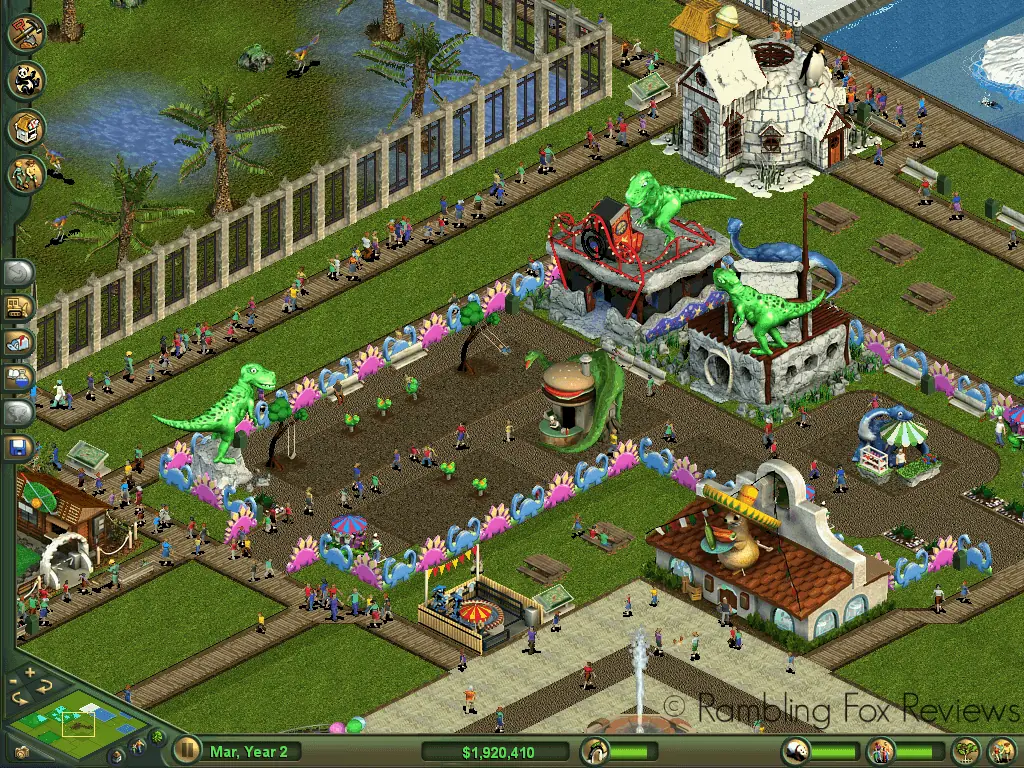
Your chance to design the zoo of your wildest imagination is finally here! Design, build and manage—you are the boss! Keep your guests and animals happy, or face the consequences of hungry animals, in this insanely fun zoo simulation. This place is a real zoo--and you're in charge! Go wild running the most fun and beautiful zoo you can imagine. Care for unpredictable and untamed animals (and those are just the guests!). Plan wisely, because if the animals don't like their food, environment, or handling, they interact poorly with visitors, and unhappy guests means fewer dollars. Play smart and keep everyone and everything happy, and you'll be a zoo tycoon.
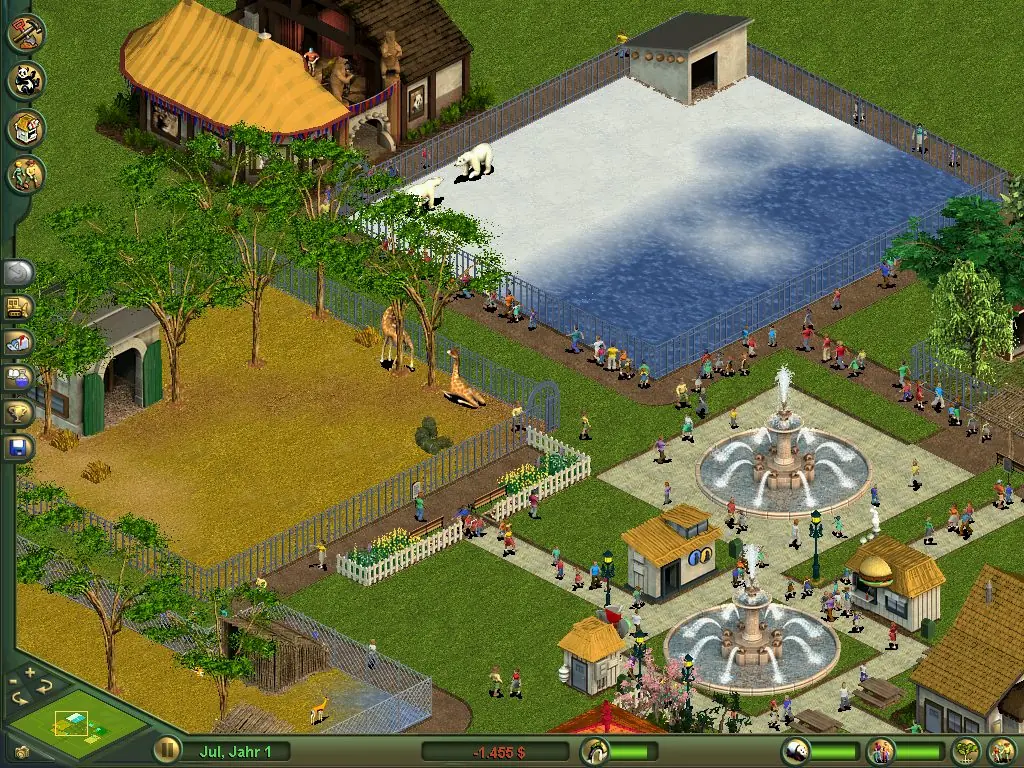
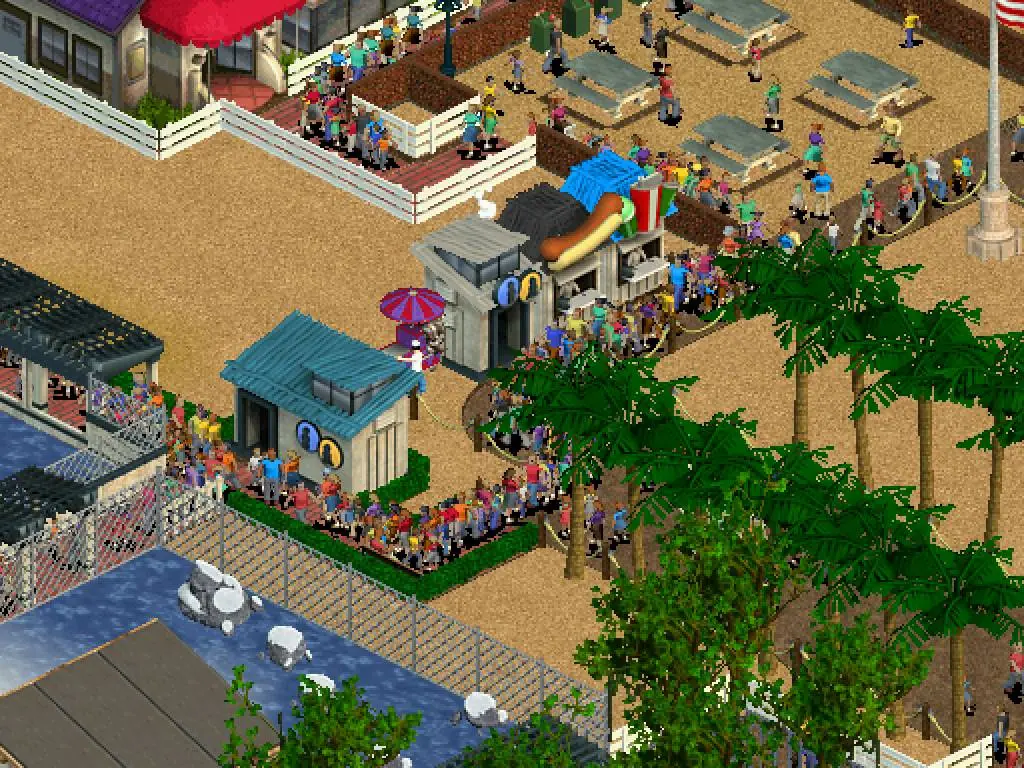
Screenshots

Windows

Zoo Tycoon — Windows screenshot 1Zoo Tycoon — Windows screenshot 2Zoo Tycoon — Windows screenshot 3

Download Zoo Tycoon

Zoo Tycoon is abandonware and no longer sold or supported by its publishers. Files are archived here for these platforms:

Mac (2001)

Windows (2001)

  • Zoo_Tycoon_Win_ISO_EN.zipEN483.91 MB
  • Zoo_Tycoon_Win_Preinstalled_EN.zipEN972.4 MB
  • Zoo_Tycoon_Win_ROM_EN.zipEN1.19 GB
  • Instructions Zoo_Tycoon_Win_ROM_EN.zip

    How to play in Windows

    1. Download Zoo_Tycoon_Win_ROM_EN.zip and extract the files to your desktop. You might need to use a software such as 7-zip or WinRar to extract.
    2. After that, you want to mount the 2 ROM files found inside the downloaded folder, to do this you will need to use a software such as Daemon Tools.
    3. When you have them mounted, run the setup found inside the mounted drive for the base game (not expansion) and finish installing the game. After, run the setup for the expansion and install it.
    4. Finally, you want to open the crack folder and copy-paste the files found inside into the game installation directory (right click on game desktop shortcut and select "open file location" to see installation directory). Confirm you want to overwrite those files. Now you can run the game.
    5. Enjoy!

Manuals and readmes

Comments

70 thoughts on “Zoo Tycoon”

  1. 0
    I used the preinstalled version. And I see that some others are having the same issue as I.

    The maintenance workers wont clean up the trash. I thought I was going nuts, but somewhat relieved I am not the only one experience it. I am wondering if this is a glitch, or is it an anti piracy thing?

    ————————
    I saw that someone posted a fix for this problem about two years ago. I have not been able to test this out yet because I have never installed or have tried daemon tools and am unfamiliar with it.

    This is the comment I am referencing to: “So there is a glitch if you download the preinstalled version where you can’t assign tasks to maintenance workers (trash never gets cleaned). To fix you need to install with daemon tools, zoo tycoon then zoo tycoon complete.”

    Reply
  2. 0
    i never have success with getting old games to work but this worked as instructions said. only problem is max guests is only 1000 and cant seem to change it. supposed to be an .ini file i need to edit???
    Reply
  3. 0
    The Rom download isnt working 🙁 without it there are bugs such as the maintenance workers not having any tasks and ignoring broken fences and rubbish duties
    Reply
  4. 1
    It was working then the next day it told me that I need to enter the game in my CD Rom?? How do I fix this I tried to run it in compatibility
    Reply
  5. 0
    When I download this game, it is way too zoomed in to play. I have looked up all kinds of fixes (display resolution, dpi, window mode) to no avail. thanks
    Reply