Home » Games » Spider-Man: Web of Shadows

Spider-Man: Web of Shadows

Spider-Man: Web of Shadows Game Cover
4.6/5 - 1,225 votes

Spider-Man: Web of Shadows is a 2008 action game developed by Aspyr Media and published by Activision.

Other Titles

Spider-Man: El Reino de las SombrasSpider-Man: Le Règne des OmbresЧеловек-Паук: Паутина ТенейSpider-Man: Il Regno delle OmbreSpider-Man: Netz der SchattenSpider-man le règne des ombresSpider-Man: Web of Shadows - Amazing Allies Edition스파이더맨: 웹 오브 쉐도우Spider-Man : Le Règne des ombresسبايدر-مان: ويب أوف شادوزسپيدير مان: ويب اوف شادوسمرد عنکبوتی: سایه‌های تار蜘蛛侠:暗影之网

Genres
,
Publishers
Released
Download

About Spider-Man: Web of Shadows

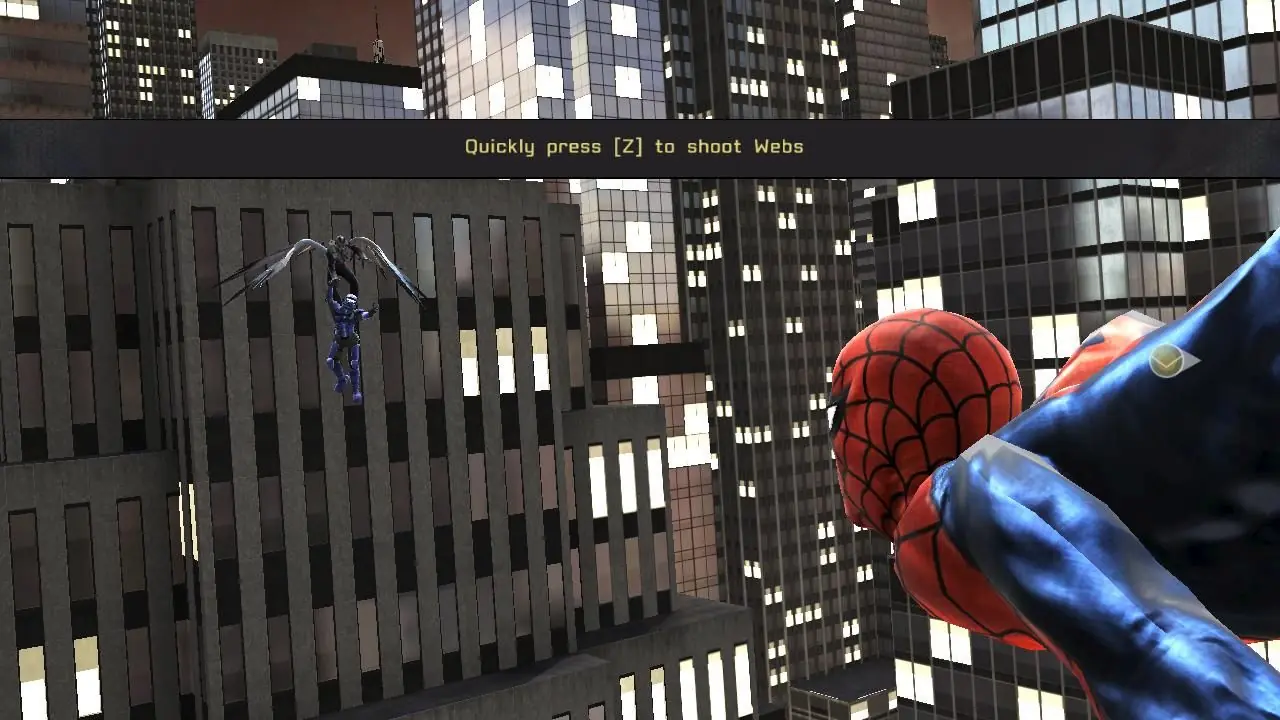
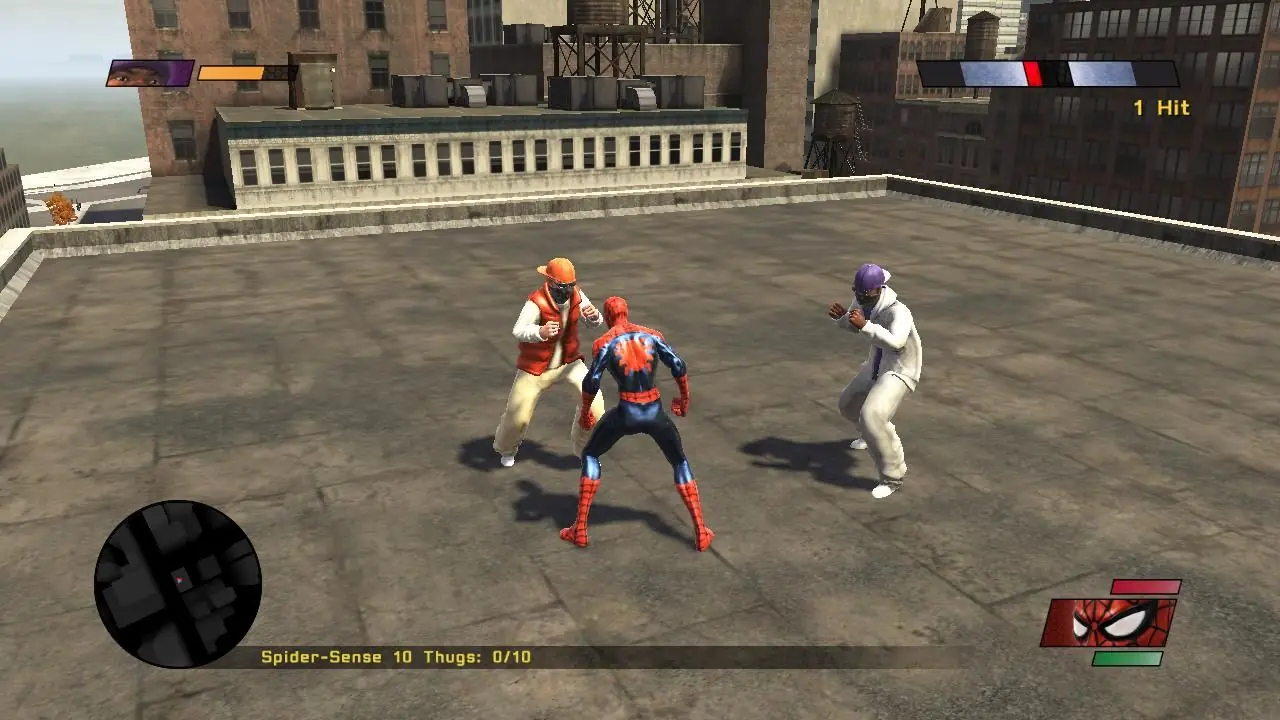
Spider-Man: Web of Shadows is a 2008 action-adventure video game based on the Marvel Comics character Spider-Man. The game was released in October 2008 across multiple platforms, and encompasses three drastically different versions: one released for Microsoft Windows, the PlayStation 3, Wii, and Xbox 360, which features an open world and non-linear gameplay; one for the PlayStation 2 and PlayStation Portable (titled Spider-Man: Web of Shadows – Amazing Allies Edition), which is a 2.5D side-scrolling beat 'em up; and one for the Nintendo DS, a Metroidvania-style beat 'em up. All three versions have several common elements, such as moral choices that alter the narrative, the ability to summon allies during fights, and a similar plot, despite different characters being featured. Web of Shadows' storyline is significantly darker than most previous Spider-Man games, as it revolves around a symbiote invasion threatening Manhattan, which Spider-Man must stop with the help of several unlikely allies.
Screenshots

Windows

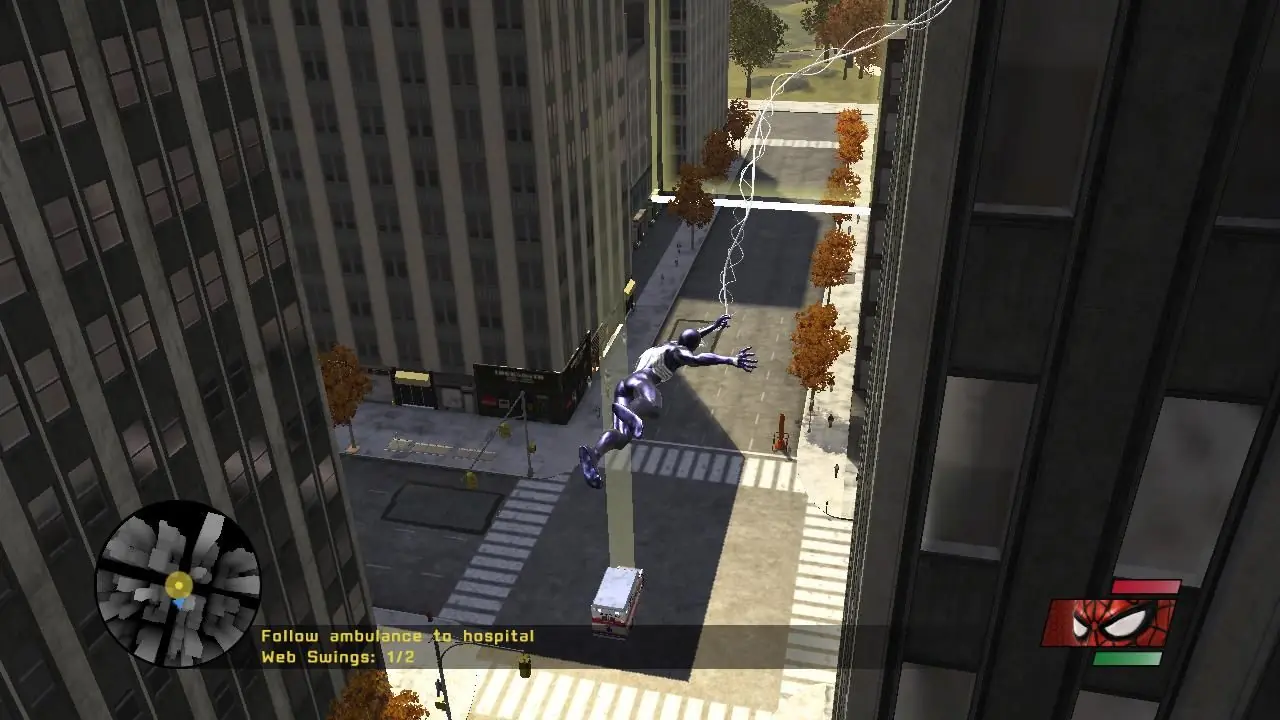
Spider-Man: Web of Shadows — Windows screenshot 1Spider-Man: Web of Shadows — Windows screenshot 2Spider-Man: Web of Shadows — Windows screenshot 3

Download Spider-Man: Web of Shadows

Spider-Man: Web of Shadows is abandonware and no longer sold or supported by its publishers. Files are archived here for these platforms:


PlayStation 2 (2008)

Tutorial: How to play PlayStation 2 games on Windows

PlayStation Portable (2008)

Tutorial: How to play PlayStation Portable games on Windows

Windows (2008)

Comments

244 thoughts on “Spider-Man: Web of Shadows”

  1. 0
    i can run the laucher and it aint showin any error its js not startin when it shld, ive download the redist files still
    Reply
  2. 0
    Hi, I’m having a problem with the save system. I can play the game normally, but my progress doesn’t get saved. Whenever I close the game and start it again, I have to start from the beginning. Is there a fix for this issue, or can you tell me where the save files are supposed to be located?
    Reply
  3. 5
    Hi guys! First download it, and then extract and double-click the ISO file. Then you have to setup WHATEVER is there in the ‘Redist’ folder. For DirectX go into the folder INSIDE Redist and you’ll see the setup. Something like DXSETUP.exe and run it. After that, double click the setup.exe and make your changes. Once set up, go to “C:\Program Files (x86)\R.G. Mechanics\Spider-Man – Web of Shadows\image\pc” where you’ll find the game. Make your adjustments in the launcher first, because it might say outdated, and then you’re free to play!!
    Reply
  4. 7
    everytime i try to click setup after finishignthe install i get a prompt to uninstall the components, how do i get the game to open so ican play it?
    Reply
    • -1
      Hi, go to ‘C:\Program Files (x86)\R.G. Mechanics\Spider-Man – Web of Shadows\image\pc’ in your file manager
      where you’ll find the game.
      Reply
  5. -9
    Figured it how to play the game after setup it was modertaly easy to setup up to game if u have have trouble reply to this comment and ill try to help
    Reply